

Local Fonts Uploader – Upload & Host Any Font Locally for GDPR
Easily upload and host fonts locally. Avoid external requests to enhance security, privacy, speed, and GDPR compliance.
Plugin info
Maintenance & Compatibility
Maintenance score
Maintained • Last updated 157 days ago • 6 reviews
Is Local Fonts Uploader – Upload & Host Any Font Locally for GDPR abandoned?
Likely maintained (last update 157 days ago).
Compatibility
Similar & Alternatives
Explore plugins with similar tags, and compare key metrics like downloads, ratings, updates, support, and WP/PHP compatibility.
Description
Easily upload and host fonts locally. Avoid external requests to enhance security, privacy, speed, and GDPR compliance.
The Best Font Upload Plugin for WordPress – Lightweight, Boost Site Performance & Totally Free
Boost your site’s performance with the best free font upload plugin for WordPress. Easily upload and host unlimited fonts locally for faster load times, improved SEO, and full GDPR compliance, lightweight, powerful, and hassle-free!
View all features Visit the Official Site
Speed Up Your Site by Hosting Fonts Locally ⚡
Reduce external requests and improve page load times by uploading and hosting fonts directly on your WordPress server. Say goodbye to slow third-party font services and take control of your website’s performance.
Upload Custom Fonts or Host Google Fonts Locally 🎨
Easily upload your own .ttf, .otf, .woff, or .woff2 font files and use them anywhere on your site. Prefer Google Fonts? Download and store them locally to ensure speed, privacy, and complete control over typography.
Full Flexibility With Multiple Font Variants 🔠
Upload different weights, styles, and formats to match your design needs. From bold headlines to elegant body text, define your typography exactly how you want it.
Keep User Data Private & Stay GDPR Compliant 🛡️
Eliminate reliance on external font providers that track users. By self-hosting fonts, you ensure full compliance with GDPR and other privacy regulations while enhancing security.
Modern, Fast & User-Friendly Setup Panel With Vue 3 💻
Built with Vue 3, Local Fonts Uploader provides a lightweight, responsive, and easy to use setup panel. Enjoy a smooth user experience with minimal frontend load, ensuring your site remains fast while offering complete font management.
100% Free – No Subscriptions, No Limitations 🆓
Enjoy all the features without hidden fees or locked functionalities. Local Fonts Uploader gives you complete font control without any extra costs.
Premium RubyTheme Integration 🔗
Local Fonts Uploader works flawlessly with our premium themes. Apply custom fonts effortlessly without writing a single line of code.
More Features:
- Unlimited fonts
- Upload fonts locally
- Improve website speed
- Enhance privacy & compliance
- Customize typography with ease
- Quick setup & seamless integration
Documentation
Access the plugin documentation for usage instructions: Documentation
Installation
To install Local Fonts Uploader, follow these steps:
- Go to Plugins > Add New.
- Search for “Local Fonts Uploader.”
- Install and activate Local Fonts Uploader from your Plugins page.
- Navigate to Dashboard > Local Fonts Uploader.
- Create your own font name and add variants.
- Assign them to desired CSS selectors and enjoy the results.
- Read the Documentation to get started.
Frequently Asked Questions
If you want to contribute, go to our GitHub Repository and see where you can help.
Review feed
Screenshots
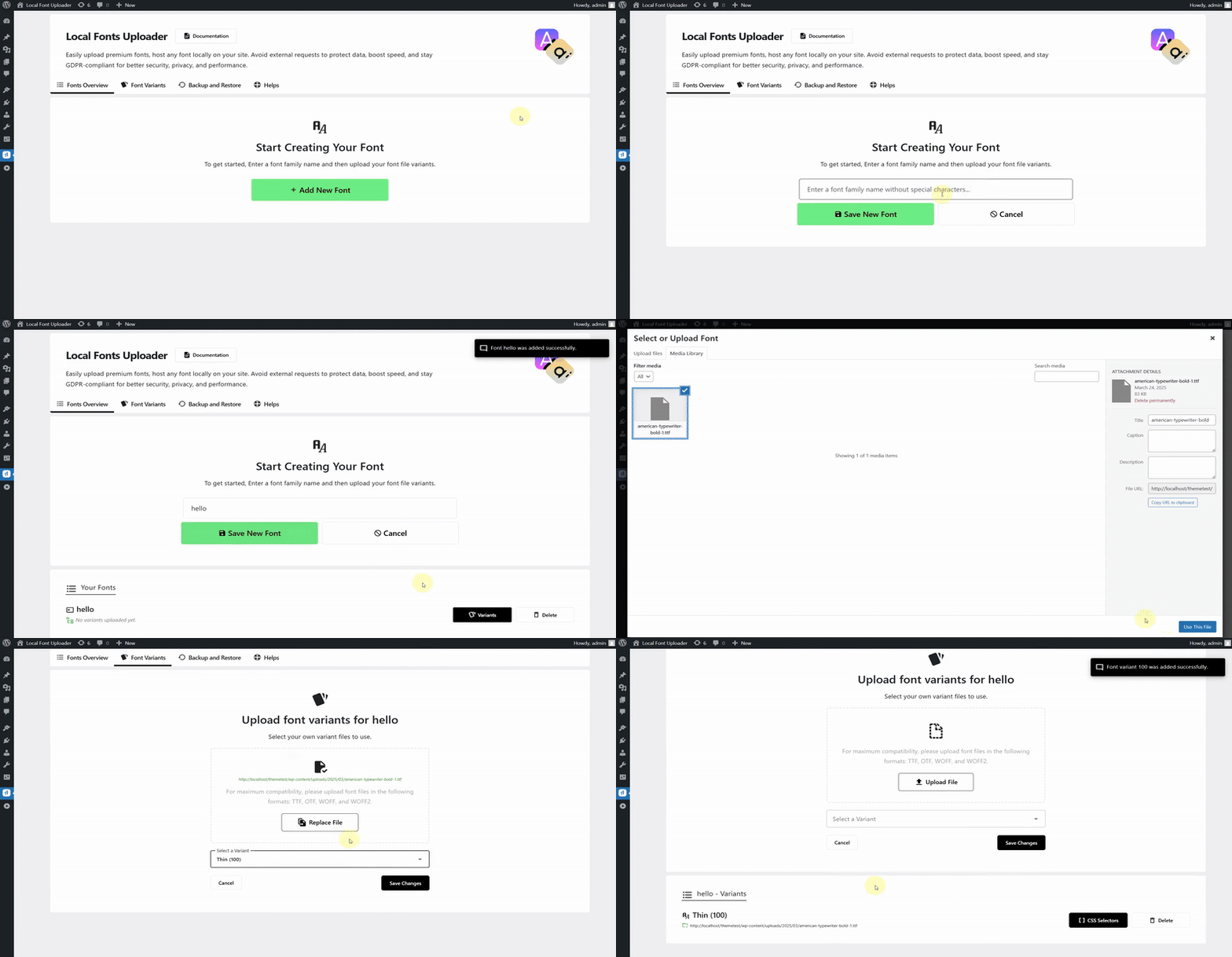
Creating a new font
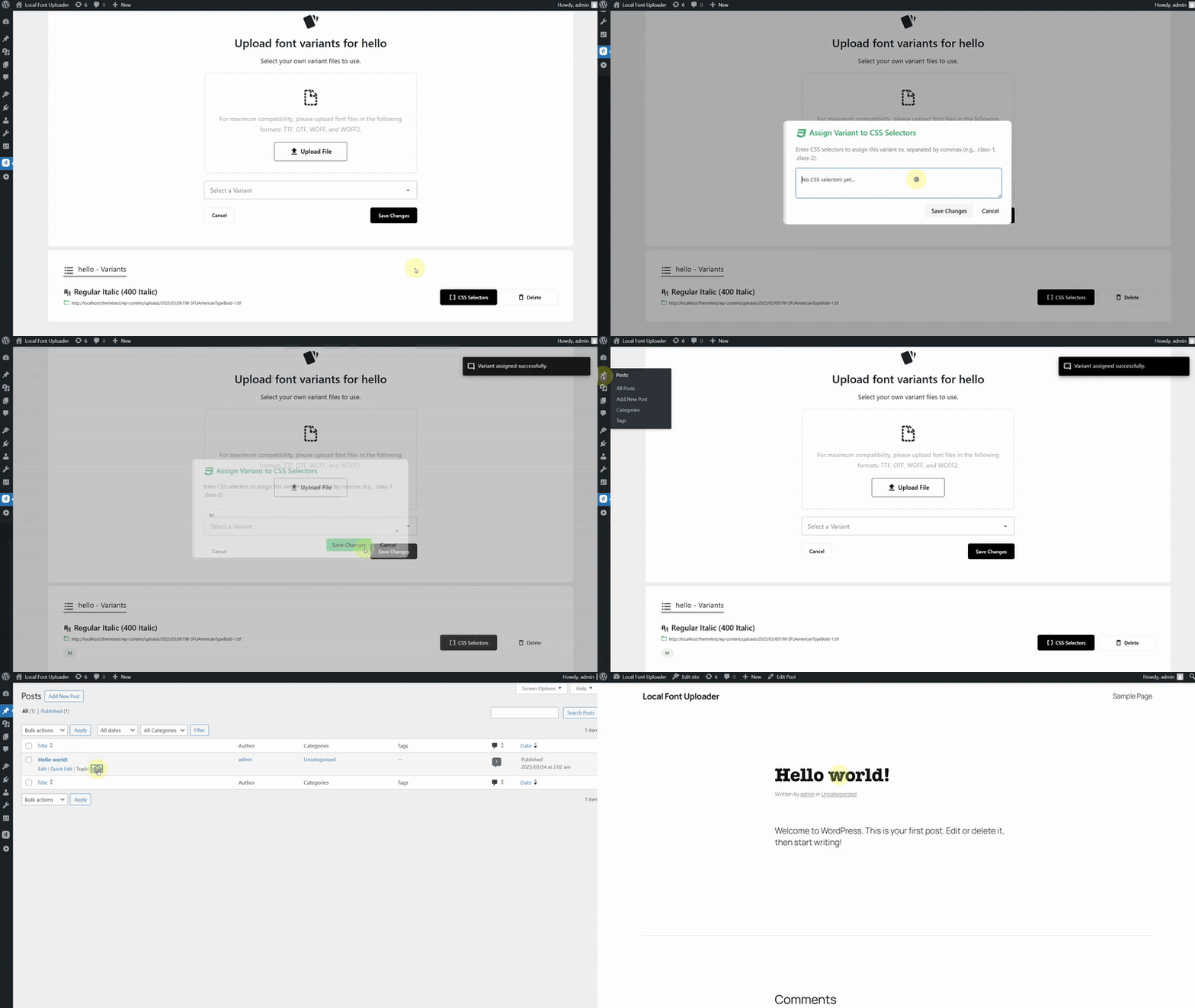
Assigning font to selector
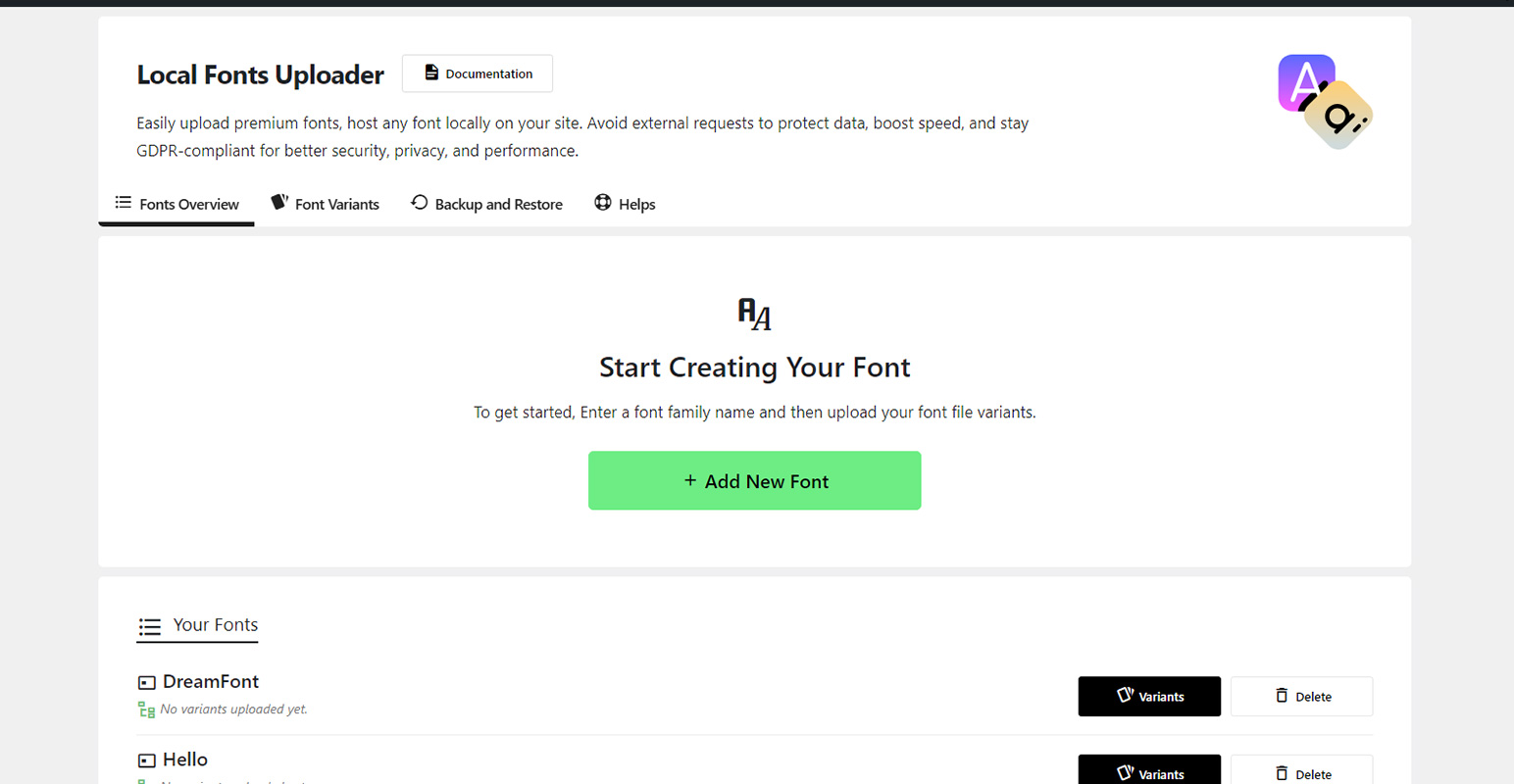
Create a New Font
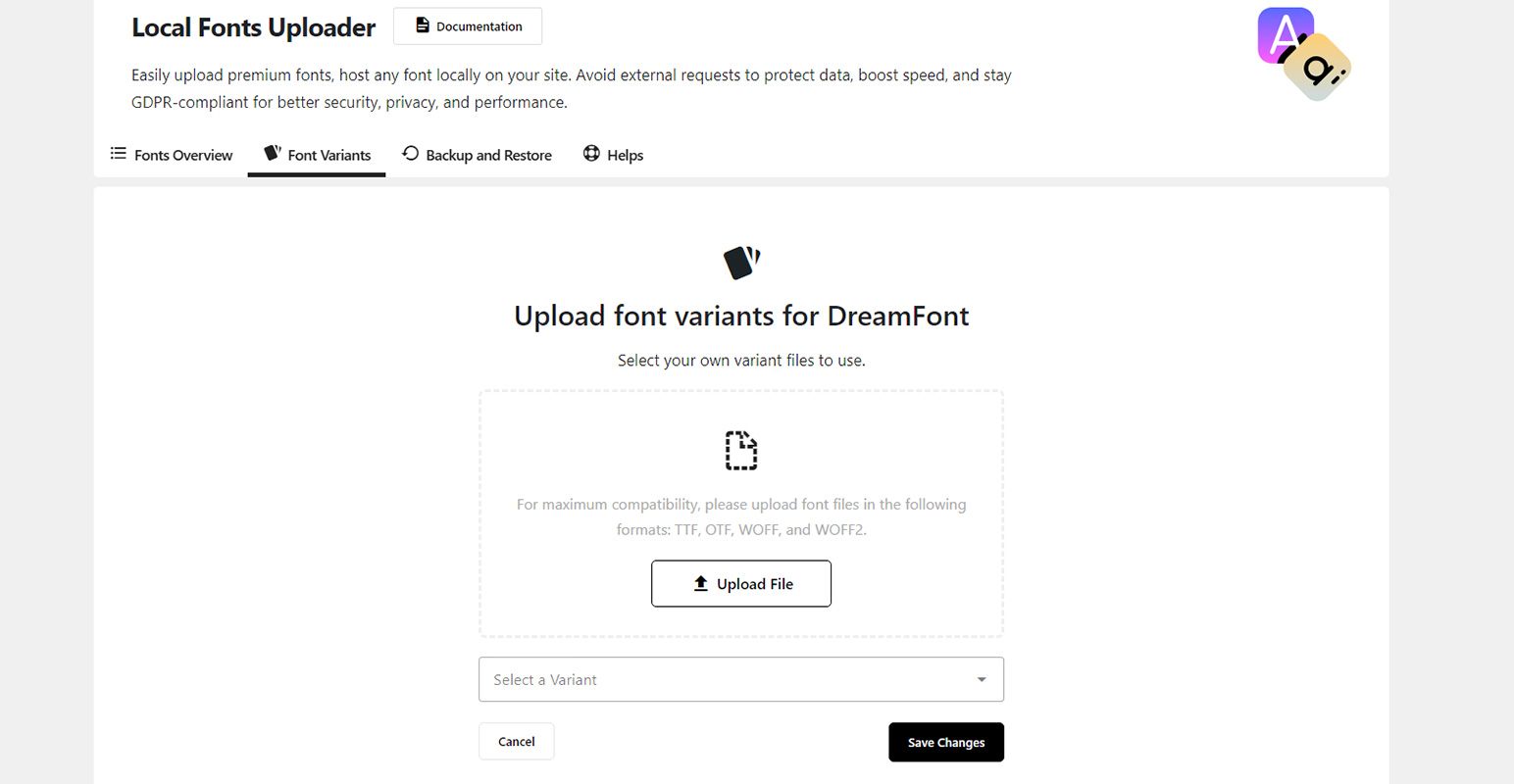
Upload Font Variants
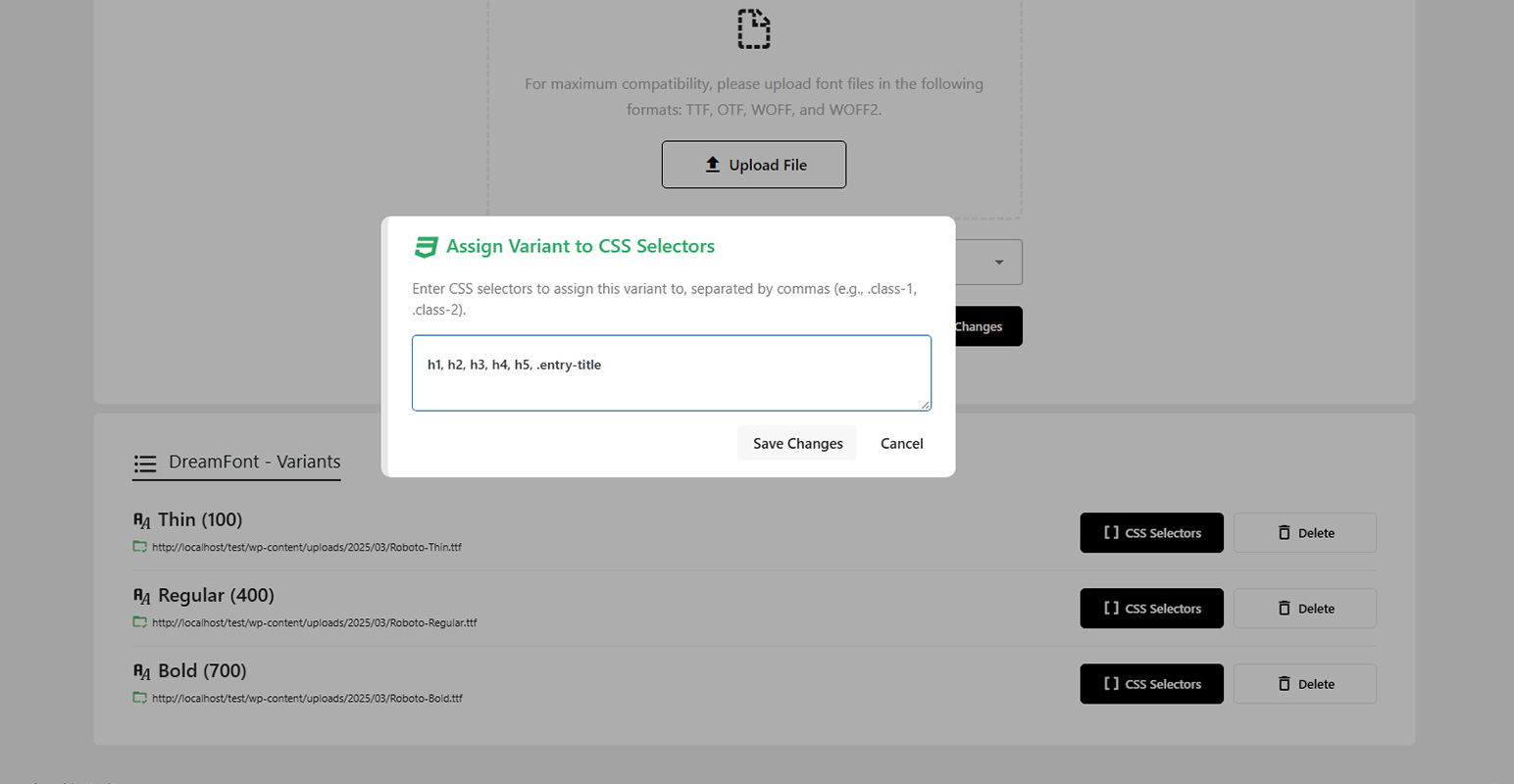
Assign Font Variant to CSS Selector
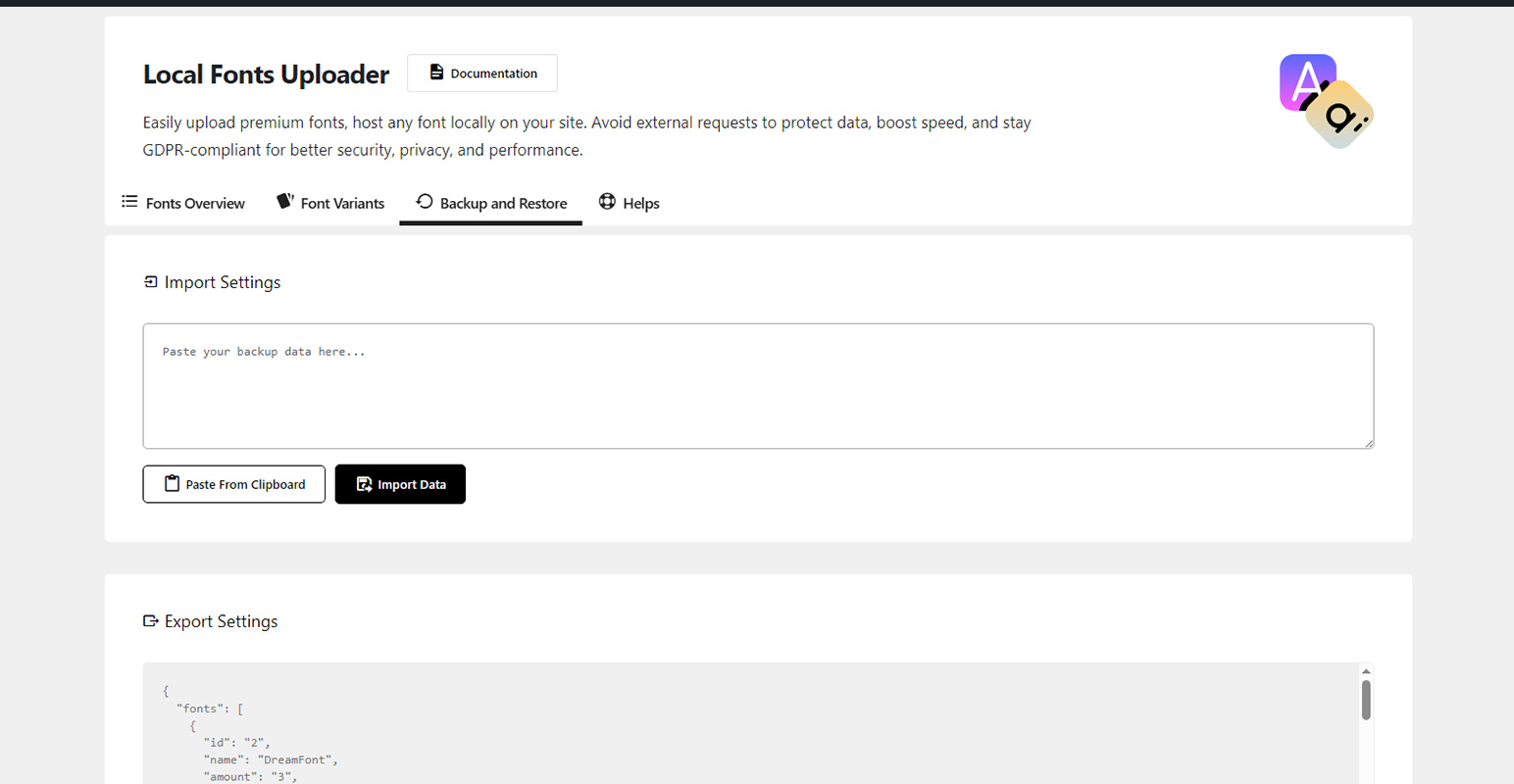
Backup and Restore
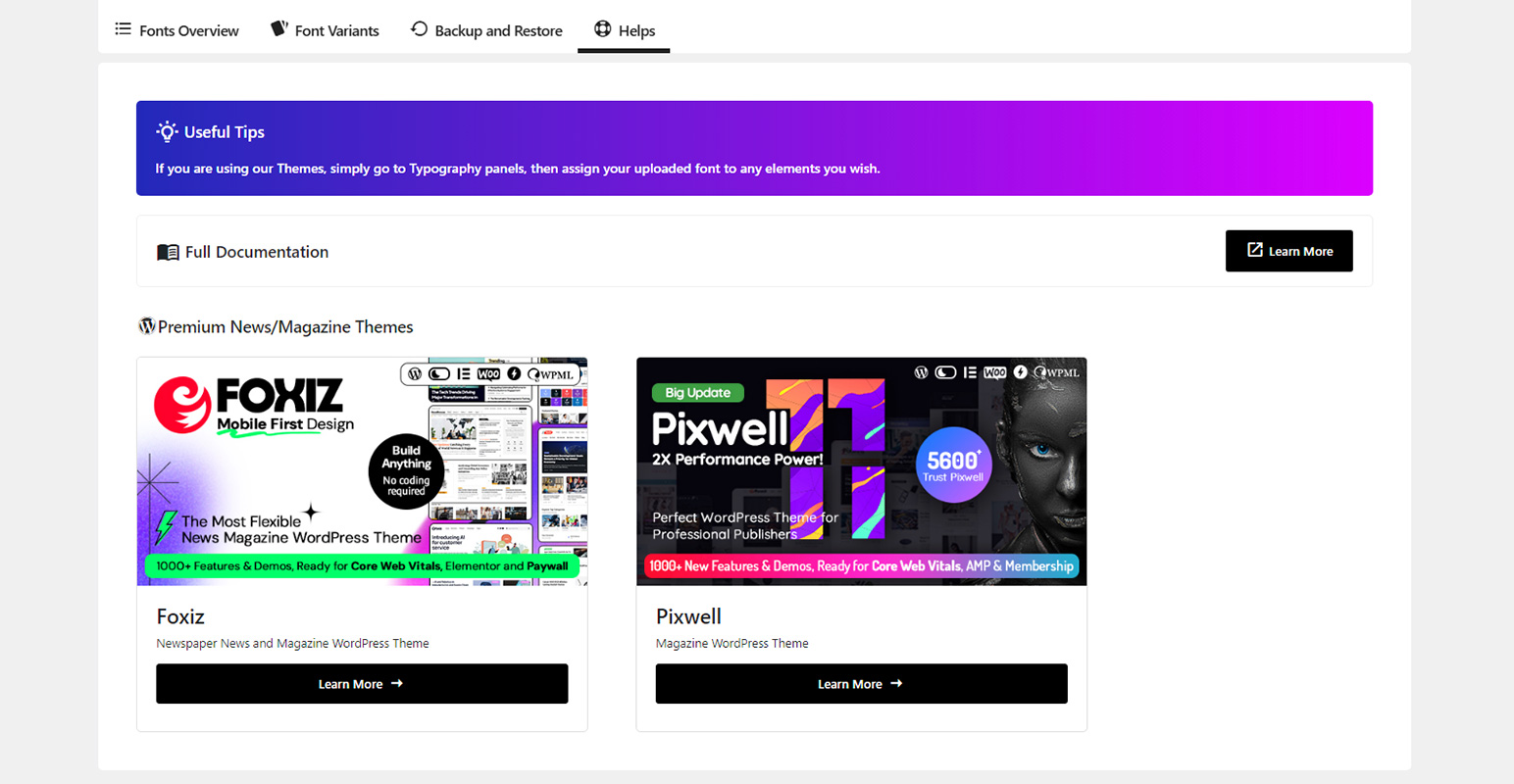
Help and Documentation
Changelog
1.3.0
- Fixed: Admin help panel issue.
1.2.0
- Improved: Updated documentation page.
1.1.0
- Improved: FILTER_SANITIZE_STRING is deprecated.
1.0.0
- Initial release.