

Local Shipping Labels for WooCommerce
Built for people who manage their own shipping. Print multiple labels in a single page.
Plugin info
Maintenance & Compatibility
Maintenance score
Possibly abandoned • Last updated 2326 days ago • 2 reviews
Is Local Shipping Labels for WooCommerce abandoned?
Possibly abandoned (last update 2326 days ago).
Compatibility
Similar & Alternatives
Explore plugins with similar tags, and compare key metrics like downloads, ratings, updates, support, and WP/PHP compatibility.
Description
Easily print shipping labels with Local Shipping Labels for WooCommerce.
Major features:
- Print mutliple labels in a single page. Perfect for printing sticker labels.
- Create PDF on the fly. Doesn’t store anything on your server.
- Choose from additional display options.
Contribute https://github.com/woofx/local-shipping-labels-woocommerce
Installation
Upload the plugin to your woocommerce site, Activate it, Start printing.
Frequently Asked Questions
Installation: Upload error – file/entity size too large
If you are manually uploading the plugin, make sure your max upload size is at least 4MB (this plugin weighs just above 3.9MB). Contact your server administrator to address this.
Review feed
Screenshots
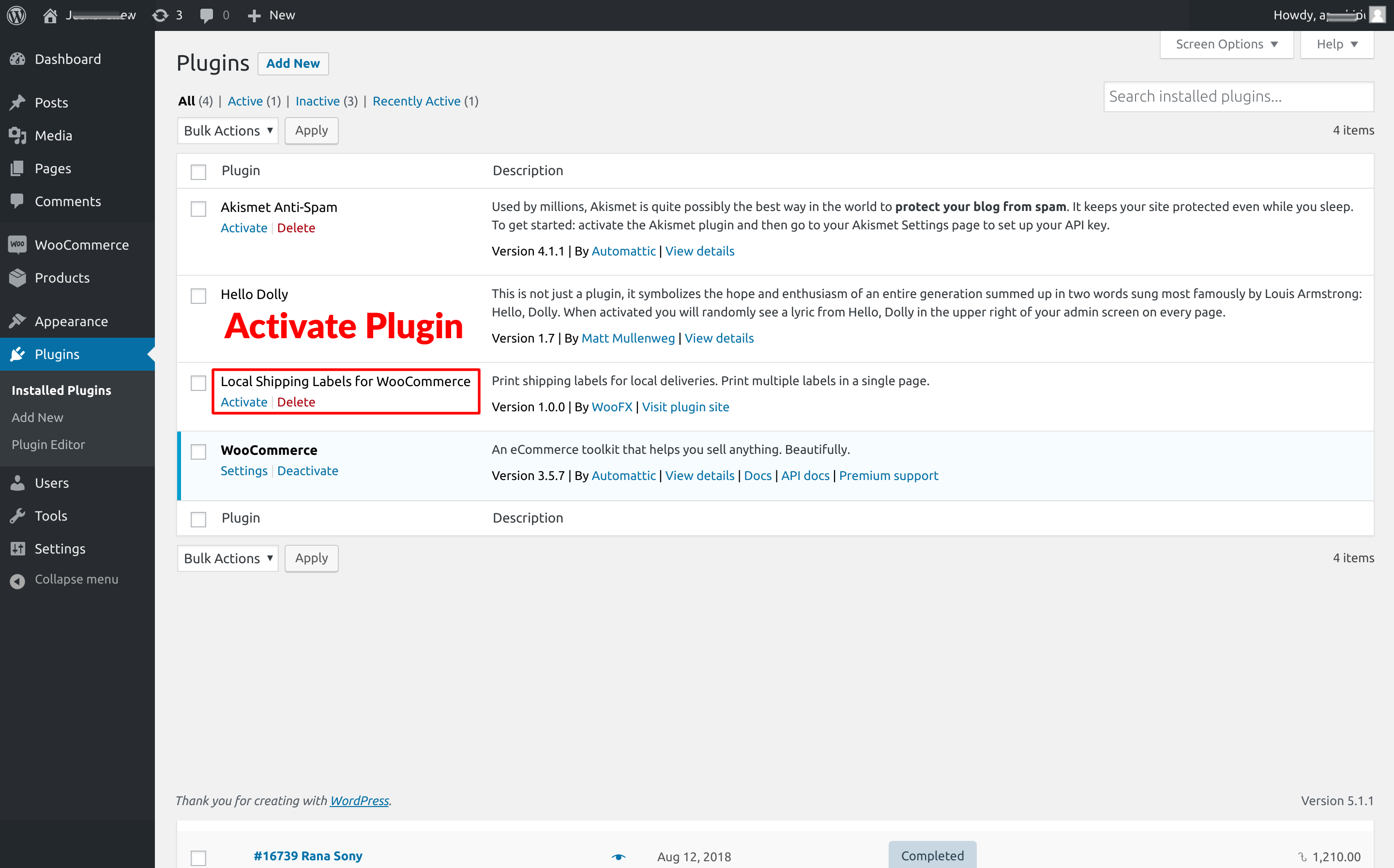
Activate the plugin.

Select orders for shipping labels. Select 'Create Shipping Labels' from bulk options.

Get the generated PDF link. This link will open the PDF in a new tab.

Label content options.
Changelog
1.0.0
- Inital Commit