

Login Page Styler – Custom Login Page Designer | Secure Admin Login | Logo & Branding
Style, customize, and secure your WordPress login page like never before! Easily modify colors, fonts, backgrounds, login logo, and more – all without …
Plugin info
Maintenance & Compatibility
Maintenance score
Stale • Last updated 278 days ago • 174 reviews
Is Login Page Styler – Custom Login Page Designer | Secure Admin Login | Logo & Branding abandoned?
Likely maintained (last update 278 days ago).
Compatibility
Similar & Alternatives
Explore plugins with similar tags, and compare key metrics like downloads, ratings, updates, support, and WP/PHP compatibility.
Description
Login Page Styler is the ultimate WordPress plugin for login page customization and security. Transform your admin login experience with these powerful features:
🔥 Complete Login Customization
– Live Login Page Customizer with real-time preview
– Pre-Designed Login Templates (professional designs)
– Custom Logo & Branding controls
– Custom Backgrounds (images/videos/gradients)
– Google reCAPTCHA integration
– Custom Login URL for enhanced security
– Login Redirects based on user roles
– Custom CSS & JS support
– Login Logs & Activity Tracking
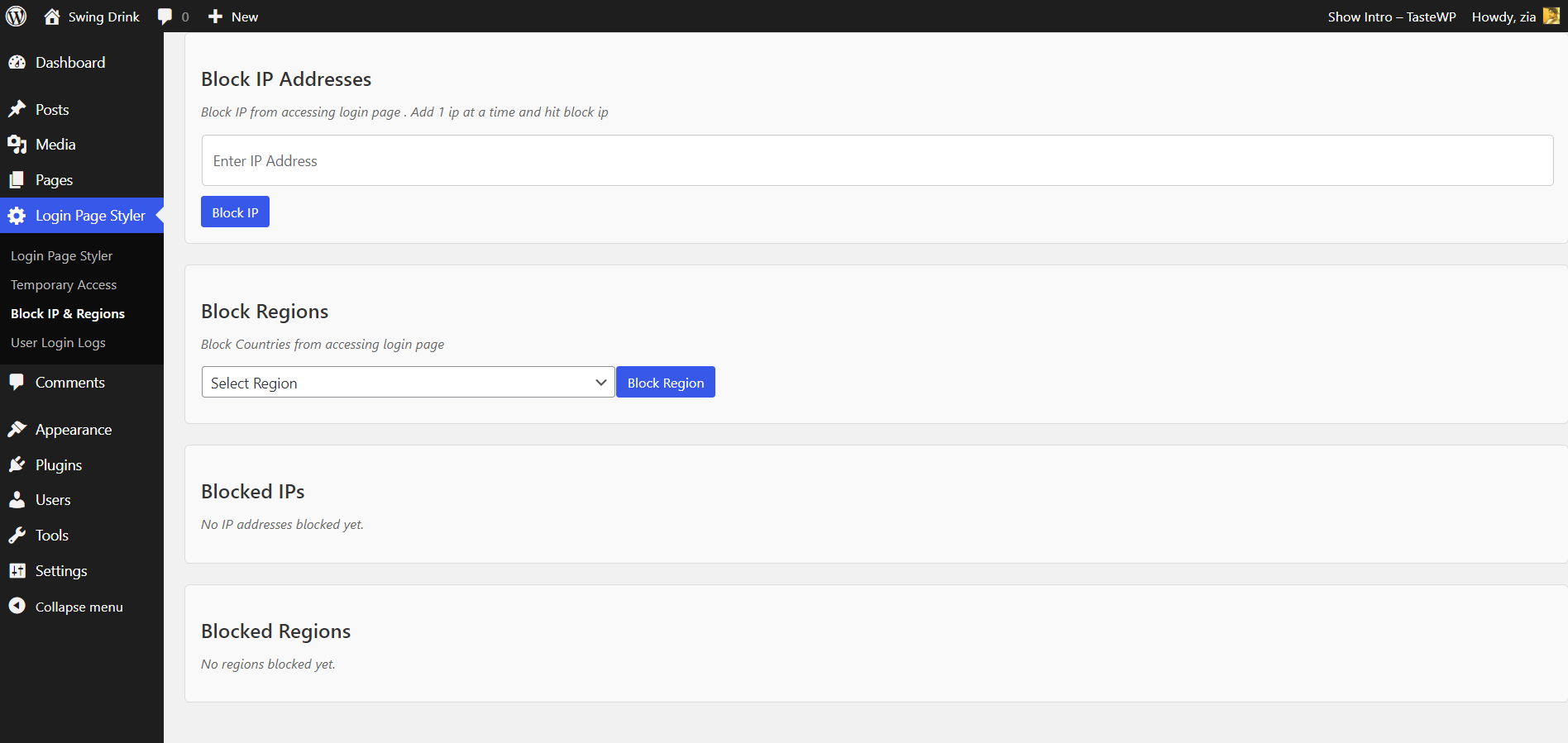
– IP & Region Blocking
🚀 Why 3000+ Sites Choose Us
– No Coding Required: Beginner-friendly interface
– Lightweight & Fast: Optimized for performance
– Fully Responsive: Works on all devices
– Regular Updates: Always WordPress-compatible
– Dedicated Support: Fast and reliable help
Upgrade to Pro
Get Login Page Styler Pro for advanced features:
– Premium templates
– Social login integration
– Two-factor authentication
– Priority support
– Watermark protection
Support & Feedback
Transform Your Login Experience
Join thousands of satisfied users! Create secure, branded login pages with Login Page Styler. Leave us a 5-star review if you love our plugin! 🚀
Installation
- Go to Plugins > Add New in WordPress dashboard
- Search for Login Page Styler
- Click Install Now, then Activate
- Navigate to Settings > Login Page Styler to customize!
Frequently Asked Questions
No! This plugin is 100% beginner-friendly with visual customizer.
Upload your logo in Settings > Login Page Styler > Logo Customization.
Yes! Enable Google reCAPTCHA, change login URL, and track login logs.
Yes! We don’t collect or store personal user data.
Review feed
Screenshots
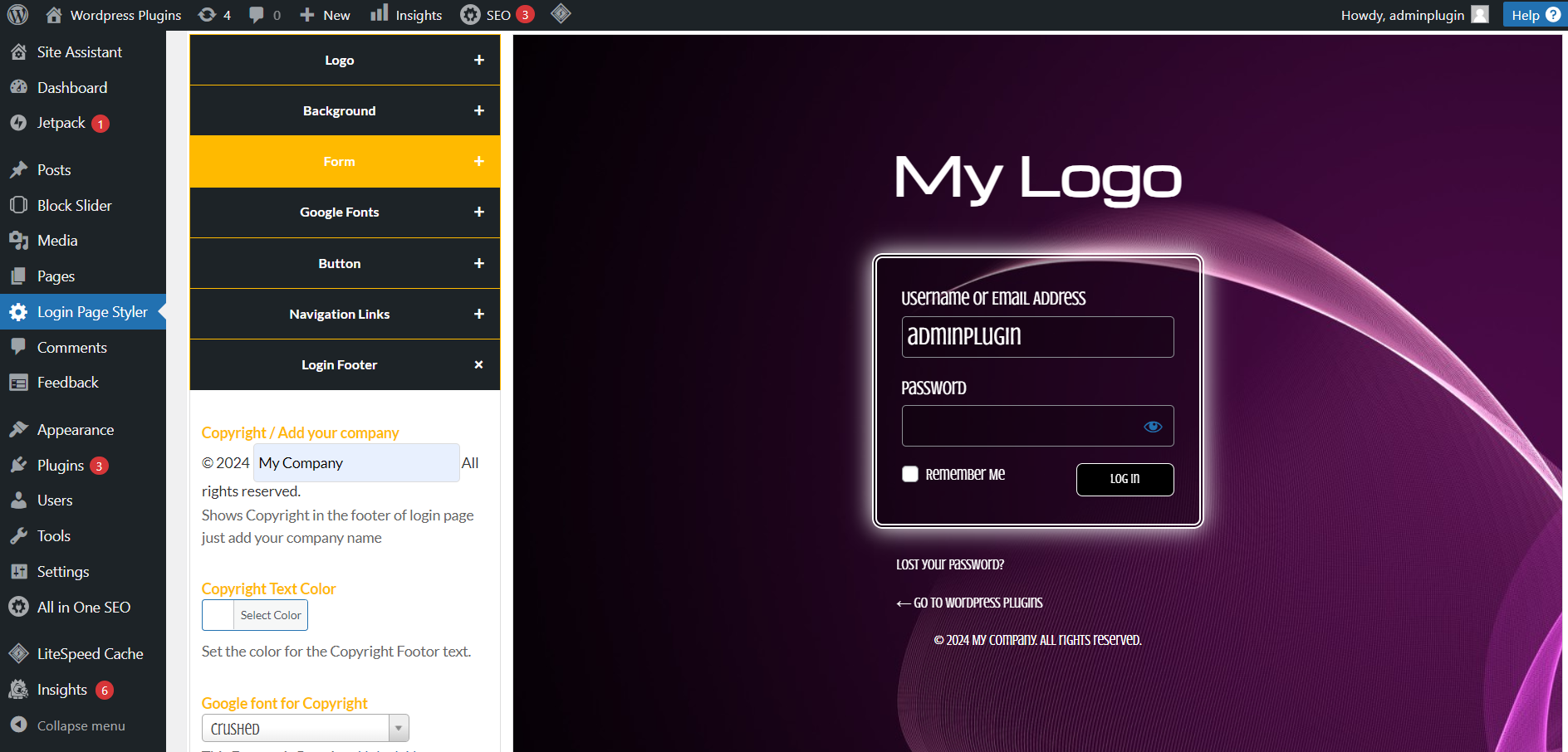
Fully styled login page with branding
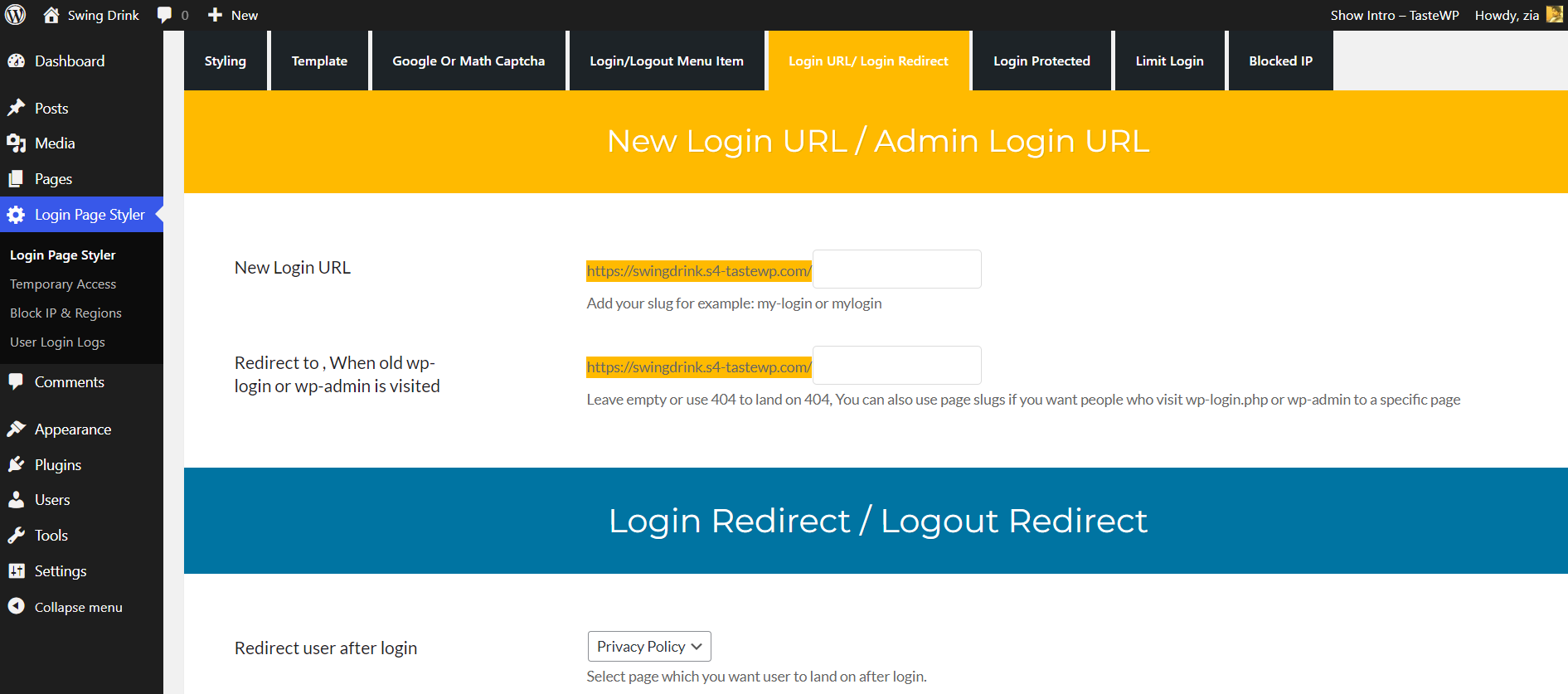
Custom login URL settings
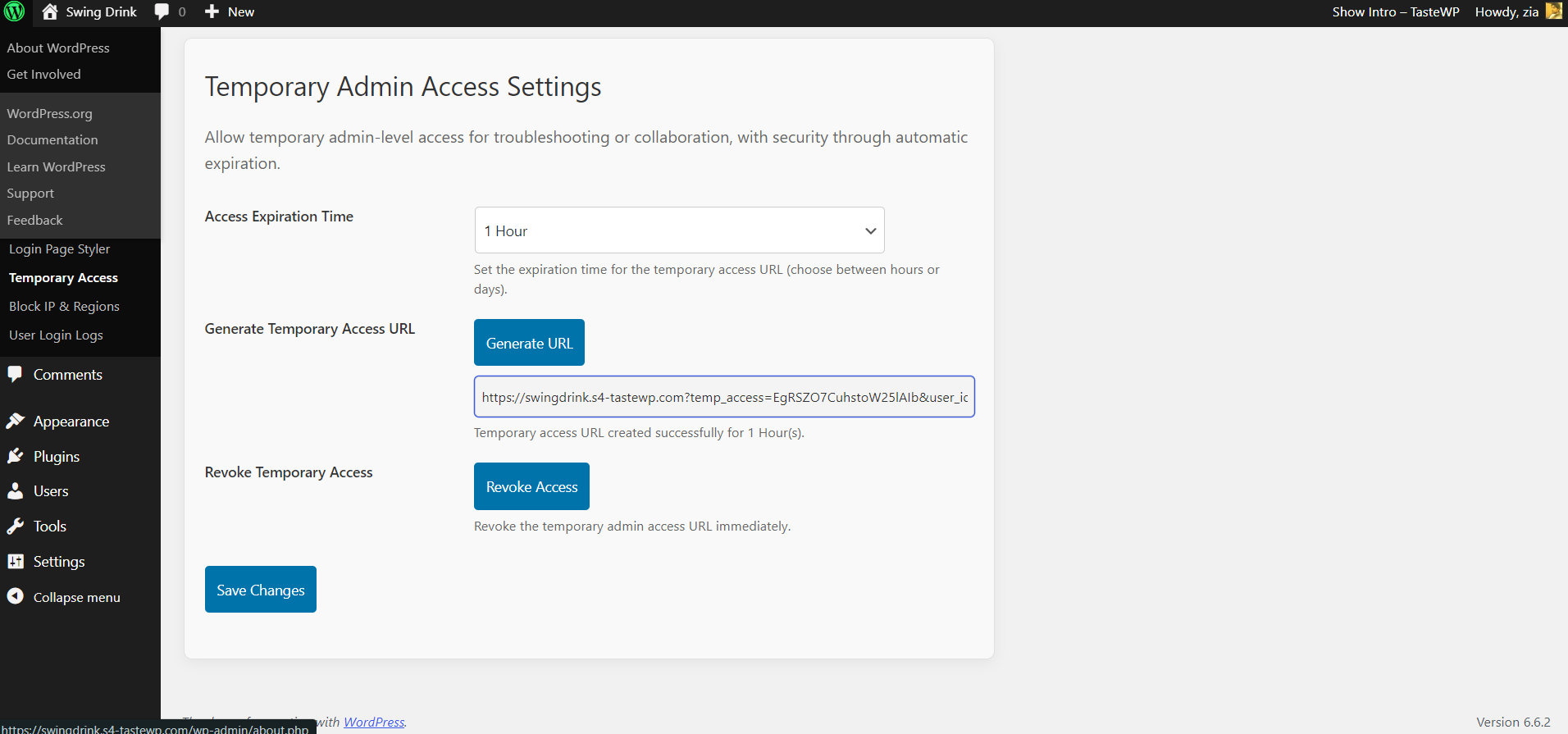
Temporary admin access generator
Google reCAPTCHA configuration
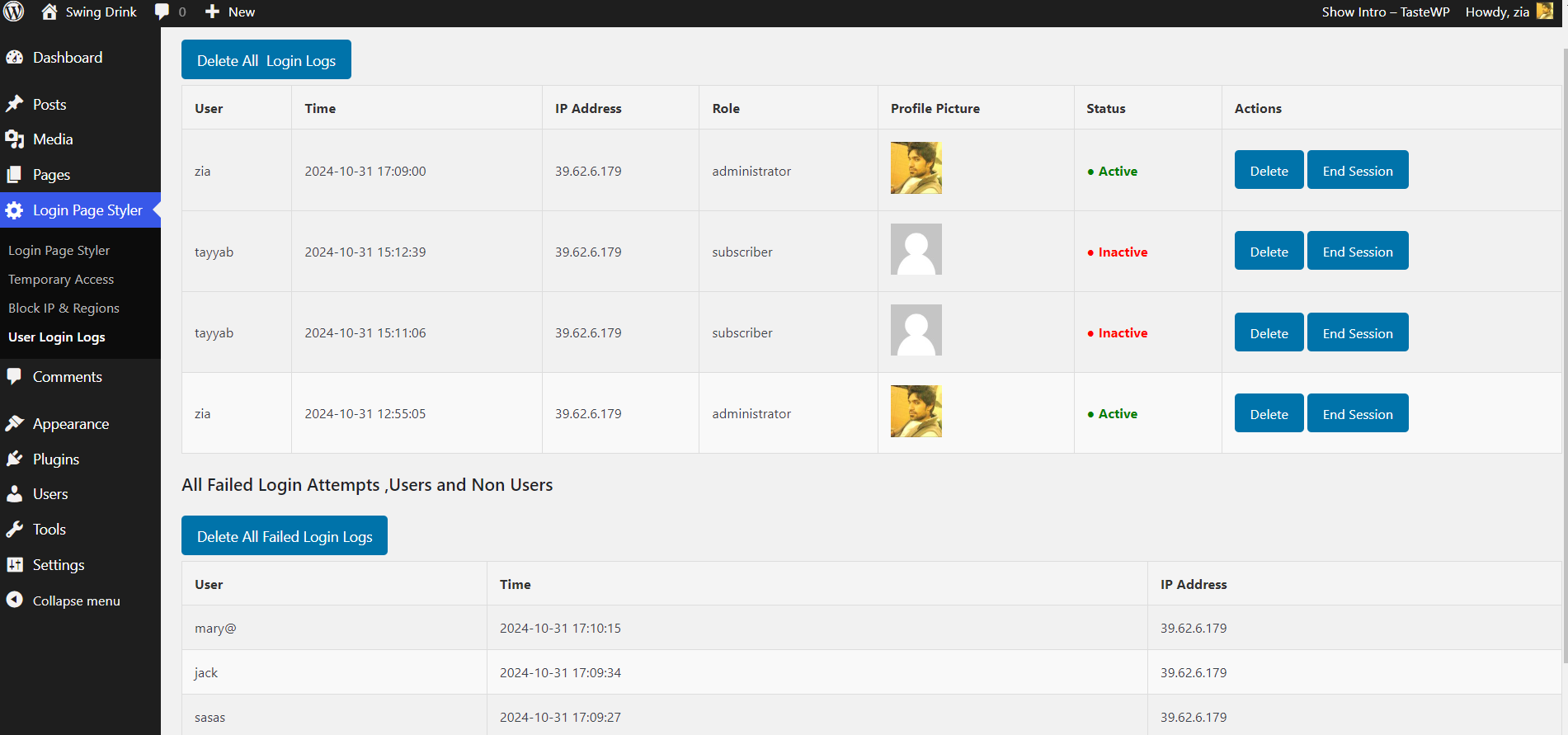
Login activity monitoring

Pre-designed login templates
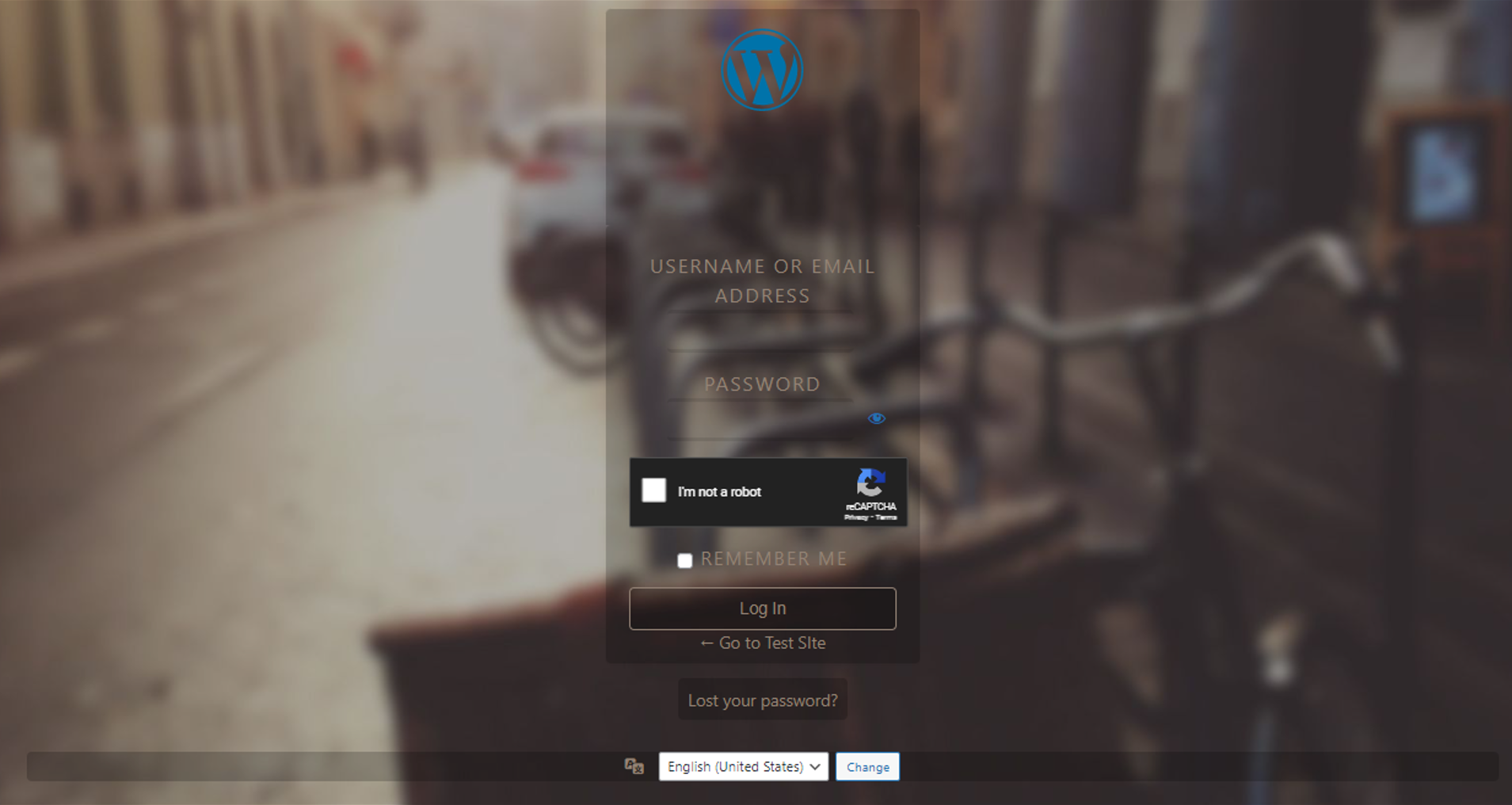
Logo and background customization
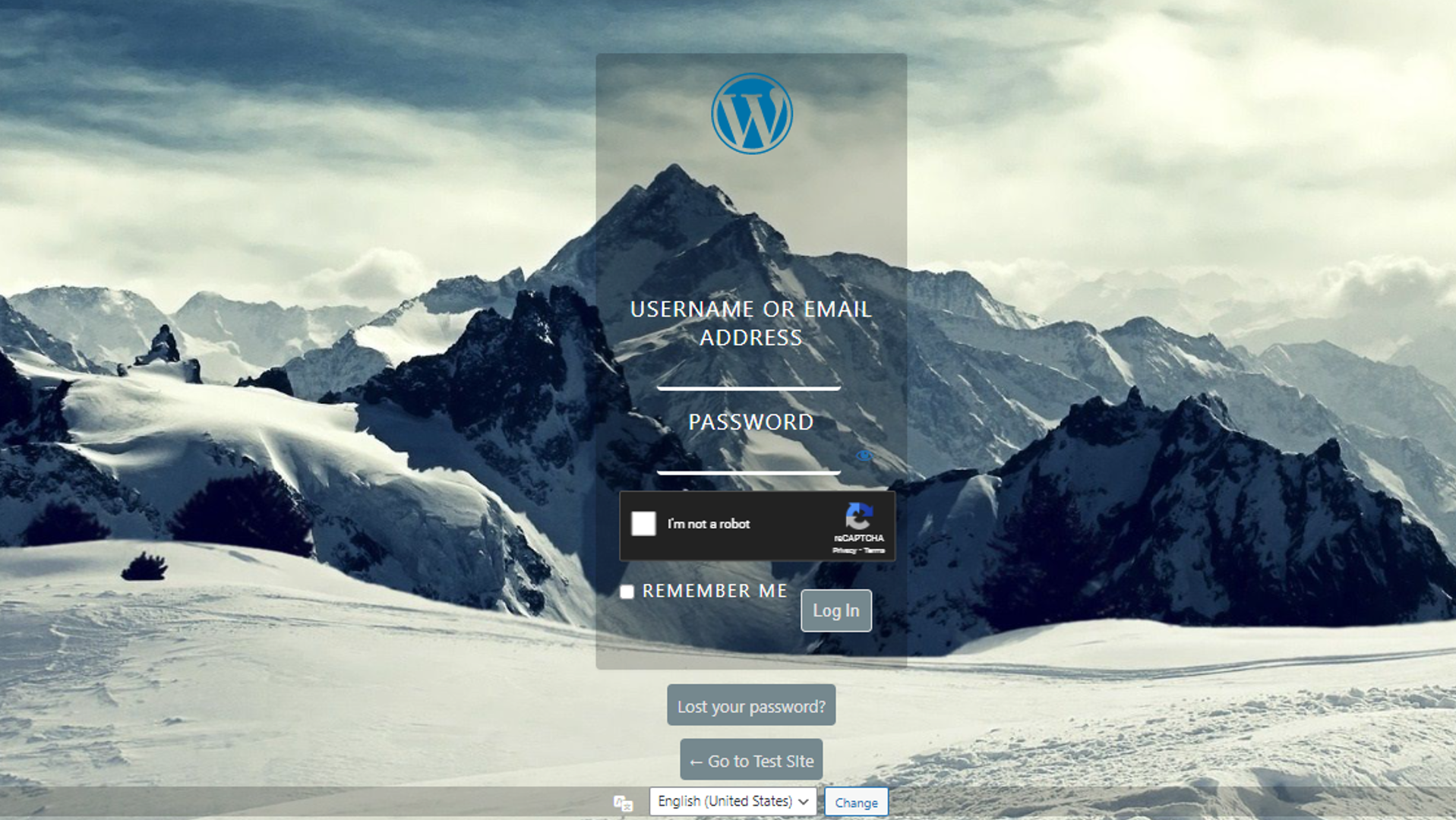
Social login integration
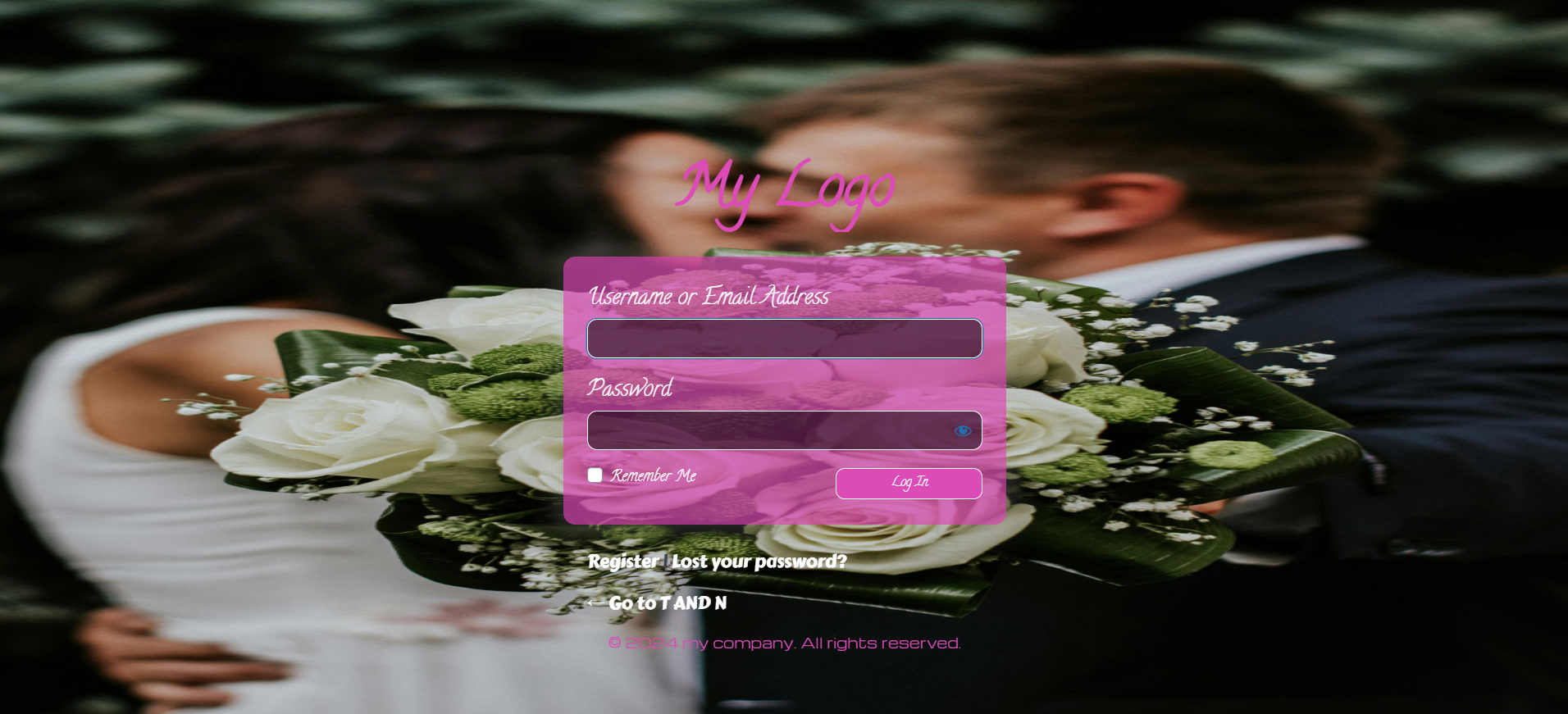
Security and customization dashboard
Changelog
Version 7.1.2
- Security Fix: Resolved critical vulnerabilities
- Performance: 30% faster loading
Version 7.1.1
- New: Google reCAPTCHA integration
- Enhanced: IP & Region Blocking
- Improved: Login logs with user roles
- Security: Brute-force protection
Version 6.2
- New: Google Fonts support
- Improved: Mobile background handling
- Fixed: UI adjustments
Version 5.3
- New: Custom Login URL
- Enhanced: Form customization
- Fixed: WordPress compatibility
Version 4.2
- New: Login Logs
- Enhanced: Form styling
- Fixed: CSS fixes
Version 3.1
- New: Limit Login Attempts
- Enhanced: Performance optimization
- Fixed: Minor bug fixes