

Plugin info
Maintenance & Compatibility
Maintenance score
Possibly abandoned • Last updated 1723 days ago
Is Luxury Hotel Booking Lite abandoned?
Possibly abandoned (last update 1723 days ago).
Compatibility
Languages
Similar & Alternatives
Explore plugins with similar tags, and compare key metrics like downloads, ratings, updates, support, and WP/PHP compatibility.
Description
Hotel booking system wordpress plugin is a dedicated booking platform for hotel room booking. This plugin is designed for managers of a hotel for performing complete administrative tasks and guests’ public booking. The backend admin section gives opportunity to manage rooms, amenities, custom pricing, booking, payments in a flawless manner. Frontend section of this plugin provides facility to guests to apply for reservation with online payment option flexibility.
Features
- Booking management
- Reservation management
- Room availability calendar
- Room management
- Amenity management
- Floor management
- Additional service management
- Custom pricing for room
- Online payment with paypal and stripe
- Multisite / multihotel booking
- Booking filter for active, reservation & completed
- Payment report
Installation
- Upload the plugin zip file to the
/wp-content/plugins/directory and unzip it, or install the plugin through the WordPress plugins screen directly. - Activate the plugin through the ‘Plugins’ screen in WordPress.
- Go to Settings screen of the plugin and configure the plugin according to your need.
- Go to Chambers screen of the plugin and configure your schedule.
- Now you can go to the Appointment screen of the plugin and start discovering it’s features.
Frequently Asked Questions
Review feed
Screenshots

Booking list

Booking detail

Booking create

Booking filter

Payment manager

Booking edit

Room availability status calendar

Custom price calendar

Custom price create

Custom price reset

Room listing with filter

Room type manager

Floor manager

Amenity manager

General & payment settings

Payment report

Guest booking form
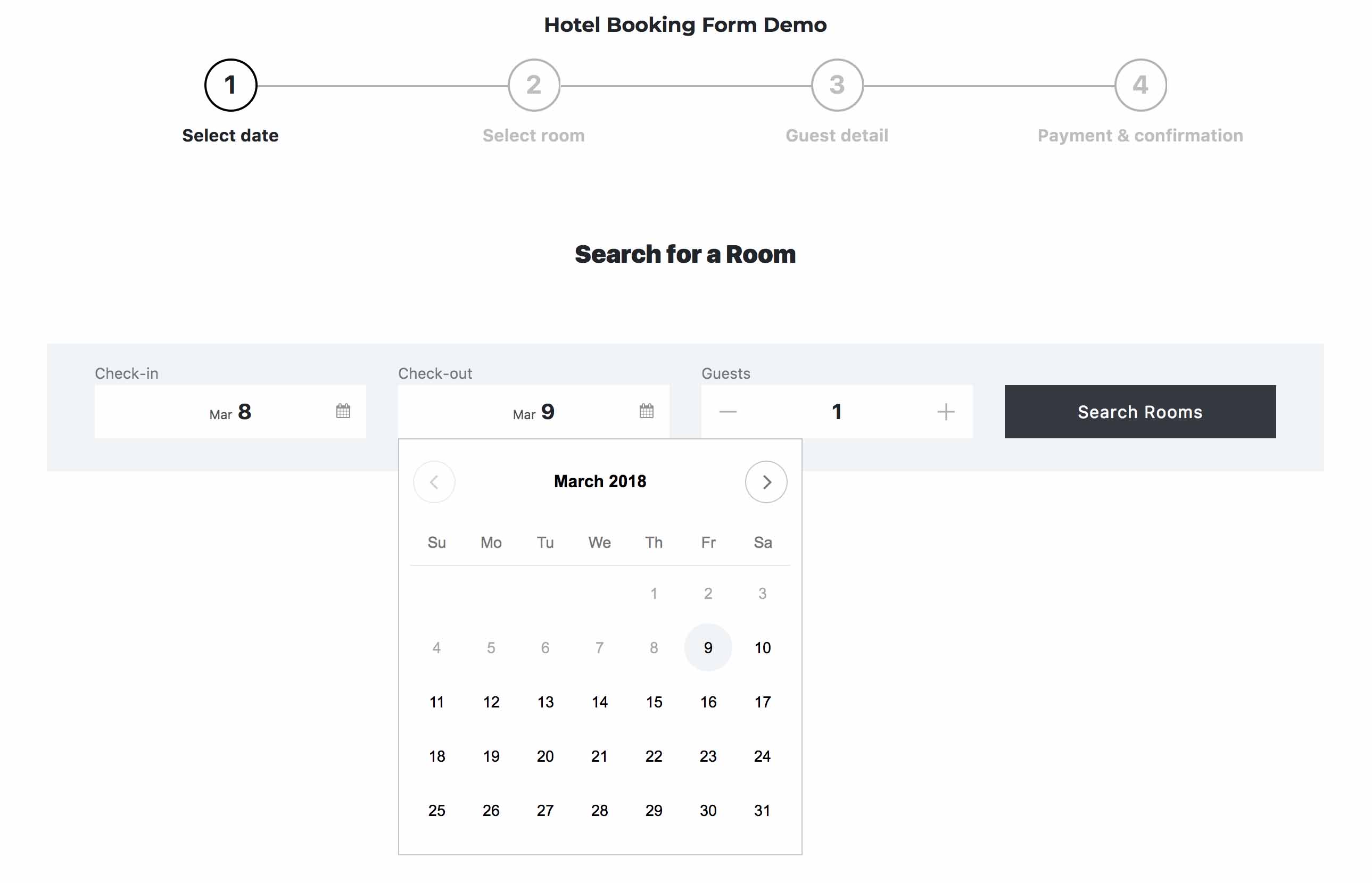
Booking form datepicker

Booking form room selector

Booking form guest detail

Booking form payment option

Booking form confirmation

Paypal payment

Stripe payment

Shortcode setup
Changelog
1.0.0
- Initial release