Magex AI Bot Defender
Advanced AI-powered bot protection with intelligent threat detection, traffic monitoring, and automated security responses.
Plugin info
Maintenance & Compatibility
Maintenance score
Maintained • Last updated 117 days ago
Is Magex AI Bot Defender abandoned?
Likely maintained (last update 117 days ago).
Compatibility
Similar & Alternatives
Explore plugins with similar tags, and compare key metrics like downloads, ratings, updates, support, and WP/PHP compatibility.
Description
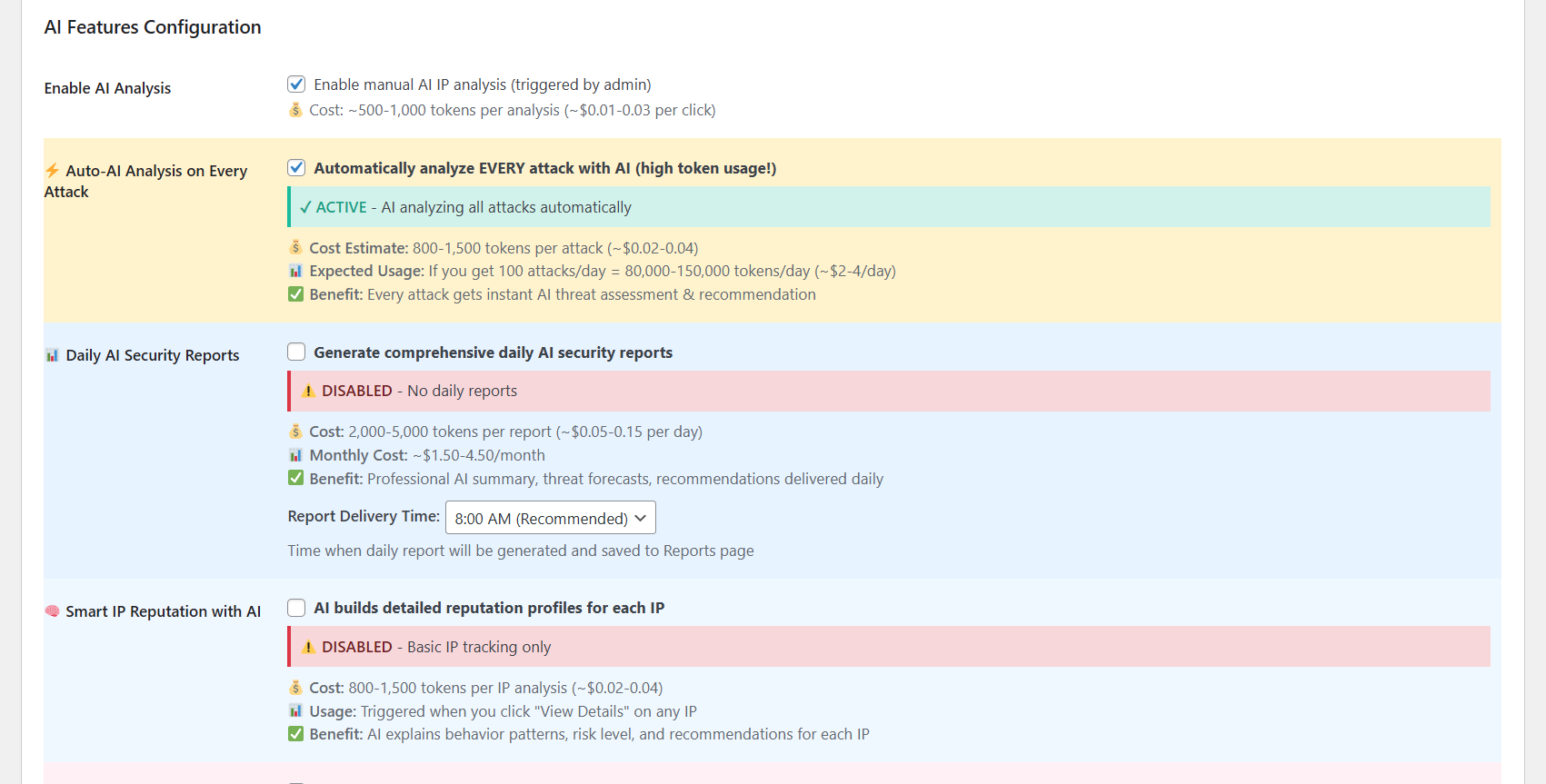
AI Bot Defender is a comprehensive WordPress security plugin that uses artificial intelligence to protect your website from malicious bots, automated attacks, and security threats. With advanced behavioral analysis and real-time threat detection, it provides enterprise-level security for websites of all sizes.
Key Features
- AI-Powered Threat Detection – Intelligent analysis of visitor behavior and attack patterns
- Multiple AI Provider Support – Choose between Site Guarding AI (with FREE tokens) or OpenAI Direct
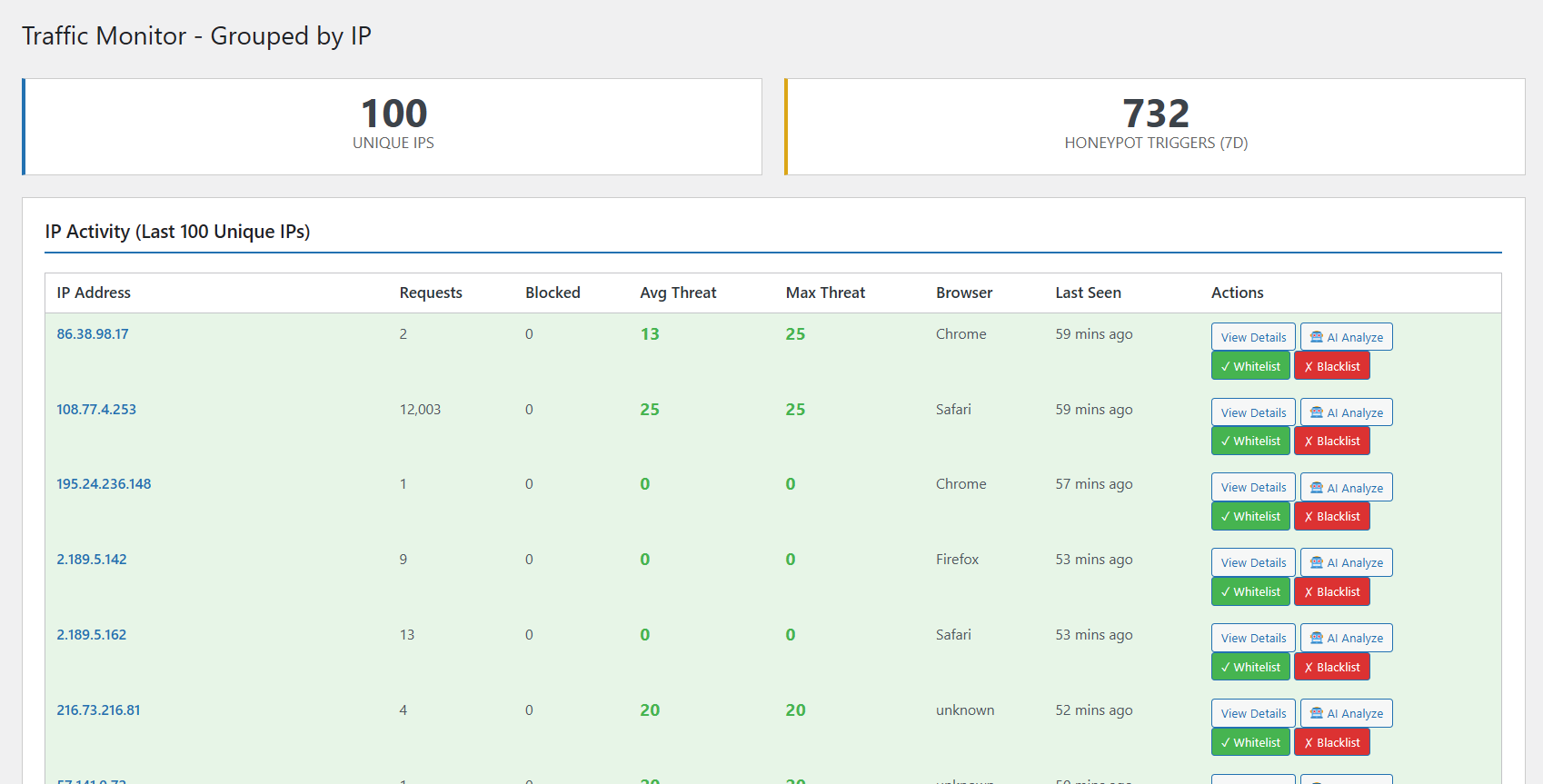
- Traffic Monitoring – Real-time tracking of all website visitors and suspicious activities
- Auto-Blocking System – Automatically block malicious IPs based on threat scores
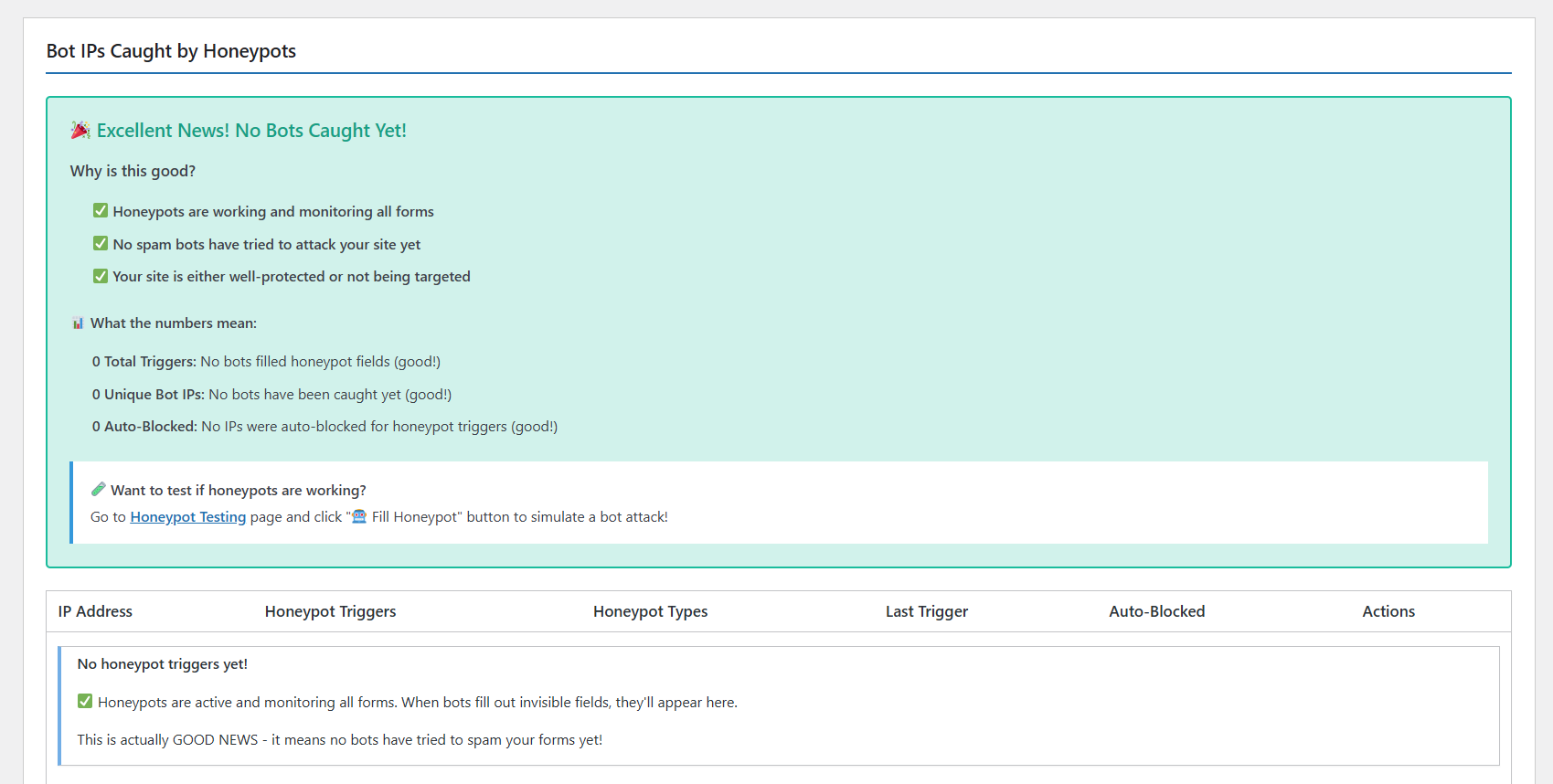
- Honeypot Traps – Invisible fields that catch automated bots
- Login Protection – Defend against brute force attacks on WordPress login
- XSS Detection – Block Cross-Site Scripting attempts
- SQL Injection Protection – Prevent database attacks
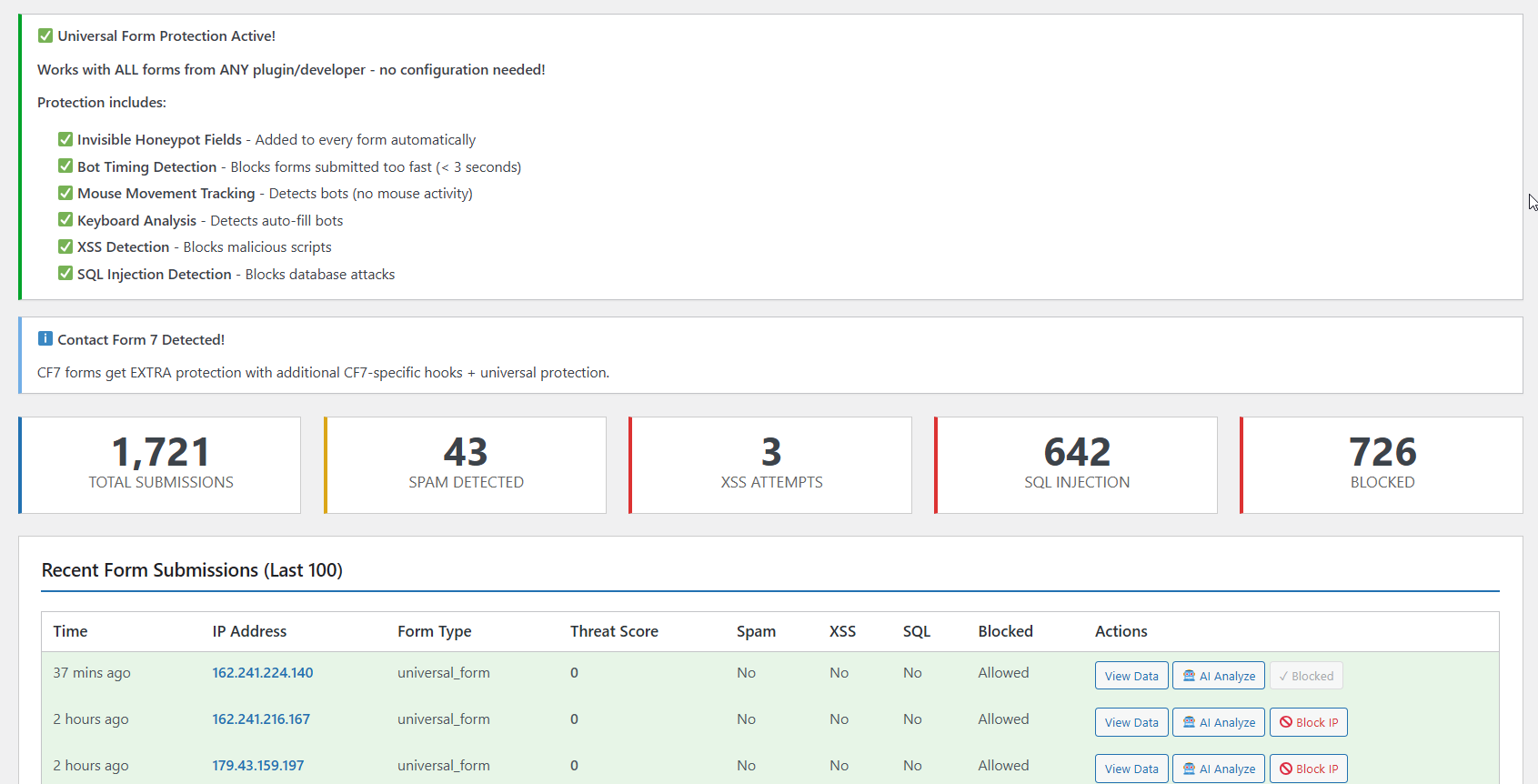
- Contact Form 7 Integration – AI-powered spam detection for form submissions
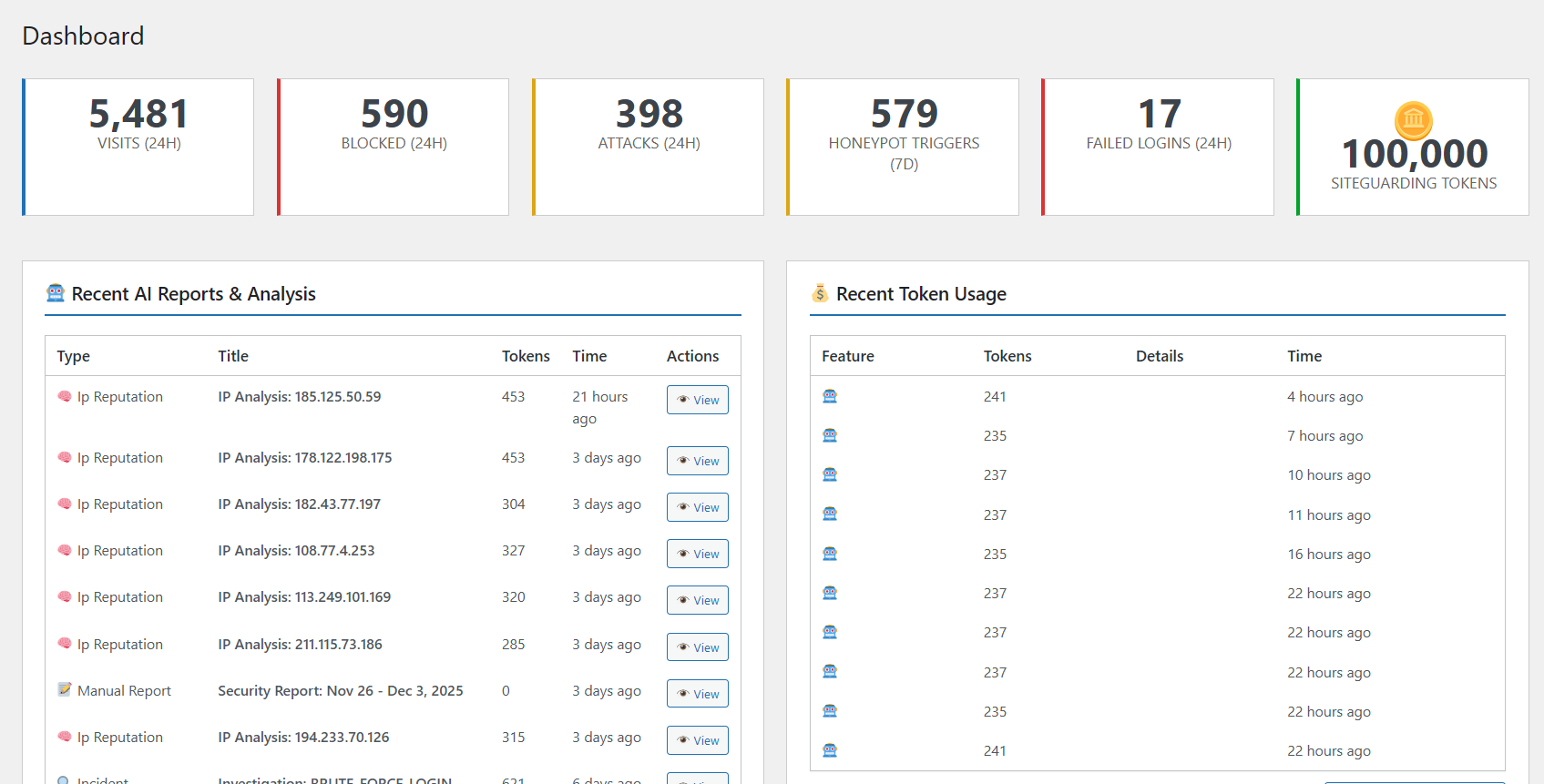
- Comprehensive Dashboard – Beautiful analytics and security insights
- Token Balance Warnings – 4-level alert system to prevent service interruption
Why Choose AI Bot Defender?
For Site Guarding AI Users:
* Get started with FREE tokens – no credit card required
* Simple token-based pricing
* Managed infrastructure – no API keys to configure
* OpenAI-powered AI behind the scenes
* Real-time token balance monitoring
* Low balance warning system (< 25,000 tokens)
For OpenAI Users:
* Direct OpenAI API integration
* Full control over API settings
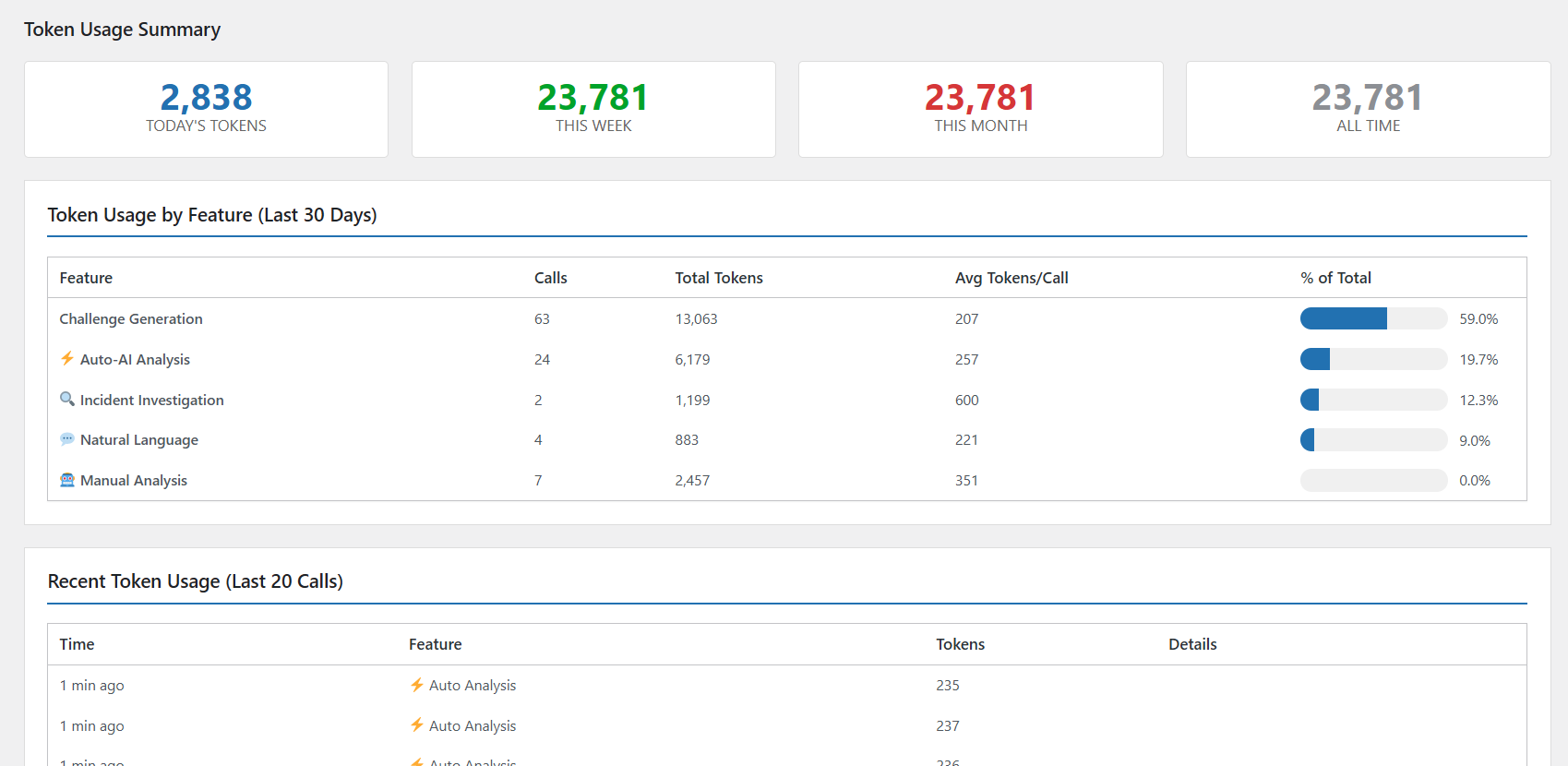
* Cost tracking and usage analytics
* Flexible model selection
Advanced Security Features
-
Intelligent Bot Detection
- Behavioral pattern analysis
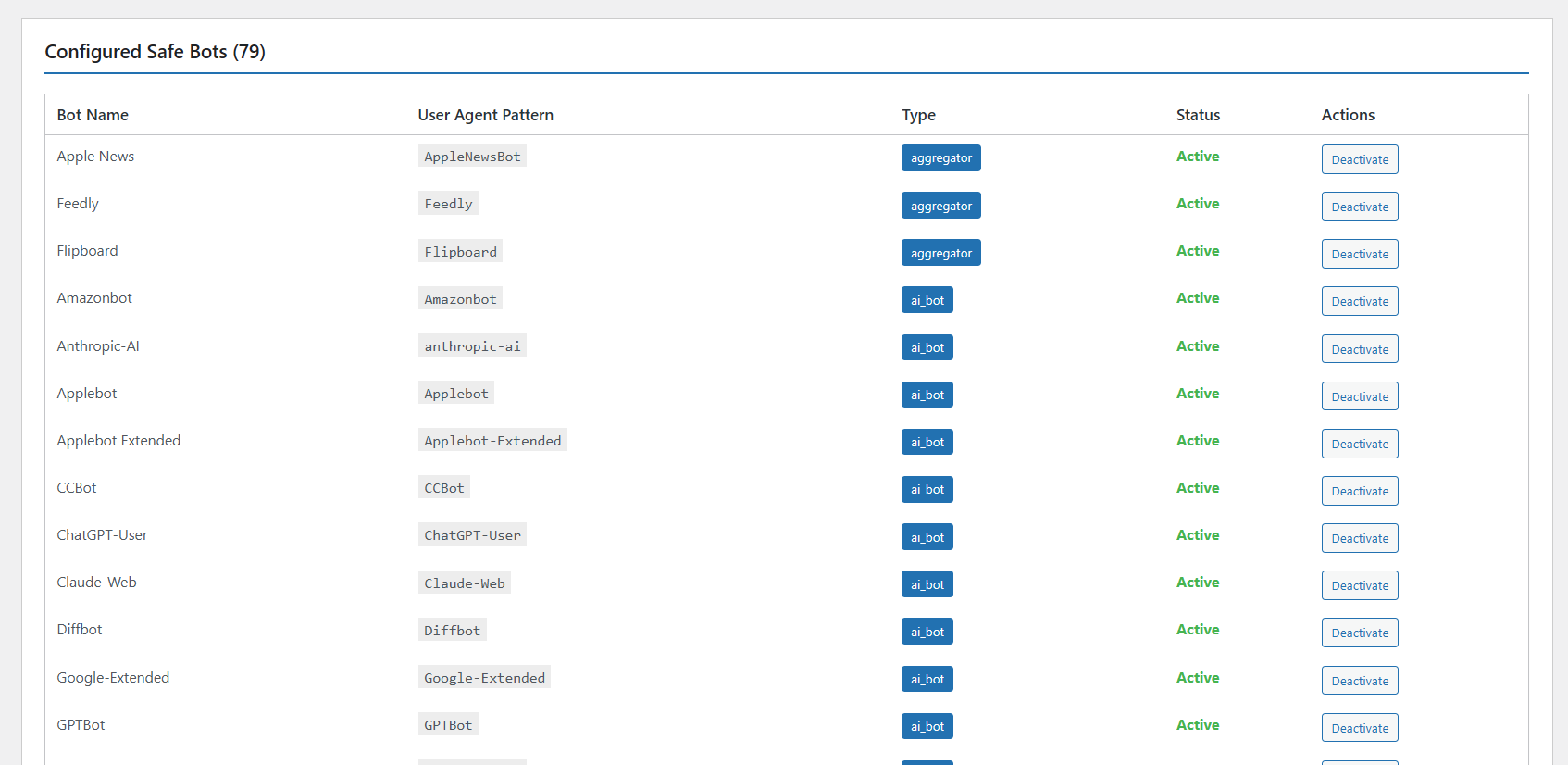
- User-agent fingerprinting
- Request frequency monitoring
- Geographic location tracking
-
Attack Prevention
- Brute force protection
- SQL injection blocking
- XSS attempt detection
- Directory traversal prevention
-
Form Security
- Honeypot field injection
- AI-powered spam detection
- Real-time form submission analysis
- Automatic bot blocking
-
Traffic Analysis
- IP-based visitor tracking
- Attack pattern recognition
- Threat level assessment
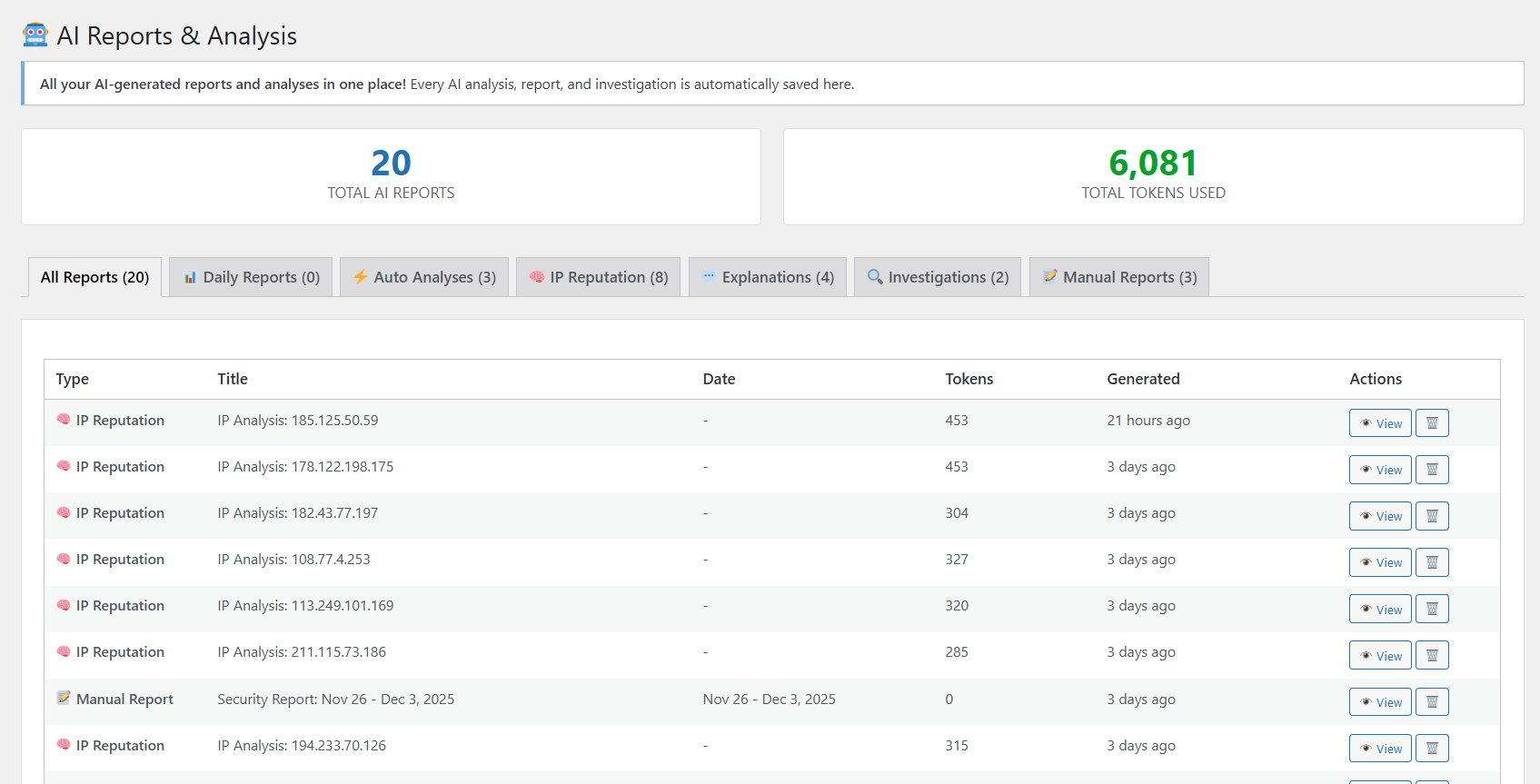
- Detailed security reports
Dashboard & Analytics
- Beautiful security overview with real-time statistics
- Traffic monitoring with IP grouping
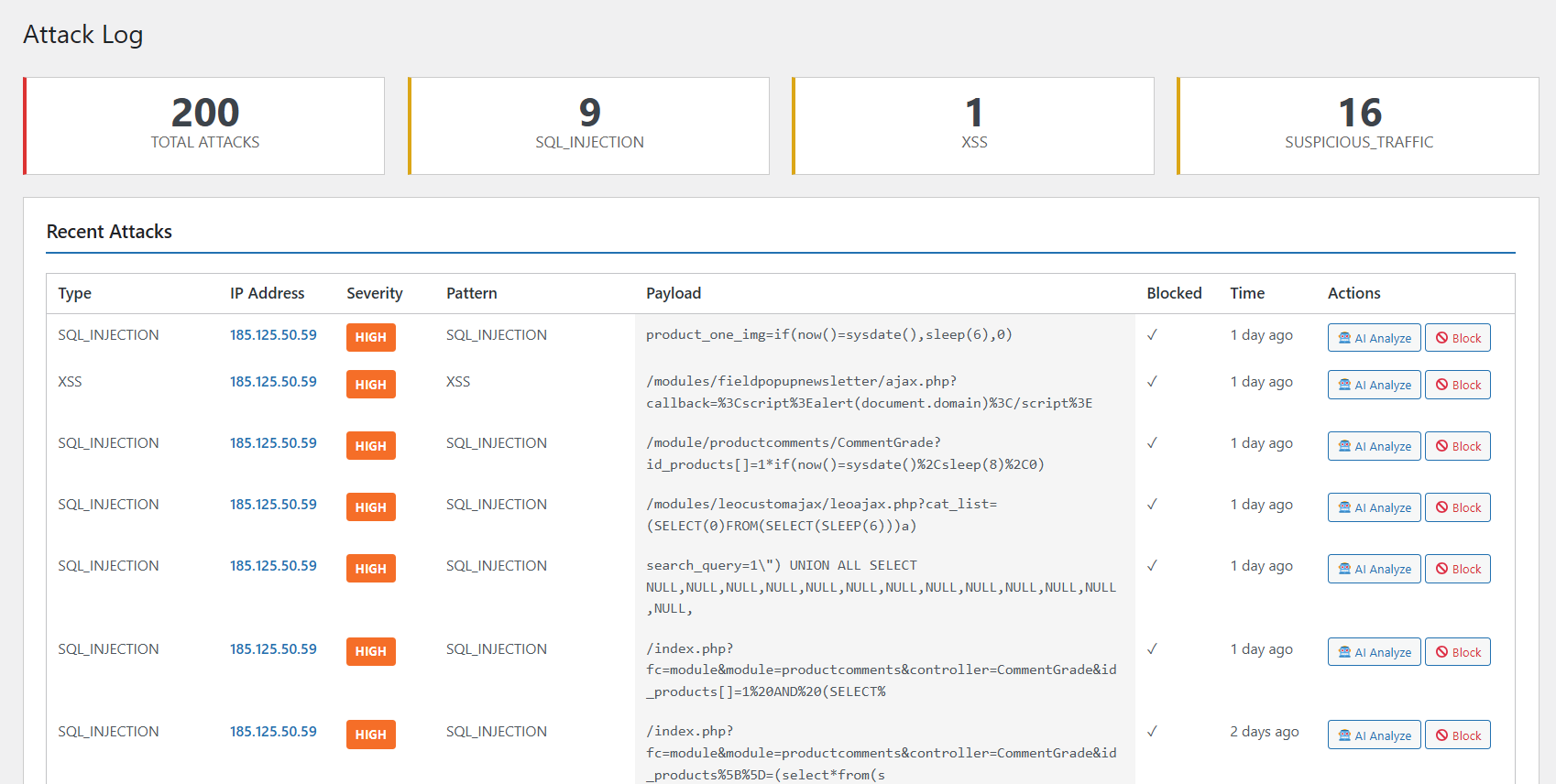
- Attack log with severity indicators
- Token usage tracking
- Cost analytics (OpenAI Direct)
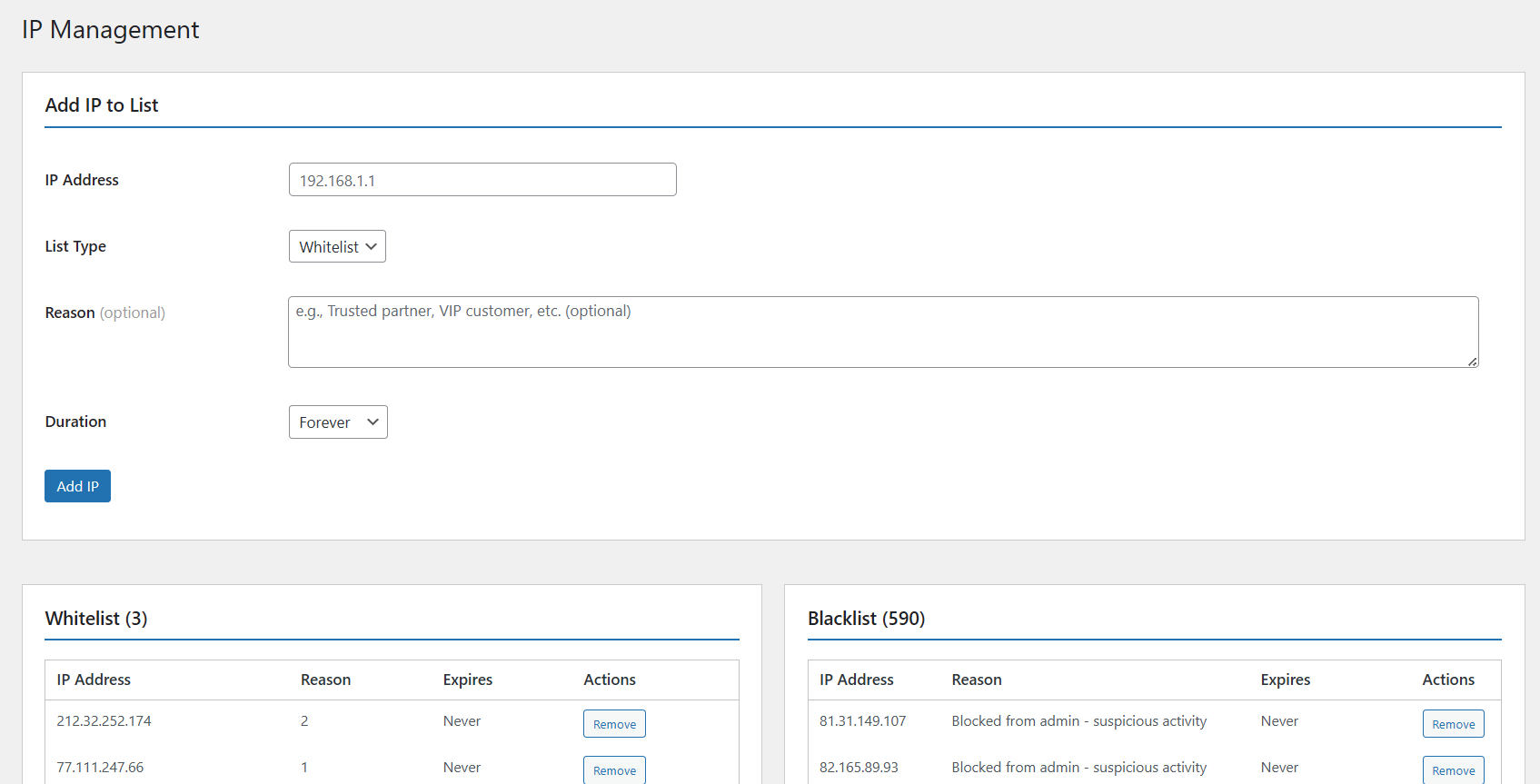
- One-click IP blocking
- Detailed security reports
Support & Documentation
- Professional support from Site Guarding team
- Comprehensive documentation
- Regular updates and improvements
- Active development and maintenance
Pro Services Available
- 24/7 Website Monitoring
- Malware Detection & Removal
- Firewall Protection
- Security Audits
- Priority Support
Additional Information
System Requirements
- WordPress 5.0 or higher
- PHP 7.4 or higher (PHP 8.0+ recommended)
- MySQL 5.6 or higher
- HTTPS recommended for API communications
Browser Compatibility
- Chrome (latest)
- Firefox (latest)
- Safari (latest)
- Edge (latest)
- Opera (latest)
Language Support
- English (default)
- More translations coming soon!
Privacy & Data
AI Bot Defender respects your privacy:
- No personal data is collected without consent
- Traffic monitoring uses only IP addresses and user agents
- AI analysis data is processed securely
- All API communications are encrypted
- No data is sold to third parties
Website ownership verification requires domain validation during registration.
Third Party Services
This plugin may connect to the following external services:
AI API
- Purpose: AI-powered threat analysis
- When: When using AI provider for security analysis
- Data Sent: IP addresses, user agents, attack patterns, form data
OpenAI API
- Purpose: Direct AI analysis when using OpenAI provider
- When: When OpenAI Direct is selected as AI provider
- Data Sent: Security-related text for analysis
- Privacy Policy: OpenAI Privacy Policy
- Service URL: https://api.openai.com
Users have full control over which AI provider to use, and can disable AI features entirely if desired.
Installation
Automatic Installation
- Log in to your WordPress dashboard
- Navigate to Plugins Add New
- Search for “AI Bot Defender”
- Click “Install Now” button
- Click “Activate” button
- You’ll be automatically redirected to the plugin dashboard
Manual Installation
- Download the plugin ZIP file
- Log in to your WordPress dashboard
- Navigate to Plugins Add New Upload Plugin
- Choose the downloaded ZIP file
- Click “Install Now”
- Click “Activate Plugin”
- Configure your AI provider in settings
Initial Setup
Option 1: Site Guarding AI (Recommended)
- After activation, you’ll see a promotional block on the dashboard
- Click “Register Now & Get FREE Tokens”
- Your website will be automatically registered
- You’ll receive FREE tokens to start protecting your site
- All AI features are instantly available!
Option 2: OpenAI Direct
- Go to Bot Defender Settings
- Select “OpenAI Direct” as AI Provider
- Enter your OpenAI API key
- Choose your preferred model
- Save settings
Quick Access
- Top Menu: Click “🛡️ Bot Defender” in the admin bar (top of any page)
- Plugin Page: Find quick “Dashboard” and “Settings” links on the Plugins page
- WordPress Dashboard: View security overview widget (full width, always on top)
Frequently Asked Questions
Yes! The plugin is completely free. For AI features, you can choose:
- Site Guarding AI: Start with FREE tokens, then pay-as-you-go
- OpenAI Direct: Use your own OpenAI API key
For Site Guarding AI: No! Just click “Register” and get FREE tokens automatically.
For OpenAI Direct: Yes, you’ll need an OpenAI API key from platform.openai.com.
When you register for Site Guarding AI, you receive FREE tokens to start using all AI features immediately. No credit card required!
The plugin has a comprehensive 4-level warning system:
- RED admin bar – Visible everywhere when balance < 25,000 tokens
- Dashboard widget warning – Full-width alert on WordPress dashboard
- Token Usage page alert – Critical warning with buy button
- Plugin dashboard warning – Prominent red box with balance info
When balance reaches zero, AI requests are blocked automatically to minimize server load.
Yes! You can switch between Site Guarding AI and OpenAI Direct at any time in the Settings page.
Yes! The plugin automatically integrates with Contact Form 7 to provide AI-powered spam detection and bot blocking for form submissions.
No! The plugin is optimized for performance:
- Lightweight traffic monitoring
- Efficient database queries
- Cached API responses
- Zero-balance request blocking
- Minimal overhead
PHP 7.4 or higher is required. PHP 8.0+ is recommended for best performance.
Yes! AI Bot Defender works alongside other security plugins. It focuses on AI-powered bot detection and doesn’t conflict with firewall or malware scanning plugins.
Currently, the plugin focuses on behavior-based blocking rather than geographic blocking. However, you can manually block any IP address from any country.
- Documentation: Check the plugin’s comprehensive documentation
- Support Page: Visit Bot Defender Support in your WordPress admin
- Premium Support: Available with premium packages
We offers professional security services:
- Premium Security Package: 24/7 monitoring, malware removal, firewall protection
- Malware Removal: Professional cleanup service (12-24 hours)
- Website Monitoring: Continuous security scanning and alerts
- Priority Support: Fast response times and dedicated assistance
Visit the Support page in your admin panel for details.
- Initial releases with core security features
- Traffic monitoring implementation
- Attack detection and logging
- IP management system
- Honeypot trap system
- Login protection
- Contact Form 7 integration