

Maintenance & Coming Soon Redirect Animation
Enable maintenance mode in one click with stunning animations and customizable access for specific users.
Plugin info
Maintenance & Compatibility
Maintenance score
Stale • Last updated 270 days ago • 30 reviews
Is Maintenance & Coming Soon Redirect Animation abandoned?
Likely maintained (last update 270 days ago).
Compatibility
Languages
Similar & Alternatives
Explore plugins with similar tags, and compare key metrics like downloads, ratings, updates, support, and WP/PHP compatibility.
Description
This super lightweight plugin is intended primarily for developers, designers and site administrators that need to allow clients to preview the site before being available to the public or to temporarily hide it while undergoing major updates.
Any logged-in user with WordPress administrator privileges will be allowed to view the site regardless of the settings in the plugin. The exact privilege can be set using a filter hook – see FAQs.
The behaviour of this can be enabled or disabled at any time without losing any of the settings configured in its settings pane. However, deactivating the plugin is recommended versus having it activated while disabled.
When redirect is enabled, it can send a different header types.
A list of IP addresses can be set up to completely bypass maintenance mode. This option is useful when needing to allow a client’s entire office to access the site while in maintenance mode without needing to maintain individual access keys.
Access keys work by creating a key on the user’s computer that will be checked against when maintenance mode is active. When a new key is created, a link to create the access key cookie will be emailed to the email address provided. Access can then be revoked either by disabling or deleting the key.
Whitelisted User Roles – user roles who see the site, instead of under maintenance page
Whitelisted Users – users who see the site, instead of maintenance page
Animations :
Animation on the web is not only fun, but engaging in such a way that it has converted site visitors into customers even before will be available to the general public and it will make them eagerly await its launch.
You can either choose your animation from the library or upload your own; this animation will be shown in front of your site when it is undergoing maintenance.
Notes :
✔ This plugin will override any other maintenance plugin you use.
✔ All settings are auto-updated , you don’t need to save anything .
WP-CLI Commands :
Note : before you begin run these commands make sure you have wp-cli installed on your server and your are in your WordPress site Root folder
✔ To install the plugin via wp-cli : sudo wp plugin install maintenance-coming-soon-redirect-animation --allow-root
✔ To activate it : sudo wp plugin activate maintenance-coming-soon-redirect-animation --allow-root
✔ To deactivate it : sudo wp plugin deactivate maintenance-coming-soon-redirect-animation --allow-root
✔ To uninstall it : sudo wp plugin uninstall maintenance-coming-soon-redirect-animation --allow-root
Note : before you can uninstall the plugin you have to deactivate it first
✔ To Update the plugin : sudo wp plugin update maintenance-coming-soon-redirect-animation --allow-root
Installation
- Unpack the download package.
- Upload the
maintenance-coming-soon-redirect-animationfolder to your plugins directory (usually/wp-content/plugins/). - Activate the plugin through the
Pluginsmenu in WordPress. - You can turn on the maintenance mode in one click from Top bar icon.
- For more customization , go to
Settingspage from the link in the activation notice or through theMaintenanceSettings panel just below the dashboard icon.
Frequently Asked Questions
There is a filter which allows you to programatically bypass the redirection block:
wploti_matches
This allows you to run pretty much any test you like, although be aware that the whole redirection thing runs before the $post global is set up, so WordPress conditionals such as is_post() and is_tax() are not available.
This example looks in the $_SERVER global to see if any part of the URL contains “hello-world” ( default wordpress post for example )
function my_wploti_matches( $wploti_matches ) {
    if ( stristr( $_SERVER['REQUEST_URI'], 'hello-world' ) )
        $wploti_matches[] = "<!-- hello-world -->";
    return $wploti_matches;
}
add_filter( "wploti_matches", "my_wploti_matches" );
You can follow the same process for pages, posts, categories, taxonomies, custom post types ,etc.
By default, Maintenance & Coming Soon Redirect Animation uses the manage_options capability, but that is normally only applied to administrators. As it stands, a user with a lesser permissions level, such as editor, is able to view the admin side of the site, but not the front end. You can change this using this filter :
wploti_user_can
This filter is used to pass a different WordPress capability to check if the logged-in user has permission to view the site and thus bypass the redirection, such as edit_posts. Note that this is run before $post is set up, so WordPress conditionals such as is_post() and is_tax() are not available. However, it’s not really meant for programatically determining whether a user should have access, but rather just changing the default capability to be tested, so you don’t really need to do anything other than the example below.
function my_wploti_user_can( $capability ) {
    return "edit_posts";
}
add_filter( "wploti_user_can", "my_wploti_user_can" );
Review feed
Great plugin
Screenshots
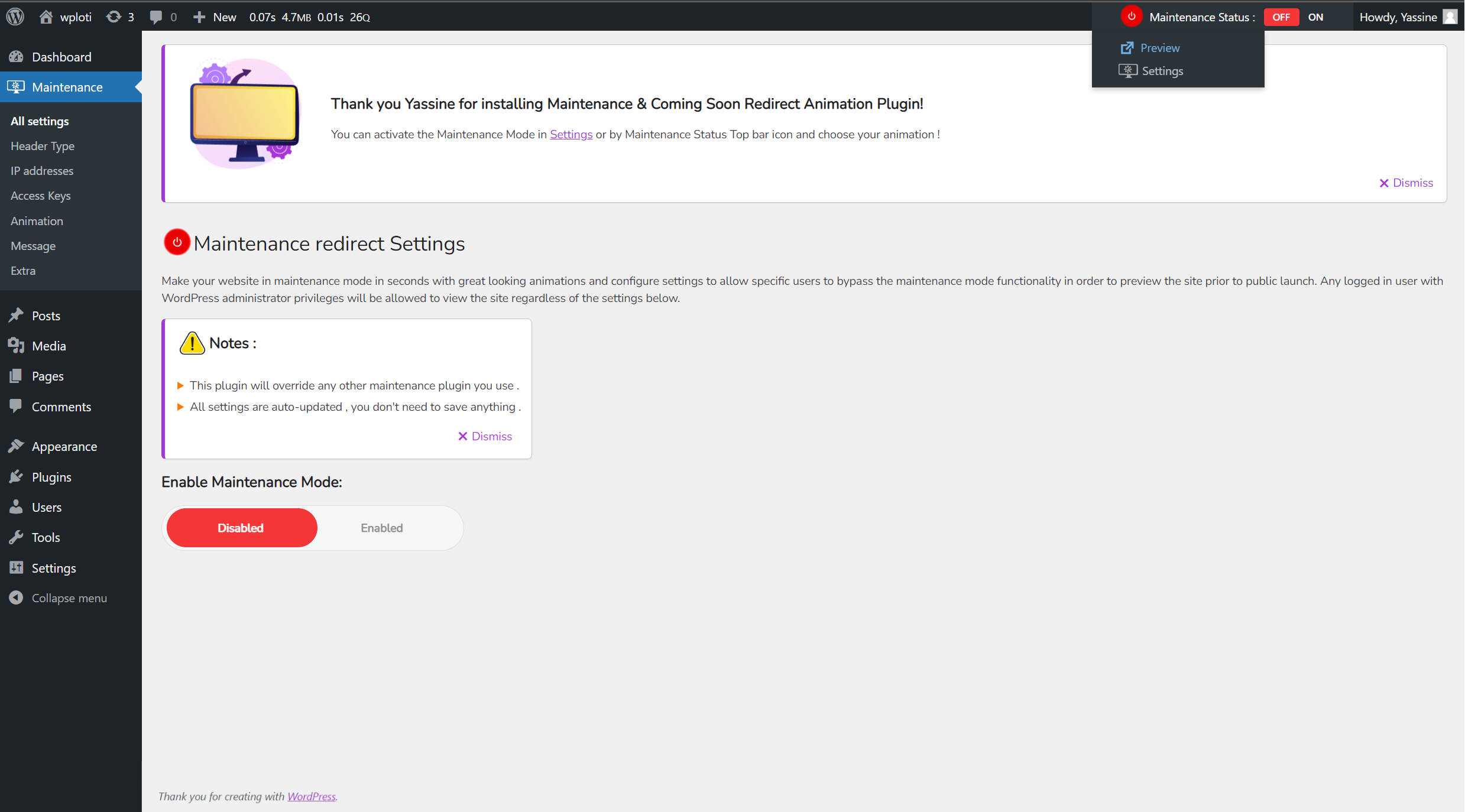
Welcome screen after installation / Maintenance Mode Disabled
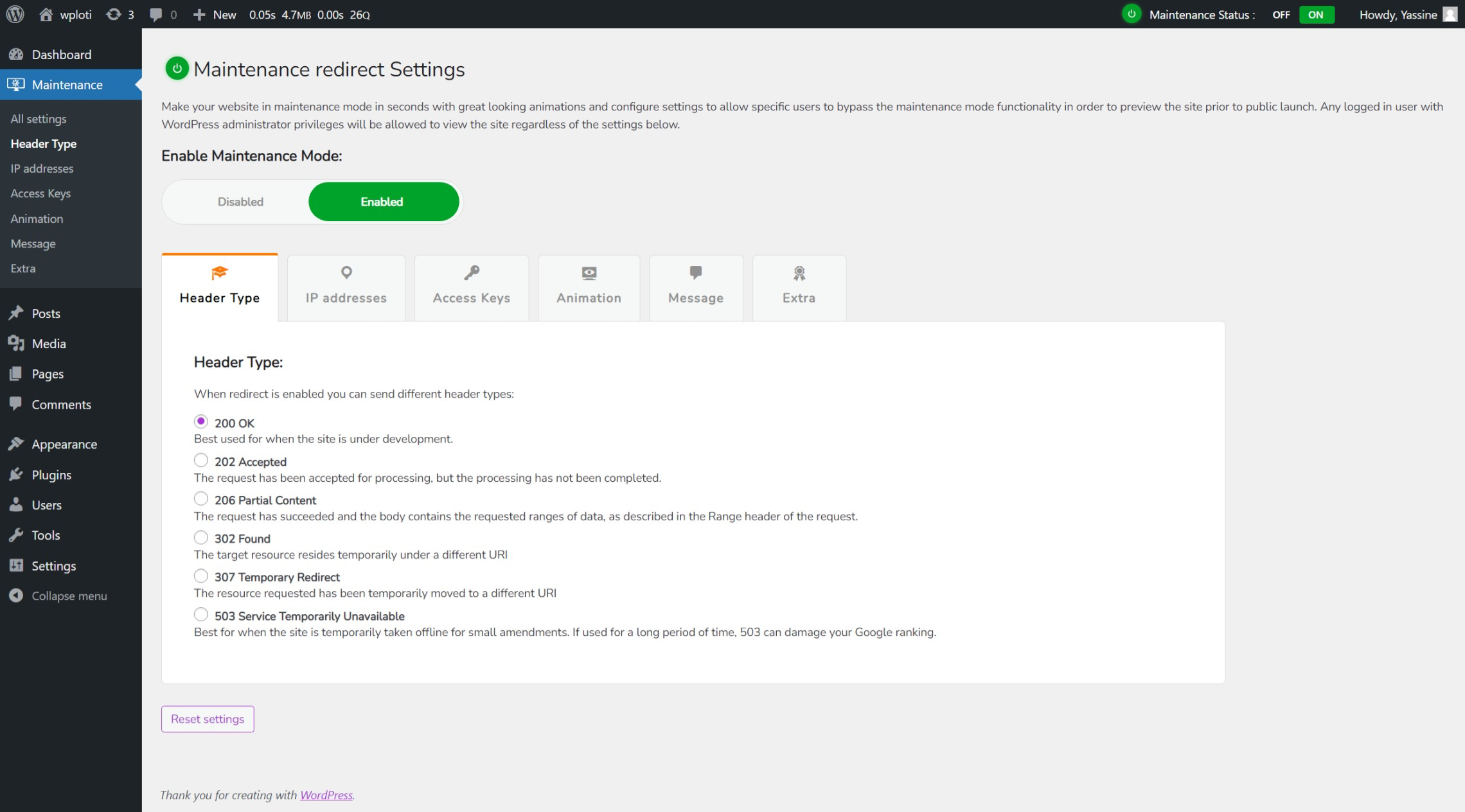
Header Type Tab
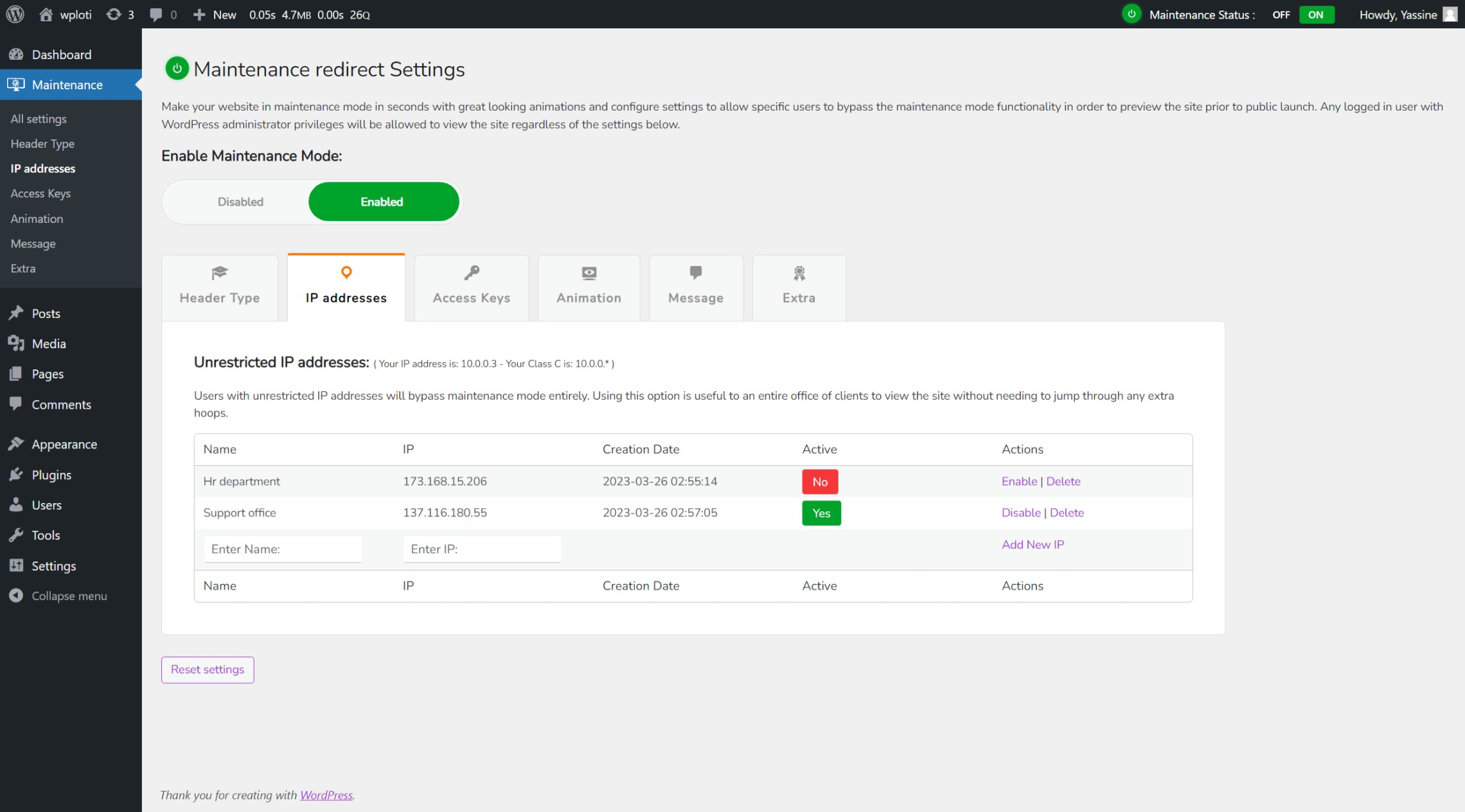
Unrestricted IP adresses Tab
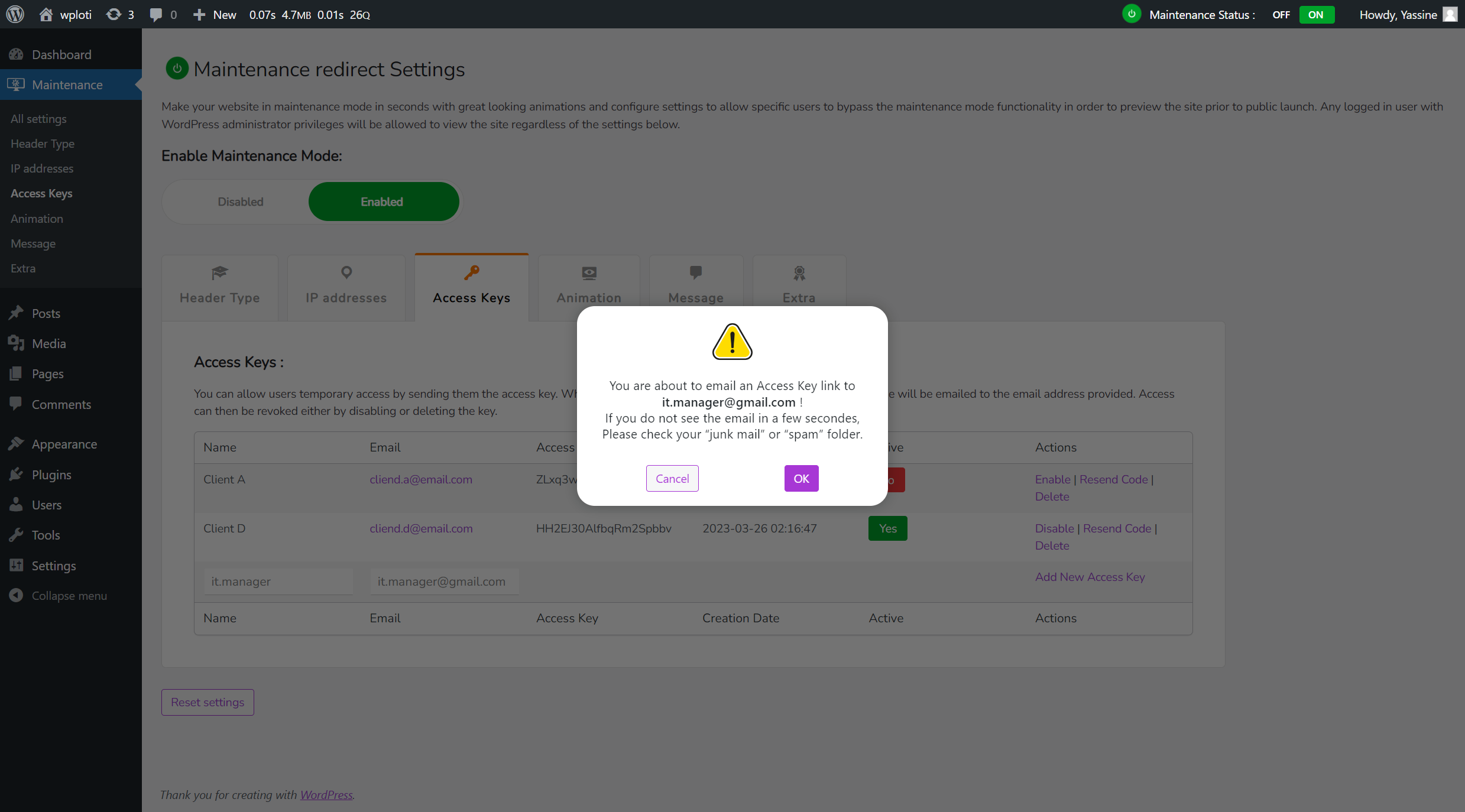
Send an Access key to specific user

Access key link email
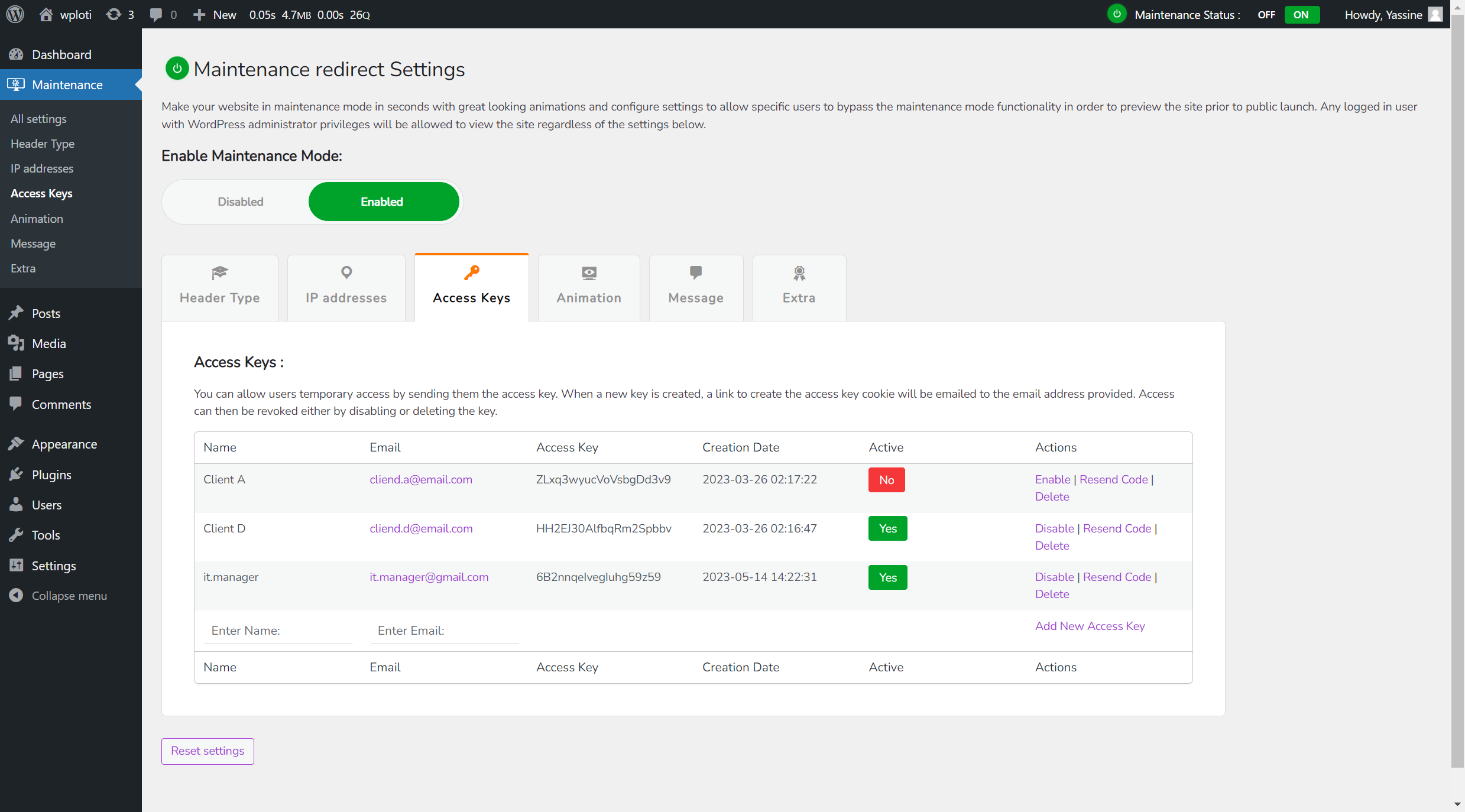
Access keys Tab Updated / Access key is activated for the user
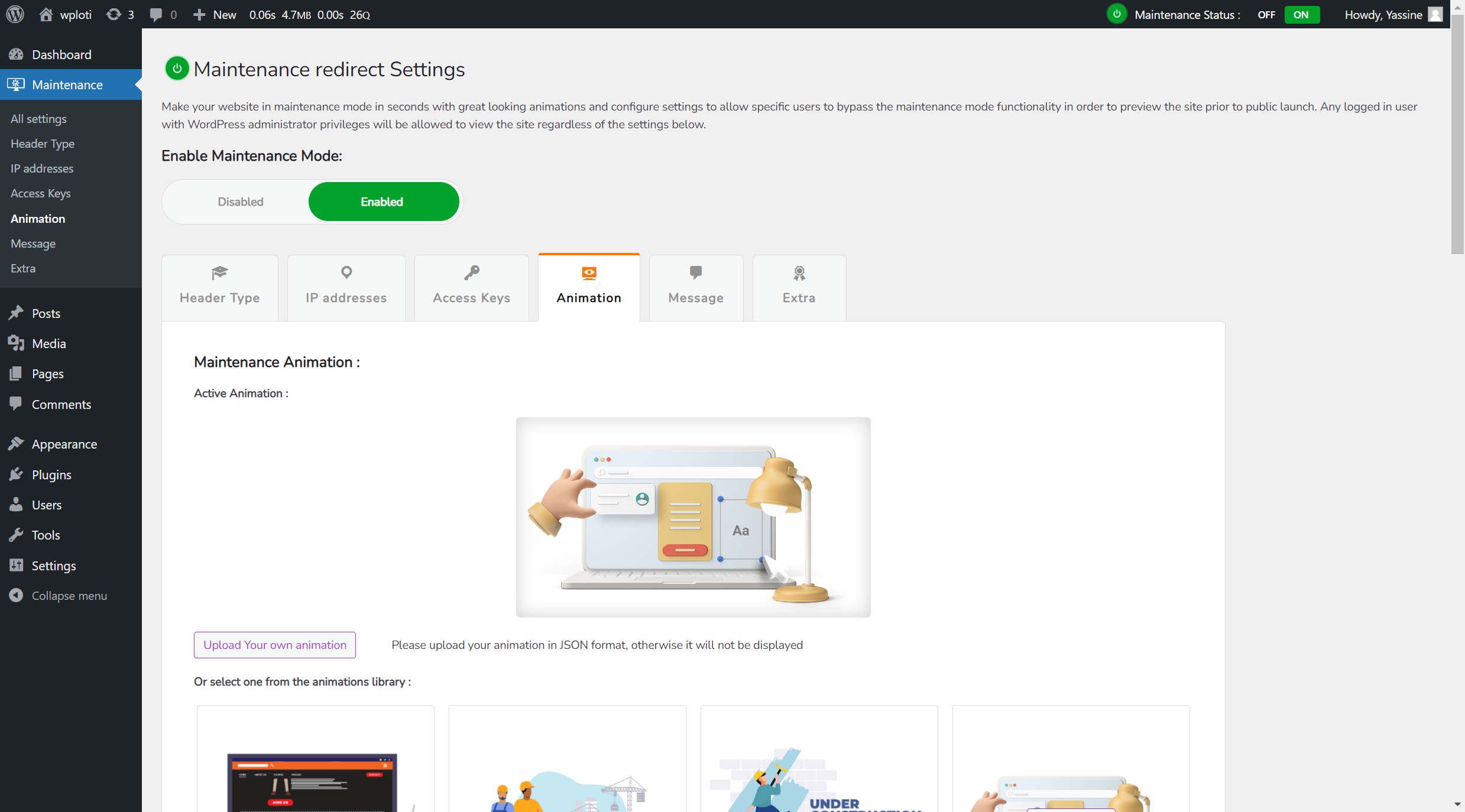
Active or Selected Animation
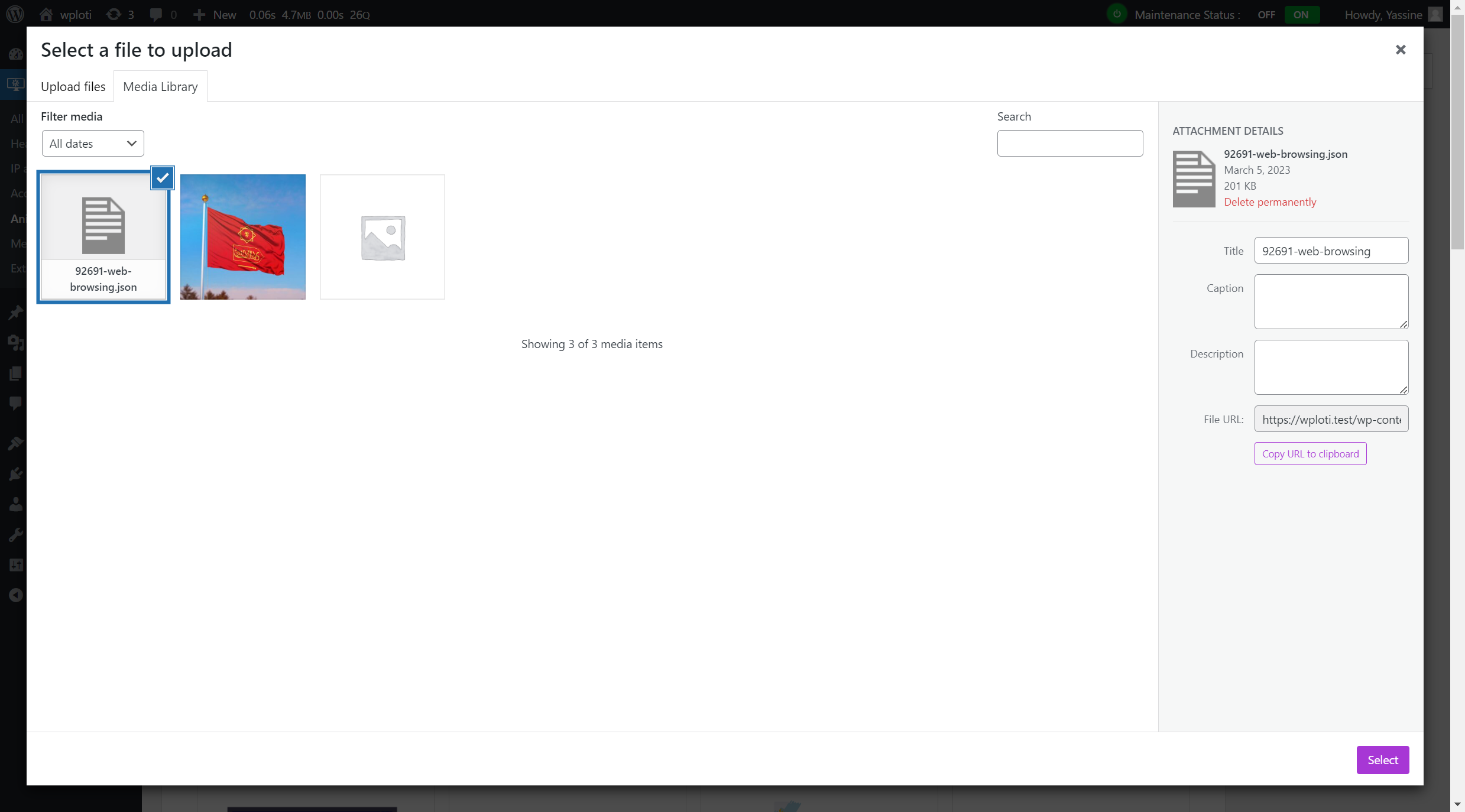
Upload an animation from Media library
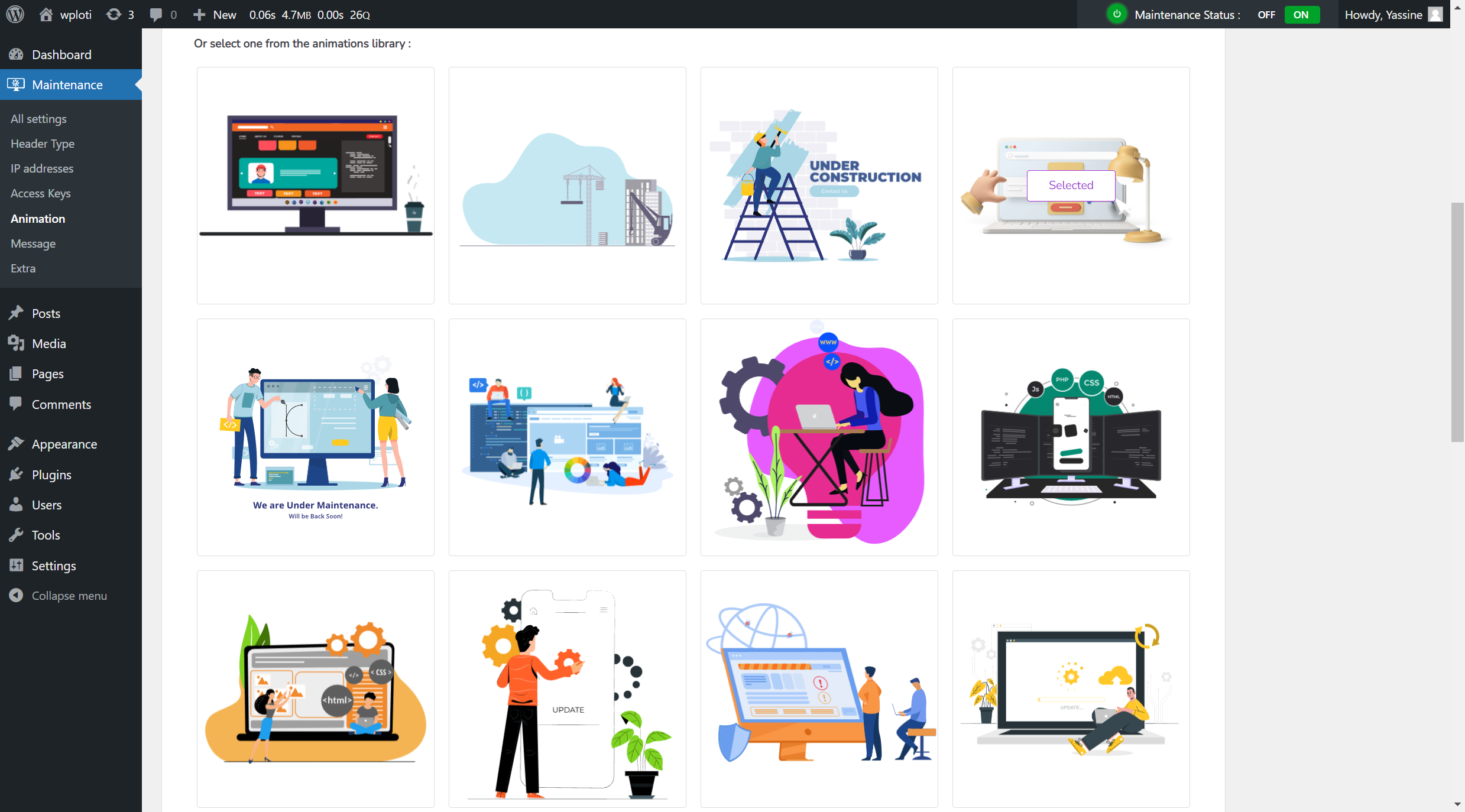
Selected animation from the animations Library
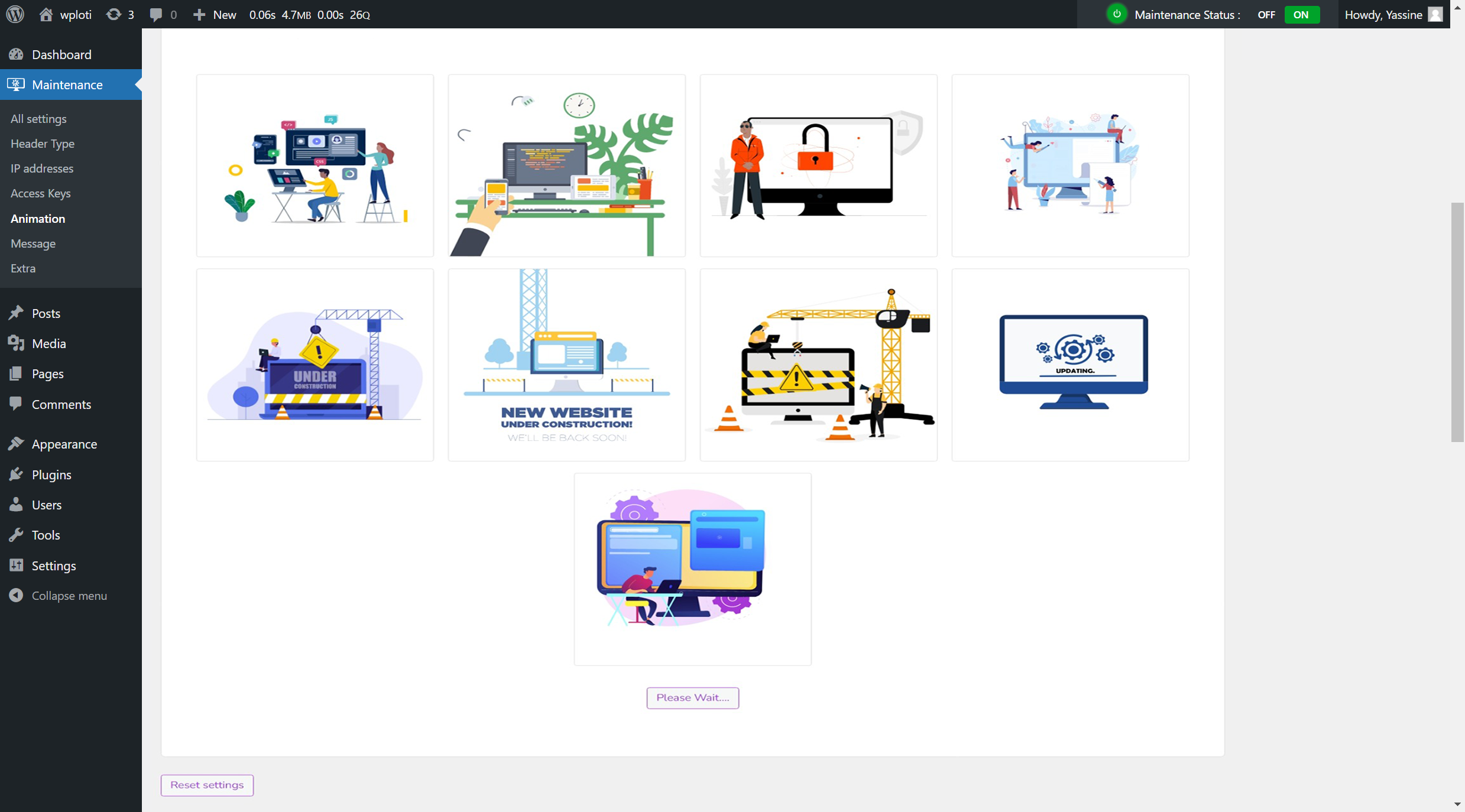
Animations for different purposes : Update, security, coming soon, under construction ..
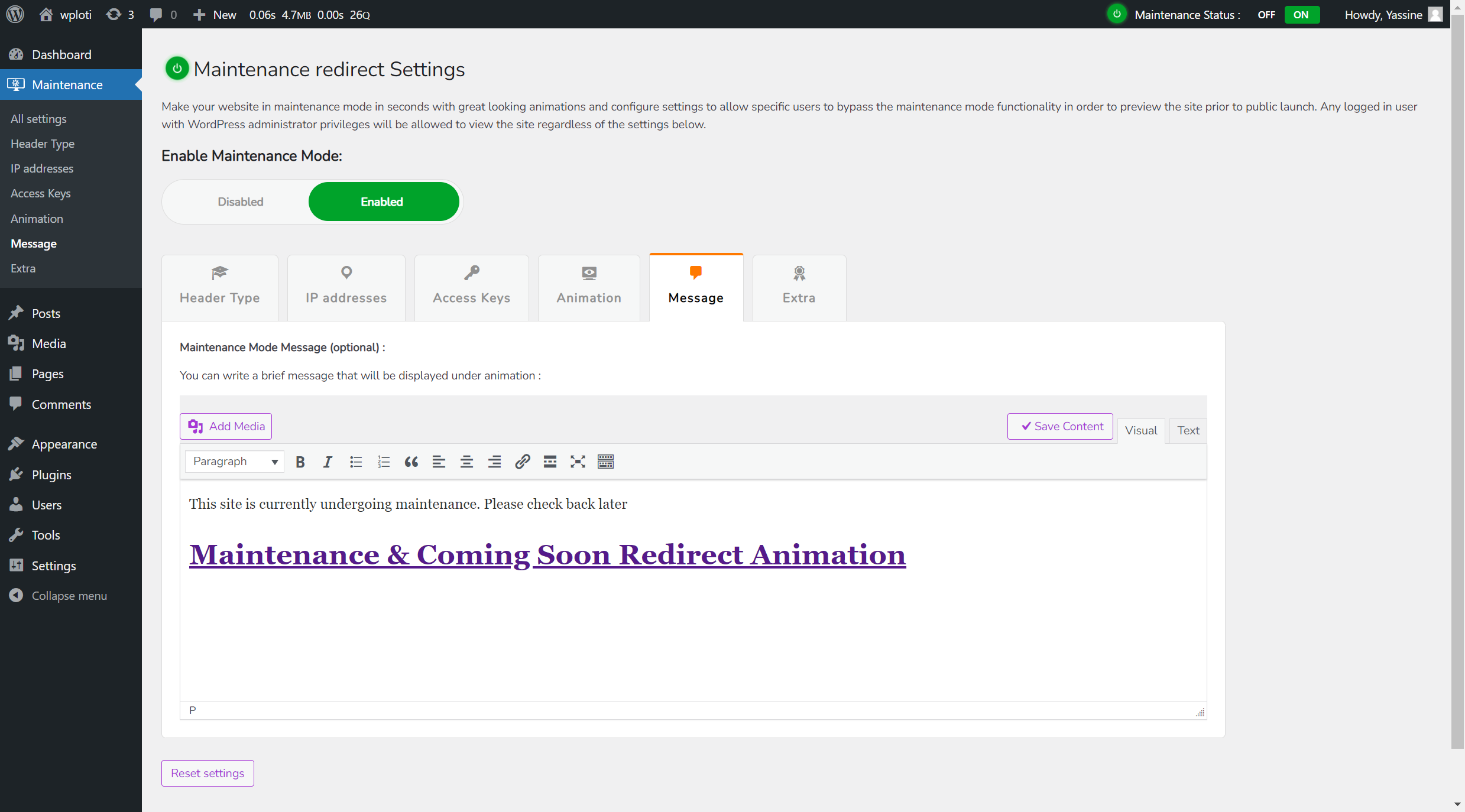
Maintenance message displayed under animation
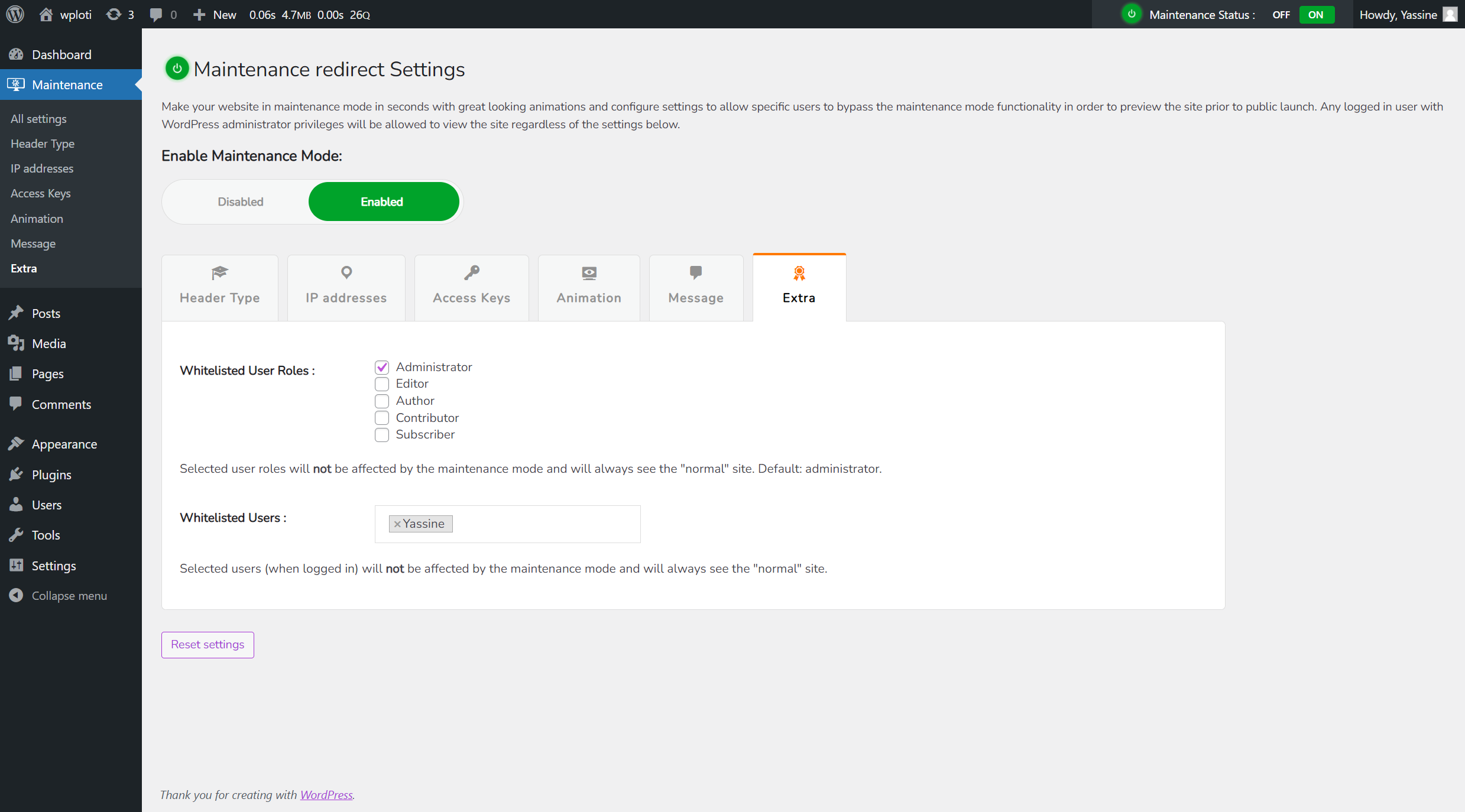
Extra Tab : Whitelisted User Roles & Whitelisted Users
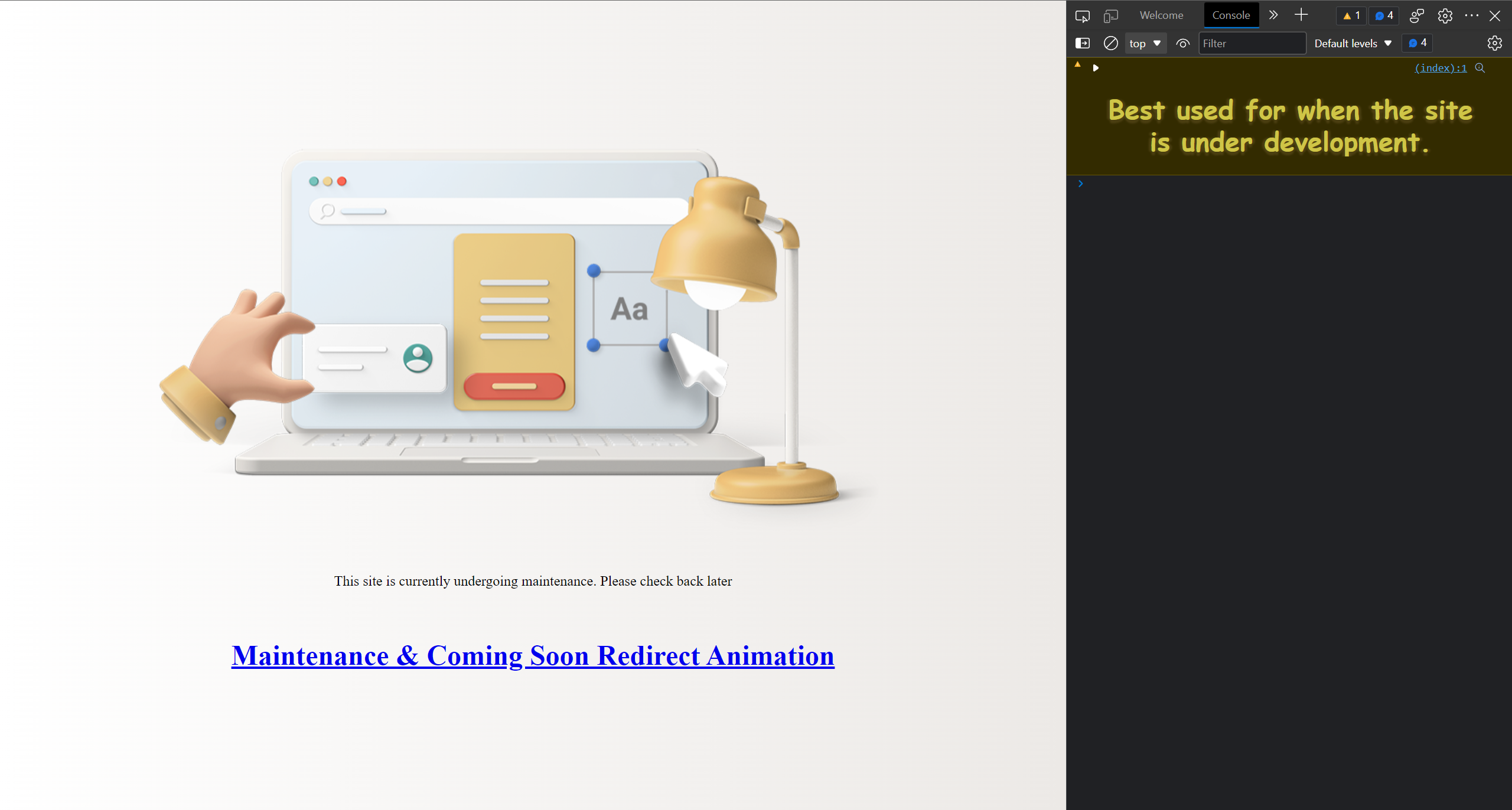
Maintenance Front Page
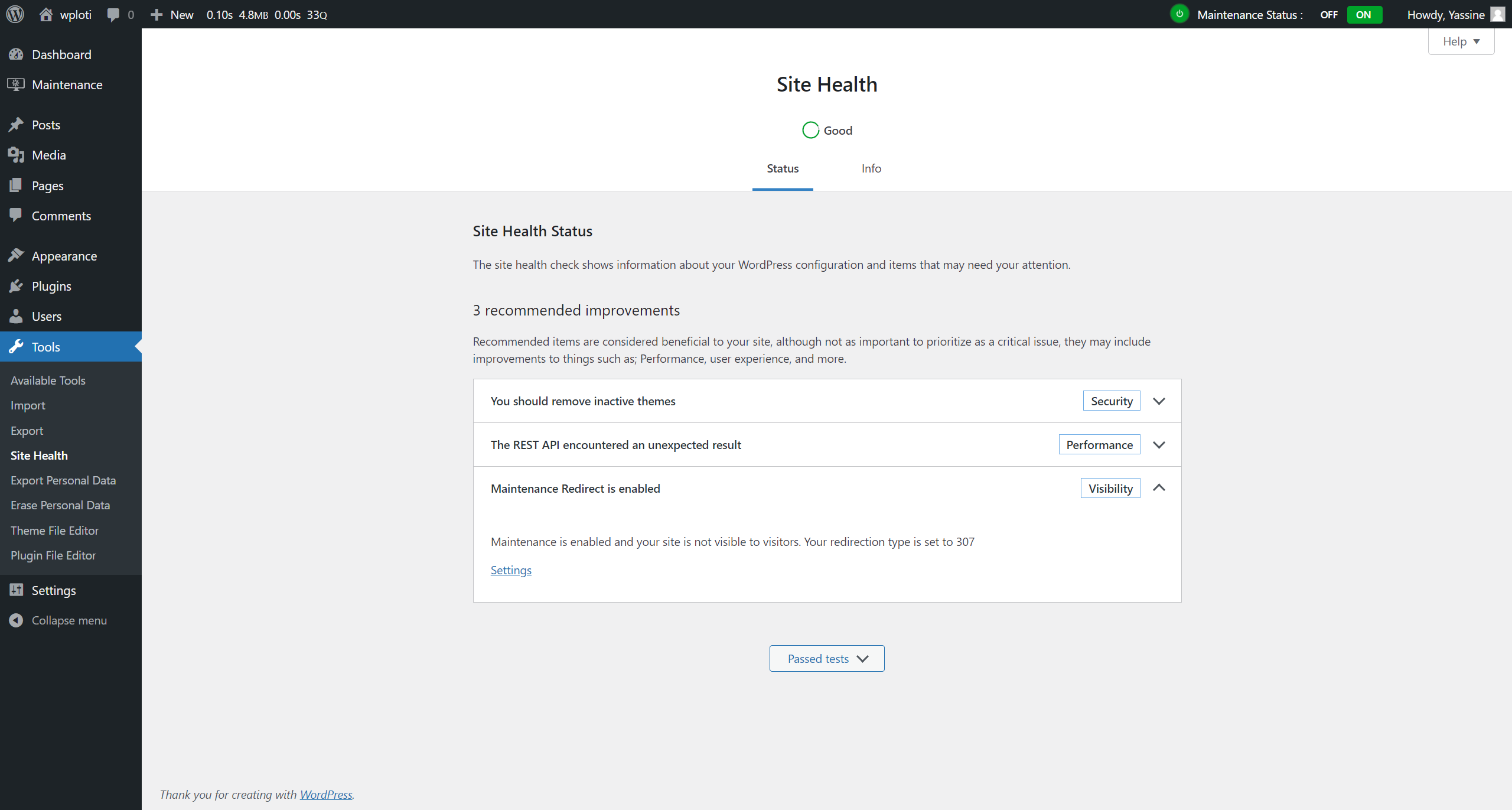
Site Health Status
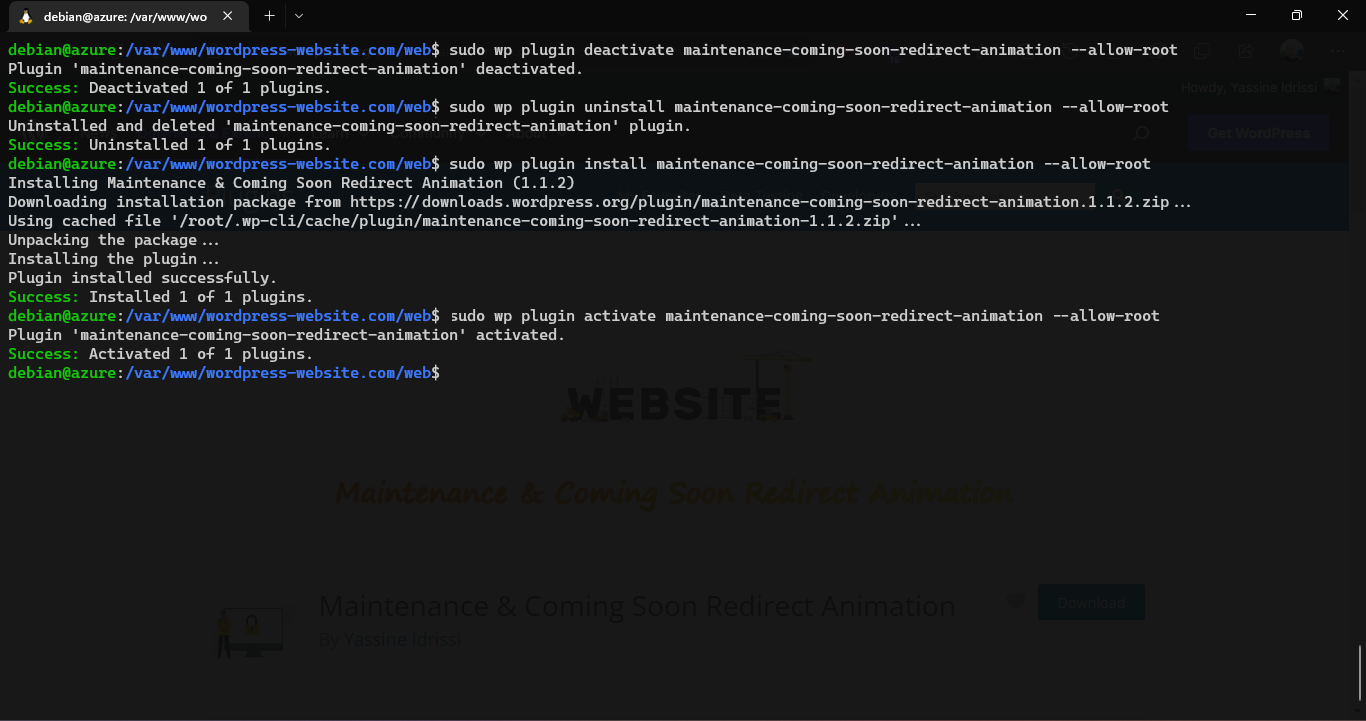
WP-CLI Commands
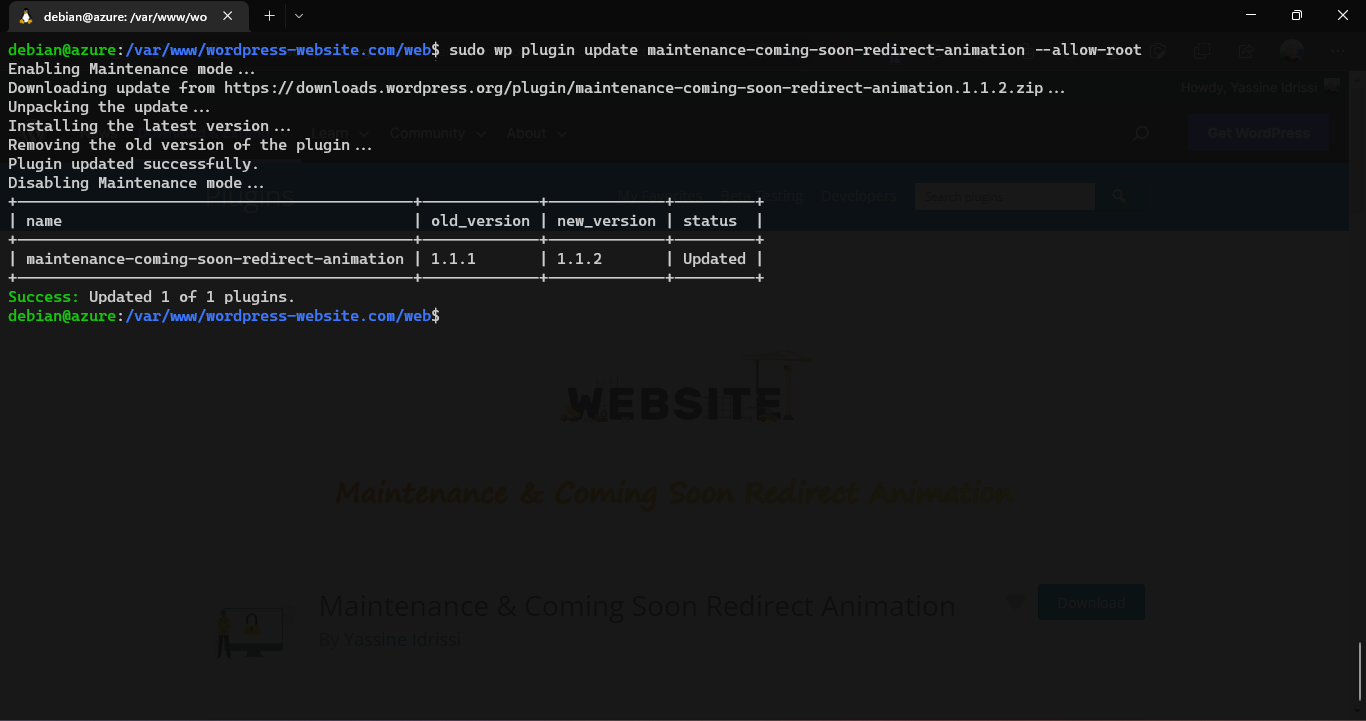
Update plugin through WP-CLI
Changelog
1.1.1
- First Final release. No Changes Yet.
1.1.2
- Fix Maintenance Status not showing in Top admin bar front
2.0.0
- Redesign Ui to tabs style
- New font added as primary font
- Fixed some styles issues on large screens
- Changed plugin icons
- Added feature : Whitelisted User Roles – user roles who see the site
- Added feature : Whitelisted Users – users who see the site
- Added feature : Administrator can upload & use his own JSON or gif Animation
- Added notice in login screen if Maintenance Mode is enabled.
- Added submenus
- Replace message input with wysiwyg Editor
- New Added headers
2.0.1
- Fix Gif animations
- Update readme file
2.3.0
- Resolved critical security vulnerabilities to ensure a safer user experience.
- Fixed potential exploits related to user access and IP whitelisting.
- Enhanced plugin security by sanitizing and validating all user inputs.
- Enhanced plugin security by restricting access to plugin settings for non-admin users.
- Improved protection against unauthorized access to plugin settings.
- Added feature: Logging system to track maintenance mode activations and deactivations.
- Fixed issue: Animation uploader now properly validates file types and sizes.
- Fixed issue: Improved compatibility with the latest WordPress versions.
- Fixed issue: Resolved conflicts with other maintenance plugins.
- Performance improvements: Reduced plugin load time and memory usage.
- Documentation: Updated FAQs and installation instructions for clarity.
2.3.1
- Fixed issue: “Headers already sent” warning resolved by refactoring plugin boot sequence.
- Enhanced plugin security by reducing premature execution and improving header handling logic.
- Code improvements: Cleaned up the main class constructor for better maintainability and clarity.
- Improved translation loading sequence to align with WordPress 6.7+ lifecycle.
- Improved performance and compatibility across themes and server configurations.
2.3.2
- Fixed issue: Access key authentication now works correctly when using temporary access URLs.
- Enhanced authentication by replacing cookie-based storage with more reliable PHP sessions.
- Eliminated browser dependency issues that could affect access key functionality.
- Fixed bug: Resolved issue where valid access keys were not bypassing maintenance mode properly.