
Master QR Code Generator – Static QR Code Generator
Generates QR codes for every page, post, product, and custom post for the WordPress website.
Plugin info
Maintenance & Compatibility
Maintenance score
Maintained • Last updated 125 days ago • 3 reviews
Is Master QR Code Generator – Static QR Code Generator abandoned?
Likely maintained (last update 125 days ago).
Compatibility
Similar & Alternatives
Explore plugins with similar tags, and compare key metrics like downloads, ratings, updates, support, and WP/PHP compatibility.
Description
Master QR Generator is a powerful and user-friendly QR code generator WordPress plugin that lets you create professional static QR codes directly from your WordPress dashboard. Customize colors, shapes, eyes, logos, and styles with ease. No coding required.
Generate QR codes for Posts, Pages, WooCommerce Products, Custom Post Types, and multiple content types including URLs, text, phone numbers, email, WiFi access, vCard, Google Maps, WhatsApp Chat, and more.
Perfect for marketers, bloggers, business owners, agencies, and WooCommerce stores who need fast, customizable QR code solutions.
Try the Demo | Backend Demo | Premium version | Documents
Preview WordPress QR Code Generator
Key Features (Free Version)
Generate QR Codes for All WordPress Content
Create QR codes for Posts, Pages, Products, and Custom Post Types instantly.
Supports Multiple QR Code Content Types
Generate QR codes for:
– URLs / Custom Links
– Text
– Email
– Phone
– SMS
– Wi-Fi
– Google Maps (latitude & longitude)
– WhatsApp Chat
– vCard (basic contact info)
Full Customization Options
- Customize colors, sizes, and shapes
- Change QR code styles using DotScale technology
- Add logos or icons inside QR codes
- Create stylish and modern QR designs
Easy Display Anywhere
- Use shortcodes
- Gutenberg block supported
- Works with any WordPress theme or page builder
Download QR Images
- Download QR codes as PNG images with one click
Beginner friendly and requires no coding skills.
Perfect for marketers, business owners, event managers, WooCommerce stores, and agencies.
Try Demo | Backend Demo | Premium Version | Documentation
Why Use Master QR Generator?
Master QR Generator helps you boost engagement, increase conversions, and connect offline users to your online content easily.
Ideal for:
– Marketing campaigns
– Product packaging
– Event promotions
– Magazine ads
– Business cards
– Contactless menus
– Service promotions
– Store locations
This plugin helps you build interactive, scannable experiences that improve user engagement and brand visibility.
Core Features Explained
Stylish QR Codes for WordPress
Use DotScale customization to create beautiful, unique, and branded QR codes.
Custom Text / Number / Link QR
Quickly generate QR codes for text, contact numbers, or any custom URL.
Google Map QR Code
Add your business location using Google Maps QR codes. Supports latitude and longitude.
WhatsApp Chat QR Code
Create instant WhatsApp chat QR codes by entering your WhatsApp number.
WiFi QR Code
Allow visitors to connect to your Wi-Fi network by scanning a QR code.
Email Address QR Code
Share email addresses instantly via QR code.
Phone Number QR Code
Visitors can call you instantly with one scan.
vCard QR Code
Generate digital business card QR codes containing full contact details.
EXTRA FEATURES FOR PREMIUM
► ADD QR CODE EYE COLOR: Make QR code attractive using QR code eye color in the premium version
► ADD QR CODE EYE BORDER COLOR: Make QR code attractive using QR code eye border color in the premium version
► ADD QR CODE VERTICAL TIMING COLOR: Make QR code attractive using QR code Vertical Timing Color in the premium version.
► ADD QR CODE HAORIZONTAL TIMING COLOR: Make QR code attractive using QR code Haorizontal Timing Color in the premium version.
► ADD CENTER LOGO: The premium version allows you to place your website’s Brand logo/image in the center of the QR code.
► ADD BACKGROUND IMAGE: The premium version allows you to place your website’s Brand logo/image in the background of the QR code.
► BULK VCARD QR CODE GENERATOR: In the premium version, you can create as many vCard QR codes as you want. vCard allows the sharing of basic information like name, contact information, job title, address, and website URL via QR code.
► ADD LOGO FOR DIFFERENT POST TYPES: You can set different logo based on post type. So you can manage the brand logo and increase brand value with a QR code. Upload different images based on different post types and improve site quality. View Demo
► SHORTCODE WITH ATTRIBUTES:In the free version, you can use QR code shortcode one time. But in the premium version, you can use attributes for each shortcode. You can design QR codes differently using the shortcode features, change content elements, and generate QR codes in bulk using the features. Read Docs.
► WORDPRESS WIDGET SUPPORTED: The premium plugin has powerful WordPress widget facilities for creating QR. You can easily create custom text, links, current page links, numbers, WhatsApp chat access, and tax code for email addresses using this widget. View Admin Demo.
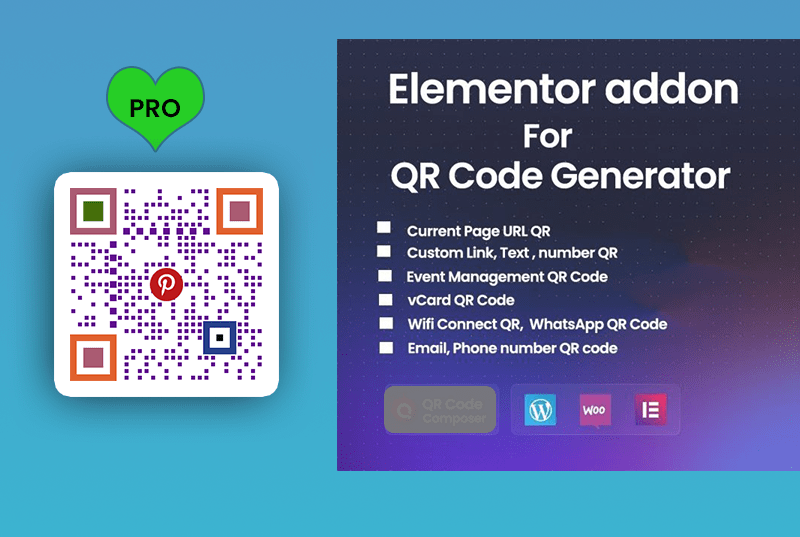
► QR CODE GENERATE WITH ELEMENTOR: Elementor users can easily generate QR codes with the “Master QR” addon. Master QR addon is excellent for generating current page URLs, custom links, email addresses, phone numbers, wifi access, WhatsApp chat, and vCard QR code. View Elementor Preview.
► QR CODE BULK PRINT: Post-type-based QR codes can be easily printed from one page. In bulk print settings, you can choose a post type like ‘Product’, ‘Post’, ‘Page’, ‘Custom Post’, etc., for filtering. You will receive a printout as a PDF. Live Demo :
► DOWNLOAD QR CODES FROM ONE PAGE: This is a powerful advantage for the website owner. They can easily download QR images from one page. This option is available for post-type QR. Live Demo :
And many more things are waiting for you to discover
Elementor QR Code Generator
Privacy
This plugin does not connect to any third-party applications. It does not collect or store any user information. This plugin generates QR code images based only on URLs and your custom content. QR code images are not saved to any file
Feedback
Give any suggestions or feedback, thank you for using or trying our plugin. Please let us know about your experience and rate this plugin.
Credits
The QR Code generator library is included (based on EasyQRCodeJS written by Ray, EasyProject) and doesn’t need any dependencies.
Installation
Follow these simple steps to install and start using Master QR Generator:
📥 Automatic Installation (Recommended)
Log in to your WordPress admin dashboard.
Go to Plugins » Add New.
In the search bar, type Master QR Generator.
Click Install Now next to the plugin.
Once installed, click Activate.
📦 Manual Installation
Download the plugin ZIP file from the WordPress Plugin Directory.
Go to your WordPress admin dashboard.
Navigate to Plugins » Add New and click Upload Plugin.
Select the downloaded ZIP file and click Install Now.
After installation, click Activate Plugin.
🚀 Getting Started
After activation:
Go to Master QR Generator in your WordPress dashboard.
Choose your desired QR code type.
Customize the appearance.
Generate and download or embed your QR code using a shortcode.
Frequently Asked Questions
Currently, it generates static QR codes. Dynamic QR codes may be added in future updates.
Yes. You can generate QR codes for WooCommerce products.
Yes, the Premium version includes logo support.
Yes. These formats are fully supported.
Yes. The plugin includes many customization options and advanced styling in the Premium version.
Review feed
PRO looks Excellent, FREE not so much
Screenshots
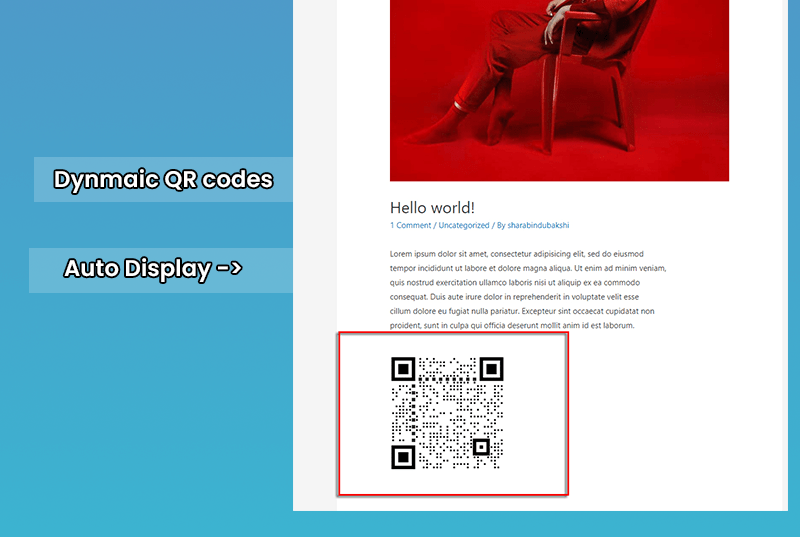
Auto-Generate QR code on Page
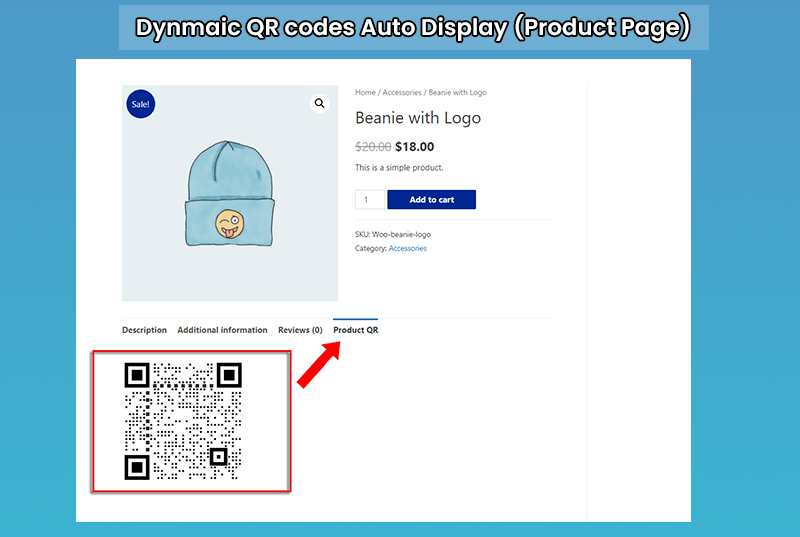
Auto-Generate QR code on Product Page
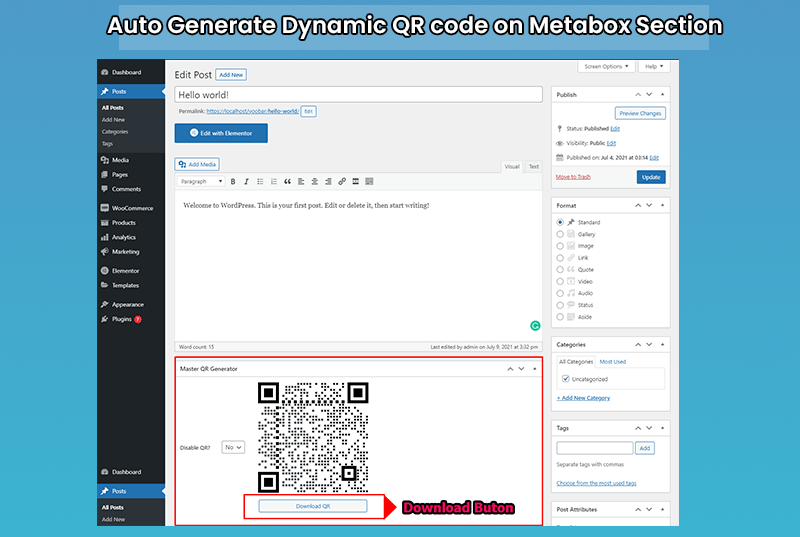
Auto-Generate QR code on Metabox Section
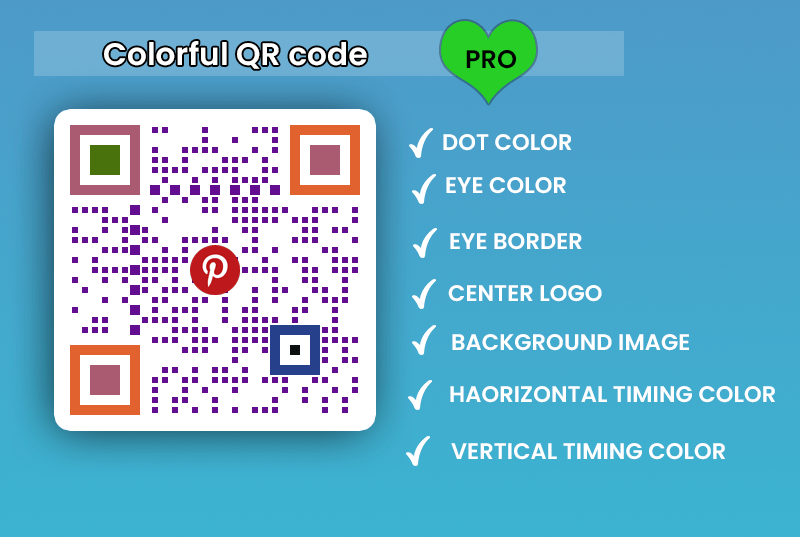
Colorful QR code (Premium Version)
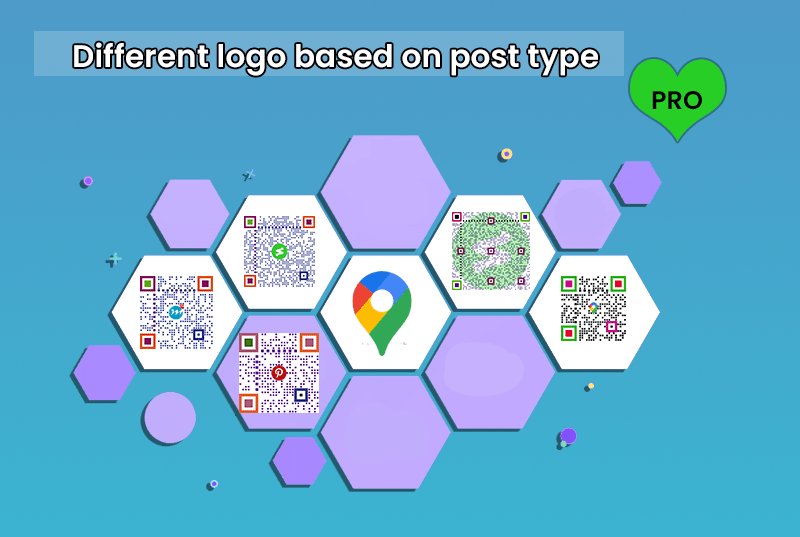
Different logo based on post type (Premium Version)
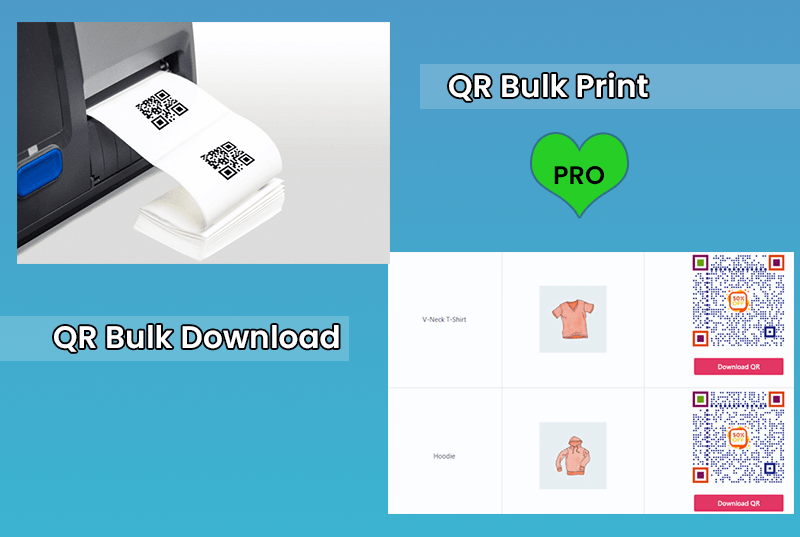
QR code bulk print and Download (Premium Version) 7 QR Code addon for Elementor Page Builder (Premium Version)
Changelog
2.0.6
- Update: Compatibility Update
2.0.5
- Update: Compatibility Update according to WordPress’ new version
- FIX: CSS issues on Download and Print button
2.0.4
- Update: Compatibility Update
2.0.3
- Update: Compatibility Update
2.0.2
- Fix: Fixing the Meta box QR code URL issues
2.0.1
- New: Add color for QR Dot
- New: Add background Color for QR Code
- New: Generate QR code for Custom Text, Number, Link
- New: Generate QR code for WhatsApp Chat
- New: Generate QR code for WIFI Access
- New: Generate QR code for Google Map Location
- New: Generate QR code for vCard QR Code
1.2.6
- New: Add Shortcode for Current Page URL
1.2.5
- Fix: Fixing JS error issues
1.2.4
- Update: Compatibility Update
1.2.0
- New: Download Button Added on Metabox QR code
1.0.1
- New: meta box QR code added
1.0.0
- Initial release