
MasterStudy LMS WordPress Plugin – for Online Courses and Education
Learning Management System and eLearning plugin for WordPress. Create easily LMS WordPress website, add and sell Courses, Lessons, Quizzes online.
Plugin info
Maintenance & Compatibility
Maintenance score
Maintained • Last updated 120 days ago • Support resolved 50% • 463 reviews
Is MasterStudy LMS WordPress Plugin – for Online Courses and Education abandoned?
Likely maintained (last update 120 days ago).
Compatibility
Developers
Similar & Alternatives
Explore plugins with similar tags, and compare key metrics like downloads, ratings, updates, support, and WP/PHP compatibility.
Description
MasterStudy is a free WordPress LMS plugin for online learning business. The WordPress LMS plugin turns any regular WP website into an online school with all the necessary eLearning & LMS features. This WordPress LMS plugin offers extensive tools for creating, managing, and selling courses online. As a top LMS plugin for e-learning, it supports multimedia lessons, quizzes, and student progress tracking; it’s an ideal choice for educators and institutions.
MasterStudy is the best free Learning Management System WordPress plugin for online coaching, instructors, trainers, tutors, schools, colleges, marketplaces and any type of learning website.
⭐ MasterStudy Free version
⭐ MasterStudy PRO version
⭐ Documentation
⭐ MasterStudy Templates
⭐ Join Facebook Community
Who is it for?
Masterstudy LMS plugin for WordPress is targeted to:
- Single instructor (coach or tutor);
- Education institutions (learning centers, schools, universities);
- LMS Marketplace on WordPress (with online courses).
How Does It Work?
With MasterStudy, you can create and sell online courses on LMS without needing to be a tech expert. It’s like building your LMS website on WordPress with easy and ready tools.
For Individual Instructors (Tutors, Coaches):
MasterStudy is a perfect LMS WordPress plugin for tutors, coaches, or anyone who wants to teach online. You can make interactive lessons with audio, videos, images, and slides, and organize them for your students on the LMS website on WordPress.
For Educational Institutions:
MasterStudy helps schools and colleges handle students, grades, and lessons on the LMS website on WordPress smoothly. Teachers can add materials, edit lessons, and talk to students with message boards on LMS. Students can ask questions and talk to their teachers through comments and messages on the LMS website on WordPress. They can pay per LMS course or sign up for monthly/yearly subscriptions on the WordPress website.
For Online Course Marketplaces:
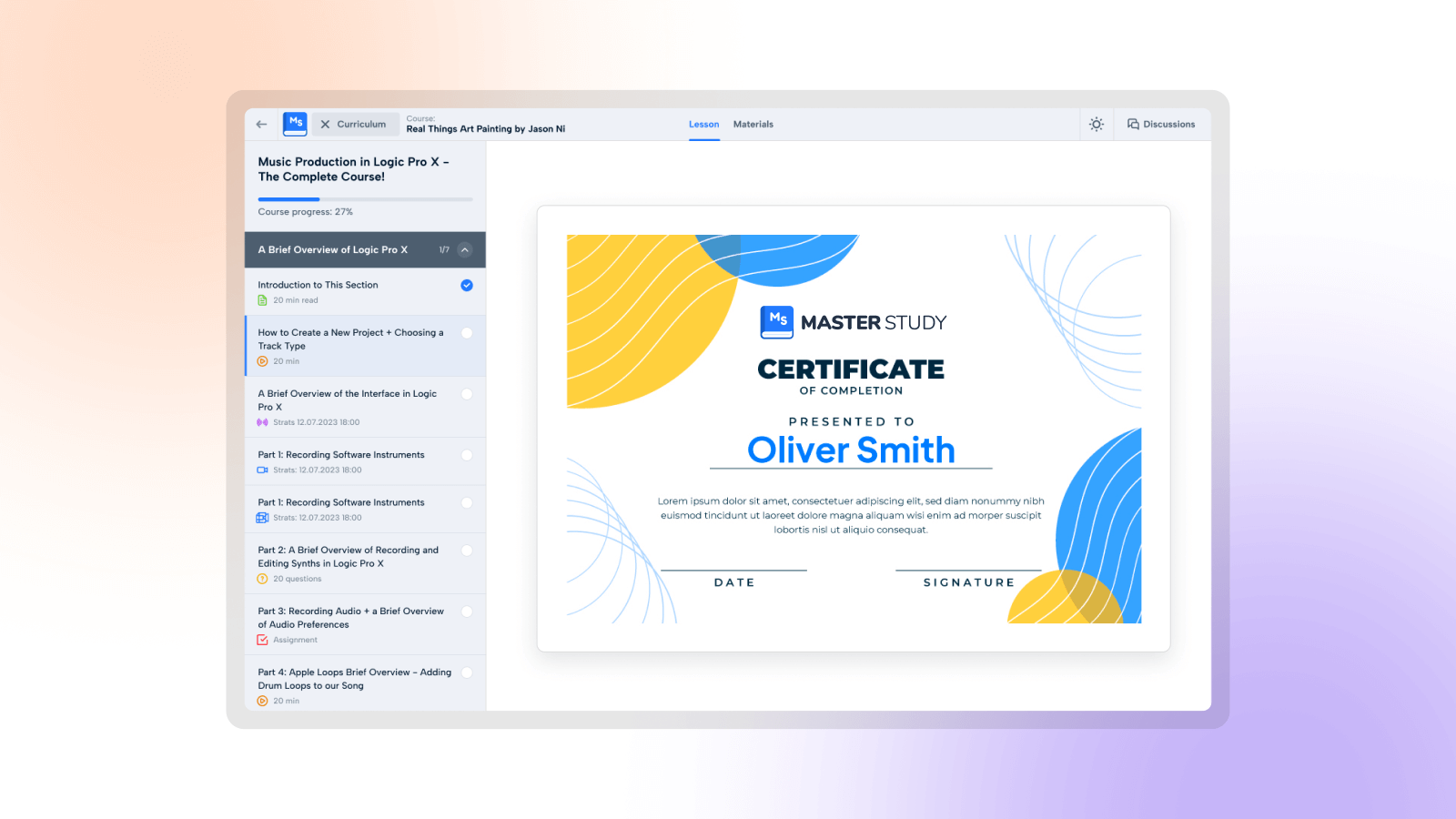
With MasterStudy, you can set up online marketplaces and LMS with lessons like Udemy or Coursera in WordPress. It takes care of subscriptions, quizzes, payments, and student management on the LMS website on WordPress. You can also make certificates for students. Each user gets their own profile on the LMS where they can track progress, continue lessons, see quiz scores on the WordPress website, and buy courses or memberships.
There is a step-by-step video tutorial on how to use the MasterStudy WordPress Plugin to build an LMS on WordPress.
Create a Course Easily with Our Powerful Builder:
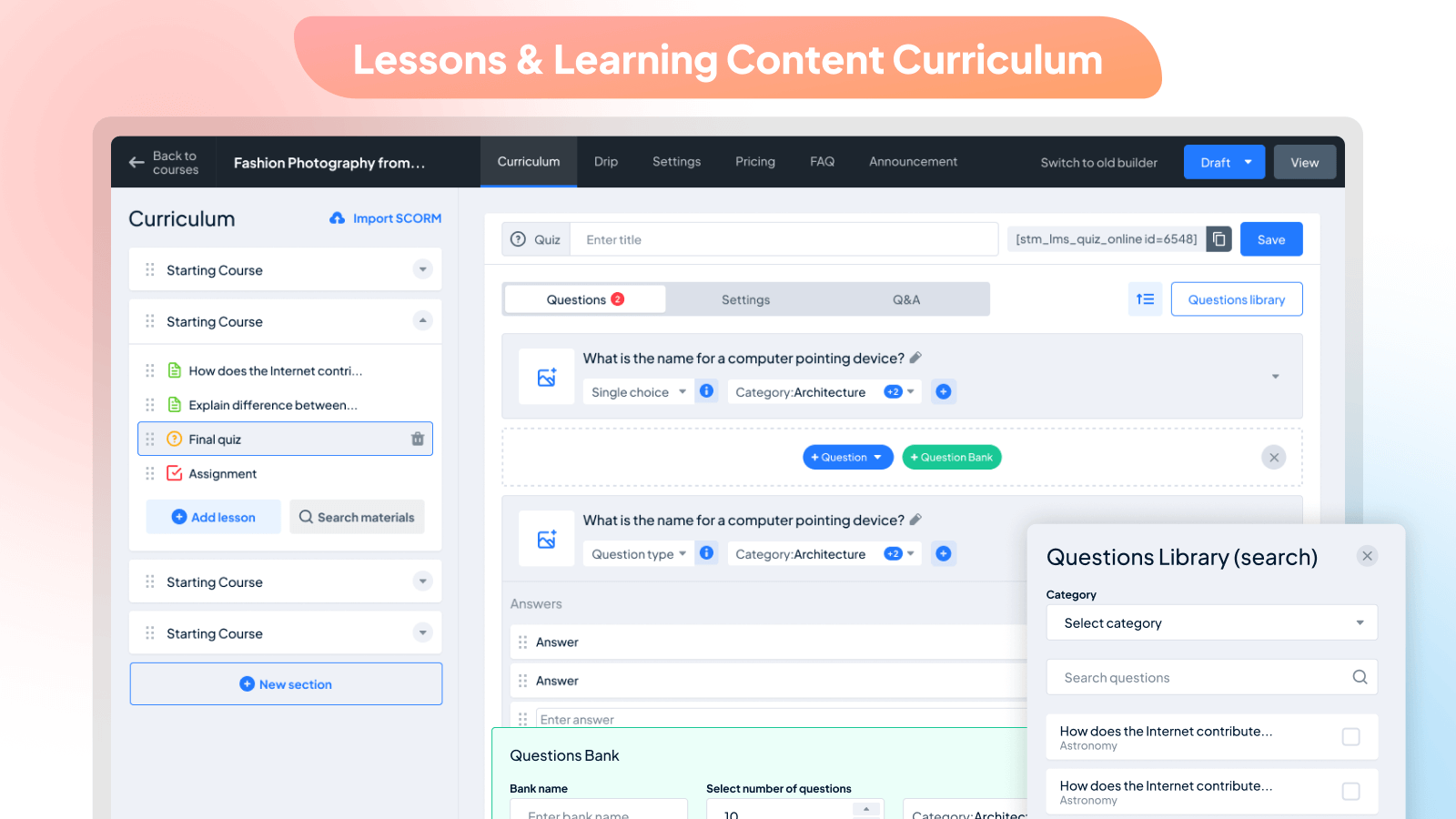
Creating a curriculum is simple with the MasterStudy WordPress LMS plugin. Our LMS builder is user-friendly and beautifully designed, divided into easy-to-follow sections for WordPress. Once you’ve created, you can add lessons, quizzes, and assignments to your LMS. You can also customize the sequence of lessons on LMS, preview specific ones, set pricing options, and add FAQs on the WordPress website.
Easily include all the details you need in one place of your LMS, such as the title, descriptions, curriculum, duration, price, skill level, and the number of active students on your WordPress website. Plus, you can add videos to your LMS, attachments, teachers on WordPress, and rewards.
With our Course builder, you have unlimited options for managing your LMS courses on WordPress:
- Featuring Courses
- Previewing Courses
- Describing Courses on LMS for Users
- Announcing Updates
- Adding FAQ Sections
- Reviewing and Rating Teaching
- Setting Expiry Dates for Courses
- Temporarily Pausing
- Sorting LMS Courses into Categories
- Attaching Files to Lessons
- Tracking Student Progress
- Managing Enrolled Students
- Specifying Durations and Video Lengths
- Determining the Number of Lessons
- Assigning Difficulty Levels
- Managing Students’ Progress
- Adding Students Manually
- Viewing Students’ Progress Details on LMS
- Resetting Students’ Progress
ADDING LESSONS
Once your curriculum and sections are set up on your LMS, it’s time to add different lesson types on WordPress. You have the flexibility to create four types of LMS lessons: text, audio, video, online streams, and slideshows on your WordPress website. Plus, you can easily incorporate previously created LMS content with our library of lessons and quizzes on WordPress.
Here’s what you can manage with LMS lessons on WordPress:
- Duration
- Preview (accessible to everyone)
- Description visible on the frontend
- Type of video lesson
- Discussions for students with the instructor on LMS
- Lesson materials (any media type)
Seven Types of Video Sources to Add for Video Lessons
With our MasterStudy LMS WordPress plugin, adding videos is simple. It’s fully compatible with Presto Player, a cutting-edge WordPress video player plugin. You can use up to seven video sources for the LMS on WordPress:
- HTML(MP4)
- YouTube
- Vimeo
- External Links
- Embedded Video
- Shortcodes
- Presto Player
QUIZZES
You can add questions to quizzes manually or select from the preset LMS questions library on WordPress. Then, simply input your first question to the LMS. We offer eight LMS question types to suit your needs: single-choice, multi-choice, true or false, item match, image match, image choice, keywords, and fill-in-the-gap.
Here are the features of our quizzes:
- Advanced quiz builder
- Various quiz styles
- Categorization of quizzes on LMS
- Setting quiz duration
- Limiting quiz attempts
- Deducting points on resubmission
- Defining passing grades
- Randomizing questions
- Displaying correct answers
- Describing the quiz visible on the frontend of LMS
Course Player: Better Learning Experience
Improve your students’ learning journey with our Course Player. It’s distraction-free, sleek, and user-friendly. Students can easily navigate through the LMS curriculum, switch between light and dark modes, and take part in discussions. Progressing through lessons is effortless—students can just click “Complete” to move to the next one.
Key Features of MasterStudy Free Plugin:
- Modern design
- Powerful Course Builder
- Course Player
- Dark mode in the player
- Unlimited courses and lessons
- Course preview
- Frontend student dashboard
- Teacher’s profile
- Video lessons on LMS
- Many video sources (self-hosted, YouTube, Vimeo, Presto Player, HTML, Embeded, Shortcode)
- Separate teacher profiles
- Lesson management
- Dynamic drag and drop certificate builder
- Advanced quiz builder (8 quiz types)
- Earning & commission allocation
- Many withdrawal options
- Purchase history
- Styling options
- Course widget
- Teacher registration form
- Review and rating system
- Q&A for students with the teacher
- Video poster (trailer/teaser)
- Tracking course progress
- Difficulty level
- Define course duration
- Course LMS marketplace
- Add course requirements and instruction
- Quiz timer
- Quiz attempts
- Centralized monetization settings
- Spotlight mode
- RTL ready
- Page builder support
- Gutenberg compatible
- Gutenberg blocks available to build LMS pages easily
- Content security
- Advanced analytics
For more details, please visit our website.
MasterStudy Premium Plugin Features
- Certificate Builder: Make custom certificates easily.
- Udemy Importer: Bring in Udemy lessons and earn commissions.
- Prerequisites: Set required courses before new enrollments.
- Quizzes: Add different types of questions to tests.
- Sequential Drip Content: Plan lessons step by step.
- Gradebook: See and export class results.
- Live Streaming: Conduct live lessons.
- Group Courses: Sell to companies and manage members.
- Assignments: Students submit work and get grades.
- Question Media: Add videos, audio, and images to quizzes.
- Point system: Reward learners for achievements.
- Statistics and Payouts: Analyze data and manage payments for instructors.
- Online Testing: Embed quizzes anywhere and conduct tests online.
- Trial Courses: Offer courses as trials or demos for new users.
- Co-instructors: Assign multiple instructors to a course.
- Gradebook: Monitor students’ progress and performance.
- Email Manager: Personalize email templates.
- Course Bundles: Bundle courses together and offer discounts.
- Google Classrooms: Import classes from Google Classrooms.
- Zoom Conference: Conduct Zoom lessons, meetings, and webinars on your site.
- Google Meet: Schedule and host Google Meet meetings.
- Audio Lessons: Upload audio files or add from Spotify or SoundCloud as a lesson.
- SCORM: Import pre-built e-learning content using SCORM standards.
- LMS Forms Editor: Customize website forms with an easy-to-use editor.
- File Upload Manager: Manage various file types in courses and lessons.
- Upcoming Course Status: Promote courses that are not yet open for enrollment.
- Reports and Analytics: Track your course performance, monitor student progress and manage earnings—all in one place.
- Grades: Assign, manage, and review grades for courses, quizzes, and assignments seamlessly.
Installation
This section describes how to install the plugin and get it working.
- Upload the plugin files to the
/wp-content/plugins/directory, or install the plugin through the WordPress plugins screen directly. - Activate the plugin through the ‘Plugins’ screen in WordPress
- Please find more details about Installation in documentation
- Set Up Courses Archive Page in Menu -> STM LMS Settings Area.
Shortcodes
- [stm_lms_courses_grid_display per_row=”4″ posts_per_page=”4″ load_more=”true”]
Accepts all WP_Query params for sorting, order by etc - [stm_courses_searchbox]
Shows courses search box - [stm_lms_courses_carousel]
Enables the courses carousel - [stm_lms_courses_categories]
Shows categories of the courses - [stm_lms_courses_grid]
Enables the courses grid - [stm_lms_featured_teacher]
Shows Featured Teacher - [stm_lms_instructors_carousel]
shows the Instructors carousel - [stm_lms_recent_courses]
Displays Recent courses - [stm_lms_single_course_carousel]
Shows the carousel with single course
Template System
- Easily copy any template from stm-lms-templates folder and move it in your theme for future customization. Try not to edit plugin files, they will be replaced after plugin update.
LMS Hard-coded Pages
- /lms-login – Login/Register Page
- /courses/{course}/{lesson} – Lesson Page (must be logged in with Purchased course or lesson is Preview)
- /lms-user/{user_id} – User Private Page (must be logged in)
- /lms-user_profile/{user_id} – User Public Page
- /lms-chats – User Chat (must be logged in)
- /lms-wishlist – My Wishlist Page
- /lms-checkout – Checkout Page (must be logged in)
Frequently Asked Questions
Yes, MasterStudy WordPress LMS Plugin is compatible with free and premium WordPress themes, so you can use it with the one you choose. If you have difficulties selecting the theme for your educational website, you can consider the option of getting MasterStudy LMS Theme, which has the Pro version of the plugin built in the bundle.
This only depends on the purpose you follow. If you are planning to implement membership plans on the platform, then you have to install the Membership Plugin. But, you do not need to search for the options.
MasterStudy WordPress LMS plugin already integrates with WooCommerce and Paid Membership PRO. These are the best items that will help you to establish a great membership system and create smart plans.
MasterStudy support Zoom meetings and webinars. The integration with the service is available through the eRoom plugin which is free. It connects your website with the Zoom account and allows you to create and manage video conferences from your dashboard.
You can also use the MasterStudy Pro addon to conduct live stream lessons.
This plugin has two versions: free and a paid one. The paid Pro version has more features that are not able to use in the free plugin, which extends the functionality and provides more opportunities.
Still, the main function of building and managing online courses and selling them is available equally in both versions.
There is a detailed text guide describing every feature and option of the plugin. You can also find the video library with video tutorials on our YouTube channel.
Our support team is available 24/7. To submit about the problem please follow to your account to submit a support ticket. If you have some pre-sale questions you can always use live-chat on our website: stylemixthemes.com
Yes, however MasterStudy WordPress LMS plugin already translated into 8 languages: English, Portuguese, Spanish, Dutch, German, French, Italian, and Russian.
The plugin allows uploading absolutely different formats of files. There are three types of lessons available, where you can present various types of content such as text, video, slides. Besides this, we have an option of course/lesson attachments, where you can upload different files including images, audio files, zip folders, and more.
No, you don’t have to extend your license, the core features will be available. In case you want to receive further updates and support you need to renew your license. The MasterStudy WordPress LMS plugin Pro is available at $89.
You can report security bugs through the Patchstack Vulnerability Disclosure Program. The Patchstack team help validate, triage and handle any security vulnerabilities. Report a security vulnerability.
Review feed
Looks good and has all the right features
Accessibility much better than other LMS, but still..
Great plugin, really responsive support.
The Best LMS Plugin on The Market
excellent plugin
Screenshots
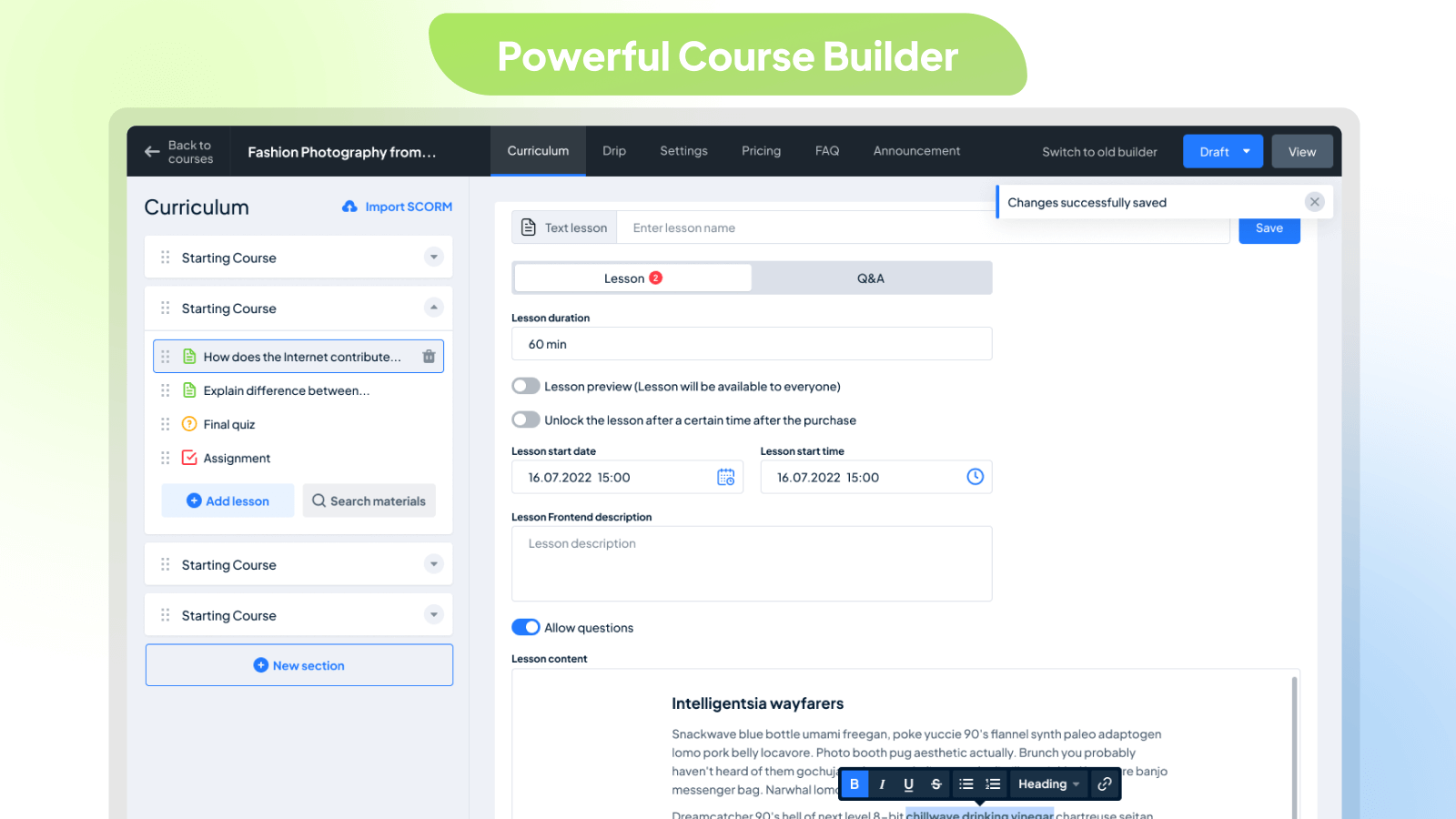
Powerful Course Builder
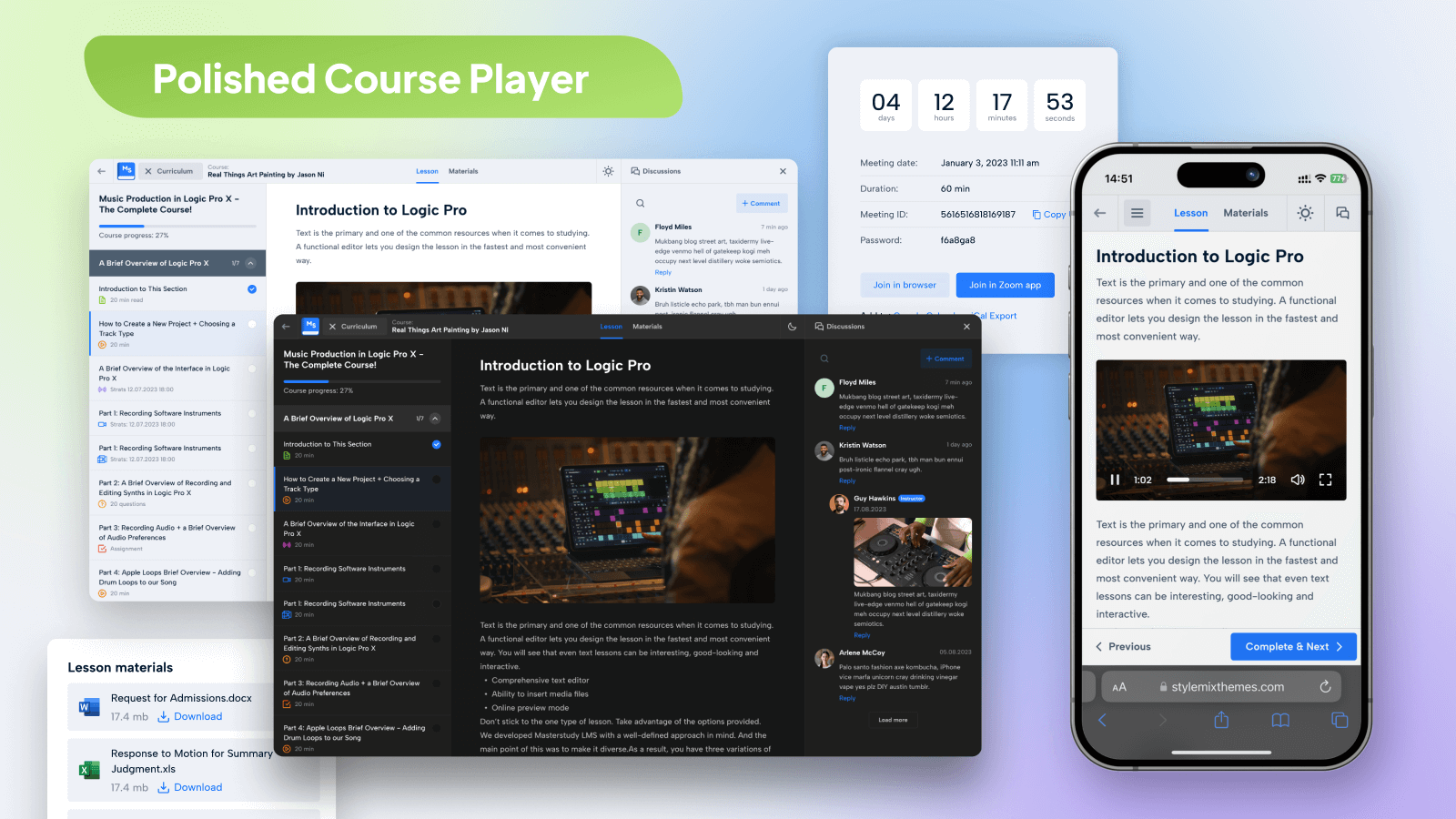
Polished Course Player
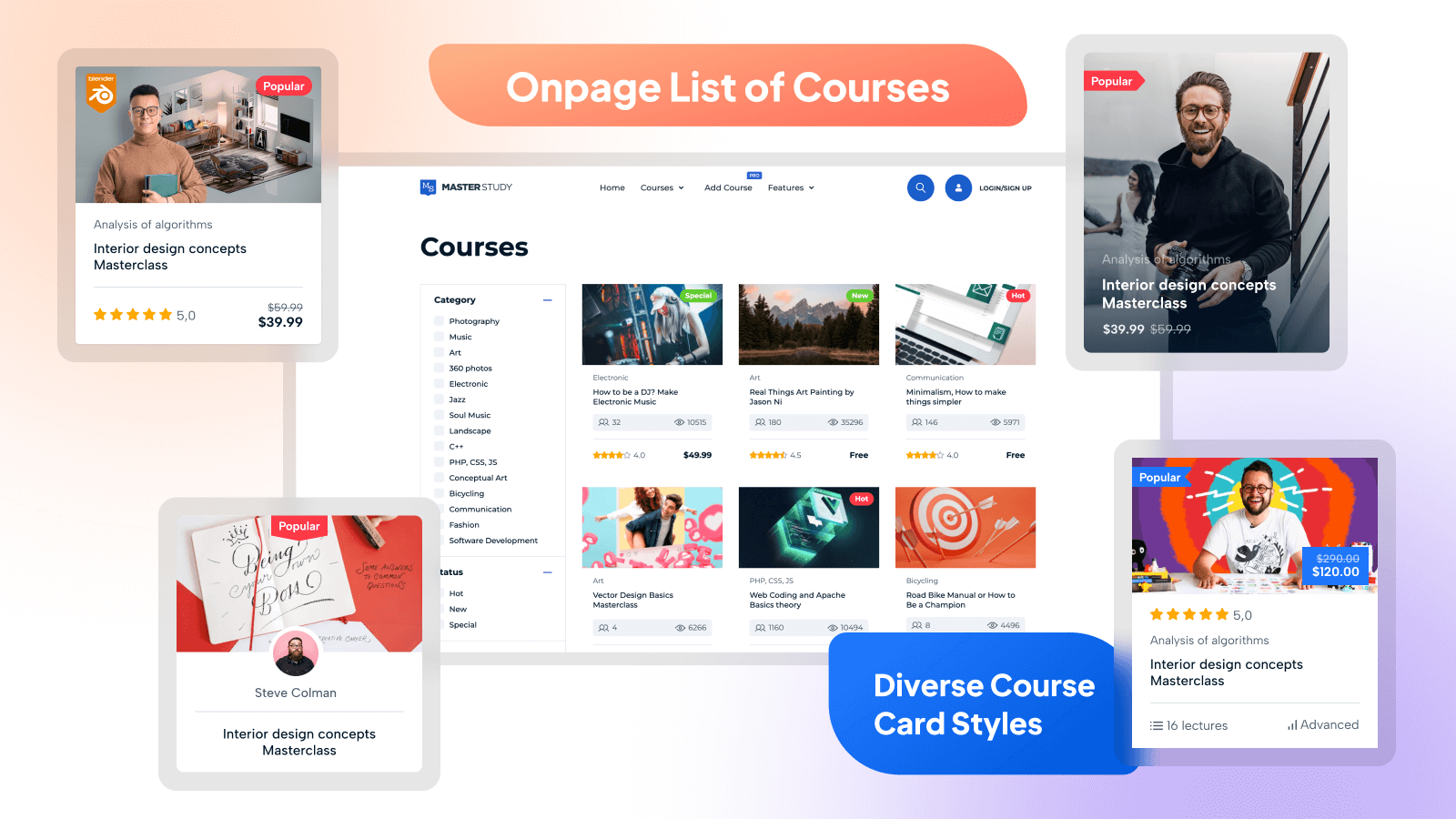
Onpage List of Courses
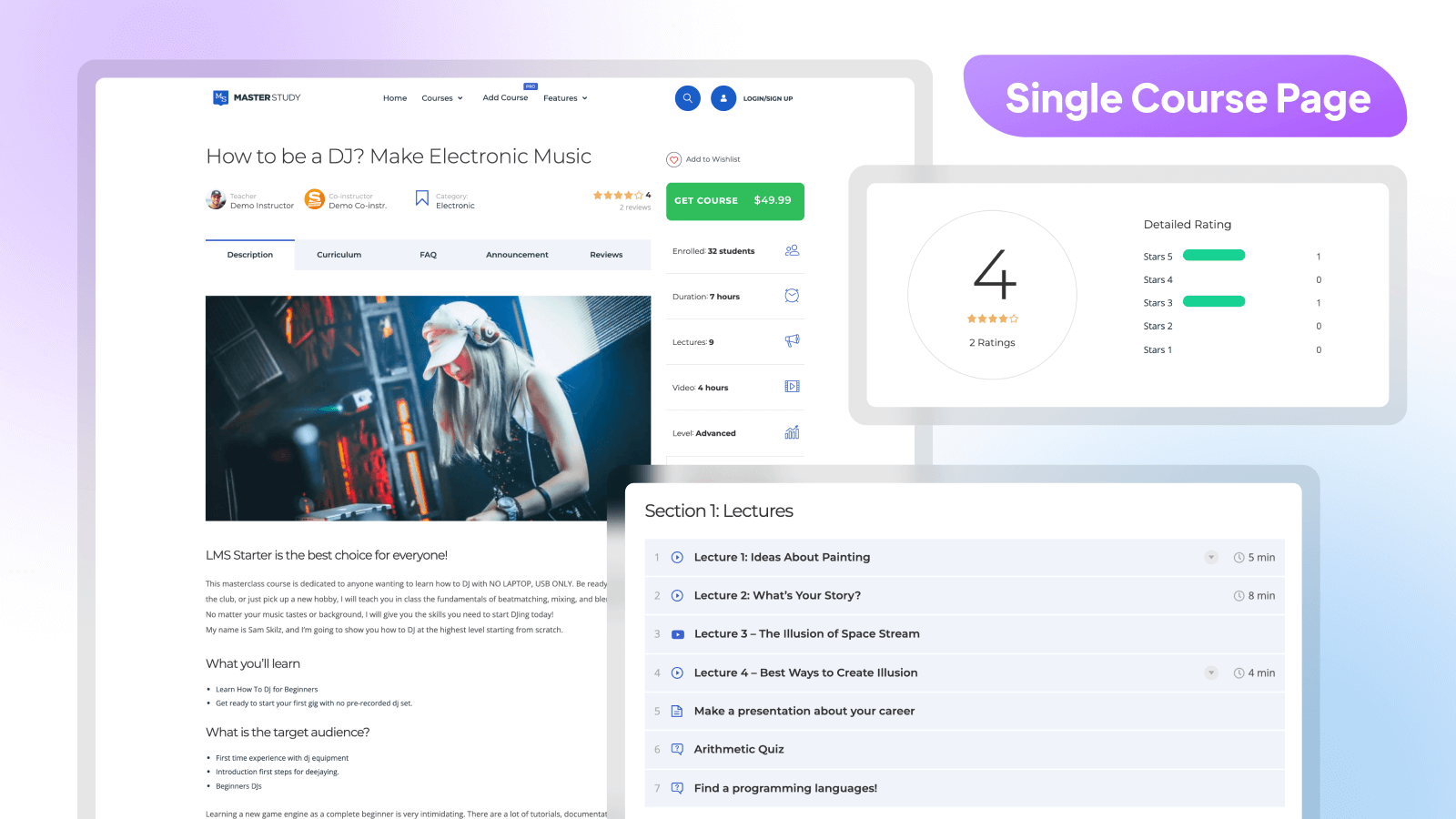
Single Course Page
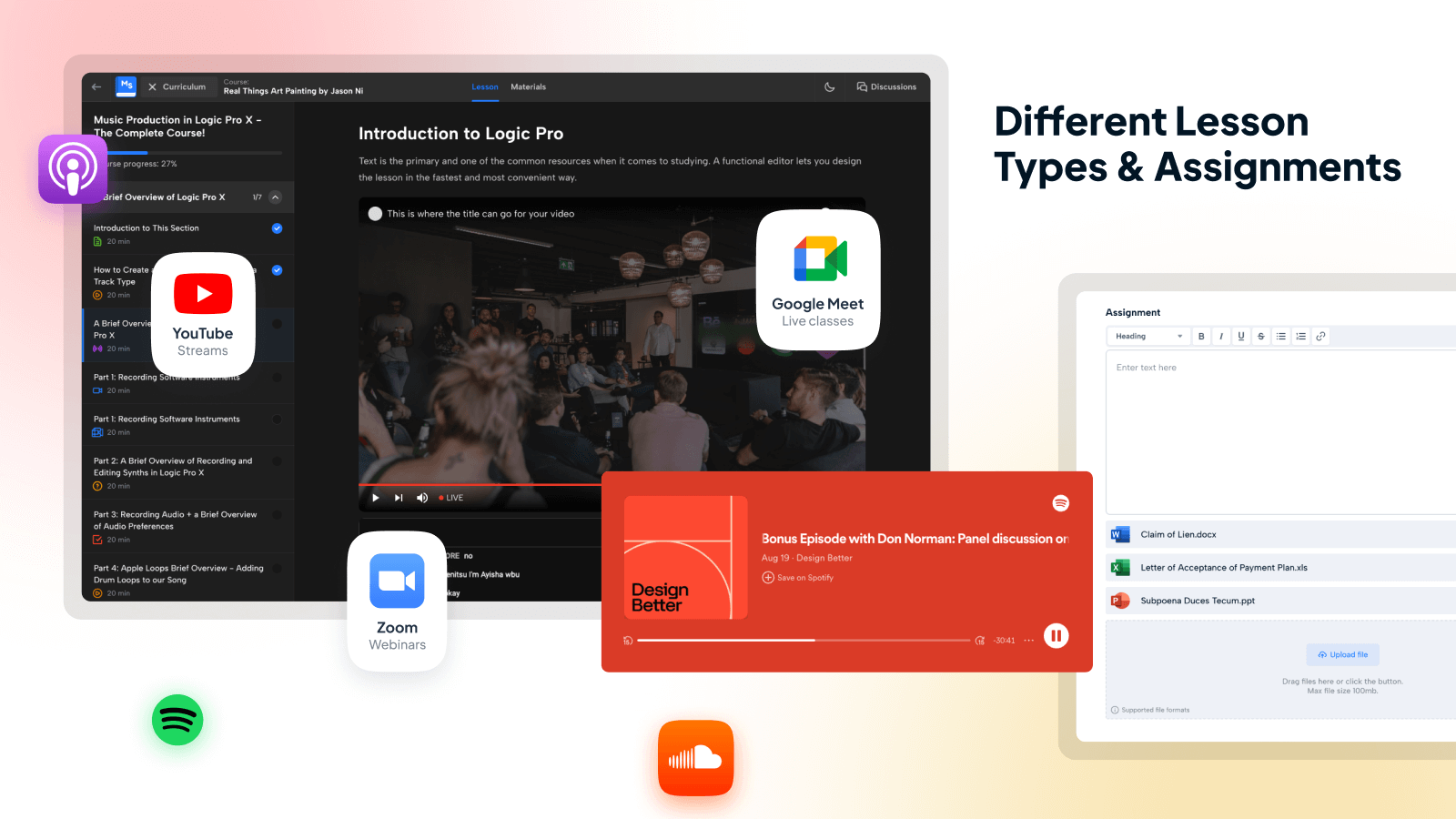
Live Streams, Webinars & Classes
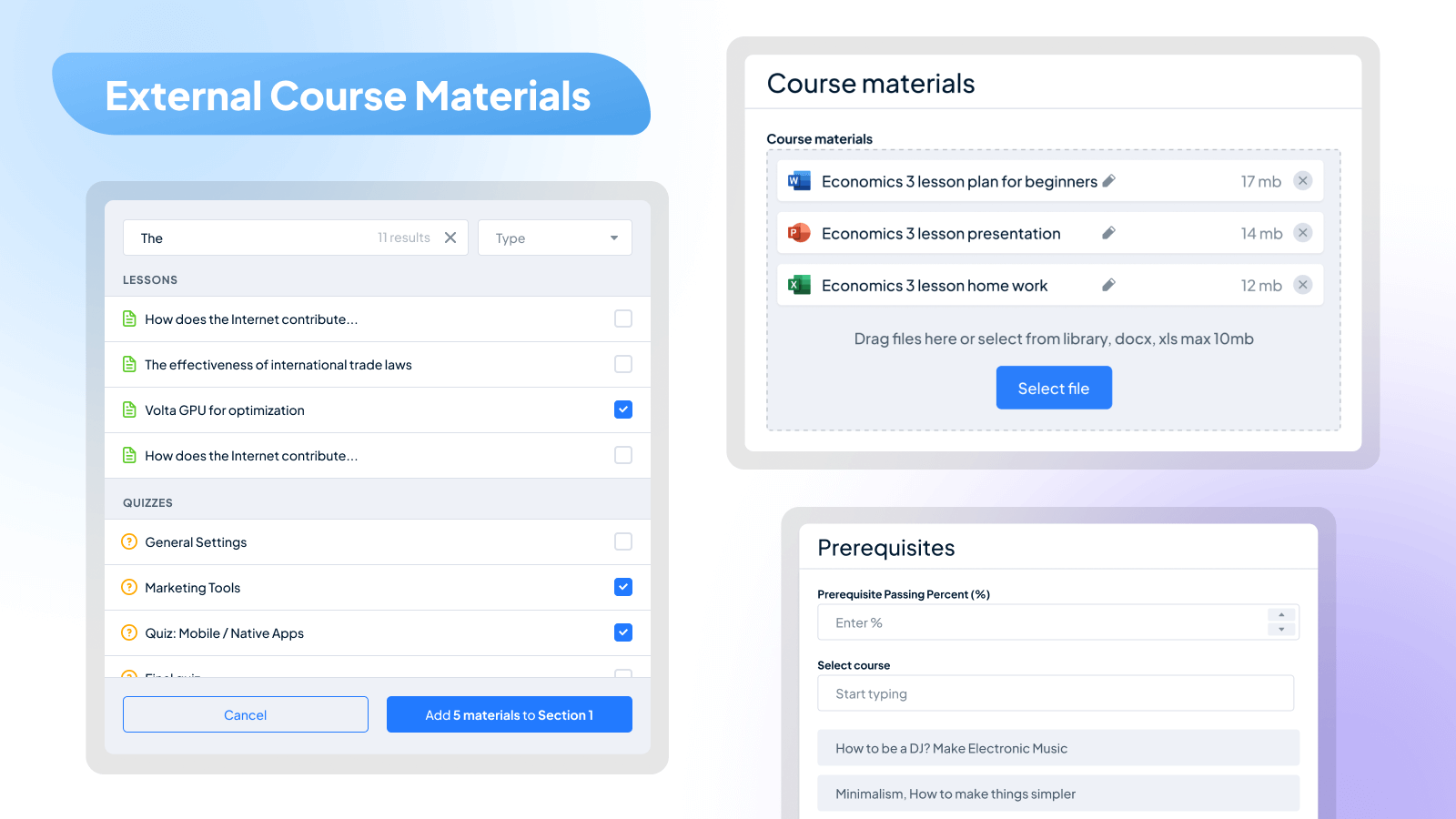
External Course Materials
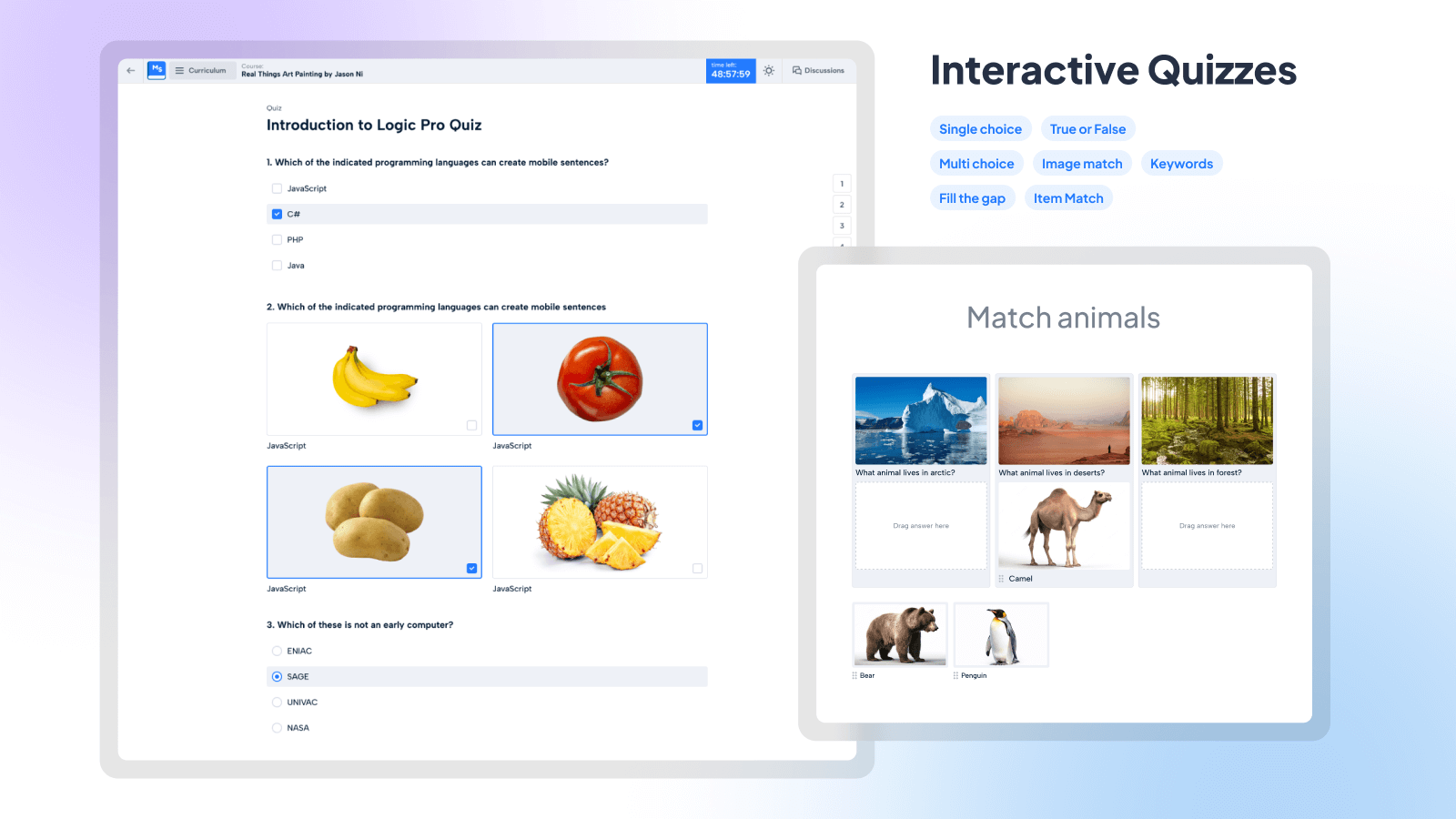
Interactive Quizzes
Lessons & Learning Content Curriculum
Custom Course Completion Certificates
Changelog
3.7.5 – 2025-12-04
- Update: Compatibility with WordPress 6.9
- Enhancement: Added a setting to enable or disable the Featured Courses functionality on the site
- Enhancement: Added the ability to create custom course statuses and edit existing ones (name and color) in LMS Settings
- Enhancement: Performance improvements applied to User Account pages
- Fixed: Images for Single Choice questions with the Image Select type were not saved
- Fixed: Video content fields in questions loaded with a delay
- Fixed: Answer options were not displayed during quiz retake when using LaTeX formulas in questions
- Fixed: Sale Period functionality did not work properly for Memberships & Subscriptions (Pro)
3.7.4 – 2025-11-26
- Fixed: Minor bug fixes.
3.7.3 – 2025-11-19
- New: Introduced a new Elementor widget — Courses Category with 6 layout styles
- Update: Automatic HEX to RGBA color conversion added in Base Colors settings
- Update: In the admin panel, the “View” button in the Courses Category section now links correctly to the corresponding front-end page
- Update: Expanded the input area for Fill the Gap answers on mobile devices
- Fixed: Setting a Sale Price of 0 in Course Builder did not make the course free
- Fixed: Fill the Gap questions did not accept words containing special characters such as ě, š, č, ř, ž, ý, á, í, é
- Fixed: The “Your Enrollment has Been Cancelled” email was incorrectly sent to the admin when a student was removed via the Students section
3.7.2 – 2025-11-14
- Fixed: Minor bug fixes.
3.7.1 – 2025-11-12
- Fixed: Minor bug fixes.
3.7.0 – 2025-11-10
- New: Subscriptions Add-on [PRO]
- New: Tax functionality for course sales [PRO]
- New: “Personal Information” fields added to the checkout form [PRO]
- Fixed: .dng files could not be uploaded via the Media File Manager add-on (Pro)
- Fixed: User logo was not displayed in the Elementor Testimonials widget if only one testimonial was added
- Fixed: Icon color could not be customized in the first style of the Elementor Testimonials widget
3.6.28 – 2025-10-23
- Fixed: Resolved an issue where answers disappeared during quiz retakes when the “Randomize Answers” option was enabled
- Fixed: Minor bug fixes.
3.6.27 – 2025-10-20
- Fixed: Minor bug fixes.
3.6.26 – 2025-10-16
- New: Added an option to shuffle answer choices in quizzes.
- Fixed: Previously purchased courses via a membership plan were not accessible after repurchasing the same plan
- Fixed: Explanations were not displayed for questions from the Question Bank during quiz attempts
- Fixed: The “Access” menu item in Course Builder was hidden from instructors if the Trial Courses add-on was not enabled by the admin
- Fixed: Images were not displayed in the Notice section of the Single Course page
- Fixed: Bulgarian-language certificates contained unwanted spaces in the text (Pro)
You can see all updates history in our changelog documentation.