

MCP for WooCommerce
AI integration plugin connecting WooCommerce & WordPress with Model Context Protocol for seamless AI assistant interactions.
Plugin info
Maintenance & Compatibility
Maintenance score
Maintained • Last updated 140 days ago
Is MCP for WooCommerce abandoned?
Likely maintained (last update 140 days ago).
Compatibility
Similar & Alternatives
Explore plugins with similar tags, and compare key metrics like downloads, ratings, updates, support, and WP/PHP compatibility.
Description
MCP for WooCommerce is a comprehensive WordPress plugin that bridges your WooCommerce store and WordPress site with AI assistants through the Model Context Protocol (MCP). This plugin provides a standardized interface for AI assistants to access and interact with your e-commerce data in a secure, read-only manner. This is a community-developed plugin and is not an official WooCommerce or WordPress plugin. This plugin is not affiliated with Automattic.
Key Features:
- MCP Server Implementation – Full Model Context Protocol server with tools, resources, and prompts
- WooCommerce Integration – Access products, orders, categories, reviews, shipping, and payment data
- WordPress Content Access – Retrieve posts, pages, media, and site information
- Secure Authentication – JWT-based authentication with configurable access controls
- Multiple Transport Methods – STDIO and HTTP streamable transports
- AI-Ready Interface – Optimized for Claude, ChatGPT, and other AI assistants
- Read-Only Safety – All operations are read-only to ensure data security
- Intelligent Search – Advanced search capabilities for products and content
- Comprehensive Documentation – Built-in guides and examples
What is MCP?
Model Context Protocol (MCP) is an open standard that enables AI assistants to securely access external data sources and tools. This plugin acts as an MCP server, allowing AI assistants to understand and interact with your WordPress/WooCommerce site through standardized interfaces.
Use Cases:
- Customer service automation with AI chatbots
- Product recommendation engines
- Content management assistance
- Sales analytics and reporting
- Inventory management support
- Site administration helpers
Requirements:
- WordPress 6.4 or higher
- PHP 8.0 or higher
- WooCommerce plugin (for e-commerce features)
Additional Information
Support: For technical support and questions, please visit our GitHub repository or contact support through the WordPress.org forums.
Documentation: Comprehensive documentation is available within the plugin settings page and in our online documentation.
Contributing: This plugin is open source. Contributions are welcome through our GitHub repository.
Privacy: This plugin does not collect or transmit any personal data. All interactions are between your site and your configured AI assistants.
Installation
- Upload the plugin files to the
/wp-content/plugins/mcp-for-woocommercedirectory, or install the plugin through the WordPress plugins screen directly. - Activate the plugin through the ‘Plugins’ screen in WordPress.
- Ensure WooCommerce is installed and activated for e-commerce features.
- Navigate to Settings MCP for WooCommerce to configure the plugin.
- Generate JWT tokens for secure access or configure public access as needed.
- Follow the connection examples provided in the settings page to connect your AI assistant.
Frequently Asked Questions
Yes, all MCP tools and resources are read-only. The plugin cannot modify, create, or delete any data on your site. It only provides access to existing public information.
Any AI assistant that supports the Model Context Protocol (MCP) can work with this plugin, including Claude Desktop, VS Code with MCP extensions, and custom MCP clients.
Basic WordPress administration knowledge is sufficient. The plugin provides clear documentation and examples for connecting AI assistants.
AI assistants can access the same public data that would be available through your site’s REST API, including products, posts, pages, categories, and basic site information. No private or sensitive data is exposed.
Yes, the plugin includes various settings to control access levels and configure authentication requirements.
No, the plugin only activates when specifically called by an MCP client. It has no impact on your regular website performance.
Review feed
Screenshots
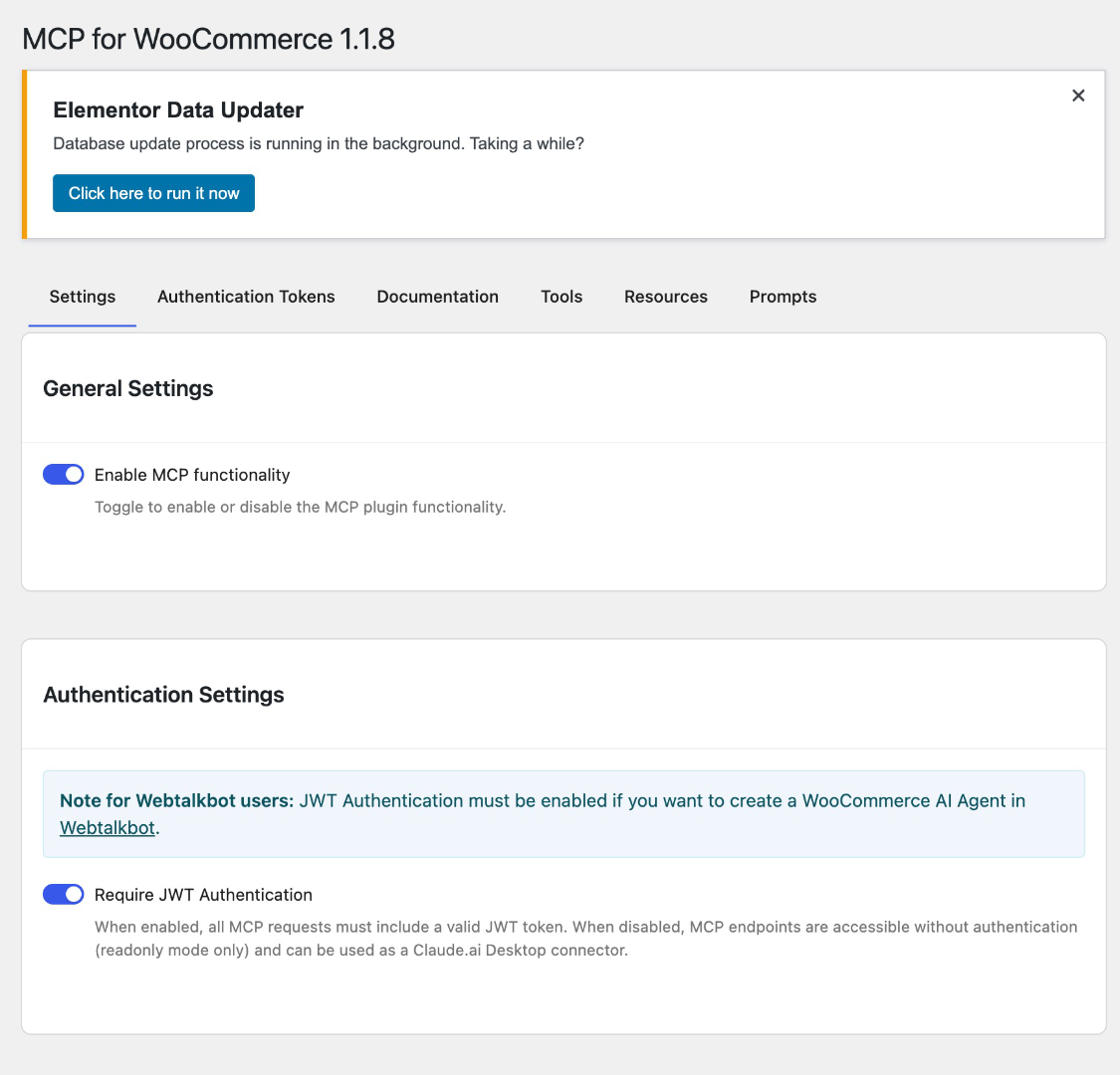
Settings overview page with connection examples
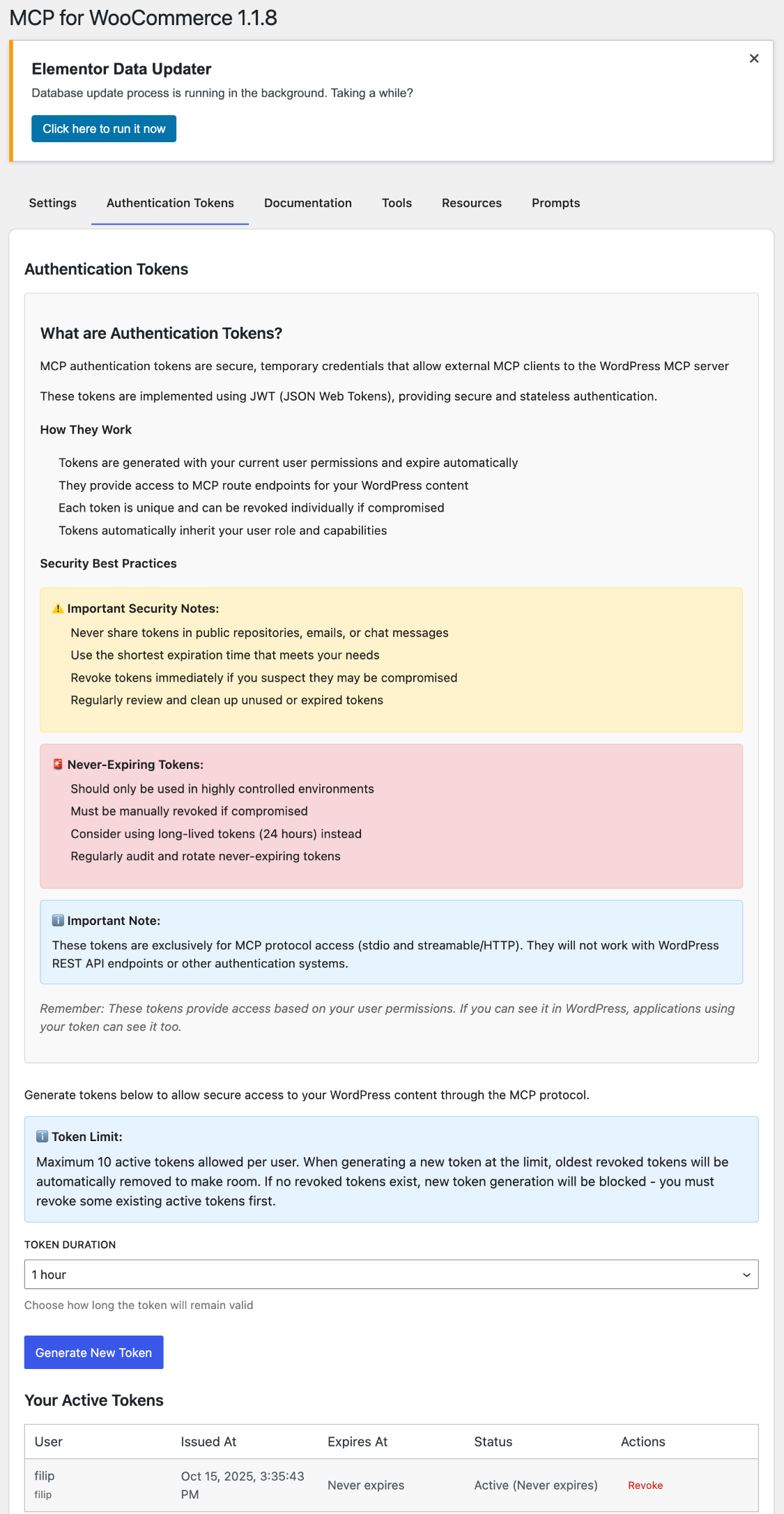
JWT token management interface
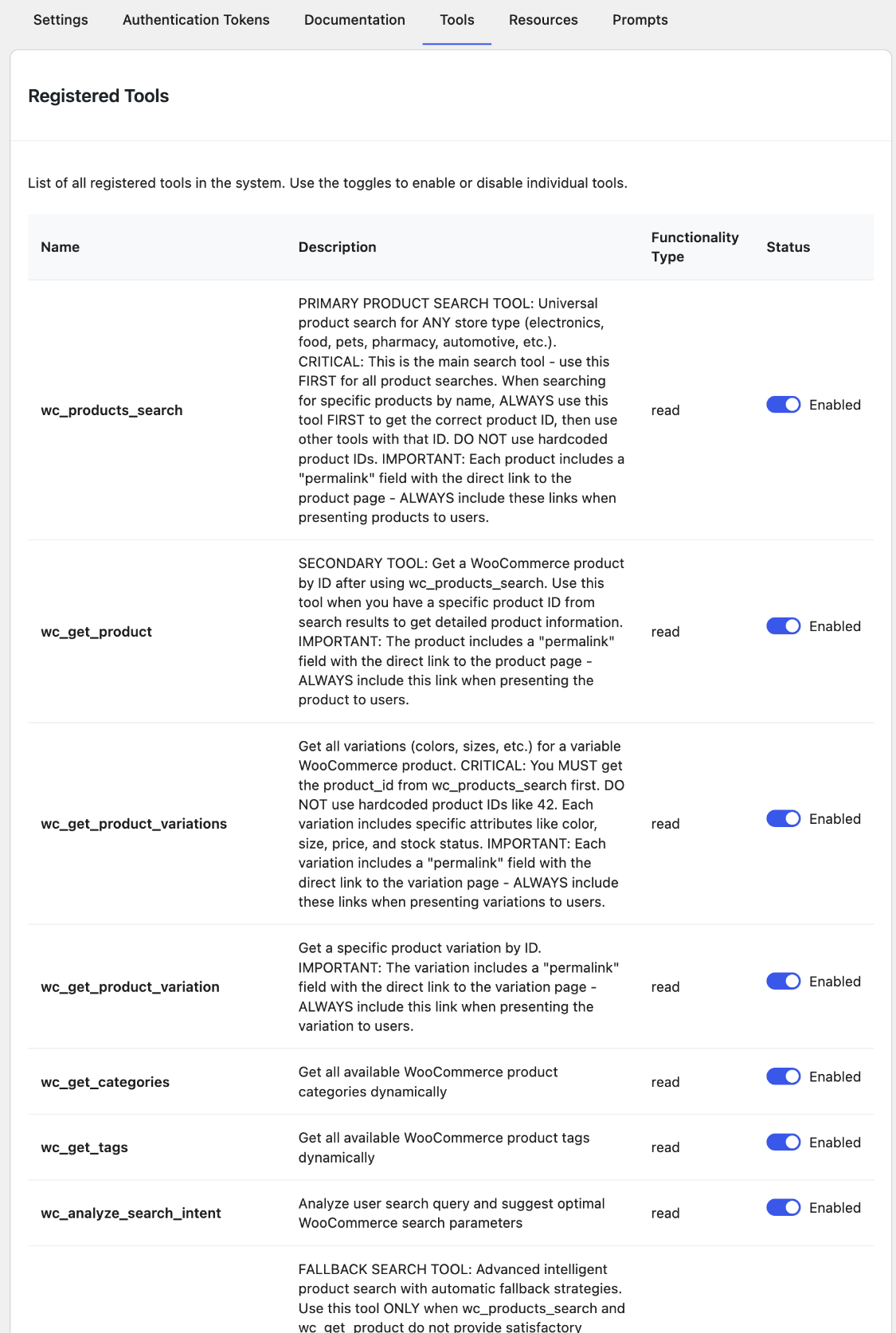
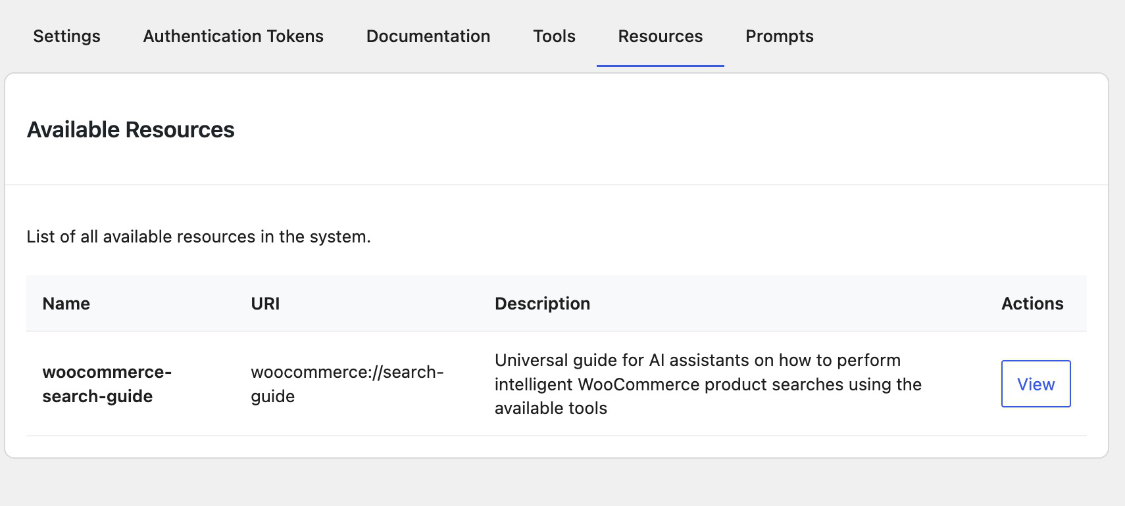
Available tools and resources documentation
Real-time connection testing interface
Changelog
1.2.1
- Added OAuth 2.0 Authorization Code Flow with PKCE support
- Implemented dynamic client registration for MCP clients
- Added custom authorization form for seamless OAuth flow
- Enhanced JWT authentication to accept tokens with or without Bearer prefix
- Automatic OAuth discovery endpoint creation on plugin activation
- Added activation/deactivation hooks for automated setup
- Improved Claude Code compatibility with OAuth-compliant error responses
- Token endpoint now returns OAuth-standard response format (access_token, token_type)
1.2.0
- Enhanced JWT authentication system
- Improved security and token management
- Better MCP client compatibility
1.1.9
- Fix missing build files in WordPress.org distribution
- Ensure React admin UI loads correctly after installation
1.1.8
- Apply WordPress.org review requirements
- Improve boolean settings storage consistency
- Resolve admin UI rendering issues
- Update documentation for WordPress.org submission
1.1.7
- Rebranded as community plugin independent from Automattic
- Updated author information to Filip Dvoran only
- Updated all repository links to community GitHub repo
- Added community plugin disclaimers throughout documentation
- Clarified plugin independence in all descriptions
1.1.6
- Enhanced build scripts with version auto-detection
- Improved stable tag handling in readme
1.1.5
- Enhanced intelligent search capabilities
- Improved JWT authentication handling
- Added comprehensive documentation
- Better error handling and logging
- Updated MCP protocol compatibility
1.1.4
- Added streamable HTTP transport
- Enhanced WooCommerce integration
- Improved security measures
- Better plugin compatibility
1.1.3
- Added product search and filtering
- Enhanced order management tools
- Improved resource documentation
- Bug fixes and performance improvements
1.1.2
- Initial WooCommerce MCP server implementation
- JWT authentication system
- STDIO transport support
- Basic tools and resources
1.1.1
- Beta release with core MCP functionality
1.1.0
- Initial alpha release