

MD Governance
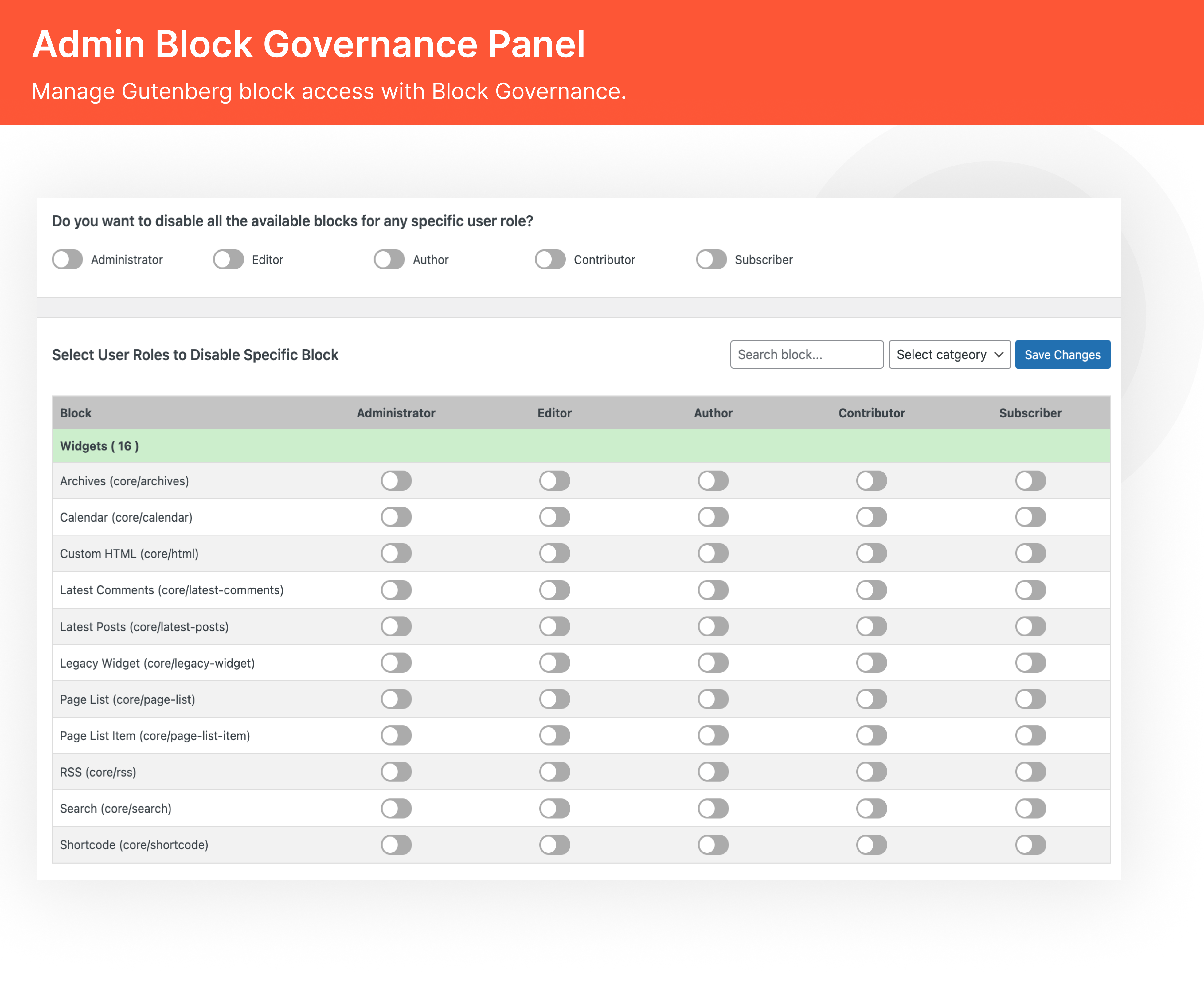
Easily manage block visibility and configuration in the Gutenberg editor based on user roles with MD Governance.
Plugin info
Maintenance & Compatibility
Maintenance score
Stale • Last updated 266 days ago
Is MD Governance abandoned?
Likely maintained (last update 266 days ago).
Compatibility
Similar & Alternatives
Explore plugins with similar tags, and compare key metrics like downloads, ratings, updates, support, and WP/PHP compatibility.
Description
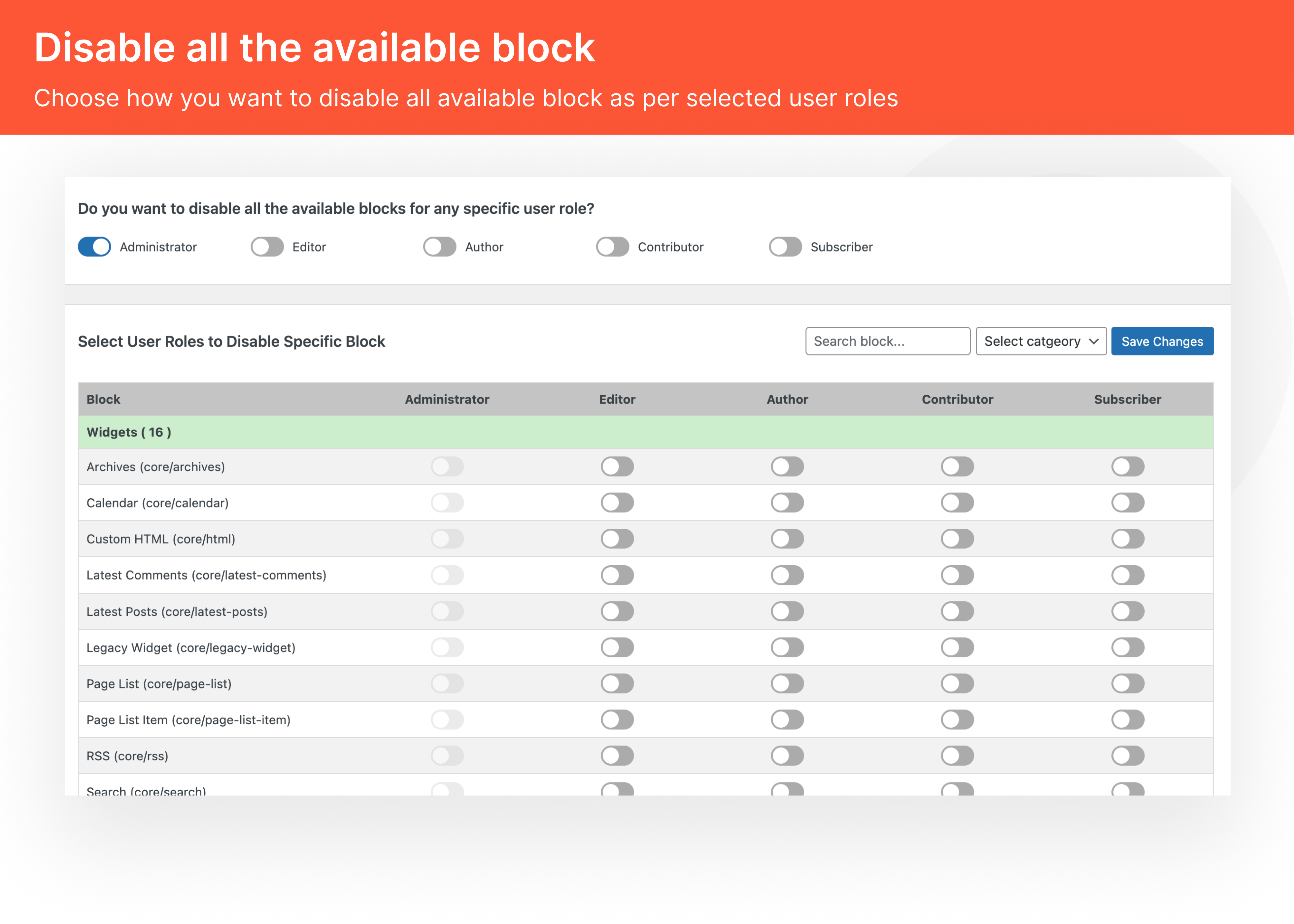
MD Governance empowers WordPress administrators to control access and settings of Gutenberg blocks for different user roles. This plugin is ideal for teams, agencies, or site managers who want fine-grained control over the editing experience in the block editor.
Key Features:
- Settings Visibility: Control access to block settings for selected roles to avoid misconfigurations.
- Role-Based Customization: Tailor the Gutenberg experience for editors, authors, contributors, and more.
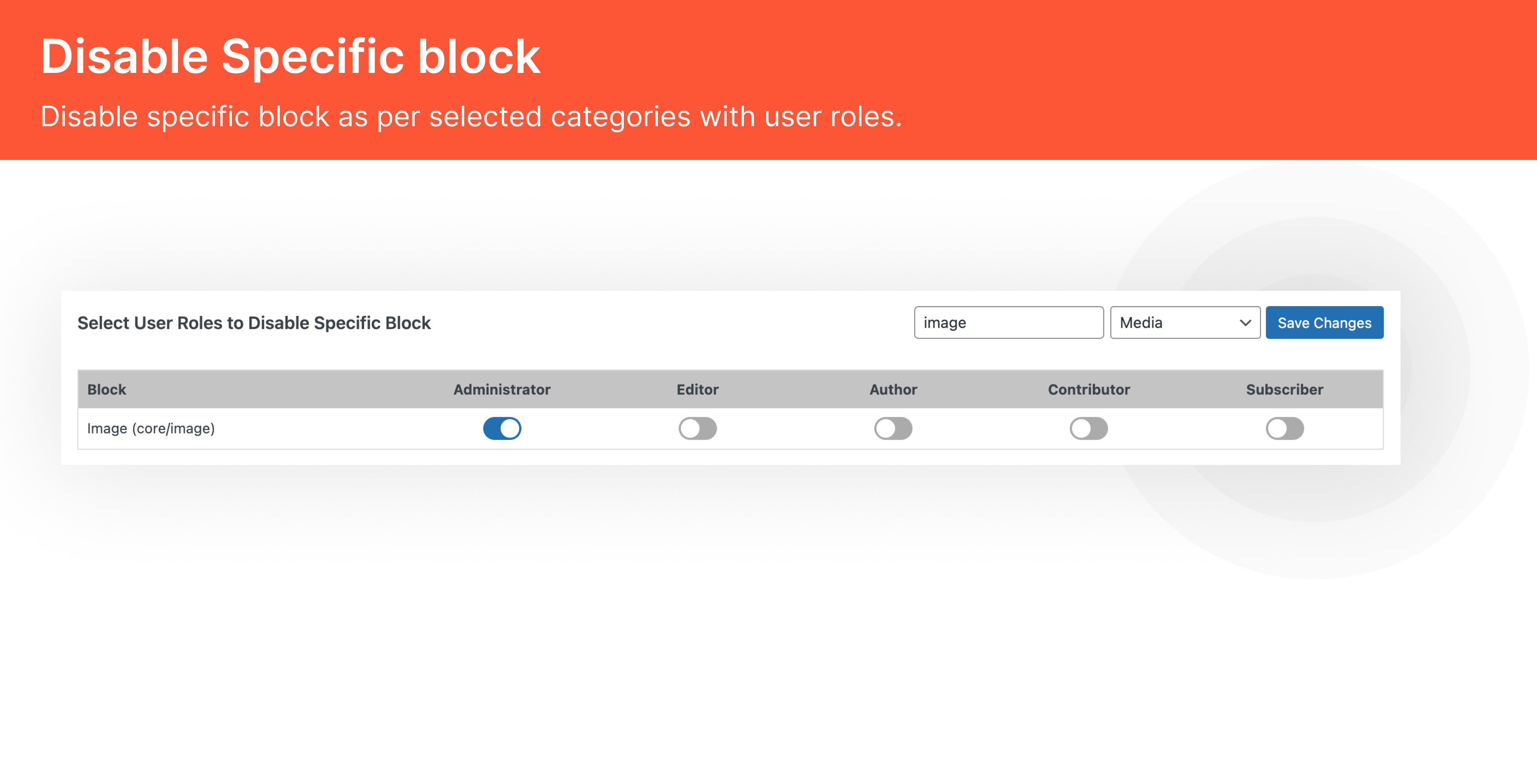
- Supports All Blocks: Works with default WordPress blocks and custom third-party blocks.
Why Choose MD Governance?
👉 Role-Specific Editing Experience
- Provide a tailored editing interface for different roles.
- Limit access to advanced settings to prevent accidental changes.
👉 Enhanced Security & Workflow
- Prevent misuse of blocks or settings by unauthorized users.
- Improve publishing consistency across roles and teams.
License
This plugin is licensed under the GPLv3 license. Please see the license file for more details.
Credits
MD Governance is developed by Multidots.
Installation
- Upload the
md-governancefolder to the/wp-content/plugins/directory. - Activate the plugin through the ‘Plugins’ menu in WordPress.
- Navigate to Settings > MD Governance to manage block visibility and role-based access.
Frequently Asked Questions
You can control access to all default WordPress blocks and any additional blocks added via other plugins.
Yes, the plugin allows you to hide block settings while keeping the block visible in the editor.
Absolutely! MD Governance supports all user roles, including custom ones.
No. MD Governance only controls visibility and settings within the Gutenberg editor, not the front-end output.
Currently, the plugin is focused on the post and page editors, with future plans for FSE support.
Review feed
Screenshots
Changelog
1.0.0 – 08.04.2025
- Initial release.
- Added role-based block visibility control.
- Enabled block settings management per user role.