
Maintenance 38/100265d since update
Active installs
0
Downloads
247
Reviews
0
Age
0.7y
Tagsmarkdown table
Plugin info
Total downloads: 247
Active installs: 0
Total reviews: 0
Average rating: 0
Support threads opened: 0
Support threads resolved: 0 (0%)
Available in: 1 language(s)
Contributors: 1
Last updated: 5/31/2025 (265 days ago)
Added to WordPress: 5/27/2025 (0 years old)
Minimum WordPress version: 6.8
Tested up to WordPress version: 6.8.3
Minimum PHP version: 8.0.30
Maintenance & Compatibility
Maintenance score
Stale • Last updated 265 days ago
38/100
Is MdTableEditor with Block Editor abandoned?
Likely maintained (last update 265 days ago).
Compatibility
Requires WordPress: 6.8
Tested up to: 6.8.3
Requires PHP: 8.0.30
Similar & Alternatives
Explore plugins with similar tags, and compare key metrics like downloads, ratings, updates, support, and WP/PHP compatibility.
No similar plugins found yet.
Description
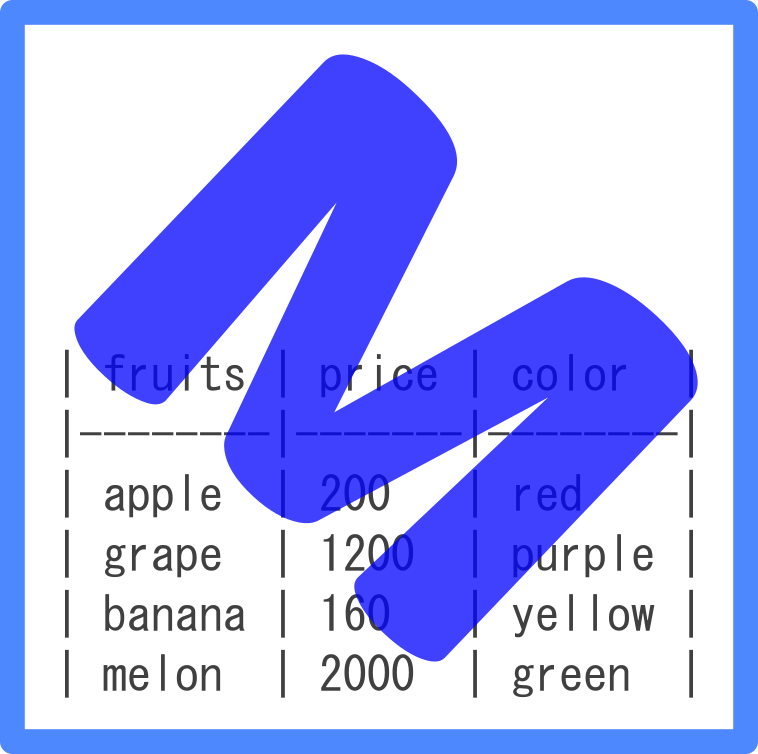
A block editor that supports editing tables in Markdown notation.
You can edit Markdown tables by adding, deleting, moving columns and rows, aligning text, and shaping.
Please see here for specific operations.
This is a port of the VSCode extension “MdTableEditor” to the block editor.
https://marketplace.visualstudio.com/items?itemName=clover.md-table-editor
Please see here for specific operations.
for developers.
https://github.com/denki-kurage/md-table-editor-with-block-editor
Venders
vender-licenses.md
Arbitrary section
Installation
- Go to the admin screen
- Open the “Plugins” item and click “Add New Plugin”
- Enter “MdTableEditor” in the search box.
- Find “MdTableEditor with WordPress Block Editor” and click “Install”
Frequently Asked Questions
Review feed
No reviews available
Screenshots

Changelog
0.1.0
- Release