

Media Library Unsplash
Easily add Unsplash photographs to your website instantly without ever leaving WordPress!
Plugin info
Maintenance & Compatibility
Maintenance score
Possibly abandoned • Last updated 498 days ago
Is Media Library Unsplash abandoned?
Possibly abandoned (last update 498 days ago).
Compatibility
Similar & Alternatives
Explore plugins with similar tags, and compare key metrics like downloads, ratings, updates, support, and WP/PHP compatibility.
Description
Easily add Unsplash photographs to your website instantly without ever leaving WordPress!
The quickest and most straightforward method to add high-quality, free photographs to your WordPress media library is to use “Media Library Unsplash”, which you can do directly from your favorite stock photo community.
Plugin Features
- Search – In just a few seconds, you can locate and submit photographs for any topic with the Media Library Unsplash search!
- Filter – You can filter images by Latest, Popular, Oldest, View and Download!
- Time saver– From the comfort of your WordPress admin, quickly upload gorgeous stock photographs.
- Modify Metadata– Before adding an image to your media library, you may quickly change the image’s filename, alt text, and caption.
- Caption – One click to import the image caption!
- Size – One click to import the image with custom size (Regular, Full, Small)!
- Download – You can download image in your local PC just one click!
- SEO – For screen readers, visually impaired users, and search engine optimization, automatically include a pertinent alt description.
- Simple to Use – All you have to do is click an image to have it instantly added to your media library so you can use it on your website. It doesn’t get any easier than that.
- API KEY – Easily set your Unsplash API Key.
Supported Image Provider
Installation
Installation
- Upload ‘media-library-unsplash’ folder to the ‘/wp-content/plugins/’ directory.
- Activate the plugin through the ‘Plugins’ menu in WordPress.
Frequently Asked Questions
- For more questions or help, contact me
- About Author Touhidul Sadeek
Review feed
Screenshots
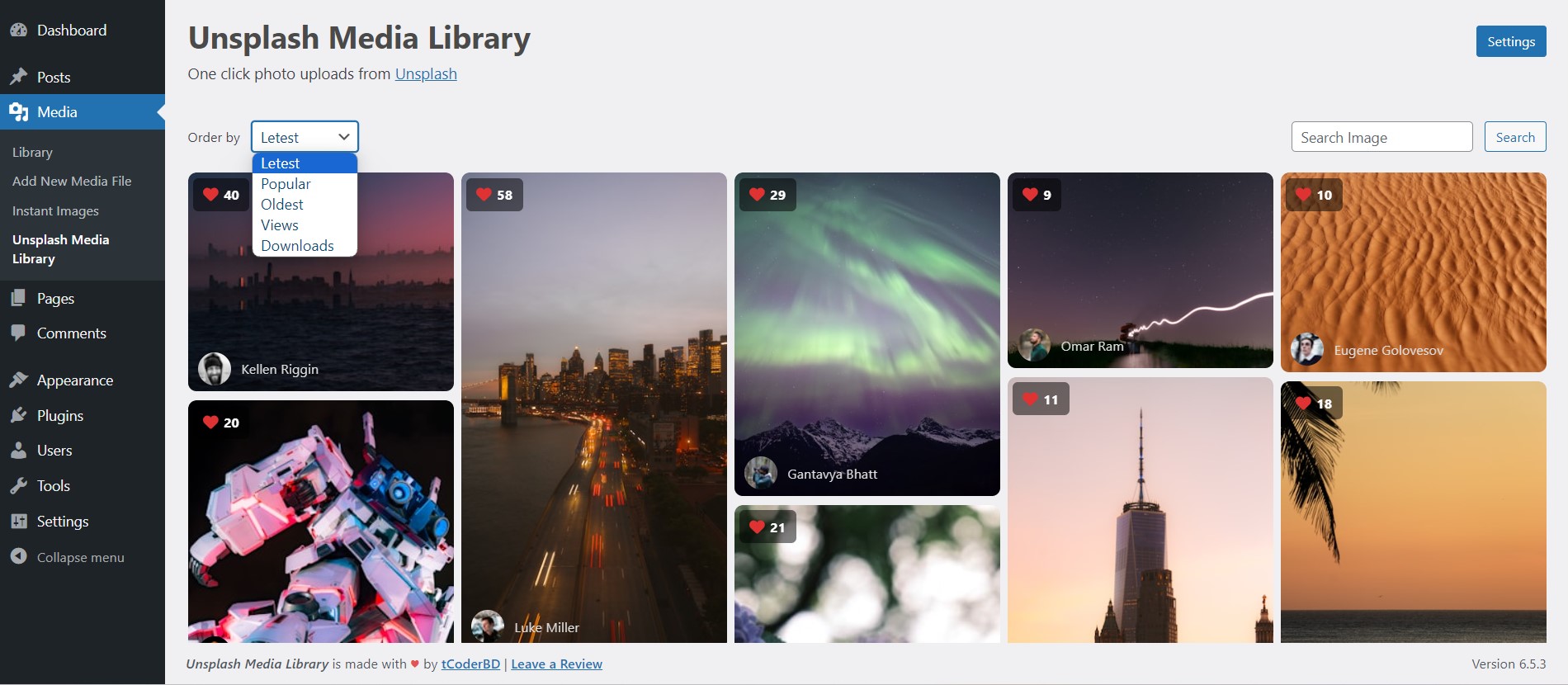
Dashboard - Browse, Search, Filter and Upload images to your WordPress media library.

Metadata - Easily edit image filename, alt text and caption prior to uploading to your media library.
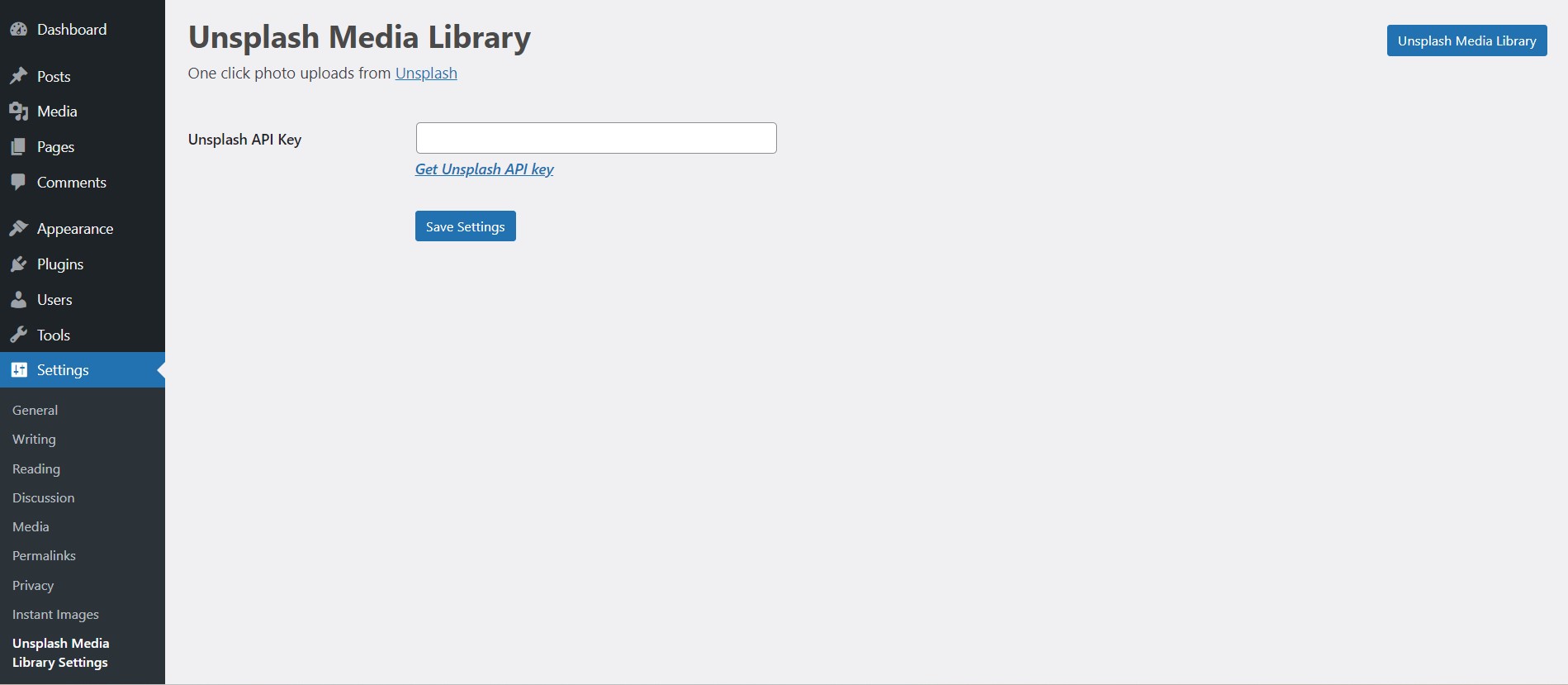
Setting - Unsplash API Key.
Changelog
1.0.0
- Initial release