

Meeek Link-in-Bio Lite
Create a stunning bio page with multiple links – perfect for Instagram, TikTok, and other social media profiles.
Plugin info
Maintenance & Compatibility
Maintenance score
Stale • Last updated 276 days ago
Is Meeek Link-in-Bio Lite abandoned?
Likely maintained (last update 276 days ago).
Compatibility
Similar & Alternatives
Explore plugins with similar tags, and compare key metrics like downloads, ratings, updates, support, and WP/PHP compatibility.
Description
Meeek Link-in-Bio Lite is a free, lightweight WordPress plugin that lets you build a personalized “link in bio” landing page for your social media profiles.
Whether you’re an influencer, creator, small business, or just someone who wants to share multiple links with your followers, Meeek makes it easy.
VIDEO TUTORIALS
Visit the official Meeek YouTube channel here you’ll find a comprehensive set of video tutorials on how to use the lite and the PRO version of the Meeek and all its features.
🎯 Features:
– Build pages visually (dedicated link in bio builder) – no page builder needed
– Add unlimited links with custom titles and URLs
– Customizable profile name, bio text, and avatar
– Responsive, mobile-first design
– Works with any theme
– Lightweight and fast – no unnecessary bloat
Upgrade to the Pro version to unlock:
– Multiple link-in-bio page templates
– Multiple preset button styles
– Advanced design customization (colors, fonts, layout)
– Analytics and click tracking
– Social icons and embedded media blocks
– More than 20 Button types
– Ajax Saving and preview
Meeek SaaS Premium (Purchase on CodeCanyon)
License & Credits
- Meeek Link-in-Bio Lite is developed and maintained by ModelTheme.
- This plugin is licensed under the GPL v2 or later – see https://www.gnu.org/licenses/gpl-2.0.html for details.
- gianni accordion js (MIT Open Source License)
- jquery.repeater (MIT Open Source License)
- Twitter Bootstrap (MIT Open Source License)
Installation
- Upload the plugin files to the
/wp-content/plugins/meeek-link-in-bio-litedirectory, or install the plugin through the WordPress plugins screen directly. - Activate the plugin through the ‘Plugins’ screen in WordPress.
- Go to Meeek Bio Links admin panel and build your pages visually
Documentation & Support
- Installing that is very simple, you just need to go on Dashboard > Plugins > Add New Plugins
- You can also submit a topic to the support forum at and our support team will be glad to help you out.
Frequently Asked Questions
Yes! You can place the shortcode on any page and even set that page as your homepage via Settings > Reading.
Yes!
fi
Absolutely! Meeek Link-in-Bio Lite is designed with mobile devices in mind.
Review feed
Screenshots
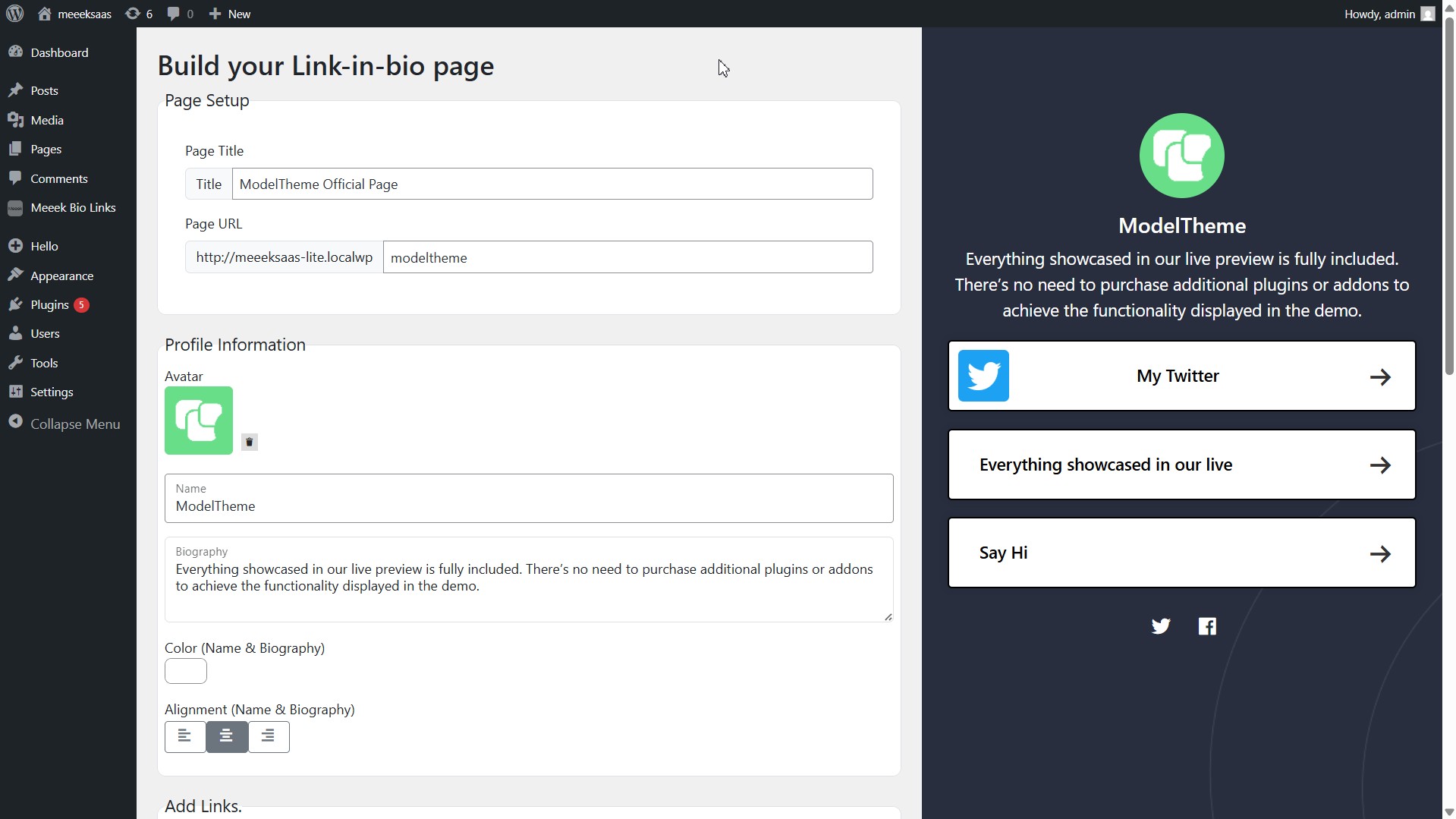
Creating a link-in-bio page 1
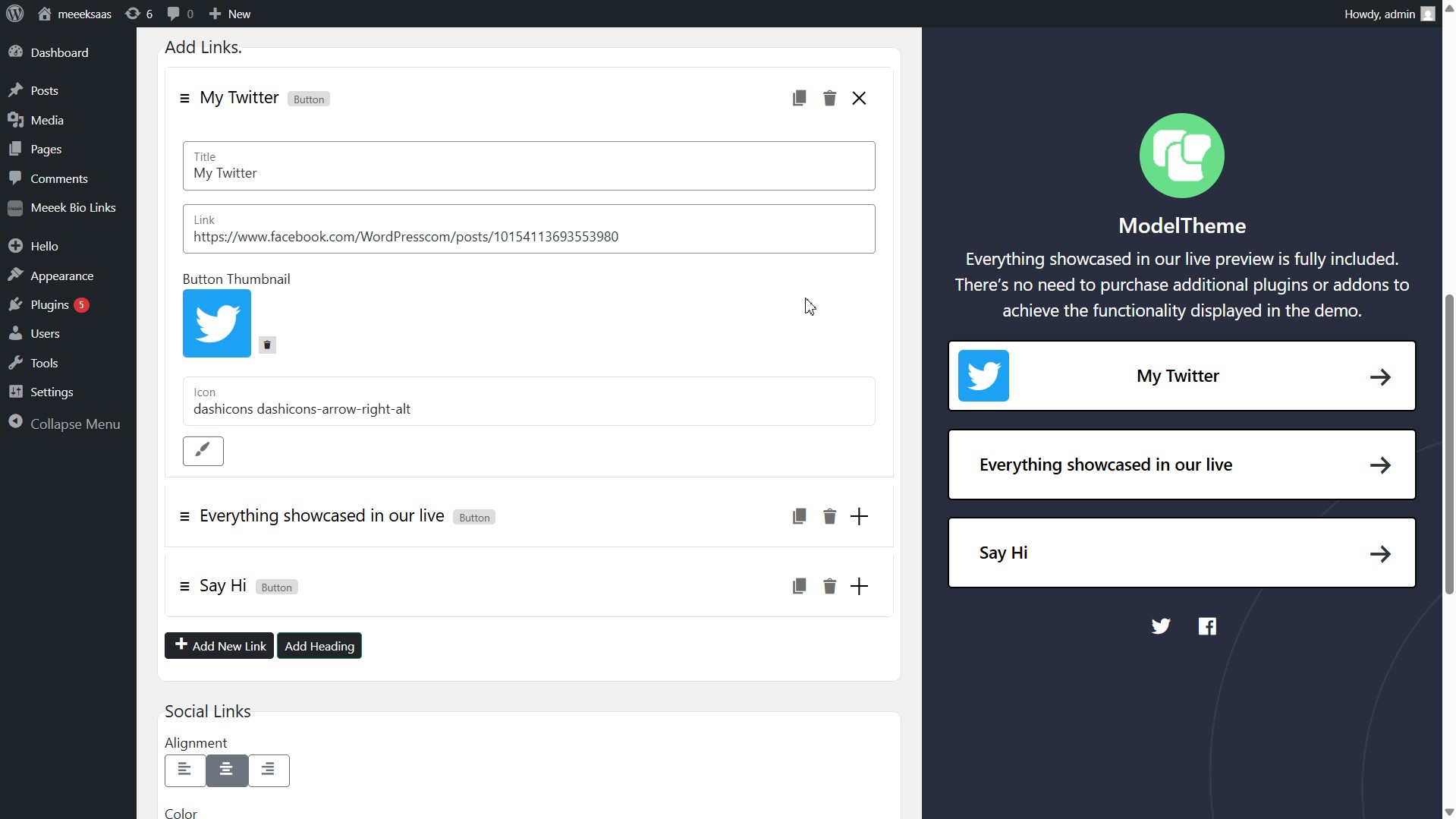
Creating a link-in-bio page 2
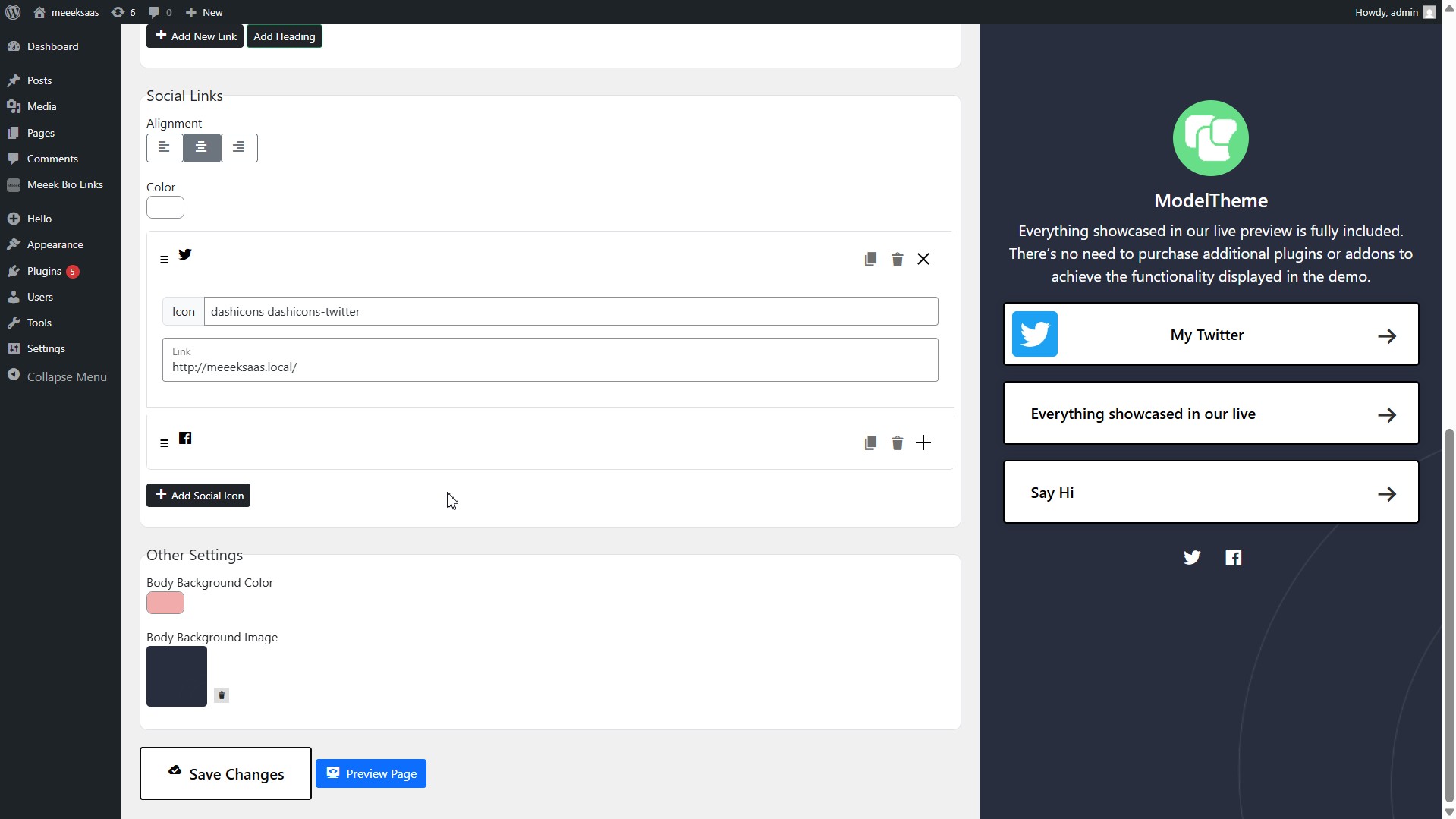
Creating a link-in-bio page 3
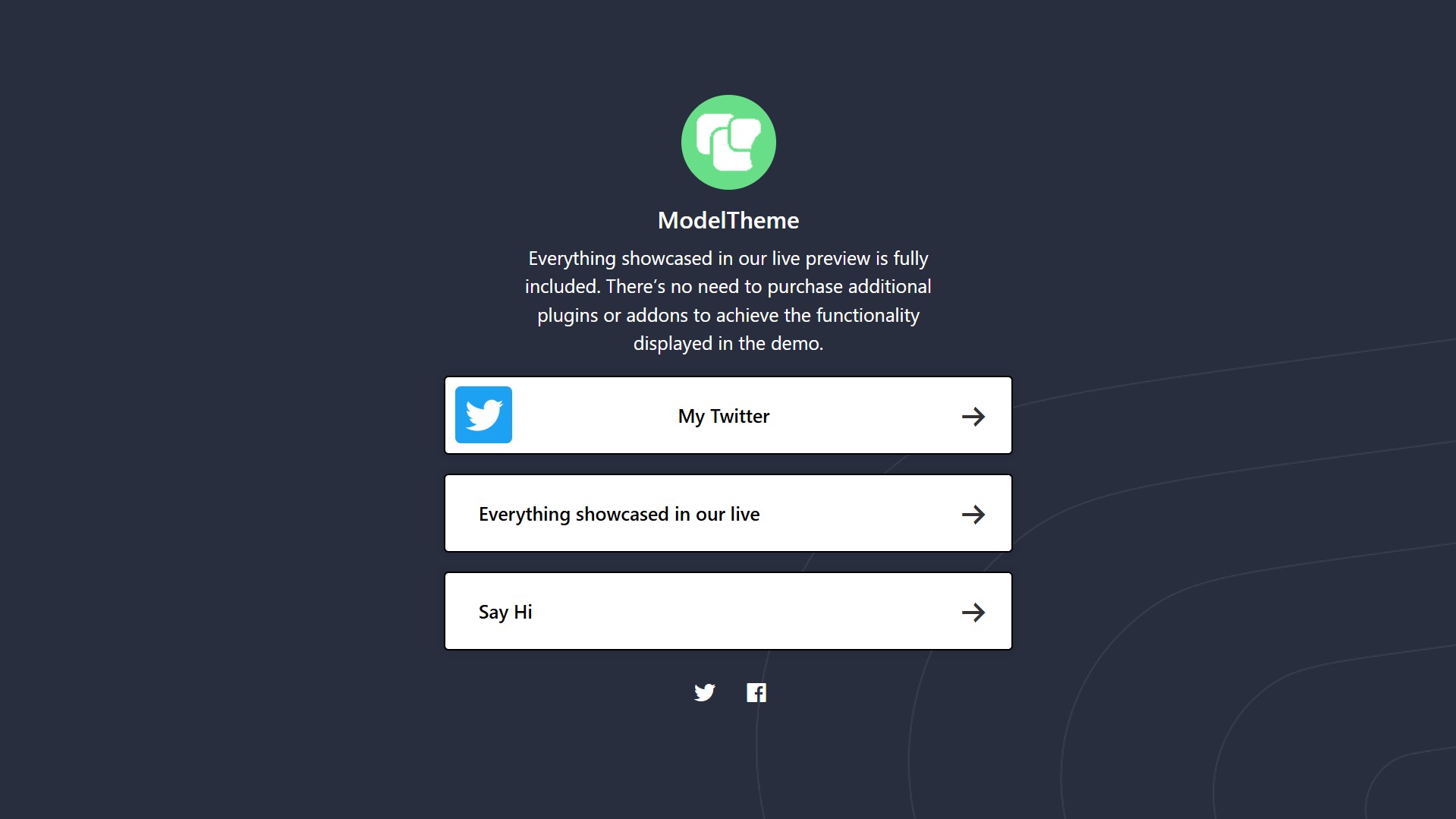
Created page preview
Changelog
1.0.0 – 19-05-2025
- Initial release.