

Plugin info
Maintenance & Compatibility
Maintenance score
Possibly abandoned • Last updated 872 days ago • 3 reviews
Is Memorista abandoned?
Possibly abandoned (last update 872 days ago).
Compatibility
Similar & Alternatives
Explore plugins with similar tags, and compare key metrics like downloads, ratings, updates, support, and WP/PHP compatibility.
Description
Memorista for WordPress
Let your guests share their memories by creating your own guestbook with Memorista.
This plugin helps you integrate your Memorista guestbook onto your site. If you don’t have a Memorista account yet, you can create one for free at memorista.io.
Features
- Create your own Guestbook for any purpose in just 5 minutes.
- Admin UI to manage all entries including the ability to remove undesirable submissions.
- Memorista speaks your language. Simply define the language of your Guestbook in the settings and the Memorista Widget automatically adjusts without you having to update anything.
- Customize the title, description and language and make it blend in with your WordPress site. Your users will be able to post entries without ever leaving your website.
Installation
- Install the plugin through the admin page “Plugins”.
- Alternatively you can install the plugin manually by downloading ZIP file from our releases page.
- Activate the plugin through the “Plugins” menu in WordPress.
-
Place the shortcode on the desired page to display the guestbook:
[memorista]
Frequently Asked Questions
Review feed
Screenshots

After the installation you need to authorize the plugin with your Memorista account.
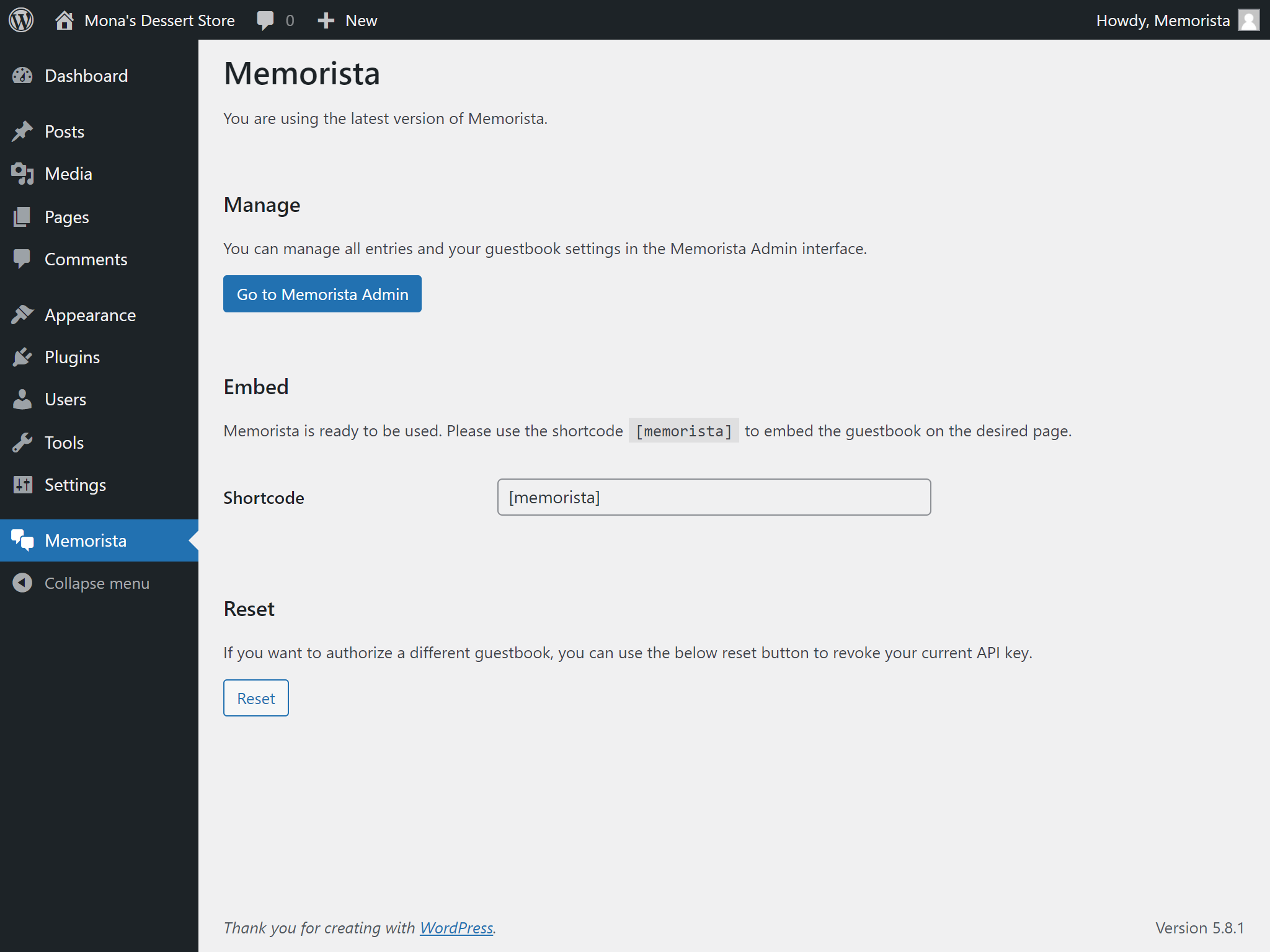
When you have authorized the plugin, you can start using it.

The embeddable widget blends in your pages by using the shortcode at the desired location.

After submission the user can see his entry in the guestbook.
Changelog
See the releases page