
Maintenance 38/100243d since update
Active installs
0
Downloads
124
Reviews
0
Age
0.7y
Plugin info
Total downloads: 124
Active installs: 0
Total reviews: 0
Average rating: 0
Support threads opened: 0
Support threads resolved: 0 (0%)
Available in: 1 language(s)
Contributors: 4
Last updated: 8/4/2025 (243 days ago)
Added to WordPress: 8/4/2025 (0 years old)
Minimum WordPress version: 6.7
Tested up to WordPress version: 6.8.3
Minimum PHP version: 7.4
Maintenance & Compatibility
Maintenance score
Stale • Last updated 243 days ago
38/100
Is Meta Display Block abandoned?
Likely maintained (last update 243 days ago).
Compatibility
Requires WordPress: 6.7
Tested up to: 6.8.3
Requires PHP: 7.4
Languages
Similar & Alternatives
Explore plugins with similar tags, and compare key metrics like downloads, ratings, updates, support, and WP/PHP compatibility.
Post Meta Manager
Rating 5.0/5 (2 reviews) • Active installs 100
Language Code Classification
Rating 0.0/5 (0 reviews) • Active installs 10
Smart Custom Fields
Rating 4.9/5 (20 reviews) • Active installs 50,000
Custom Field Template
Rating 4.0/5 (24 reviews) • Active installs 30,000
Custom Post Types and Custom Fields creator – WCK
Rating 4.7/5 (97 reviews) • Active installs 10,000
Meta Field Block
Rating 5.0/5 (54 reviews) • Active installs 9,000
Description
A customizable Gutenberg block to showcase post meta fields with dynamic labels, icons, and styling.
GitHub Repo
Installation
- Upload the plugin folder to the
/wp-content/plugins/directory, or install the plugin through the WordPress plugins screen directly. - Activate the plugin through the ‘Plugins’ screen in WordPress
- Add/Edit post and search for “Meta Display” block
Frequently Asked Questions
No FAQ available
Review feed
No reviews available
Screenshots
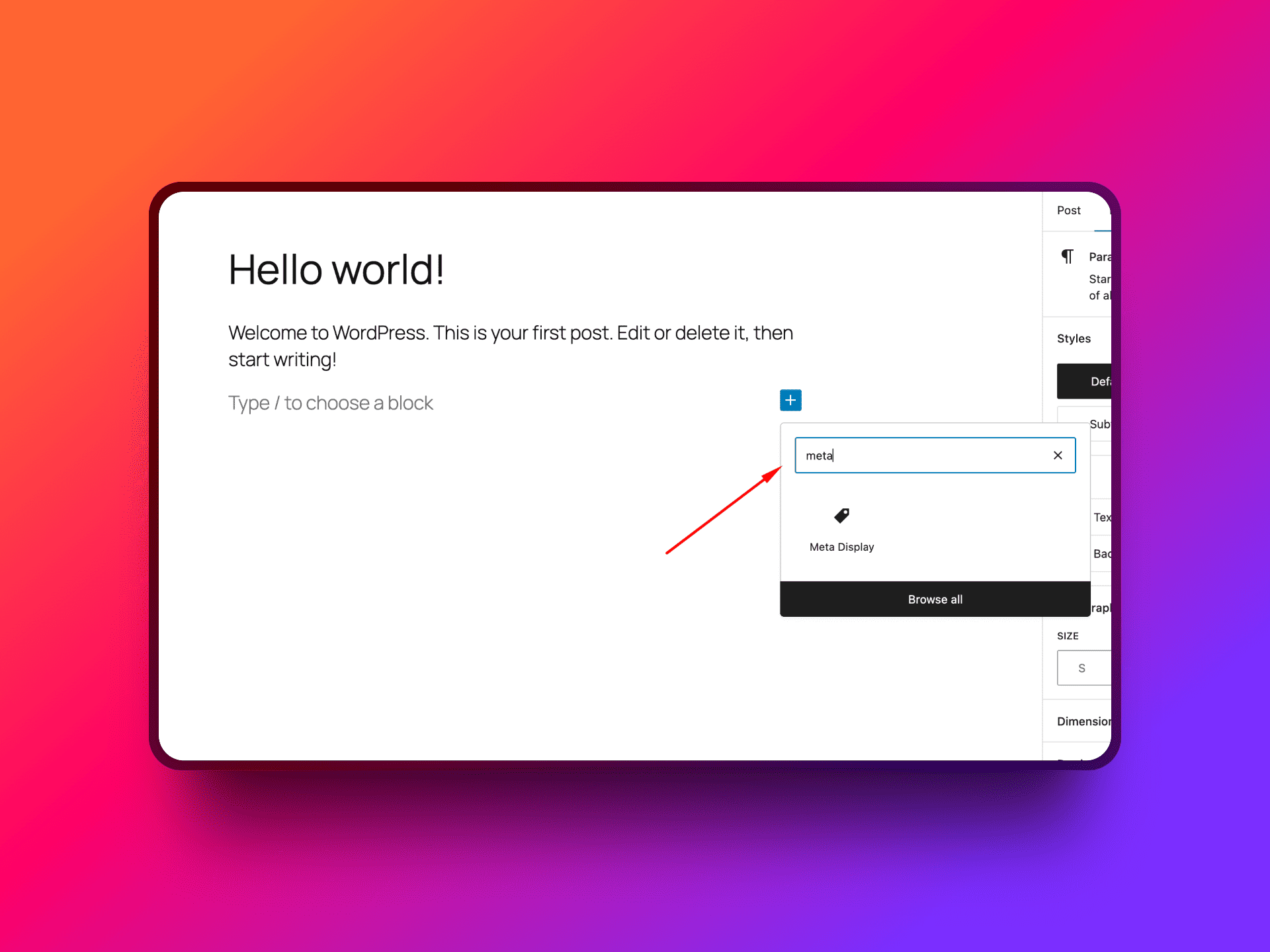
Search Meta Display Block
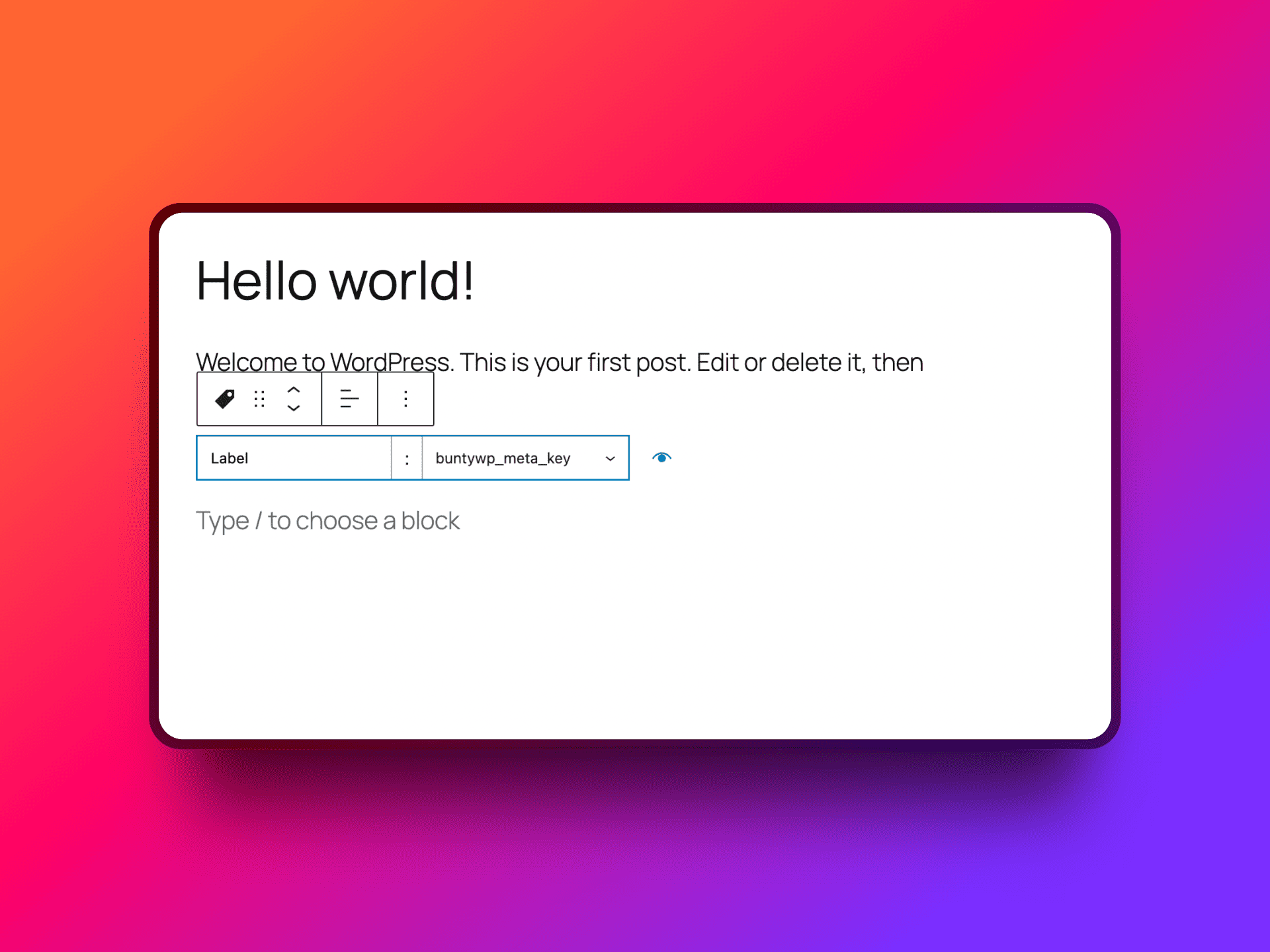
Add Meta Display Block
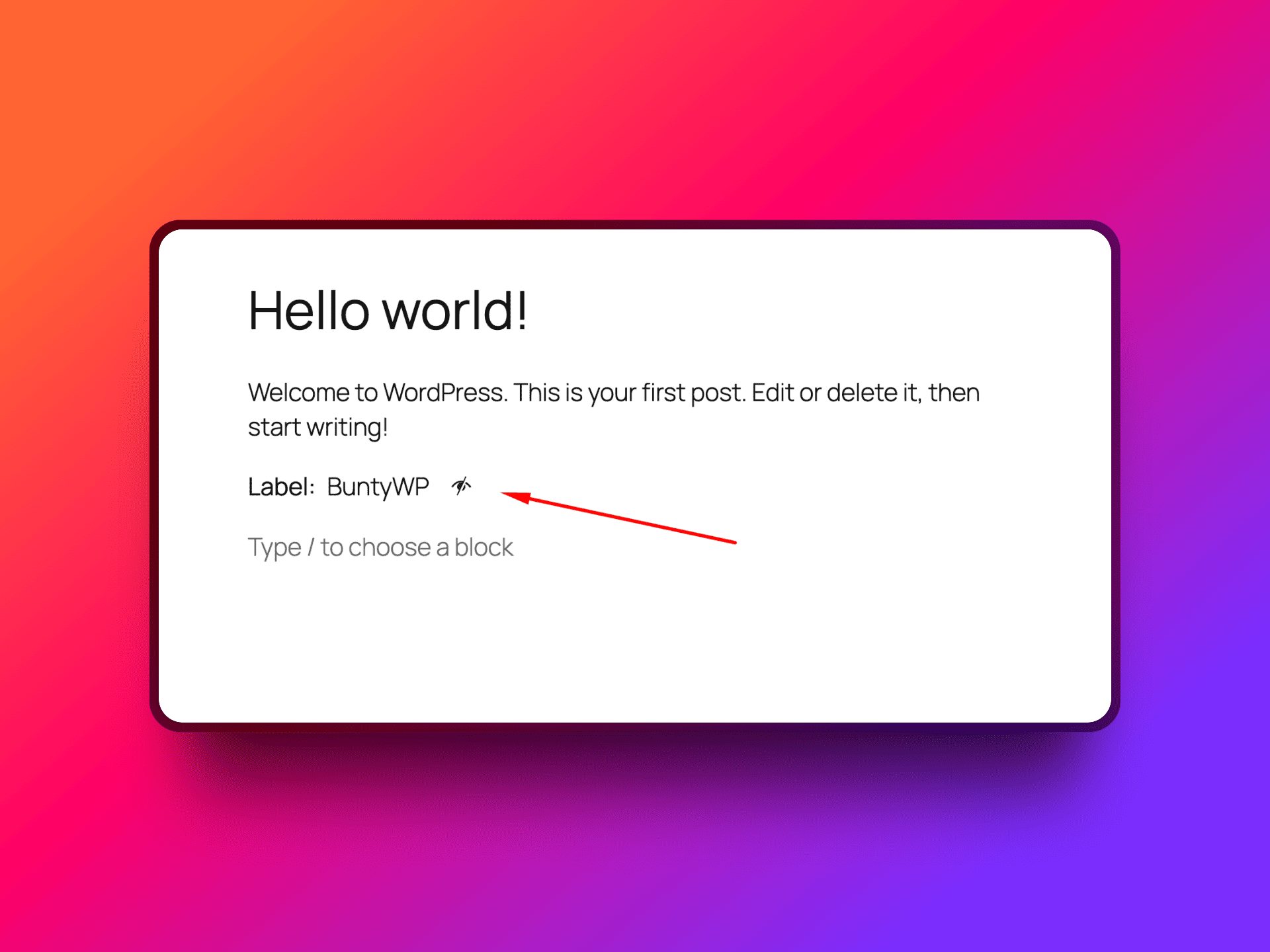
Preview Block
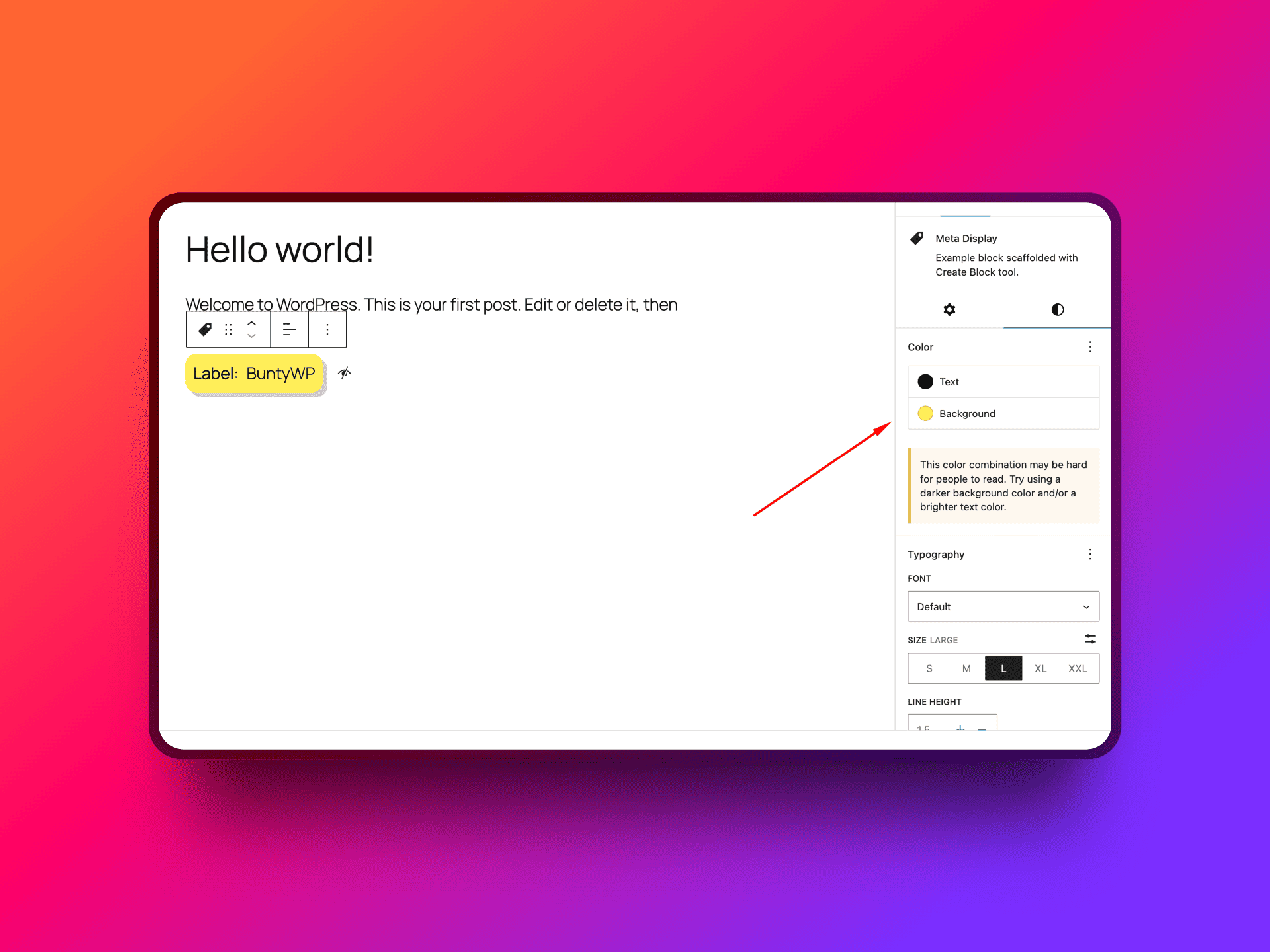
Apply styling

How it looks on frontend
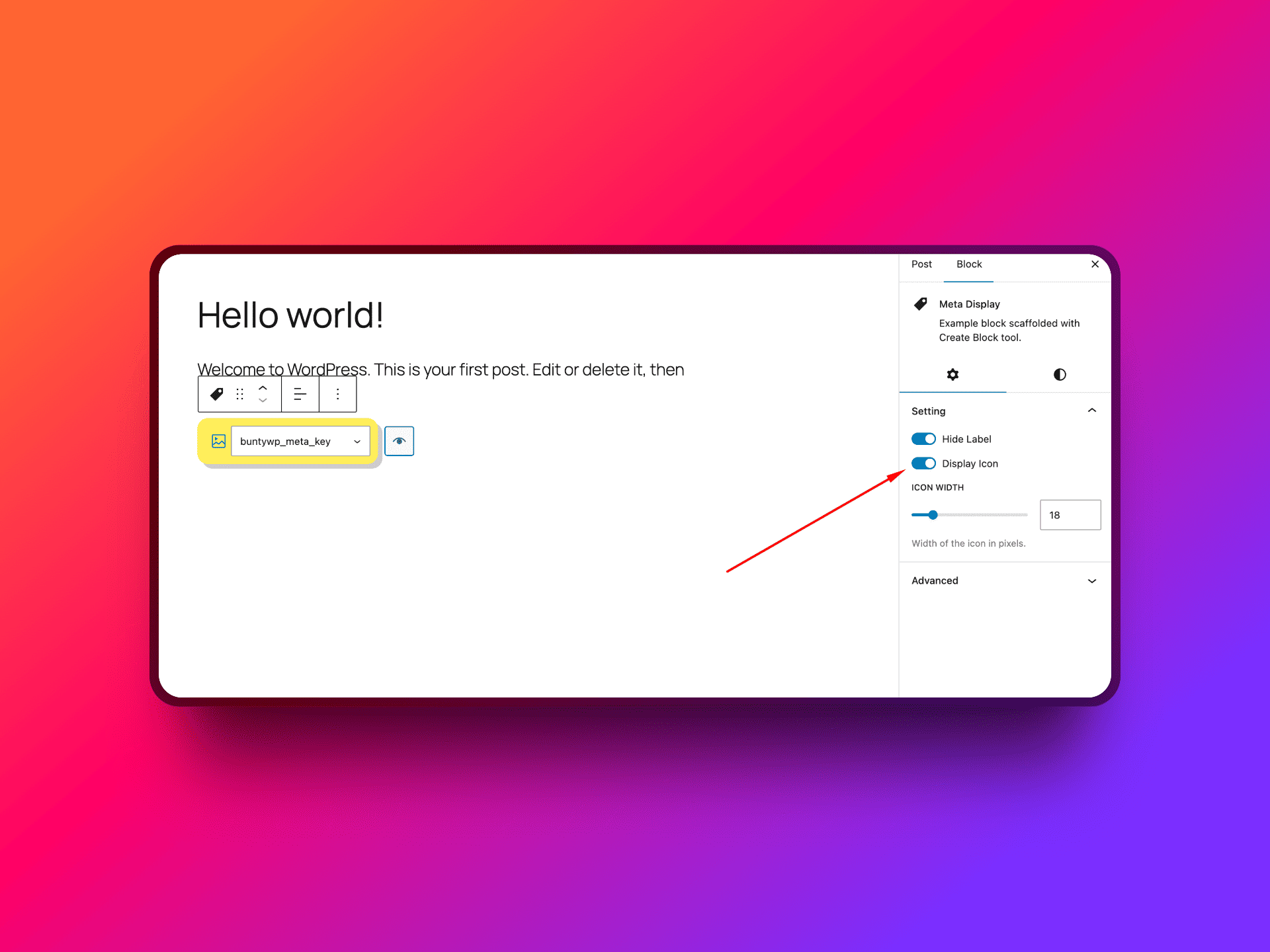
Enable Option to set svg icon
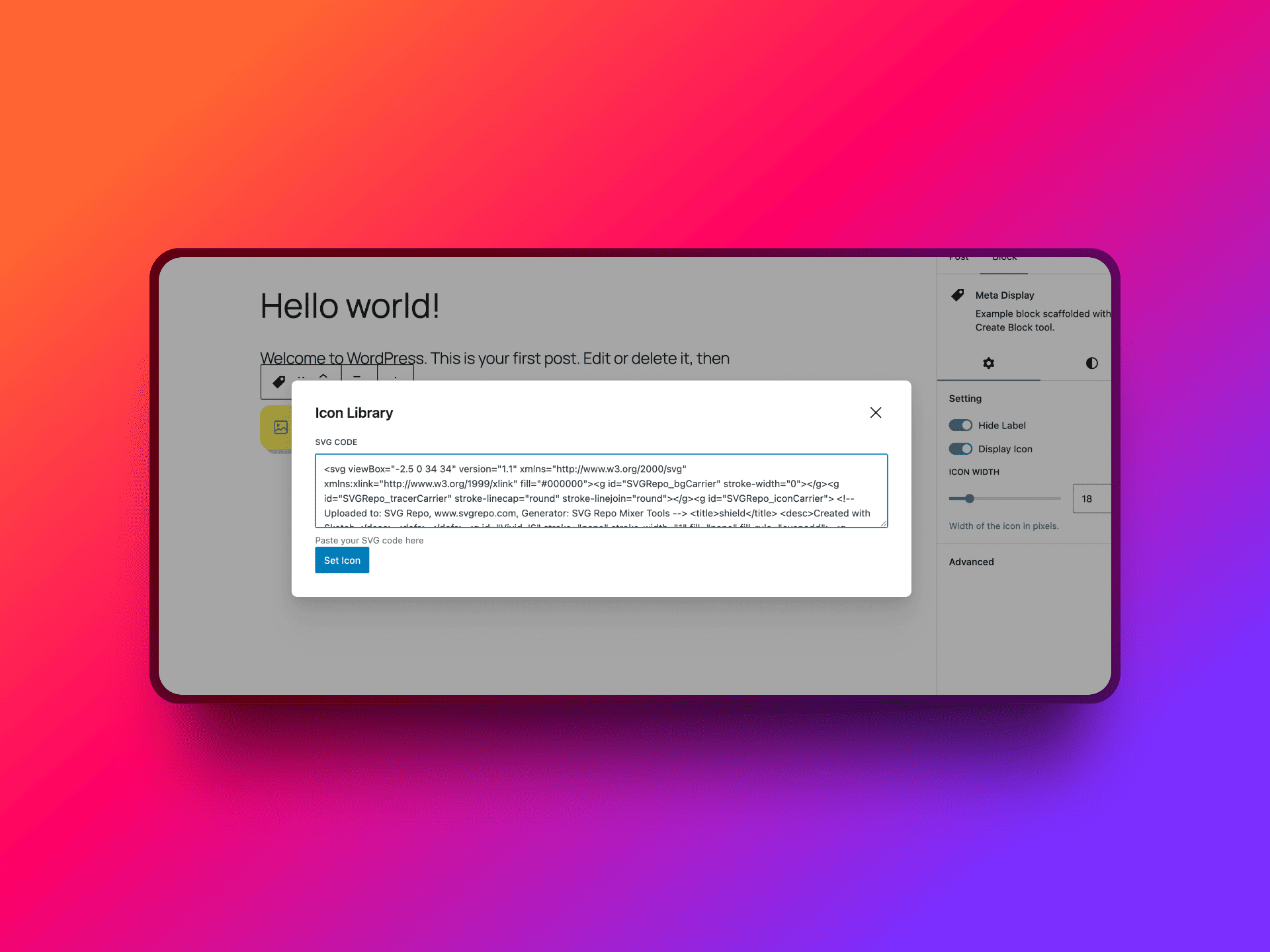
Set svg icon

How it looks with icon
Changelog
1.0.0
- Initial Release.