
Metro Tabs – Responsive Tabs Block
Tab blocks: multiple groups per page, any blocks in each tab. No jQuery, no dependencies.
Plugin info
Maintenance & Compatibility
Maintenance score
Actively maintained • Last updated 20 days ago • Support resolved 100%
Is Metro Tabs – Responsive Tabs Block abandoned?
Likely maintained (last update 20 days ago).
Compatibility
Similar & Alternatives
Explore plugins with similar tags, and compare key metrics like downloads, ratings, updates, support, and WP/PHP compatibility.
Description
Metro Tabs adds block-editor (Gutenberg) blocks for building tabbed content. You add a Metro Tabs: Tab Group block, then add one or more Metro Tabs: Tab Item blocks inside it. Each tab has a heading (the label visitors click) and a content area where you can add any blocks—paragraphs, images, lists, etc. On the front end, visitors see a simple tab bar and panes; clicking a tab switches the visible content without reloading the page.
Features
- Tab Group block – Container for one set of tabs. You can use multiple Tab Group blocks on the same page for different tab sets.
- Tab Item block – A single tab: editable heading and a content area that supports any blocks (paragraphs, headings, images, etc.).
- No JavaScript libraries – Uses vanilla JavaScript only; no jQuery or jQuery UI.
- Block API version 3 – Compatible with the current block editor (WordPress 6.3+ iframe editor).
- Lightweight styling – Discrete front-end styles (underline-style active tab); you can override with your theme or custom CSS.
How to use
- In the block editor, add a Metro Tabs: Tab Group block (search for “Metro Tabs” or “Tab Group”).
- Inside the group, you’ll see placeholder Tab Items (e.g. “Tab 1”, “Tab 2”). Click each Metro Tabs: Tab Item block and:
- Edit the tab heading (the text shown on the tab).
- Add any blocks in the tab content area (paragraphs, images, etc.).
- Add or remove Tab Item blocks as needed. You can add more Tab Groups elsewhere on the page for separate tab sets.
- Publish or update. On the front end, the tab bar and panes are built automatically; clicking a tab switches the visible pane.
No settings or configuration are required. The plugin enqueues its script and styles on the front end when the page contains tab blocks.
Compatibility
- Requires WordPress 6.0 or higher (block editor).
- Requires PHP 8.0 or higher.
Installation
Frequently Asked Questions
Review feed
Screenshots
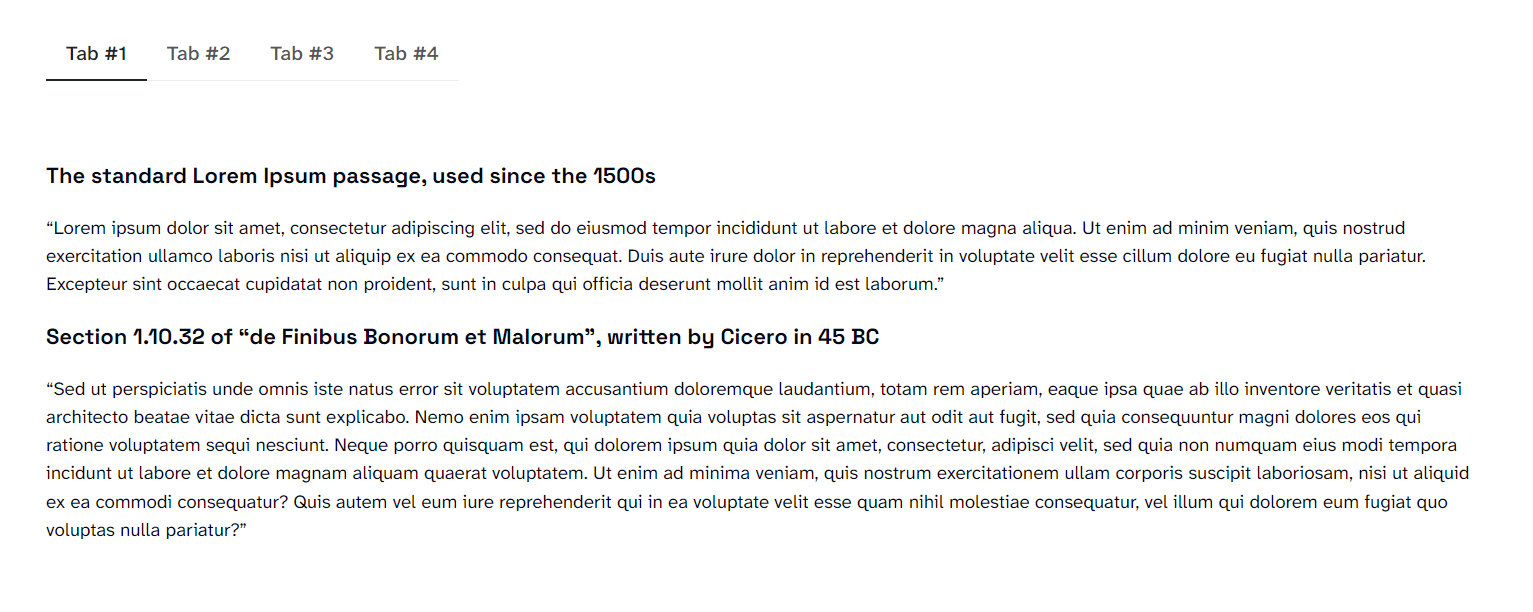
Front-end tabs
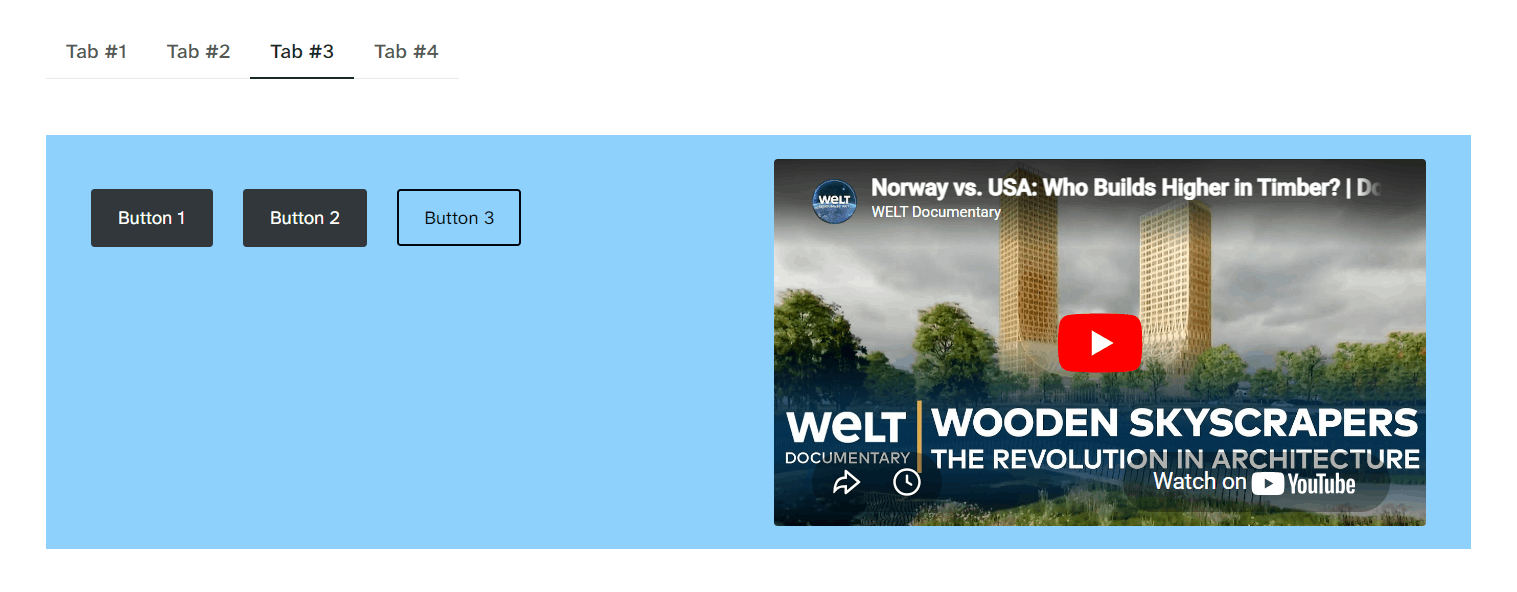
Front-end tabs
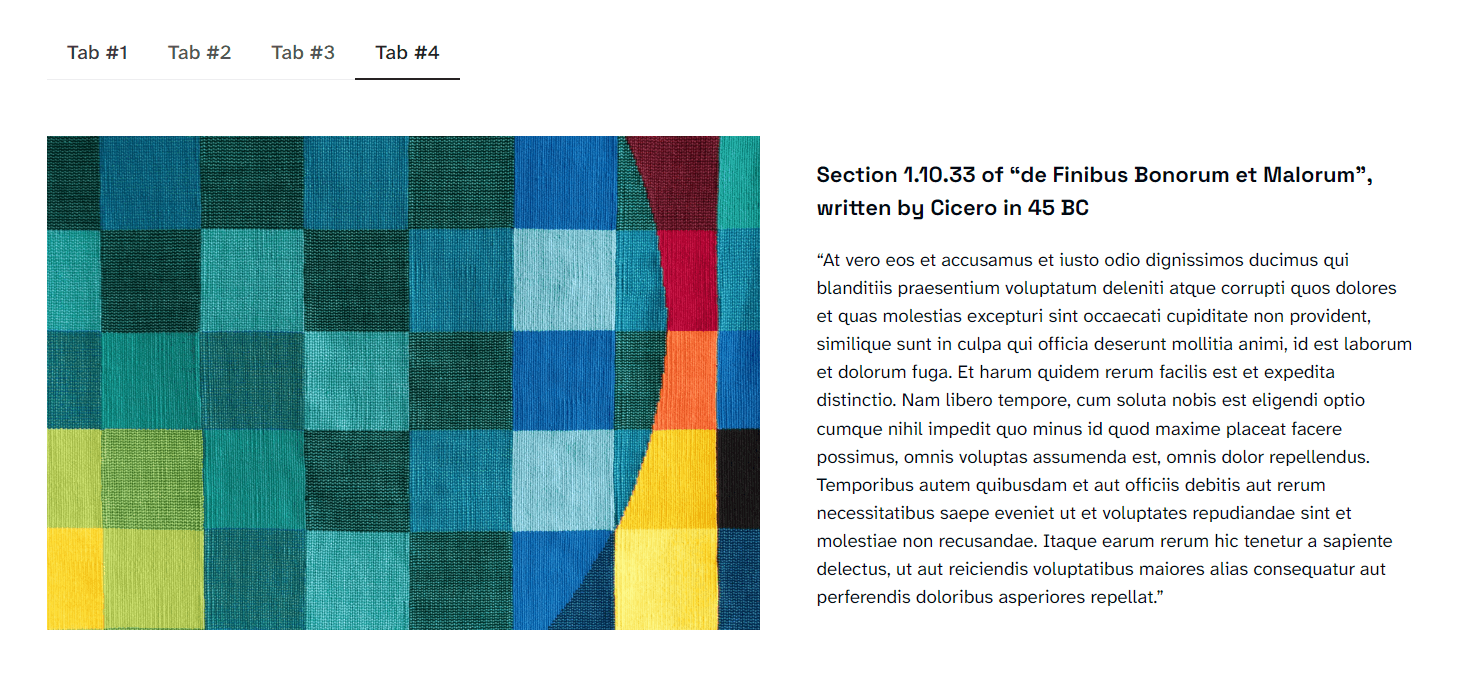
Front-end tabs
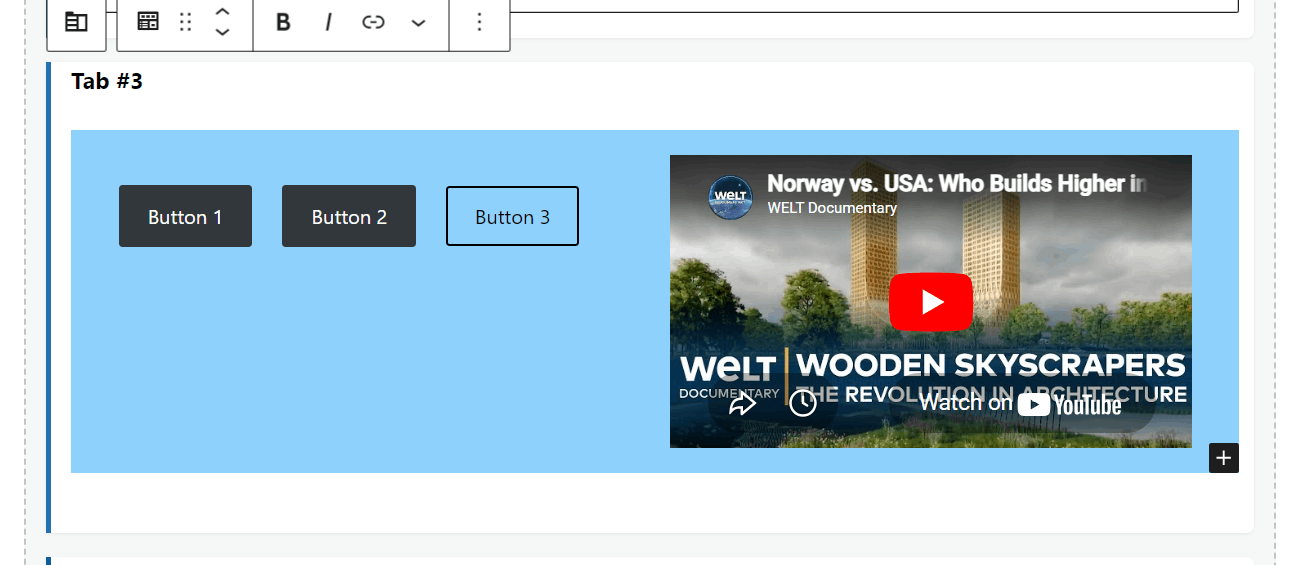
Back-end block editor with Tab Group and Tab Item blocks
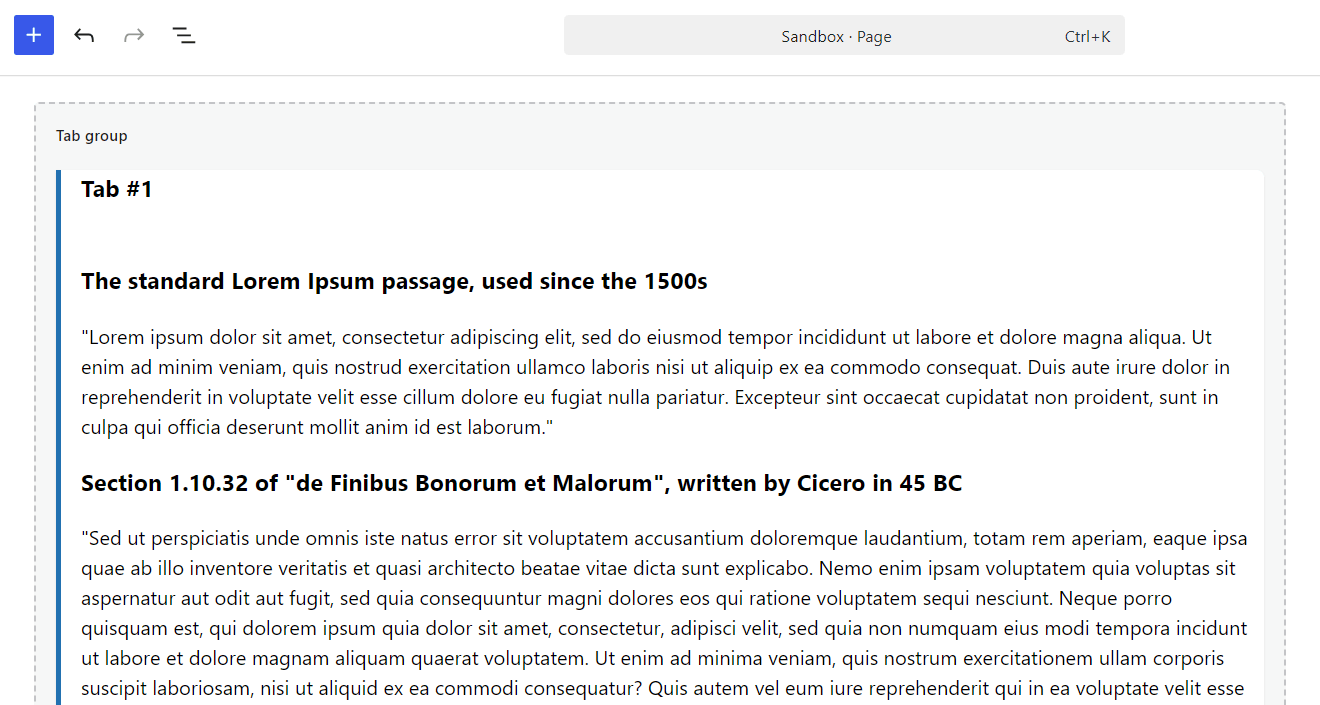
Back-end block editor with Tab Group and Tab Item blocks
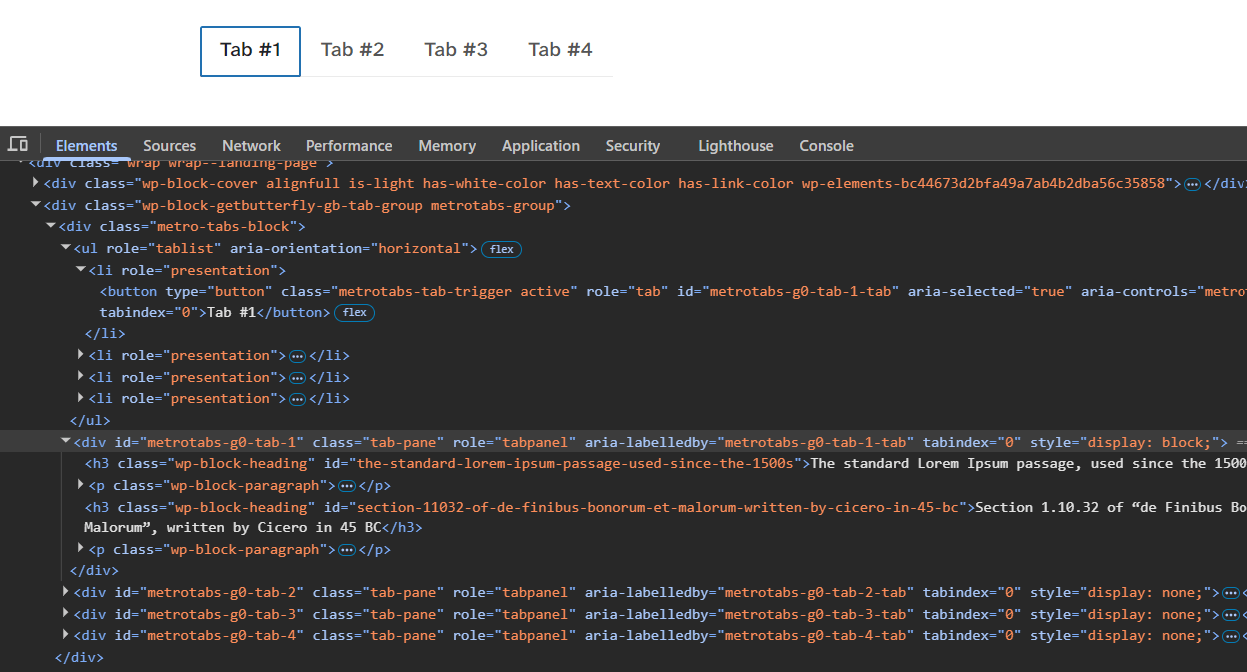
Source code demonstrating ARIA roles and keyboard navigation attributes
Changelog
1.1.5
- Add WAI-ARIA Tabs pattern (roles, states, and properties)
- Add keyboard navigation (Arrow keys, Home, End) with automatic activation
- Add roving tabindex and visible focus styles for keyboard users
- Rename .simple-tabs-block CSS class to .metro-tabs-block
1.1.4
- Rename all internal references from TabX to Metro Tabs
- Rename asset files to use metrotabs prefix
- Add docblocks for all PHP functions
1.1.3
- Use plugin_dir_path() and plugin_dir_url() for correct path/URL resolution
- Remove updater
- Shorten readme short description
- Add version and $in_footer to enqueued scripts and styles
1.1.2
- Fixed plugin name
1.1.1
- Fixed block registration
1.1.0
- First release