

Plugin info
Maintenance & Compatibility
Maintenance score
Possibly abandoned • Last updated 1888 days ago
Is Monogram abandoned?
Possibly abandoned (last update 1888 days ago).
Compatibility
Similar & Alternatives
Explore plugins with similar tags, and compare key metrics like downloads, ratings, updates, support, and WP/PHP compatibility.
Description
Automatically add an end mark (image or text) to the end of pages and posts. An end mark (sometimes called an end sign) is the small graphic element placed at the end of an article, chapter or story.
Installation
- Upload the entire monogram folder to the /wp-content/plugins/ directory.
- Activate the plugin through the Plugins screen (Plugins > Installed Plugins).
You will find the Monogram menu under Appearance in your WordPress admin screen.
For basic usage, have a look at the plugins website. http://wordpress.billdawson.net/?page_id=67
Frequently Asked Questions
Q: How do I add TEXT?
A: Simply type in the text you want to display. It will display at the end of every page and post.
Q: How do I add an IMAGE?
A: Enter the entire URL to the image you want to display including http:// or https://.
Example: http://wordpress.billdawson.net/wp-content/uploads/sites/6/2020/05/dawson-logo-40.png
Review feed
Screenshots
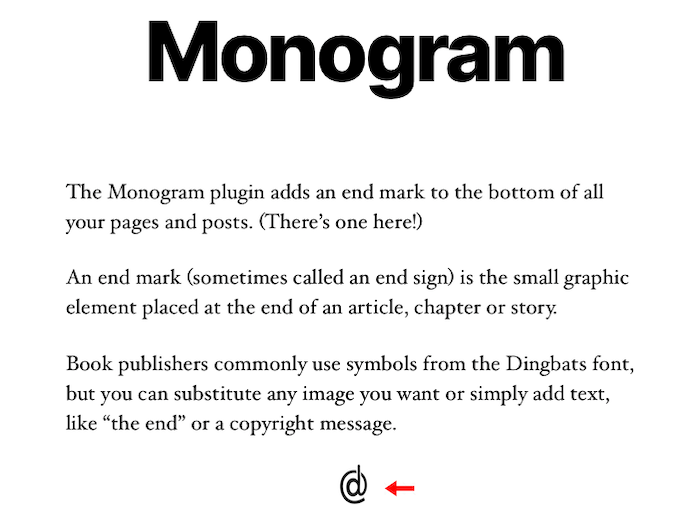
http://wordpress.billdawson.net/wp-content/uploads/sites/6/2020/07/Monogram-Screen-Shot.png
Changelog
None