Mouseflow for WordPress
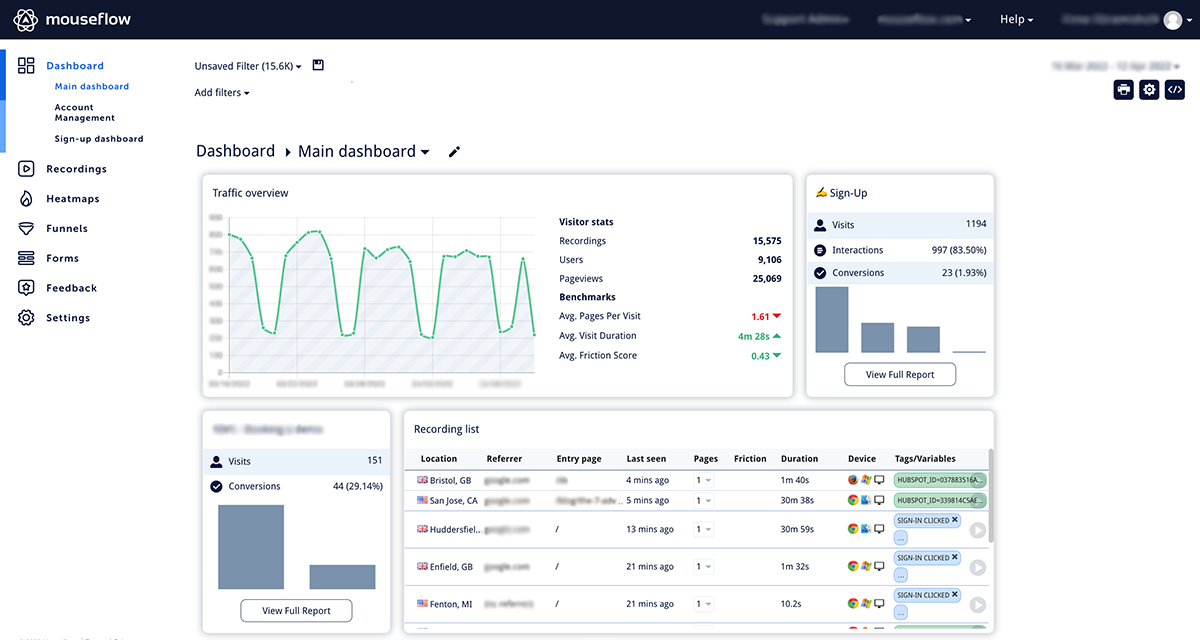
Mouseflow gives you free and easy-to-use conversion and user experience analytics for your website. Analyze conversion funnels, heatmaps and even sess …
Plugin info
Maintenance & Compatibility
Maintenance score
Possibly abandoned • Last updated 919 days ago • 6 reviews
Is Mouseflow for WordPress abandoned?
Possibly abandoned (last update 919 days ago).
Compatibility
Similar & Alternatives
Explore plugins with similar tags, and compare key metrics like downloads, ratings, updates, support, and WP/PHP compatibility.
Description
With Mouseflow for WordPress you can access everything Mouseflow has to offer – directly from your WordPress dashboard! Learn more about your visitors by analyzing heatmaps and recordings of user sessions, including mouse movements, clicks, scroll events and more. The plugin makes it quick and easy to install Mouseflow on your WordPress-site.
Installation
Follow these steps to use the plugin:
- Activate the plugin through the ‘Plugins’ menu in WordPress
- Retrieve your tracking snippet from your website settings in Mouseflow (https://app.mouseflow.com/websites)
- Navigate back to your WordPress admin panel > Mouseflow plugin.
- Paste your Mouseflow script code in the box under Settings | Mouseflow
Frequently Asked Questions
You get the tracking code by signing up on Mouseflow.com. You can easily create an account for free by following this link: https://app.mouseflow.com/sign-up
- Make sure you’ve inserted the script code in the settings page.
- Check that you have the wp_footer() function in the blog template.
- Check your blog’s html source (Page / View source) and search for “mouseflow”. In case the script found at the end of the section, but still not working, you’re probably running the site from a different domain than the one you entered on your mouseflow account. Make sure that the domains are matching.
- Read more here: https://help.mouseflow.com/en/articles/4278980-recording-status-is-not-installed
- Get in touch: https://help.mouseflow.com/