

mowomo bloques
mowomo blocks is a plugin created by mowomo.com for WordPress that provides different types of blocks with unique configurations to the new editor, Gu …
Plugin info
Maintenance & Compatibility
Maintenance score
Possibly abandoned • Last updated 1914 days ago • 1 reviews
Is mowomo bloques abandoned?
Possibly abandoned (last update 1914 days ago).
Compatibility
Similar & Alternatives
Explore plugins with similar tags, and compare key metrics like downloads, ratings, updates, support, and WP/PHP compatibility.
Description
mowomo blocks contains several types of blocks very specific but at the same time versatile that allow the user to install it to fill its content in a creative way.
The blocks contain unique characteristics that differentiate them from other blocks, such as:
- Multiple types of transition animations
- Wide configuration of the appearance of the blocks
- Configurations of features not seen in other blocks
Actual Blocks
mowomo blocks contains blocks of all kinds, but always try to provide unique and really necessary utilities. These are the ones that contain:
- Download Block
- Parallax Image Block
- Heading Block
- Gist block
- Alert block
- Google Maps
Installation
- Upload the mowomo folder to your /wp-content/plugins/ directory or alternatively upload the mowomo-bloques.zip file via the plugin page of WordPress by clicking ‘Add New’ and selecting the zip from your computer.
- Activate the mowomo bloques plugin through the ‘Plugins’ menu in WordPress.
- Use mowomo bloques on your next page or post.
Frequently Asked Questions
Review feed
Screenshots

Screenshot from download button block.
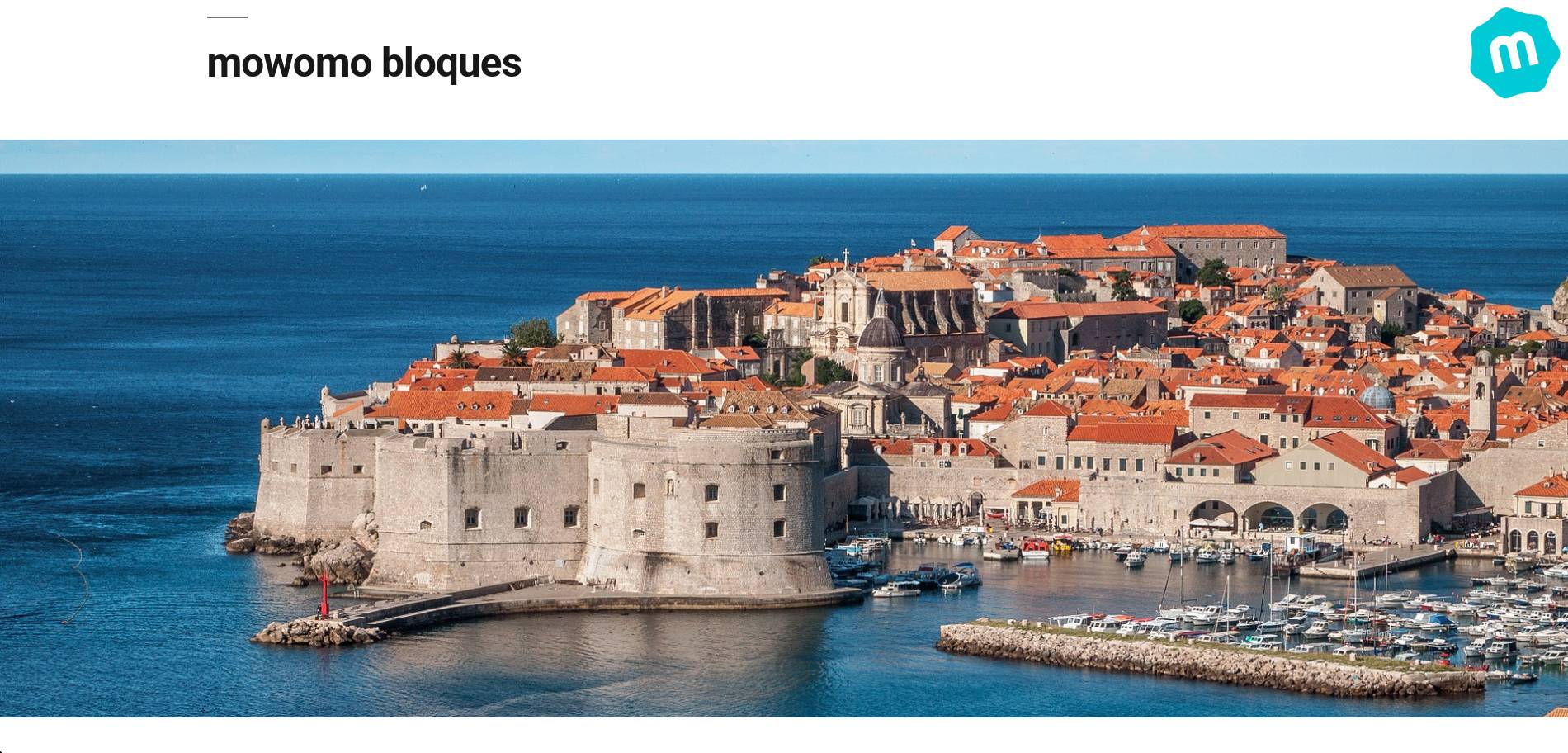
Screenshot from parallax image block.

Screenshot from heading block.

Screenshot from gist block.

Screenshot from alert block.

Screenshot from google maps blocks.
Changelog
1.1
- New branding assets
- Tested in WordPress 5.5.3
1.0.6
- One new block, enjoy!
- Optimization of the plugin in general
1.0.5
- Minor fixes solved
1.0.4
- Three new blocks
- Minor fixes solved
1.0.2
- Minor fixes solved
1.0.1
- One new block, enjoy!
1.0.0
- Initial release on WordPress.org. Enjoy!