

Multidots Passkey Login – Passwordless Login for WordPress
Passwordless login for WordPress with Passkeys. Enable Touch ID, Face ID, and security keys for seamless, phishing-resistant authentication.
Plugin info
Maintenance & Compatibility
Maintenance score
Maintained • Last updated 121 days ago • 1 reviews
Is Multidots Passkey Login – Passwordless Login for WordPress abandoned?
Likely maintained (last update 121 days ago).
Compatibility
Similar & Alternatives
Explore plugins with similar tags, and compare key metrics like downloads, ratings, updates, support, and WP/PHP compatibility.
Description
Multidots Passkey Login – Passwordless Authentication brings next-generation login security to WordPress.
Give your users a secure and modern login experience with passkeys — the new standard for passwordless authentication supported by all major browsers and devices.
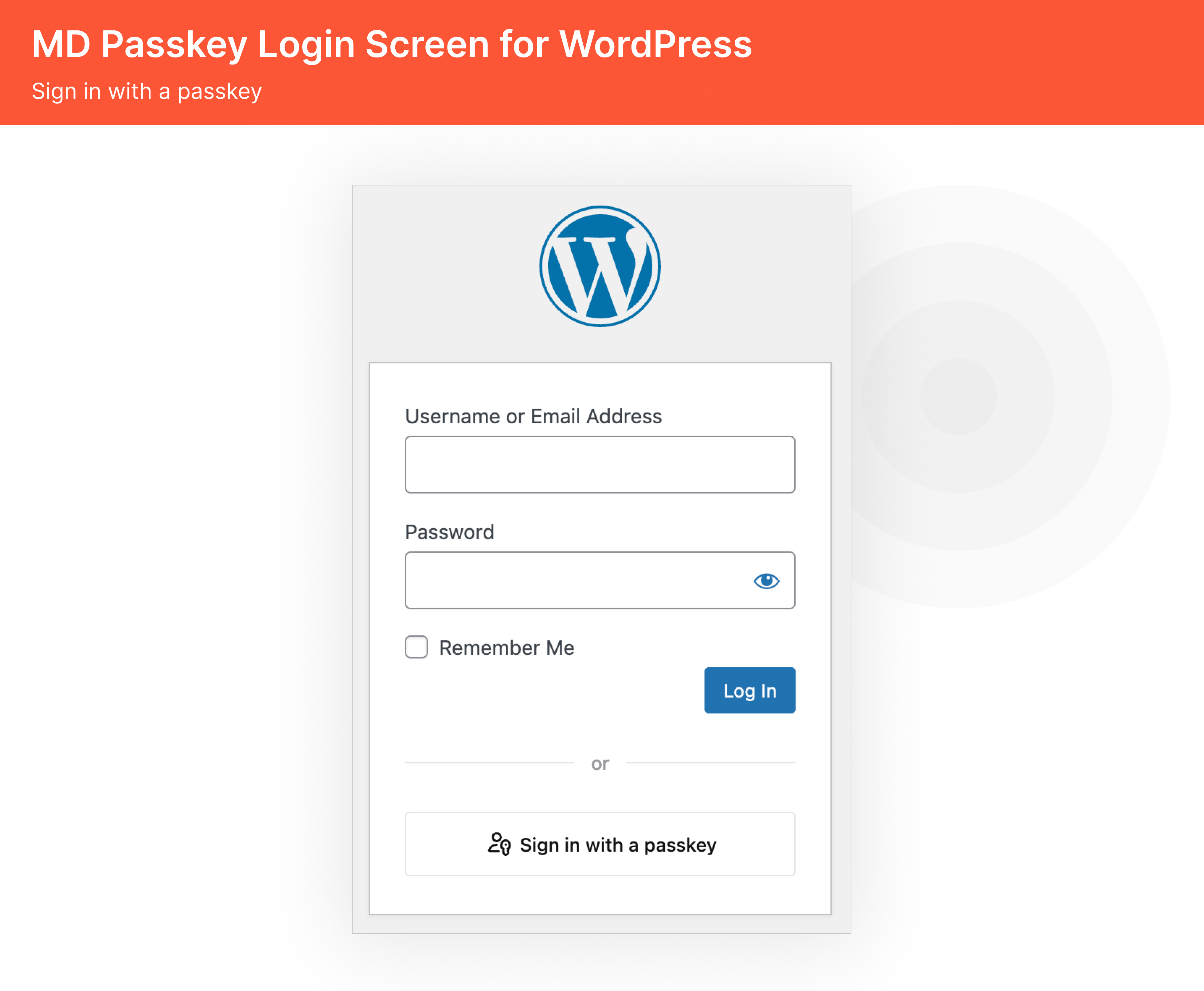
With Multidots Passkey Login, users can log in using biometric authentication (Face ID, Touch ID), Windows Hello, or a device PIN—no passwords are required.
This creates a fast, secure, and phishing-resistant login experience that works seamlessly across desktop and mobile.
Built for Flexibility:
- Instantly works for existing WordPress users after registering a passkey.
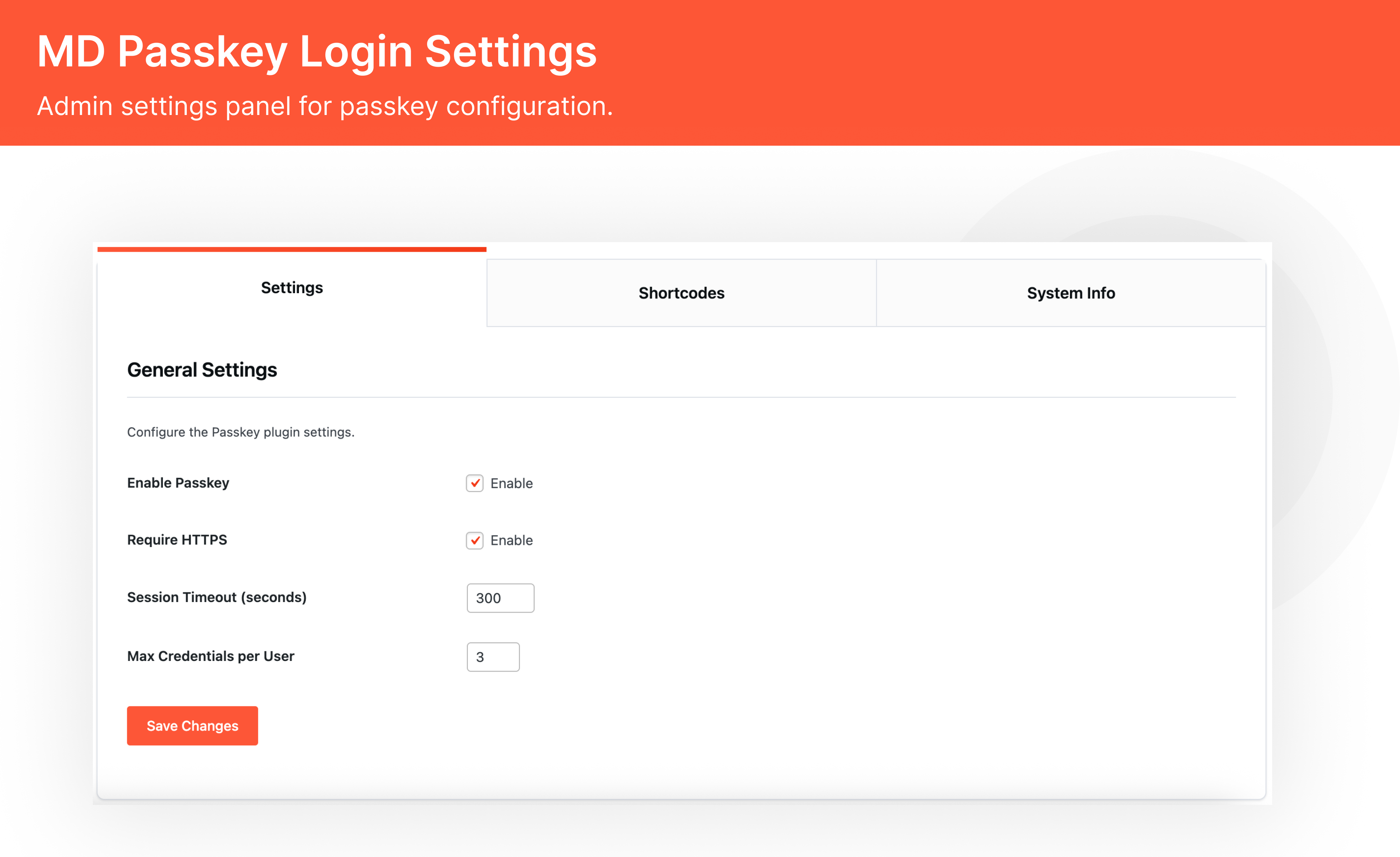
- Simple yet powerful admin settings to manage login behavior and security.
- Built on the FIDO2/WebAuthn standard trusted by Apple, Google, and Microsoft.
Perfect for publishers, WooCommerce stores, agency clients, and high-security use cases.
Key Features
🔐 Secure & Seamless Login
- Passwordless login with Touch ID, Face ID, or security keys.
- Works instantly for existing users after passkey registration.
📝 Easy User Registration.
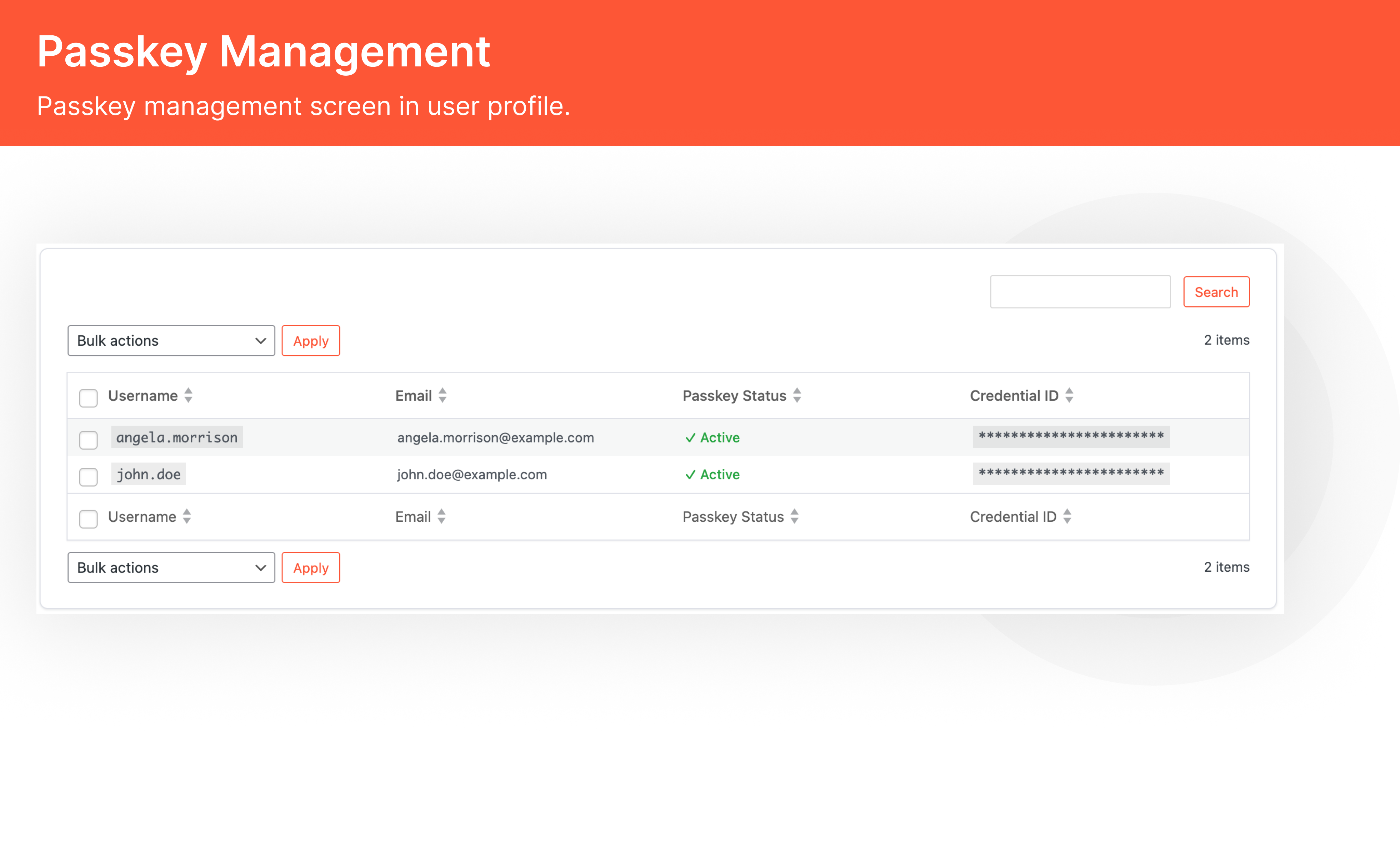
- Register a passkey for existing users without one.
- Create new users directly with passkey registration.
⚙️ Flexible Admin Settings
- Enable/Disable passkey login with one click.
- Control session timeout for added security.
- Multiple authentication options: QR code scan, Chrome guest mode, iCloud Keychain, etc.
- Limit number of passkeys per user (e.g., max 2 credentials).
🎨 Frontend Integration
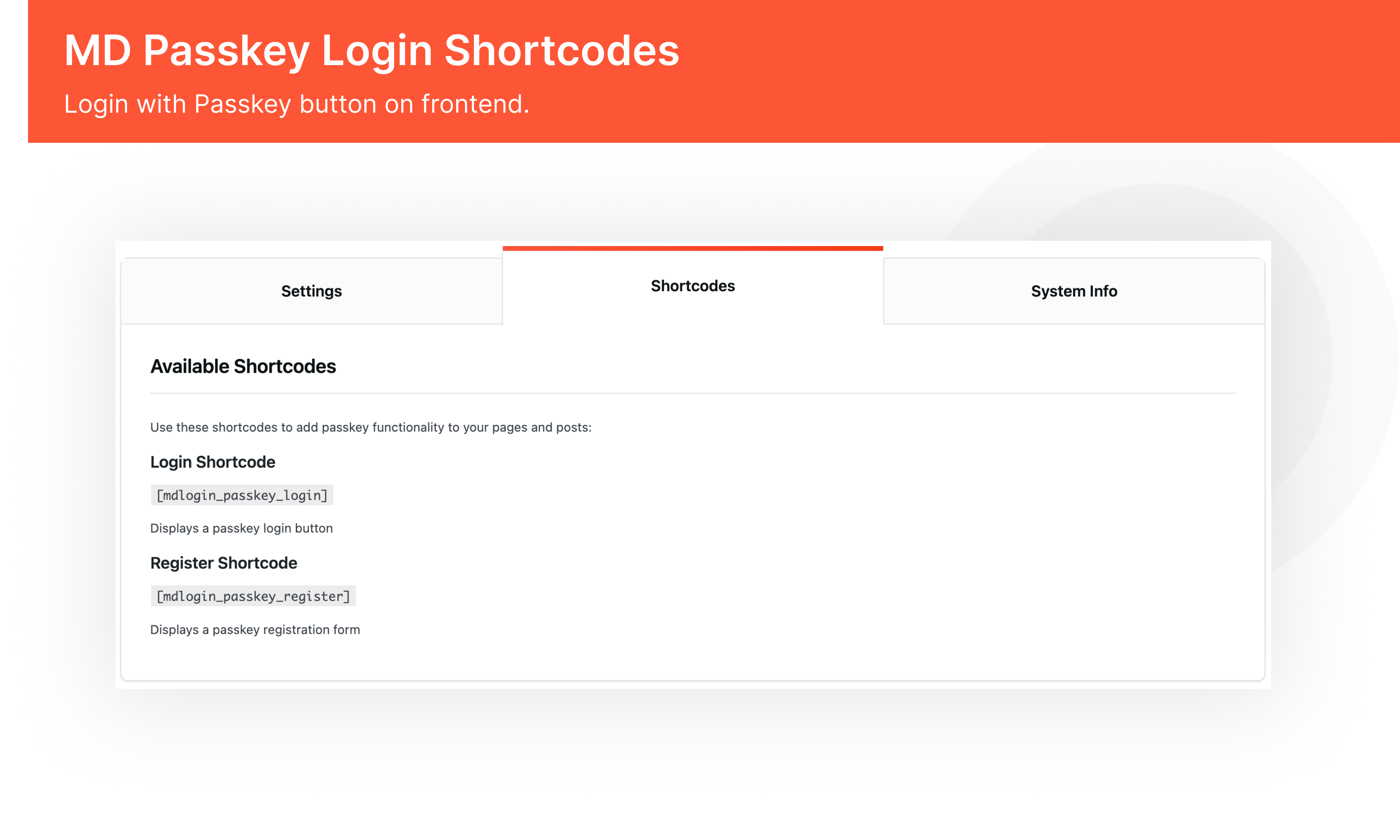
Shortcodes included:
- [mdlogin_passkey_login] Displays a Login with Passkey button.
- [mdlogin_passkey_register] Displays passkey registration form.
🛡️ Security Requirements
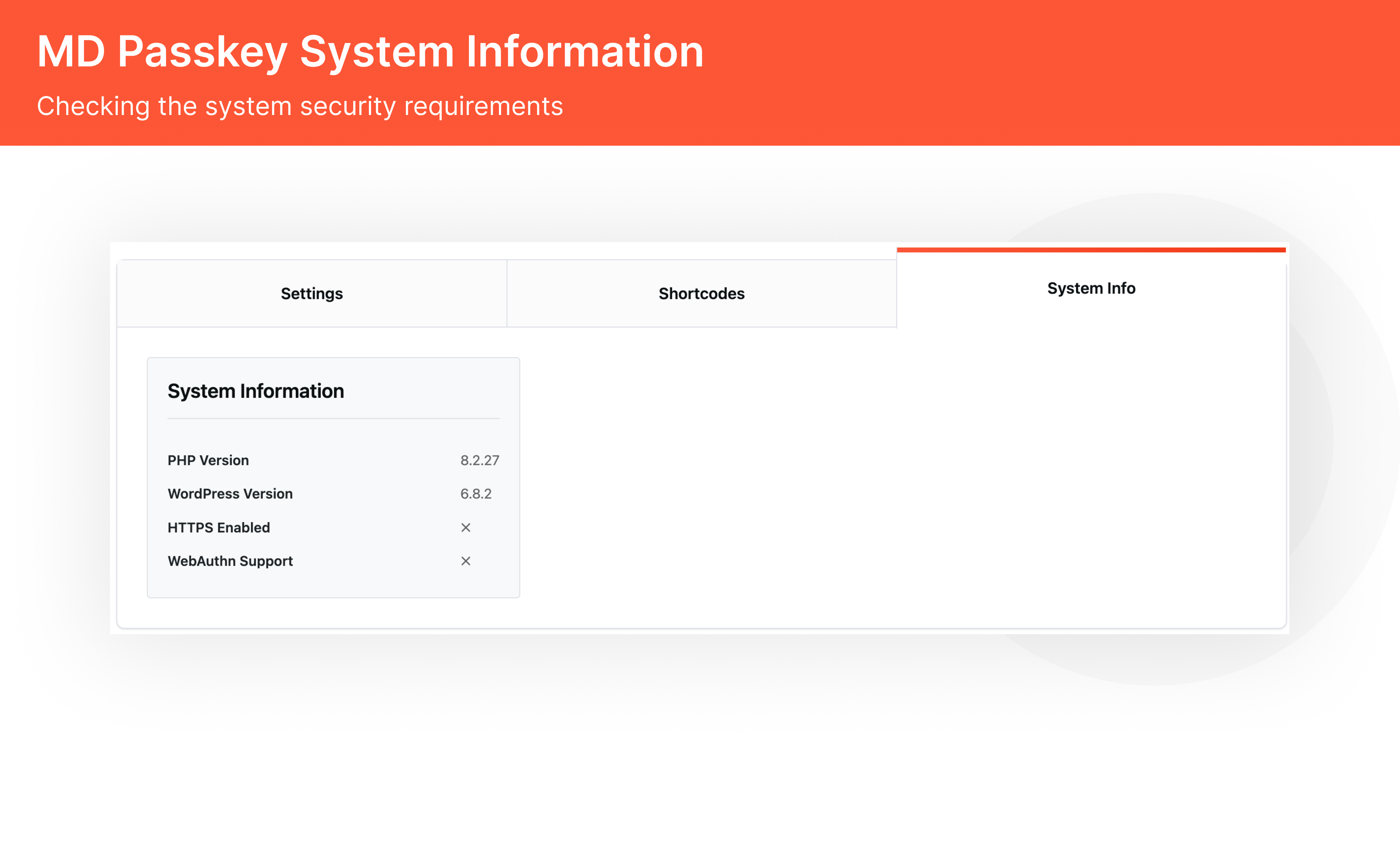
- Requires HTTPS for secure operation
Why Choose the Multidots Passkey Login Plugin
- Passwordless Security: Strong protection against phishing and stolen credentials.
- User-Friendly: Log in with a single tap or scan—no passwords to remember.
- Enterprise-Grade Standards: Built on FIDO2/WebAuthn protocols used by major platforms.
- Cross-Device Compatibility: Works on iOS, Android, macOS, and Windows.
- Trusted Developer: Created by Multidots, a WordPress VIP Gold Agency.
How It Works
- Activate Plugin – Enable Passkey Login from settings.
- User Registers a Passkey – through profile settings
- Login Without Passwords – Users authenticate via Touch ID, Face ID, or a security key.
- Admin Controls – Adjust login methods and session policies
Our Other Plugins
- Sync Product From Amazon
- Smart Post Sync
- Better By Default
- Centralized Content Management for WordPress Multisite Networks
- MD Governance
- Salsi Sync
Contact Us
Free plugin: Need Technical Help? – Click here
Pro Plugin: PRE-SALE Questions – Click here
Installation
Frequently Asked Questions
A passkey is a secure credential stored on your device (like Face ID, fingerprint, or PIN). It’s used to log into websites without needing to remember or type a password.
Yes! Passkeys work across mobile and desktop. Users can log in using their built-in biometrics or unlock methods.
Yes. It works smoothly with multisite setups.
Yes. HTTPS is required for secure operation of passkeys.
Yes. Any user can register a passkey and log in without a password.
Yes. Traditional login remains unless the admin disables it.
Passkeys are supported on all major browsers (Chrome, Safari, Edge) and devices (iOS, Android, macOS, Windows).
Yes. The admin can set how many passkeys each user can register.
Disable other plugins one by one to identify conflicts. If the issue persists, contact our support team for assistance.
You can post your queries on the WordPress.org support forum for the plugin.
Review feed
Screenshots
Changelog
1.1 – 16.10.2025
- Implemented comprehensive input sanitization and validation across all user inputs.
- Added rate limiting to prevent brute force attacks and abuse.
- Enhanced session security with improved management and metadata protection
- Integrated full CSRF token validation to prevent cross-site request forgery.
- Applied multiple security headers to mitigate common web vulnerabilities.
- Minor bug fixes and code refactoring for better maintainability
1.0.0
- Initial release