

Multilang Perelink
Multilang Perelink allows interlinking between translated versions of the same content across different subsites in a WordPress multisite network.
Plugin info
Maintenance & Compatibility
Maintenance score
Stale • Last updated 243 days ago
Is Multilang Perelink abandoned?
Likely maintained (last update 243 days ago).
Compatibility
Similar & Alternatives
Explore plugins with similar tags, and compare key metrics like downloads, ratings, updates, support, and WP/PHP compatibility.
Description
Multilang Perelink is a plugin designed for WordPress multisite installations where each subsite represents a version of the same site in a different language.
The plugin enables interlinking between translations of the same content across different subsites (languages) using a simple language switcher and admin UI.
Main Features:
- Adds a language switcher via shortcode:
[multilang_perelink_languages] - Provides a settings page under Settings > Multilang Perelink for fine-tuned control.
- Allows enabling the language switcher for:
- The front page
- Public post types
- Public taxonomies
- Adds a UI to connect related posts or terms across subsites for selected types.
- Enhances user navigation by seamlessly switching between localized content.
Installation
- Upload the plugin files to the
/wp-content/plugins/multilang-perelinkdirectory, or install the plugin through the WordPress plugins screen directly. - Activate the plugin through the ‘Plugins’ screen in WordPress (on the network level).
- Go to Settings > Multilang Perelink to configure the plugin.
- Use the shortcode
[multilang_perelink_languages]where you want to display the language switcher (e.g., in templates or widgets).
Frequently Asked Questions
No. It only manages relationships between content manually translated and placed across subsites.
No. Multilang Perelink is intended specifically for WordPress multisite mode.
You can place it anywhere using the [multilang_perelink_languages] shortcode. It can also be auto-inserted on selected content types via the plugin settings.
Review feed
Screenshots
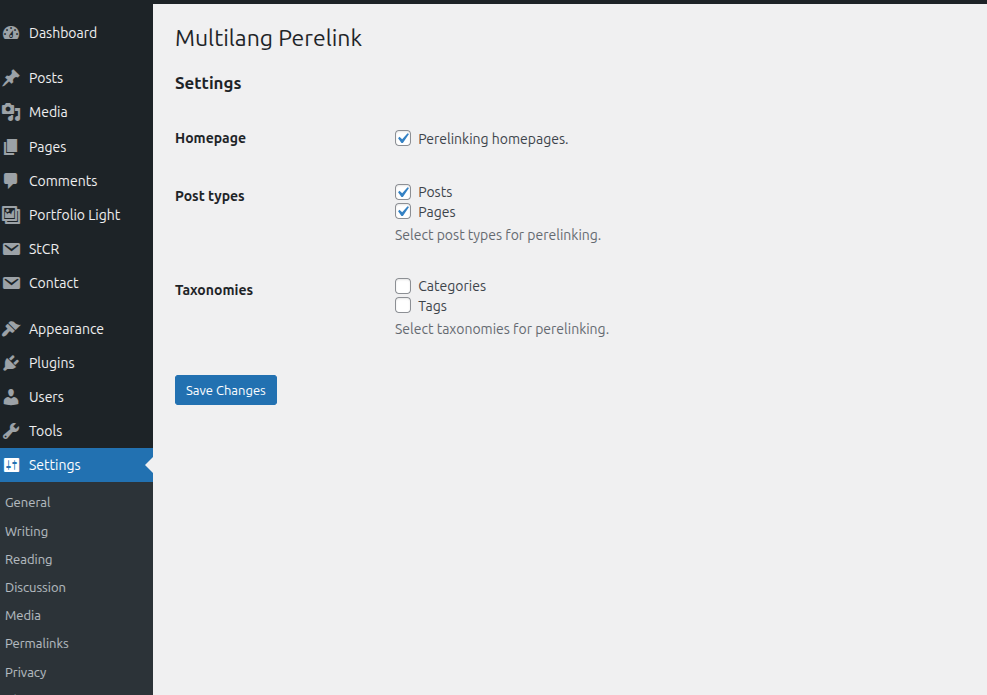
Plugin settings page where you can configure which content types support interlinking.
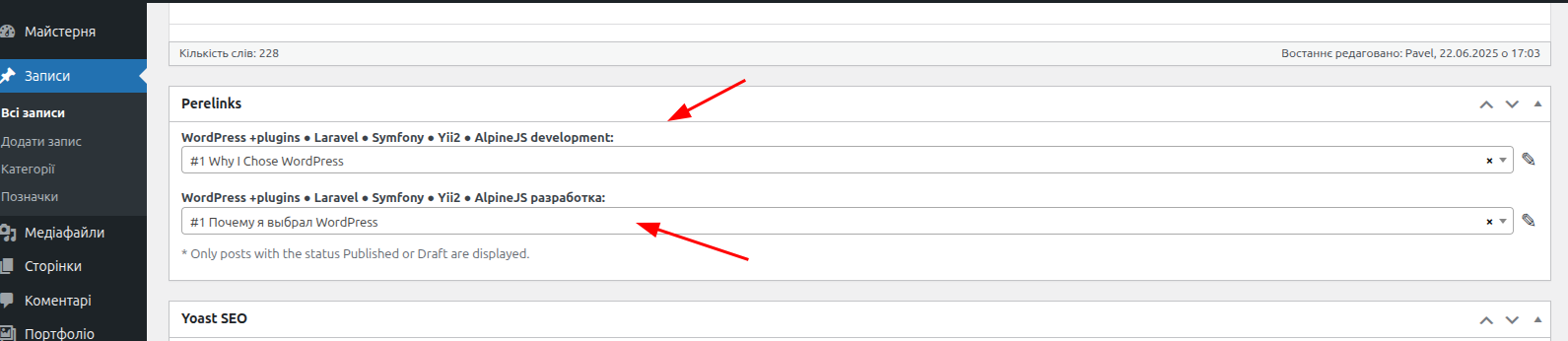
Dropdown field to select related content on another subsite.
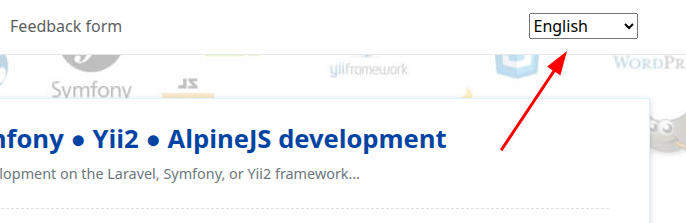
Language switcher rendered on the frontend.
Changelog
1.0.1
- Added perelink for blog pages.
1.0.0
- Init release.