

Full Screen Background Images
The plugin creates an image slideshow as a background to your website.
Plugin info
Maintenance & Compatibility
Maintenance score
Possibly abandoned • Last updated 3623 days ago • 2 reviews
Is Full Screen Background Images abandoned?
Possibly abandoned (last update 3623 days ago).
Compatibility
Similar & Alternatives
Explore plugins with similar tags, and compare key metrics like downloads, ratings, updates, support, and WP/PHP compatibility.
Description
Full Screen Background Images Plugin inspired by the plugin (see original) of Konstantinos Kouratoras (kouratoras). The plugin creates an image slideshow as a background to your website. I made structural changes for future development and addes some setting options.
TODO
* Add subtitle option #check!
* Add link option #check!
* Add widget option so you can put anywhere on your website
* Clean up CSS a bit
Installation
- Upload the unzipped folder to the
/wp-content/plugins/directory - Activate the plugin through the ‘Plugins’ menu in WordPress
- Click on the menu item thats was added and start adding backgrounds
- Change the settings on the settings page
Frequently Asked Questions
Do you have any questions?
Please send them to me and I will fix the problem or add the question here.
Review feed
Screenshots
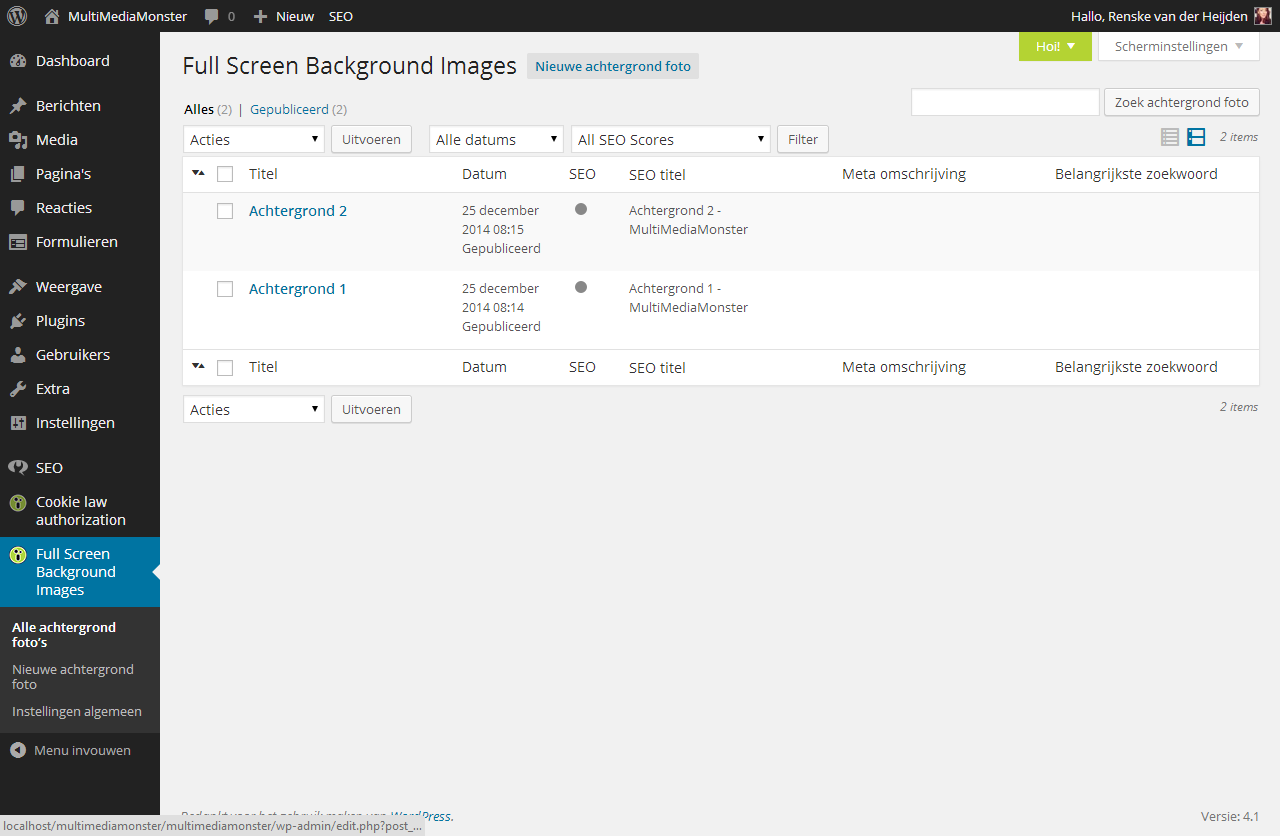
Admin backgrounds page
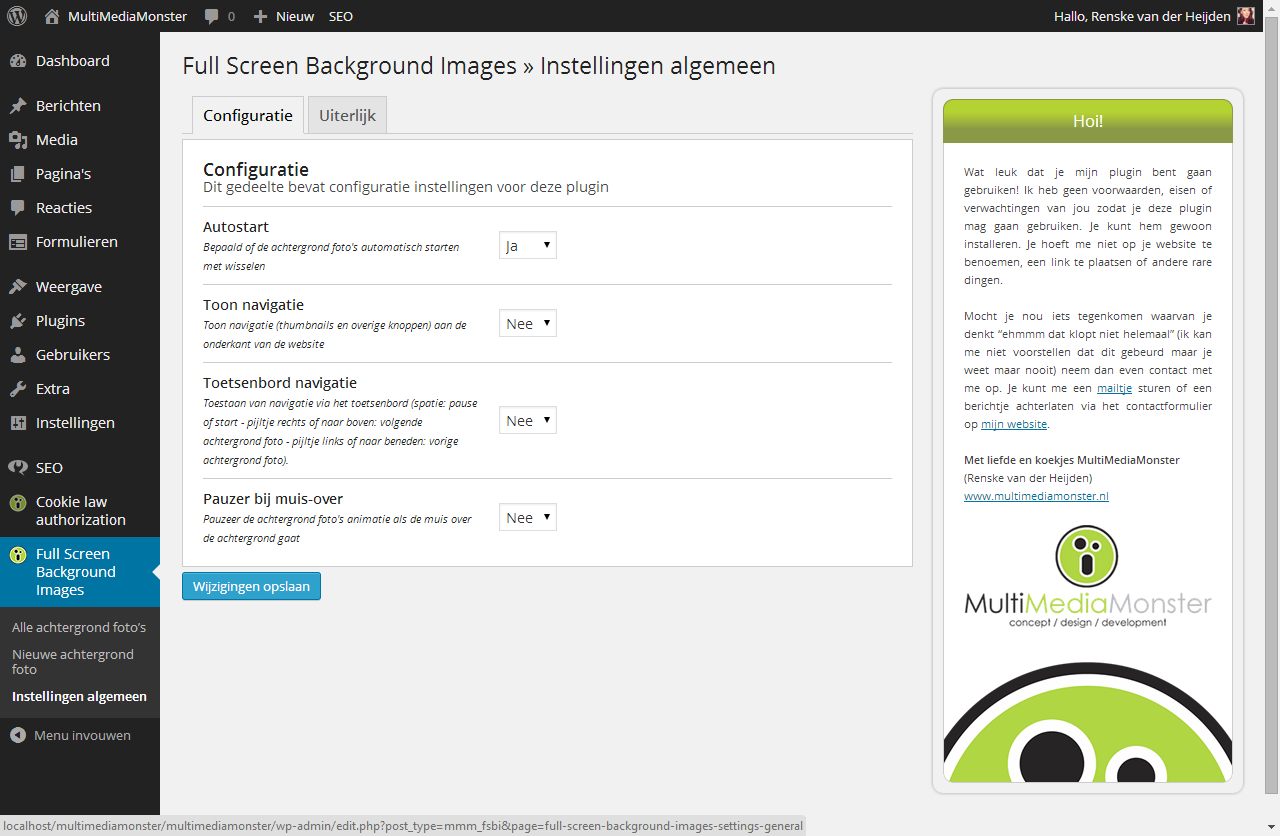
Admin settings page

Full Screen Background Images initial layout in action

Full Screen Background Images complte custom themes's CSS layout in action
Changelog
2.1
- The layout options have been minified. Background color, positioning, widths and heights and fittings have been removed
- The image is now loading as a background image, this way you have more control over the layout in your CSS (explaines the removed options above)
- The image loaded has been changed from the custom image type to large (less loading time)
- The image loader has been changed to a transparent PNG with CSS rotation (less pixelly)
- The information shown in the caption has been expanded with a subtitle and content
- The information shown in the caption can now be linked (if it’s an external page the target automaticly gets _blank)
- All styles and JS files have been optimised for minification
1.1
- Some small functional changes for the better
1.0
- First release, no changes to log