Product Table for WooCommerce – Add Multiple Products to Cart
A truly lightweight EASY to use and super FAST WooCommerce product table solution to add multiple products to cart at once.
Plugin info
Maintenance & Compatibility
Maintenance score
Maintained • Last updated 122 days ago • Support resolved 100% • 24 reviews
Is Product Table for WooCommerce – Add Multiple Products to Cart abandoned?
Likely maintained (last update 122 days ago).
Compatibility
Languages
Similar & Alternatives
Explore plugins with similar tags, and compare key metrics like downloads, ratings, updates, support, and WP/PHP compatibility.
Description
EASY to use and super FAST WooCommerce product table solution to add multiple products to cart at once. Great for accessories, restaurant or any WooCommerce shops, great for increase conversions.
A truly lightweight and simple yet powerful plugin without any unnecessary features, no huss fuss or no low page speed score!
Demo | Get PRO | Bug Report
FEATURES
- 10 new languages support – French, Italian, Spanish, Portuguese, German, Norwegian, Dutch, Polish, Russian, Chinese
- Multilingual plugins support like WPML, PolyLang
- Translation ready: you can translate the plugin using Loco Translate, TranslatePress plugins
- Support for custom themes like Avada, Astra, Bricks, Divi and plugins like YITH WooCommerce Dynamic Pricing & Discounts
- Support for Third-party price customization
- One of the best mobile view for product table for WooCommerce
- Multiple product types like simple, variable support
- Custom columns for each table
- Supports default variations with correct attribute ordering
- Sticky header and total price
- Add to cart multiple products at once
- Pre-selected products and skip products
- Default table sorting option
- Works on MULTISITE
- AJAX & non-ajax add to cart method
- Truly lightweight and extremely fast, almost no impact on page speed
- See all features
SEE THE DEMO
PRO FEATURES
- NEW! Multilingual plugin support with 10 new languages
- Support for WooCommerce All Products for Subscriptions
- Dynamic cart with the table
- AJAX search box with SKU search
- Create product sections by settings specific categories
- Import – export settings and tables
- Extra table columns like – Category, Tag, SKU, Stock and Rating
- Grouped and Subscription product types support
- Product gallery
- Add to cart button for each product
- Redirect to custom page after add to cart
- Sophisticated category dropdown
- Rocket speed 24/7 support
- See all PRO features
3rd Party Plugin Support
HOW TO
You can create the product table shortcode from Multiple Products > Add Product Table. Example: [woo-multi-cart table="1"]
Installation
- Upload the plugin folder “multiple-products-to-cart-for-woocommerce” to the
/wp-content/plugins/directory, or install the plugin through the WordPress plugins screen directly. - Activate the plugin through the ‘Plugins’ screen in WordPress
- In the left menu bar of the dashboard Multiple Products > Settings
Frequently Asked Questions
Yes.
You can add new product table using the shortcode generator. Simply go to Multiple Products > Add Product Table
In the left menu bar of the dashboard Multiple Products > Settings
The WooCommerce product table template can be overridden by copying it to yourtheme/templates/listing-list.php.
Yes, it will work fine on any standard theme or page builder like Gutenberg, Elementor, DIVI, WPBakery Composer etc.
Most of our PRO customer’s problem solved within 24 hours of their first contact. Please contact here if you are a PRO customer.
Yes, just send your request here.
Review feed
Screenshots
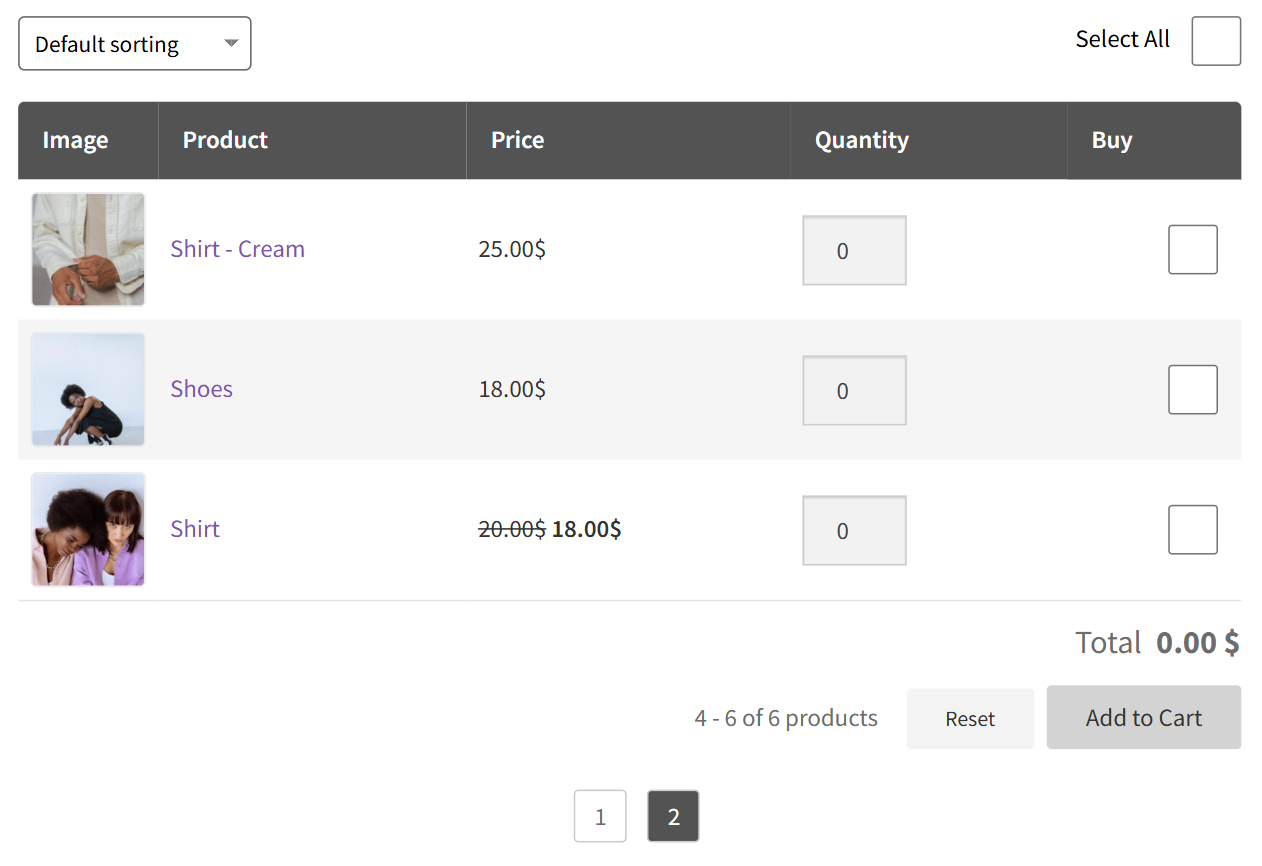
Frontend view of only simple products
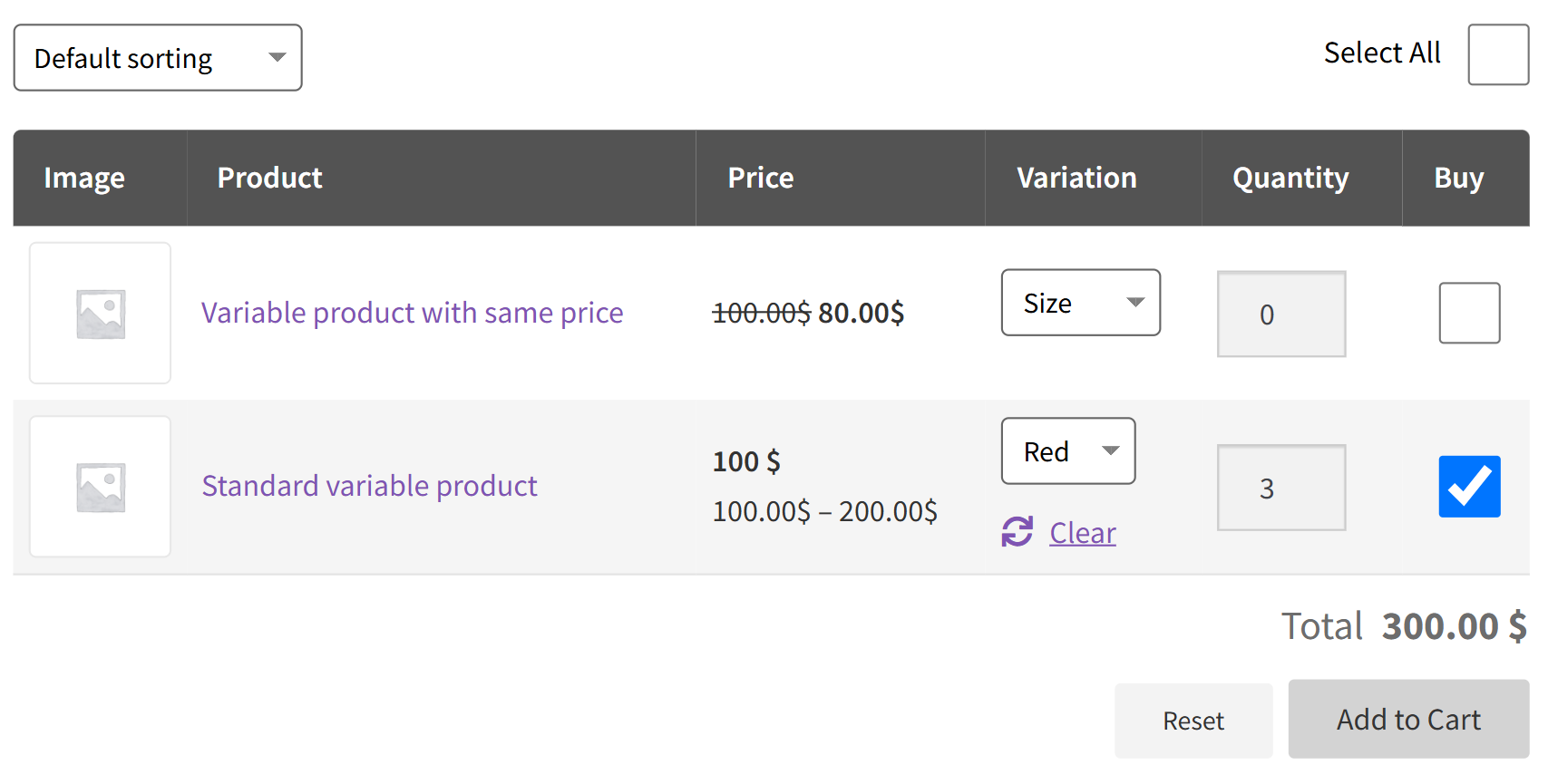
Frontend view of only variable products
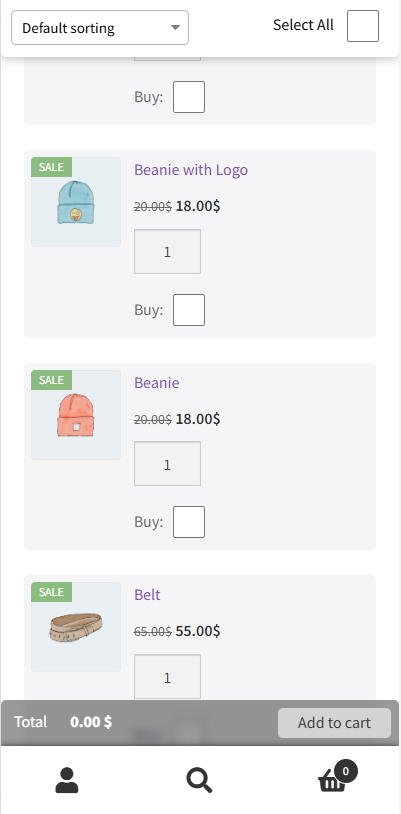
Mobile view
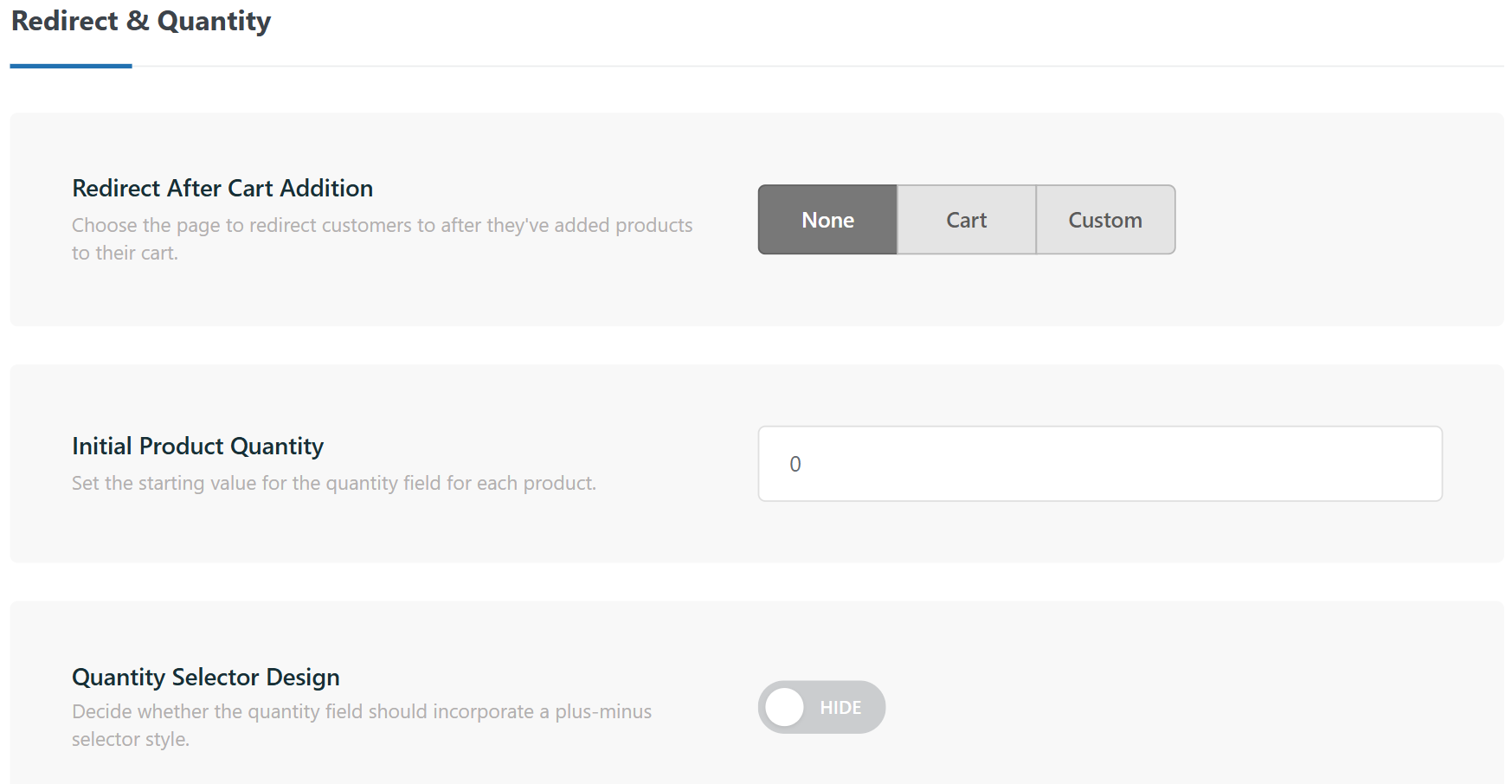
Admin settings
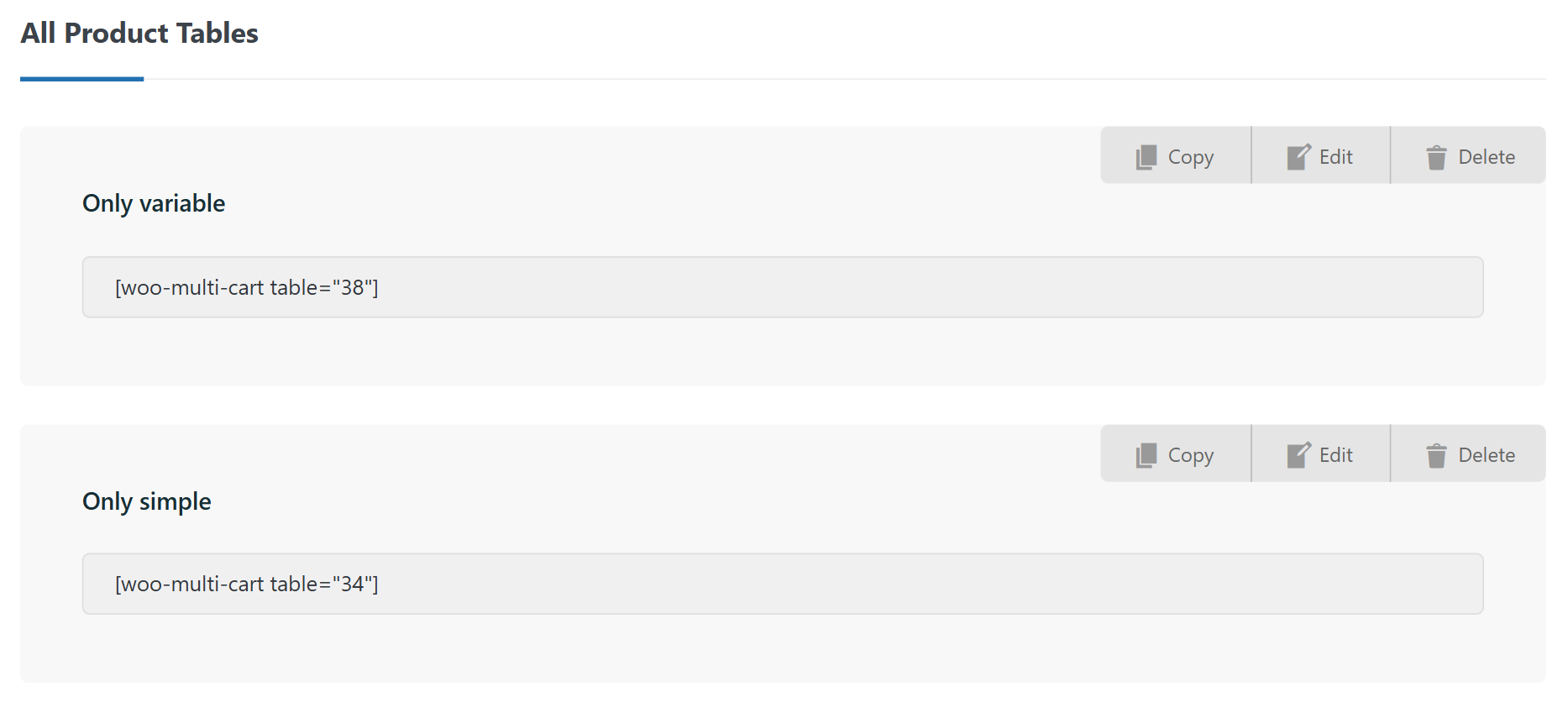
All tables page
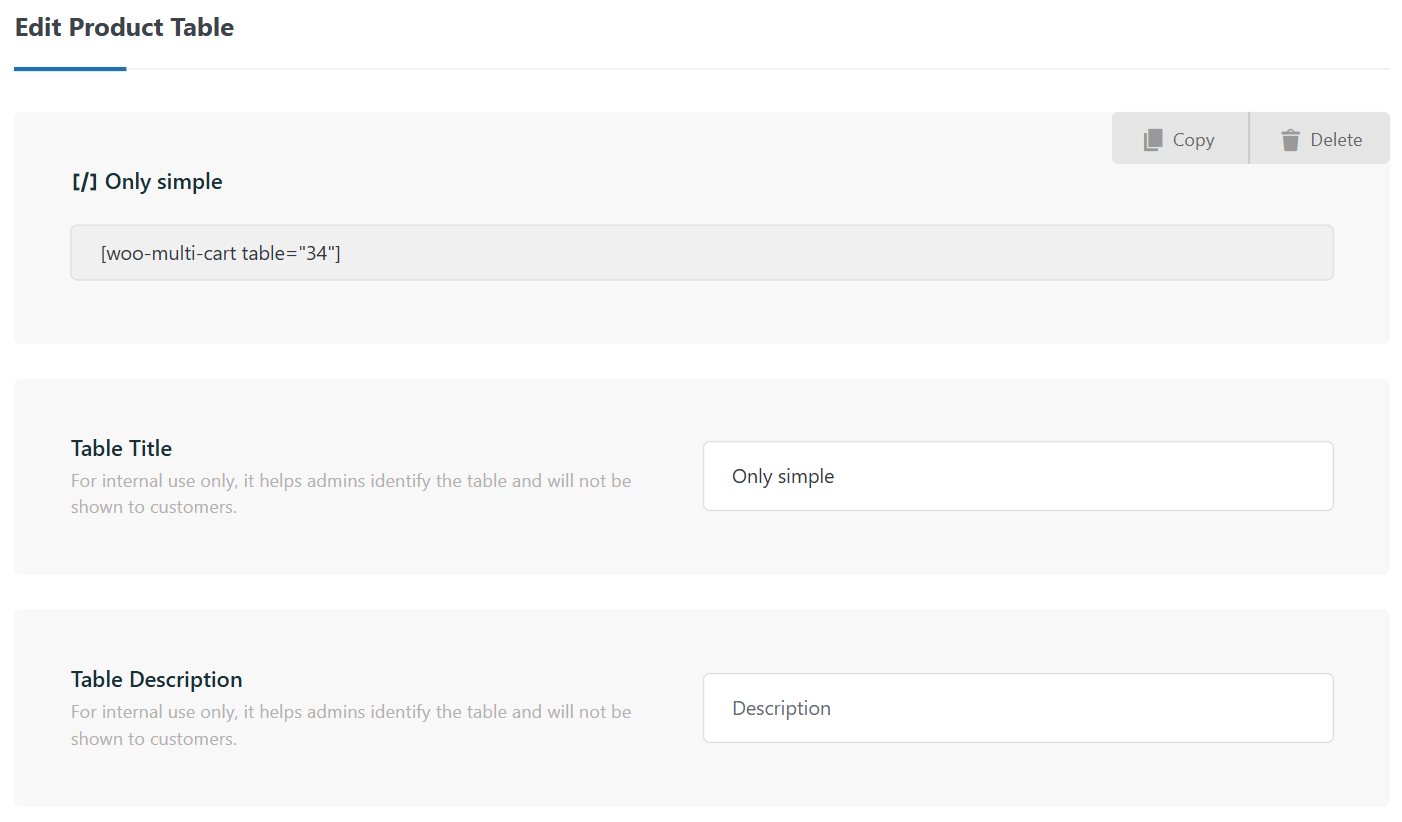
Edit table