

Multiple Range Slider For Gravity Form
Multiple Range Slider For Gravity Form is a easy to use setup field range in your Gravity Form for your WordPress site.
Plugin info
Maintenance & Compatibility
Maintenance score
Stale • Last updated 290 days ago • 2 reviews
Is Multiple Range Slider For Gravity Form abandoned?
Likely maintained (last update 290 days ago).
Compatibility
Similar & Alternatives
Explore plugins with similar tags, and compare key metrics like downloads, ratings, updates, support, and WP/PHP compatibility.
Description
Multiple Range Slider For Gravity Form is a easy to use setup field range in your Gravity Form for your WordPress site.
FEATURES FOR MULTIPLE RANGE SLIDER FOR GRAVITY FORM:
- Easy use
- Step adding option
- Prefix on digit
- Add single edge slider, double edge slider and custom label slider field
- Multiple slider style
- Multiple tooltip position
- Min and max option in single and double edge slider
- Slider label also can be add (Ex: Sunday, Monday etc)
- Compatible in all major browser
- WPML Support
🌟 Documentation | 🌟 Demo | 🌟 Get Pro | 🌟 Support
FEATURES FOR MULTIPLE RANGE SLIDER FOR GRAVITY FORM PREMIUM:
- Prefix Position Left and Right
- Enable/ disable slider range
CONTRIBUTE AND TRANSLATE
Multiple Range Slider For Gravity Form is translated into multiple languages Chinese, Dutch, Russian, Spanish, and many more. Help localize Gravity From even further by adding your locale Language. Click Here
Installation
Frequently Asked Questions
Using Gravity Forms for slider to setup digit number with min and max value on range slider. Multiple Range Slider For Gravity Form allow visitor to easy to slide number field to make attractive form in Gravity Form. you can be put custom color as will prefix on left, right so it make more user friendly.
Review feed
Great support
Screenshots

Add Range Slider Fields

Fields Setting
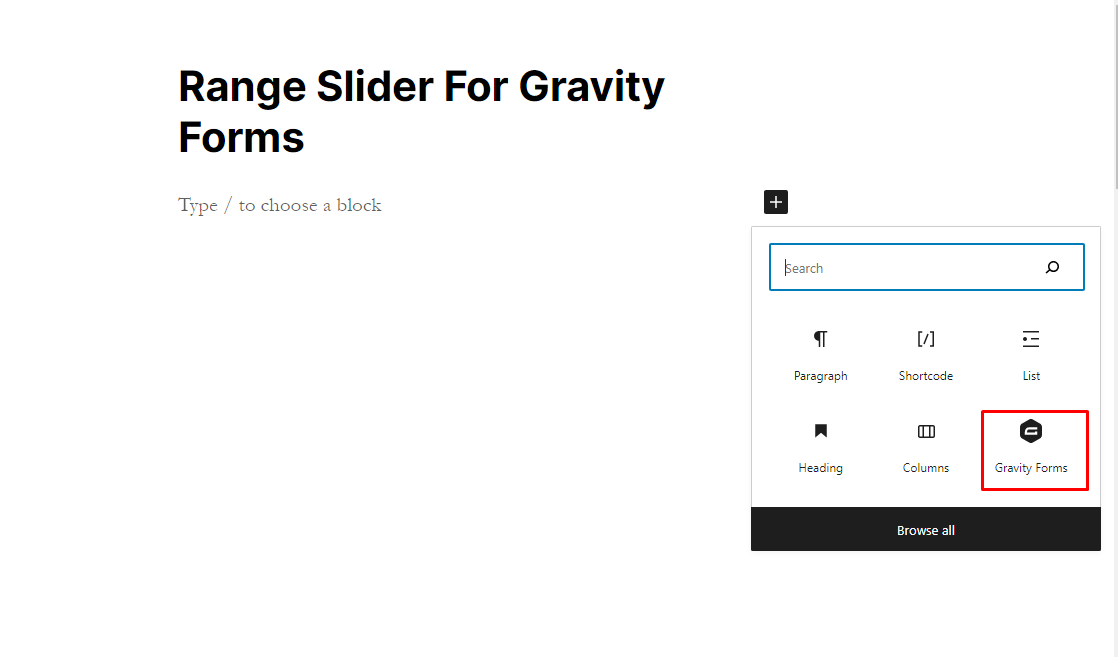
Add New Block Gravity Form

Select Gravity Forms
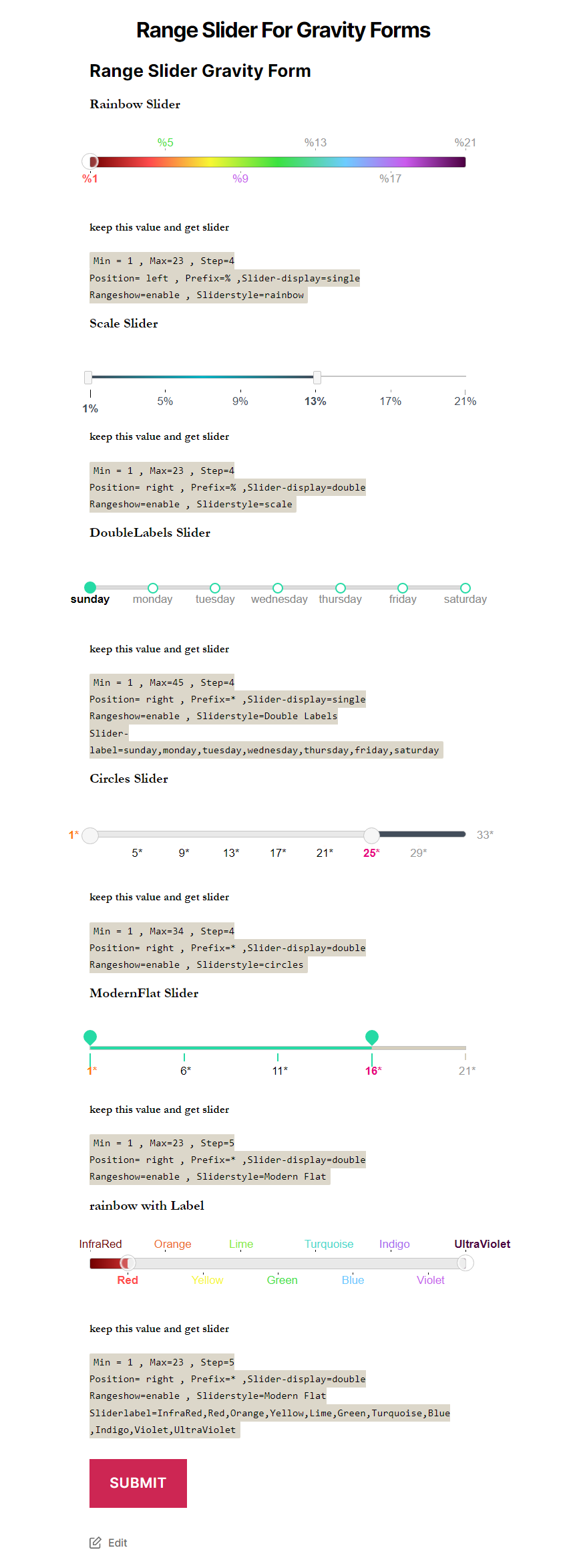
Show Multiple Range Slider For Gravity Form