

Social Proof Popups & Real-Time Notifications – Herd Effects
Boost conversions with real-time social proof popups and user activity notifications, encouraging visitor actions on your WordPress site.
Plugin info
Maintenance & Compatibility
Maintenance score
Maintained • Last updated 121 days ago • 15 reviews
Is Social Proof Popups & Real-Time Notifications – Herd Effects abandoned?
Likely maintained (last update 121 days ago).
Compatibility
Similar & Alternatives
Explore plugins with similar tags, and compare key metrics like downloads, ratings, updates, support, and WP/PHP compatibility.
Description
Boost Conversions with Herd Effects – Social Proof Notifications for WordPress
Herd Effects is a flexible notification plugin that allows you to create custom popups to display simulated or user-defined activities on your website. While the plugin offers the appearance of social proof, it does not automatically pull real-time data from your site. Instead, users can create notifications by defining their own variables, such as recent purchases or signups, to simulate activity and drive engagement.
Display pop-up notifications for sales, signups, or other actions using customizable templates that capture attention and motivate visitors to act.
= Key Features of Herd Effects =
- Customizable Popup Templates: Easily create your own notifications using templates with variables like names, locations, or numbers.
- Simulated Activity: Users manually define the data (e.g., recent purchases or signups) to create the appearance of social proof.
- Notification Timing Control: Set intervals for notifications to ensure consistent visibility.
- 2,000+ FontAwesome Icons: Choose from over 2,000 icons or upload custom ones to personalize notifications.
- Custom Notification Titles: Personalize titles to match specific actions or events on your site.
- Shortcode Support: Display notifications anywhere on your site using shortcodes.
- Advanced Display Settings: Control visibility based on user activity, screen size, or specific devices.
- GDPR Compliant: Cookie-free operation to ensure compliance with privacy laws.
—
Unlock even more features with the Pro version to maximize engagement with advanced notifications.
—
= Use Cases =
Herd Effects can be used for various notifications that simulate activity on your WordPress site, including:
- Recent Purchases: Create notifications for recent sales to build trust and encourage further purchases.
- Registration Alerts: Display notifications for new user signups to create a sense of activity.
- Service Orders: Simulate service bookings to create urgency.
- Event Signups: Encourage event participation by displaying simulated or user-defined event registrations.
- App Installations: Show custom notifications for app downloads or installations to boost credibility.
- Real-Time Activity Simulation: Showcase predefined actions like, “John from NYC just signed up,” to mimic live activity.
Note: The notifications do not reflect actual real-time user actions unless you input the data manually.
—
= Integration with Other FREE Plugins =
Maximize your notifications by integrating Herd Effects with these plugins:
- Counter Box: Add countdowns and timers to complement your notifications.
- Buttons: Create call-to-action buttons within your custom notifications.
- Calculator Builder: Add calculators for interactive elements alongside your notifications.
- Floating Button: Add sticky floating buttons to drive further engagement.
- Modal Window: Create in-depth announcements with modal windows alongside your popups
Support
Need help? Visit our support center for questions or troubleshooting.
Installation
- Option 1: Install directly from your WordPress dashboard by navigating to
Plugins->Add New, searching for Herd Effects, and clicking install. - Option 2: Download the plugin as a .zip file, then upload it via
Plugins->Add New->Upload Plugin, or unzip and upload it via FTP to/wp-content/plugins/.
After installation:
- Press Activate in the Plugins list.
- Navigate to Herd Effects in the WordPress admin menu to start creating your first set of notifications.
- Customize your popup template using the provided fields for titles, icons, and text.
- Define variable values (like names, locations, or amounts) and set the desired minimum and maximum values for numeric data.
- Paste the generated shortcode (e.g.,
[Wow-Herd-Effects id=1]) into the desired location on your site.
For global notifications, insert the shortcode into your header.php or use a shortcode widget.
Frequently Asked Questions
Review feed
It works very well
Screenshots

Preview of the notification.

Example of real-time popup notifications on the frontend.
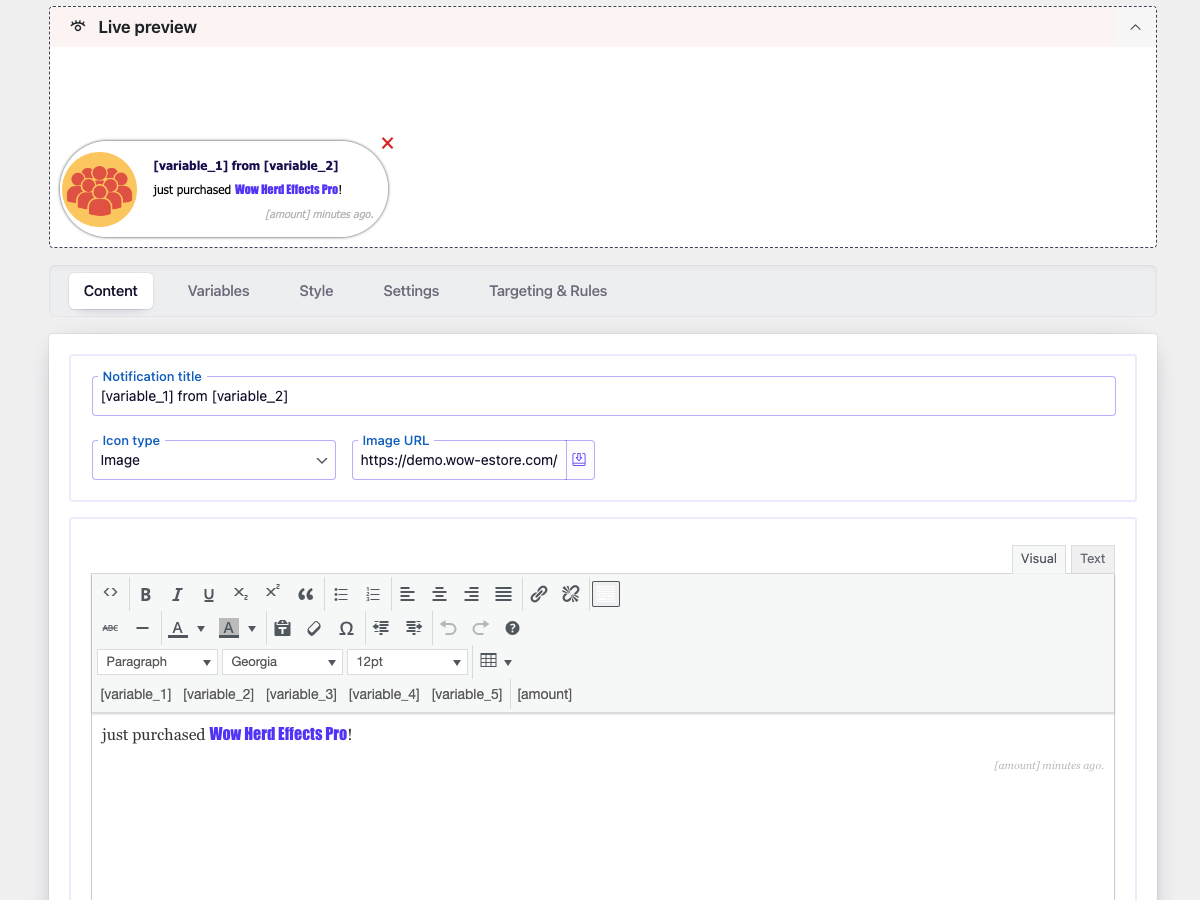
Plugin rich content editor.
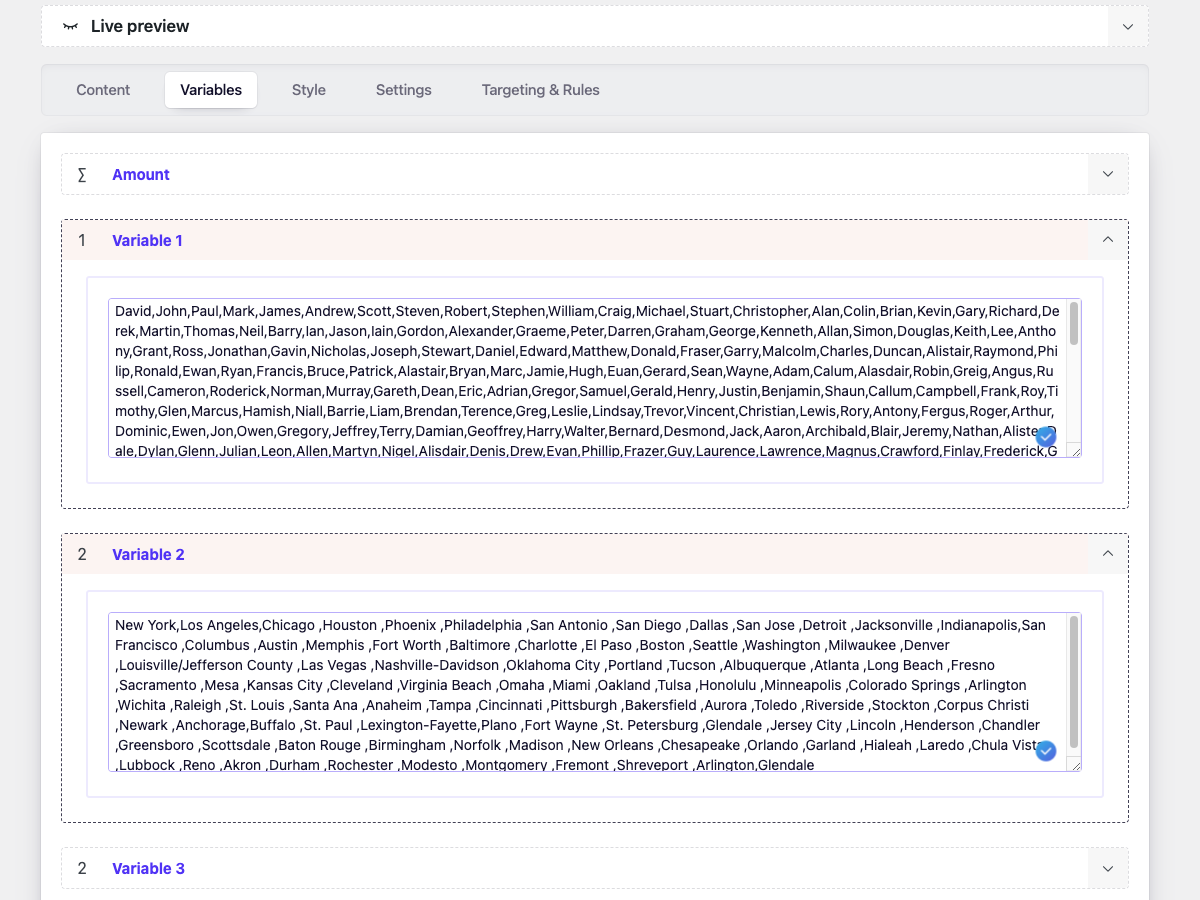
Admin Variables.
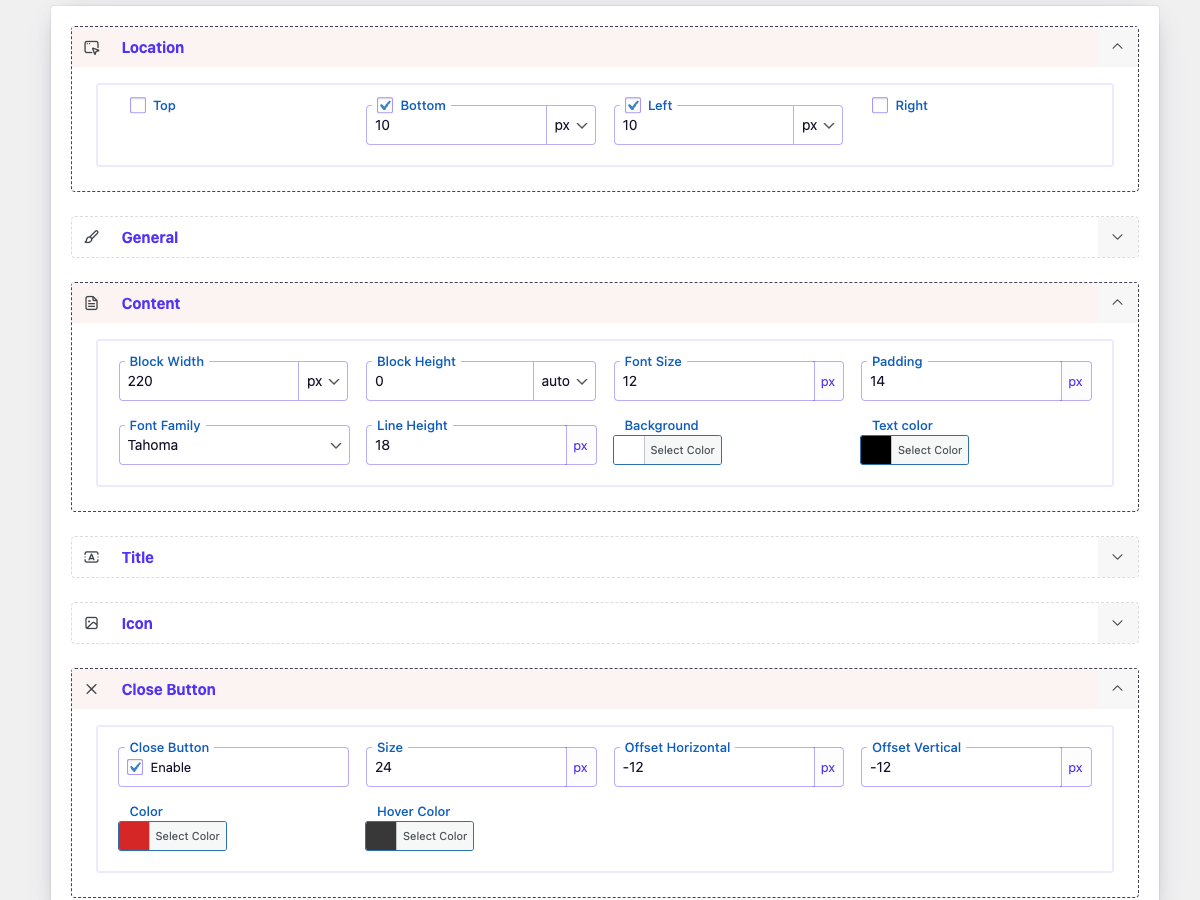
Plugin style.
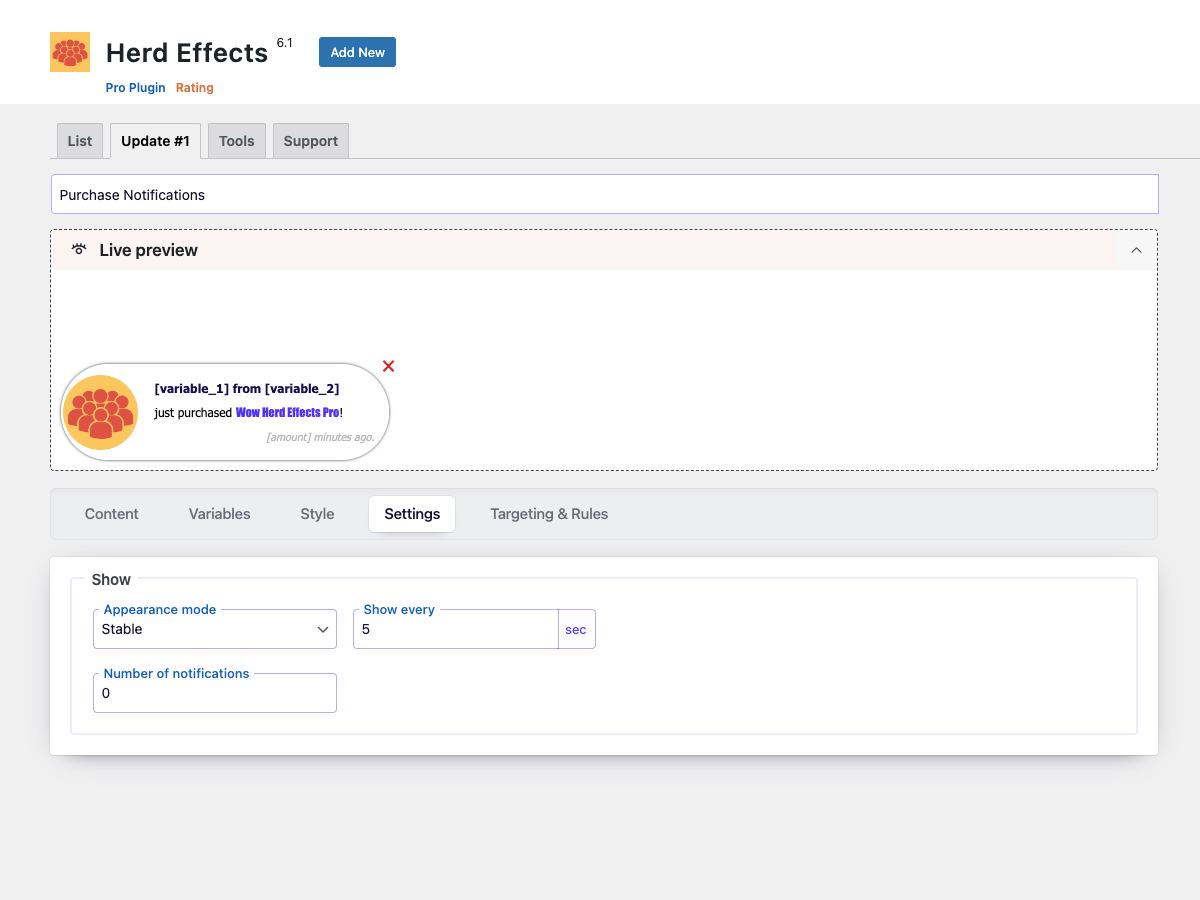
Plugin settings.
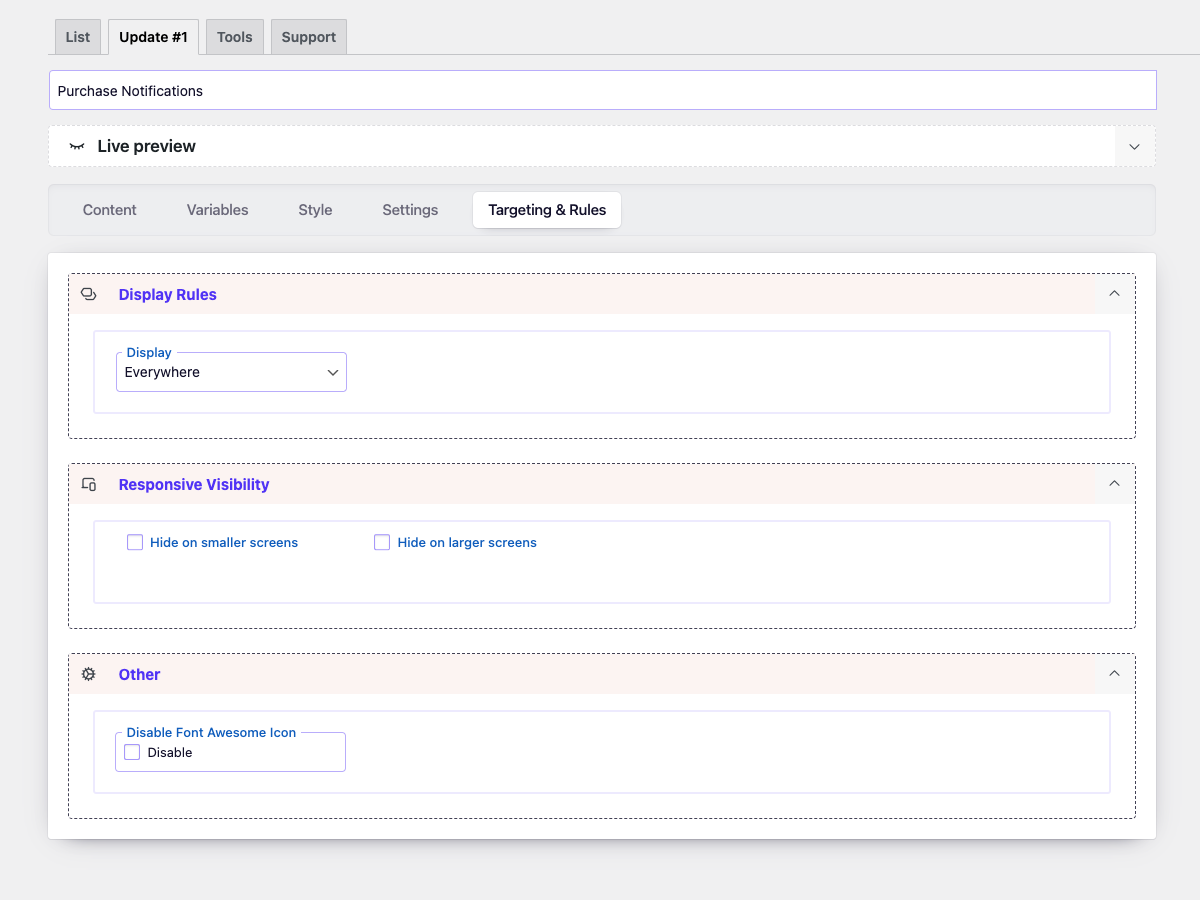
Configure display rules for your notifications.
Changelog
6.2.5
- Updated: Font Awesome library upgraded to version 7.1.
- Updated:
wp-color-picker-alphato version 3.0.4. - Fixed: minor bug
6.2.4
- Improved: Refactored AdminActions class for better performance and readability
- Improved: Reordered condition checks for better execution performance
- Updated: Added strict type hinting for method arguments in AdminActions
6.2.3
- Improved: Reorganized method order in DBManager class for better readability and maintenance
- Improved: Minor SQL formatting for consistency
- Cleaned: Minor code style improvements according to WordPress Coding Standards (WPCS)
6.2.2
- Fixed: Nonce verification logic for improved security.
6.2.1
- Fixed: minor bug with a creating database
6.2
- Added: Categories to the icons
- Updated: UI elements
- Updated: Icon picker
- Updated: FontAwesome Icon 6.7.1
6.1.1
- Fixed: main icon in the admin menu.
- Fixed: minor bugs
- Update: translate file
6.1
- Added: Control dashboard display based on user roles.
6.0
- Added: Advanced style customization options.
- Added: Tag, link, and button ‘Duplicate’ in the notification option.
- Added: Open notification content in HTML Editor.
- Improvement: Refreshed Interface – Revamped the plugin’s dashboard page style for a more intuitive and user-friendly experience.
- Improvement: Code Optimization – Rewritten jQuery code in vanilla JavaScript for improved performance.
5.2.7
- Fixed: minor bug with nonce
5.2.6
- Fixed: creating the databased
5.2.5
- Fixed: dynamic property for PHP 8.2
5.2.4
- Fixed: minor bug
5.2.3
- Fixed: minor bug
5.2.2
- Fixed: minor bug in page-list
5.2.1
- Fixed: security issue
5.2
- Added: Export/Import functions
- Fixed: minor bug
5.1.3
- Fixed: minor bug
5.1.2
- Fixed: minor bug
5.1.1
- Fixed: script download queue
5.1
- Updated: Font Awesome Icons to version 5.14
- Fixed: minor bugs
5.0.2
- Fixed: include script in footer
5.0.1
- Fixed: custom image
5.0
- Added: Live preview
- Added: test mode option
- Added: Unit for location
- Updated: Admin style
- Update: Font Awesome Icon to v. 5.12
4.1
- Fixed: display of notification
4.0.1
- Fixed: option ‘Show every (sec)’
4.0
- Added: option for disabling FontAwesome 5 from front-end
- Added: Content style options
- Added: Title style options
- Added: Icon style options
- Added: Close button size option
- Changed: Admin Style
- Optimized: Styles and Scripts (minification and response time reduction)
- Updated: FontAwesome 5
- Fixed: Control on the devices
3.1.3
- Fixed: Insert the shortcode
3.1.2
- Fixed: Rounding the amount
3.1.1
- Fixed: minor bugs
- Fixed: main class
3.1
- Fixed: minor bugs
- Added: Support page
- Added: Discount page
3.0
- Added: function hiding menu on mobile
- Changed: admin style
- Changed: Up to 3 notifications
2.3
- Fixed: minor bugs.
- Change: Admin style.
2.2
- Add: Interval display option.
- Change: Admin style.
2.1
- Fix: Can enter ‘Name’ and ‘City’ in new line.
- Fix: Verifying access to the folder ‘asset’.
- Fix: Optimized code.
2.0
- Fixed code
- Change style
1.0
- Initial release