

Native Table Builder
Create flexible tables with any inner blocks as content in Gutenberg Editor
Plugin info
Maintenance & Compatibility
Maintenance score
Maintained • Last updated 118 days ago
Is Native Table Builder abandoned?
Likely maintained (last update 118 days ago).
Compatibility
Similar & Alternatives
Explore plugins with similar tags, and compare key metrics like downloads, ratings, updates, support, and WP/PHP compatibility.
Description
Native Table Builder is a powerful and flexible table builder block for creating any types of table with any content in Gutenberg Block Editor. Unlike traditional table plugins, Native Table allows you to insert any type of block content within table cells, giving you unlimited creative freedom. In additions, it comes with some missiong native blocks like Star Rating, SVG Icon, etc
Key Features
- Flexible Content: Insert any Gutenberg block inside table cells
- Easy Styling: Full control over table appearance and styling
- Responsive Layout
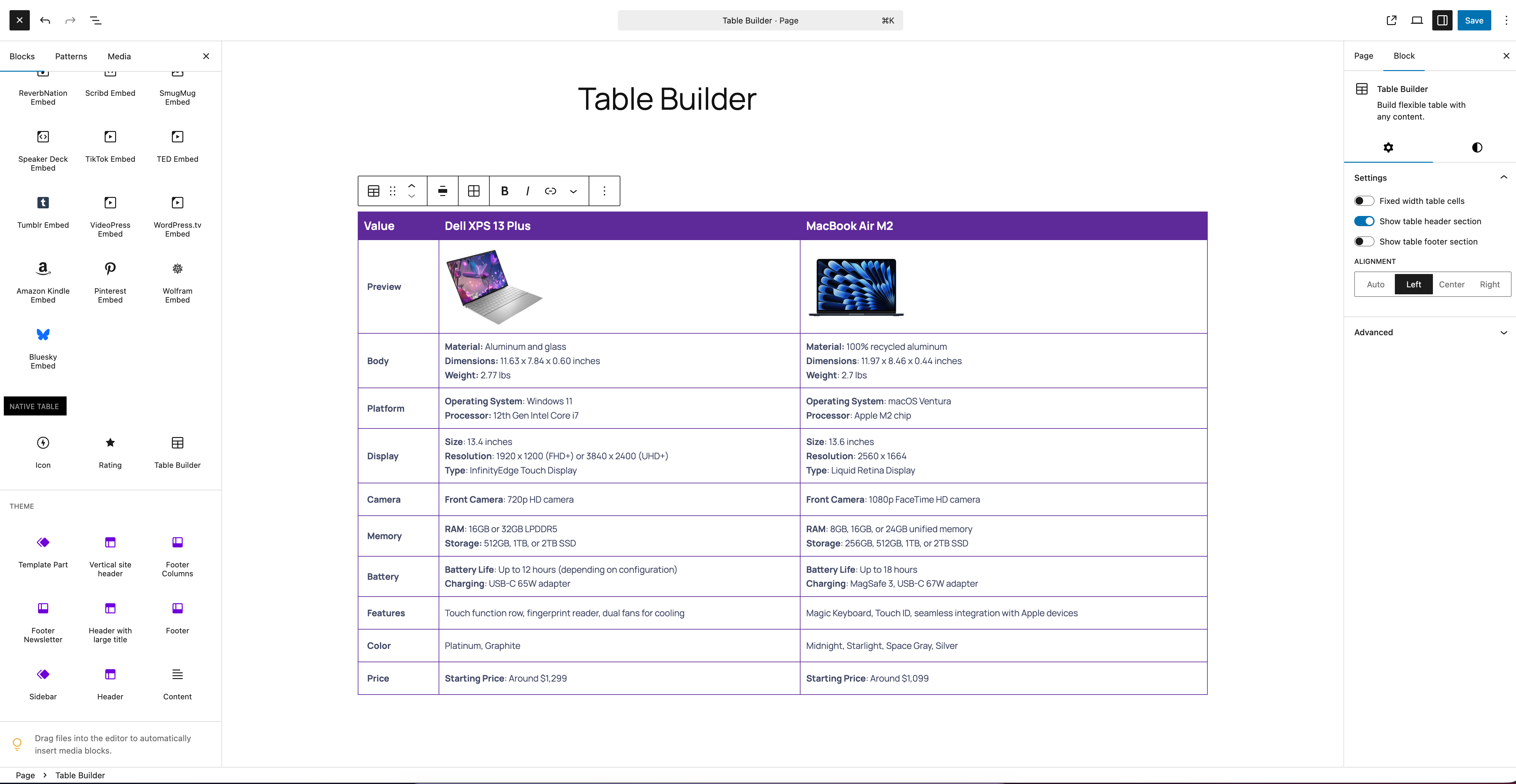
- Intuitive Interface: Simple drag-and-drop table creation
- Performance Optimized: Lightweight and fast-loading
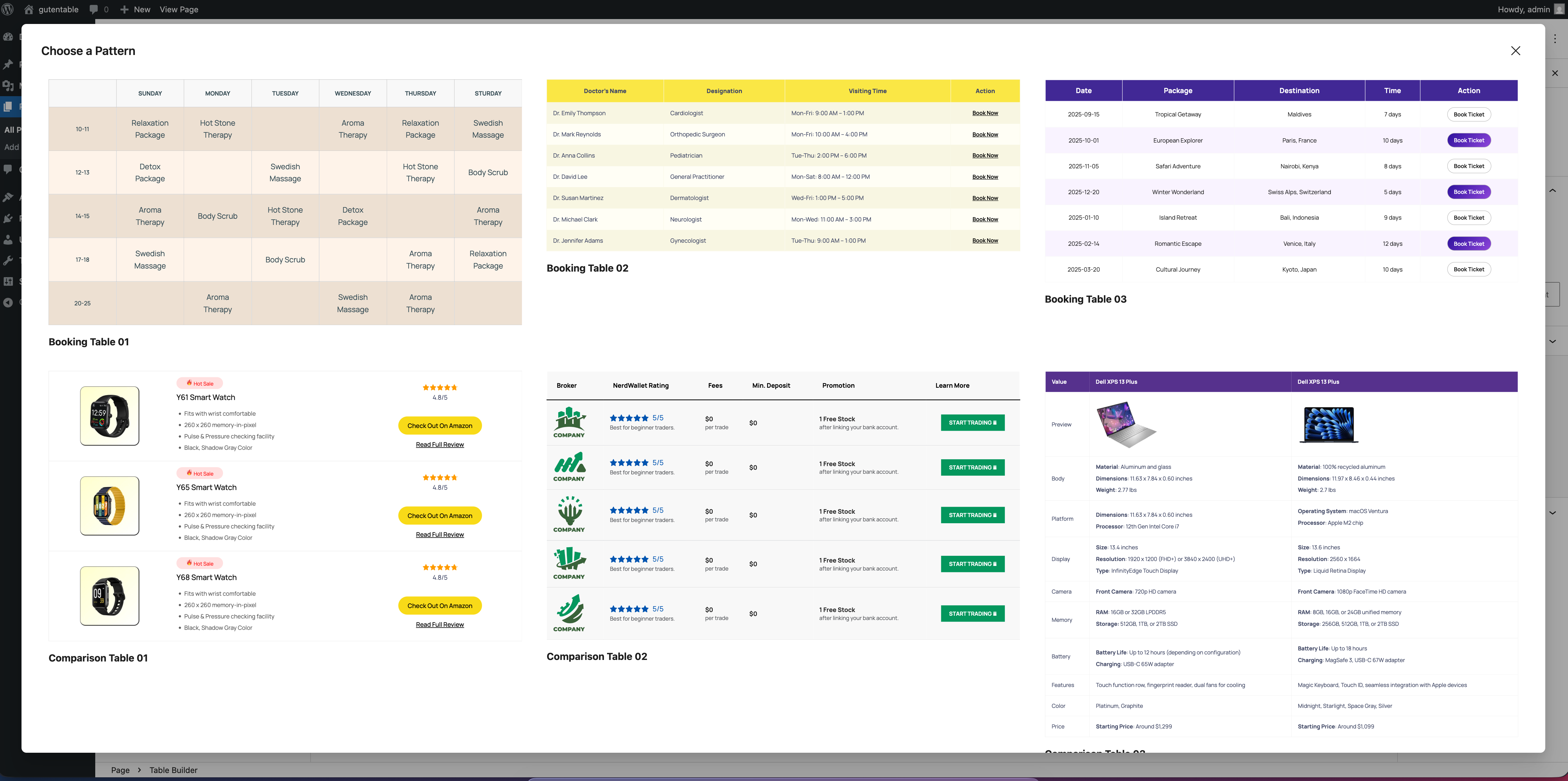
- Pre Designed Patterns: Pre Designed patterns are ready to start fast.
Perfect For:
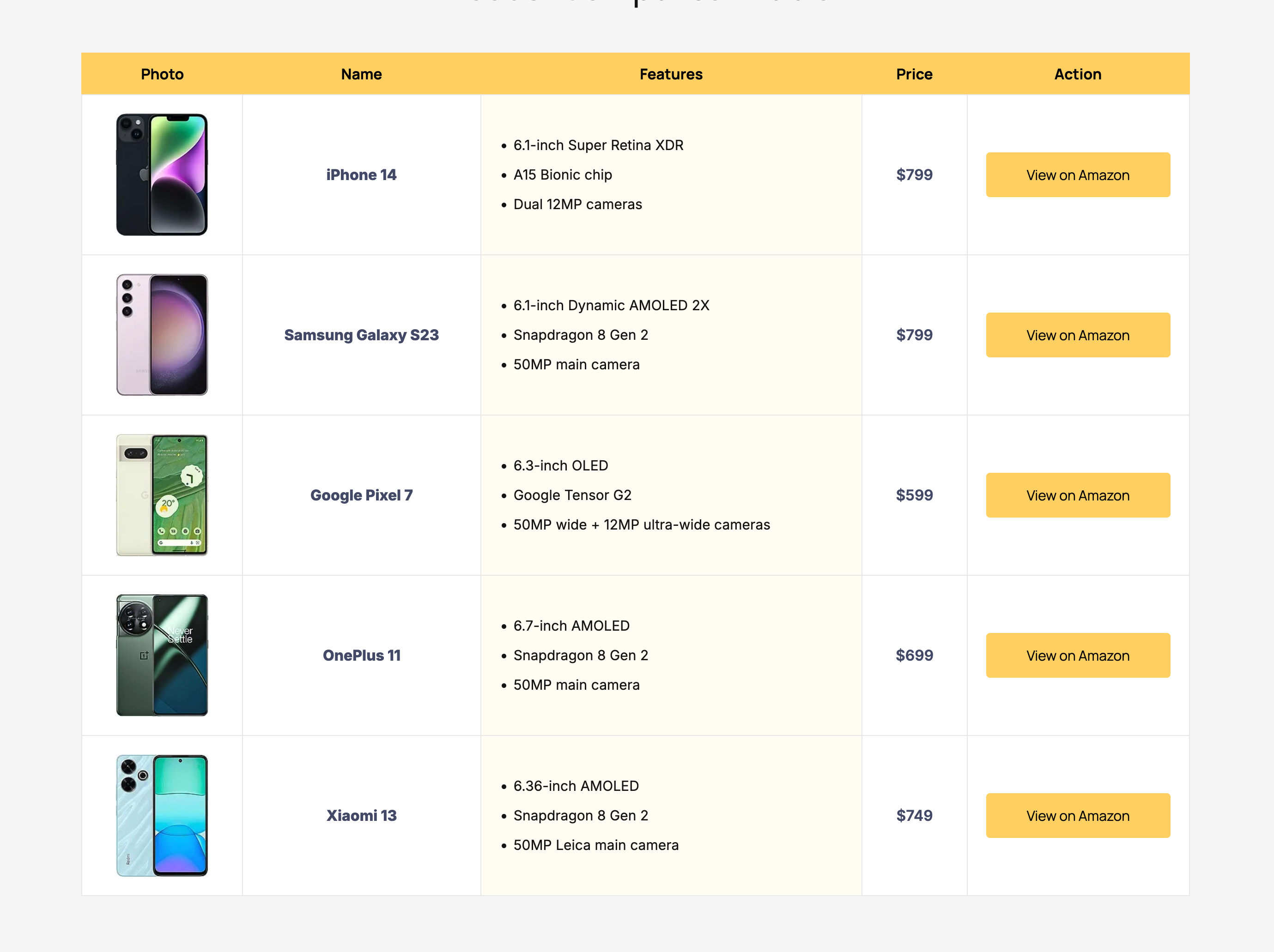
Comparison tables
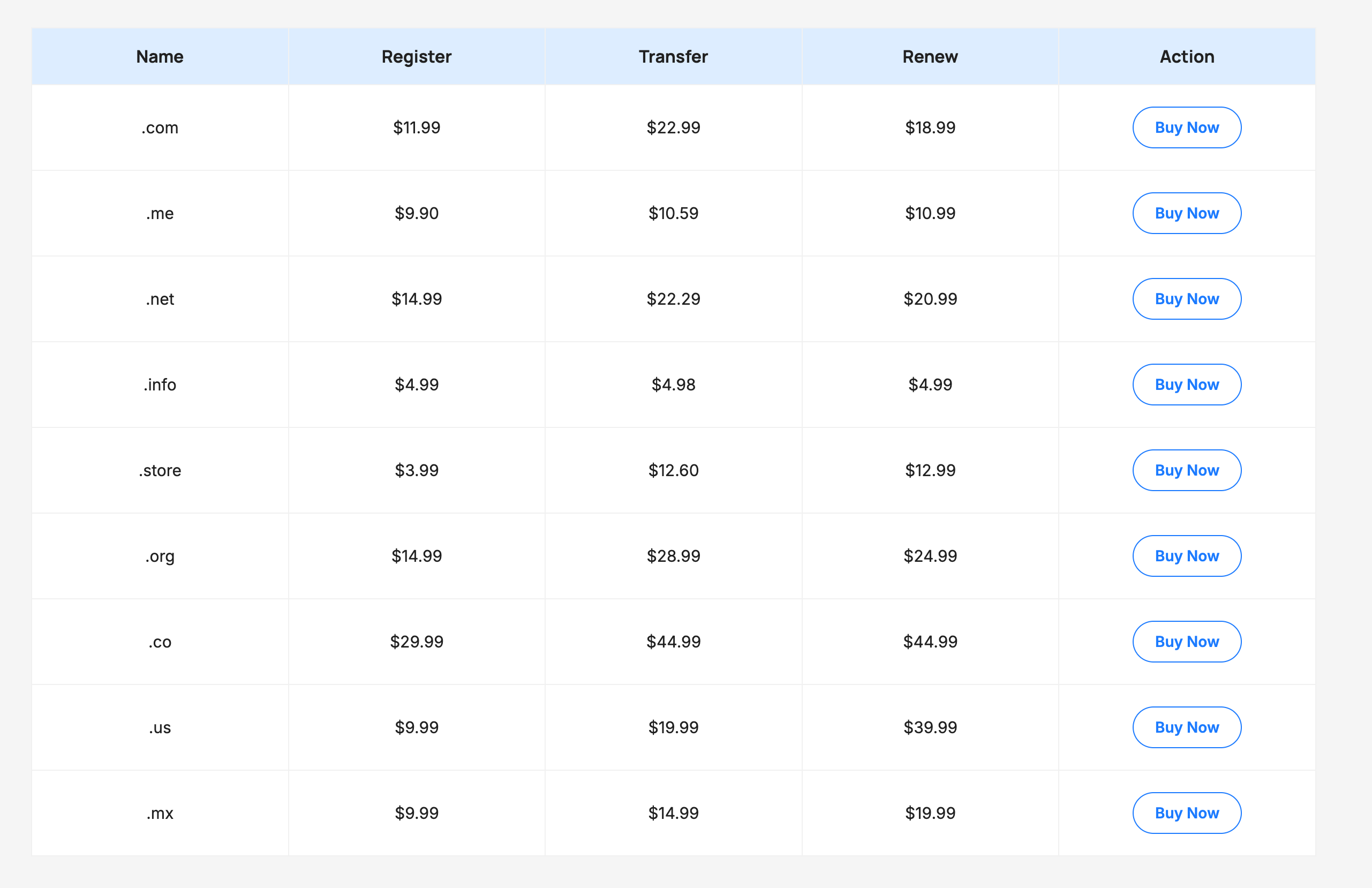
Pricing tables
Data tables
Product showcases
Pros and Cons
Complex layouts requiring tabular structure
Installation
From WordPress Dashboard:
1. Go to Plugins Add New
2. Search for “Native Table”
3. Click “Install Now” and then “Activate”
Manual Installation:
1. Download the plugin zip file
2. Upload it via Plugins Add New Upload Plugin
3. Activate the plugin
Usage:
1. Create or edit a post/page
2. Click the “+” button to add a new block
3. Search for “Table Builder” or find it in the “Native Table” category
4. Star with pre-designed patterns or build a custom one
Frequently Asked Questions
Yes! Native Table Builder allows you to insert any Gutenberg block inside table cells – text, images, buttons, lists, and even other complex blocks.
Yes, Native Table is designed to be fully responsive and will adapt to different screen sizes automatically.
Absolutely! The block includes comprehensive styling options for borders, colors, spacing, and more.
Native Table Builder is built using WordPress standards and should work with any properly coded theme. Just make sure the theme has Gutenberg support.
Review feed
Screenshots

Changelog
1.0.0
- Initial release