

Maintenance 28/100498d since update
Active installs
700
Downloads
14,554
Reviews
2
Age
8.9y
Plugin info
Total downloads: 14,554
Active installs: 700
Total reviews: 2
Average rating: 3
Support threads opened: 0
Support threads resolved: 0 (0%)
Available in: 1 language(s)
Contributors: 1
Last updated: 11/20/2024 (498 days ago)
Added to WordPress: 4/24/2017 (8 years old)
Minimum WordPress version: 3.0.1
Tested up to WordPress version: 6.7.4
Minimum PHP version: 7.0
Maintenance & Compatibility
Maintenance score
Possibly abandoned • Last updated 498 days ago • 2 reviews
28/100
Is NiceJob abandoned?
Possibly abandoned (last update 498 days ago).
Compatibility
Requires WordPress: 3.0.1
Tested up to: 6.7.4
Requires PHP: 7.0
Similar & Alternatives
Explore plugins with similar tags, and compare key metrics like downloads, ratings, updates, support, and WP/PHP compatibility.
No similar plugins found yet.
Description
Easily add NiceJob stories, reviews, trust badge, engage to your WordPress site.
Installation
-
Upload the nicejob-for-wordpress plugin into your WordPress site, activate it.
-
A new NiceJob menu will appear on the admin sidebar menu.
-
Copy your Company ID from NiceJob company profile page, and paste it on to the field.
-
Save the Company ID, it will be automatically used in the shortcode.
-
How to use shortcode:
- [nicejob-stories]
- style: [grid/single] layout style (optional, default is grid)
- show: [all/photos/reviews/reviews-no-photos] stories to show (default is all)
- max-height: stories maximum height (optional, default none)
- branding: [top/bottom] brand position (optional, default top)
- source: [account,{company_id},{company_id}…] Show stories from all the companies in a account, a few companies (comma separate). (optional, default: current company)
Example usage of complete options:
[nicejob-stories style="grid" show="reviews" max-height=300 branding="bottom" source="account"]
- [nicejob-badge]
- show-reviews: [1/0] Show reviews
- source: [account,{company_id},{company_id}…] Show reviews from all the companies in a account, a few companies (comma separate). (optional, default: current company)
Example usage of complete options:
[nicejob-badge show-reviews="1" source="account"]
- [nicejob-engage]
- positions: [left/right] Position on screen
- event-types: [Booking,Review] Events to show (comma separated)
- mobile: [show/hide] Show or hide on mobile device (optional), default: show
Example usage of complete options:
[nicejob-engage position="left" event-types="Booking,Review"]
- [nicejob-lead]
- type: [a/button] anchor link or button, default: a
- class: additional element class (optional)
- text: element text, default: Click here for an estimate
Example usage of complete options:
[nicejob-lead type="button" class="button-right button-blue" text="Click here for an estimate"]
If you already add one of above widgets, you can make a lead button anywhere by adding element class nj-lead to an anchor or button element, it will automatically enable that button to open lead form.
- [nicejob-review]
- type: [a/button] anchor link or button, default: a
- class: additional element class (optional)
- text: element text, default: Leave us a review!
Example usage of complete options:
[nicejob-review type="button" class="button-right button-blue" text="Leave us a review!"]
If you already add one of above widgets, you can make a review button anywhere by adding element class nj-review to an anchor or button element, it will automatically enable that button to open review form.
- [nicejob-recommendation]
- type: [a/button] anchor link or button, default: a
- class: additional element class (optional)
- text: element text, default: Recommend us!
Example usage of complete options:
[nicejob-recommendation type=”button” class=”button-right button-blue” text=”Recommend us around you!”]
- [nicejob-stories]
Frequently Asked Questions
No FAQ available
Review feed
Christina
Not updated in years and craps on my Lighthouse score
When I install NiceJob, my Lighthouse scores go down across the board by 4 points on Performance, 5 points on Accessibility, 23 points on Best Practices, and 14 points on SEO. Just horrible. Also, why do you include the same script for each widget. It’s twice on the page when I have a badge and engage and three times on the page when I’m on a page with stories.
Screenshots
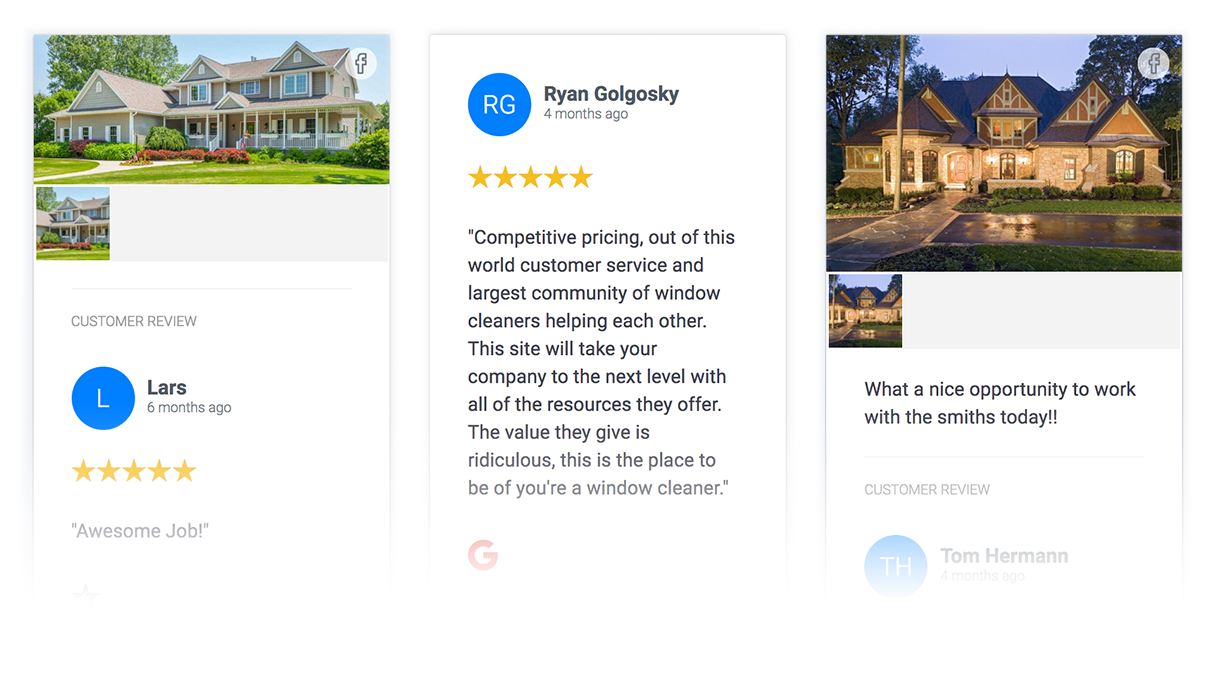
Stories with reviews
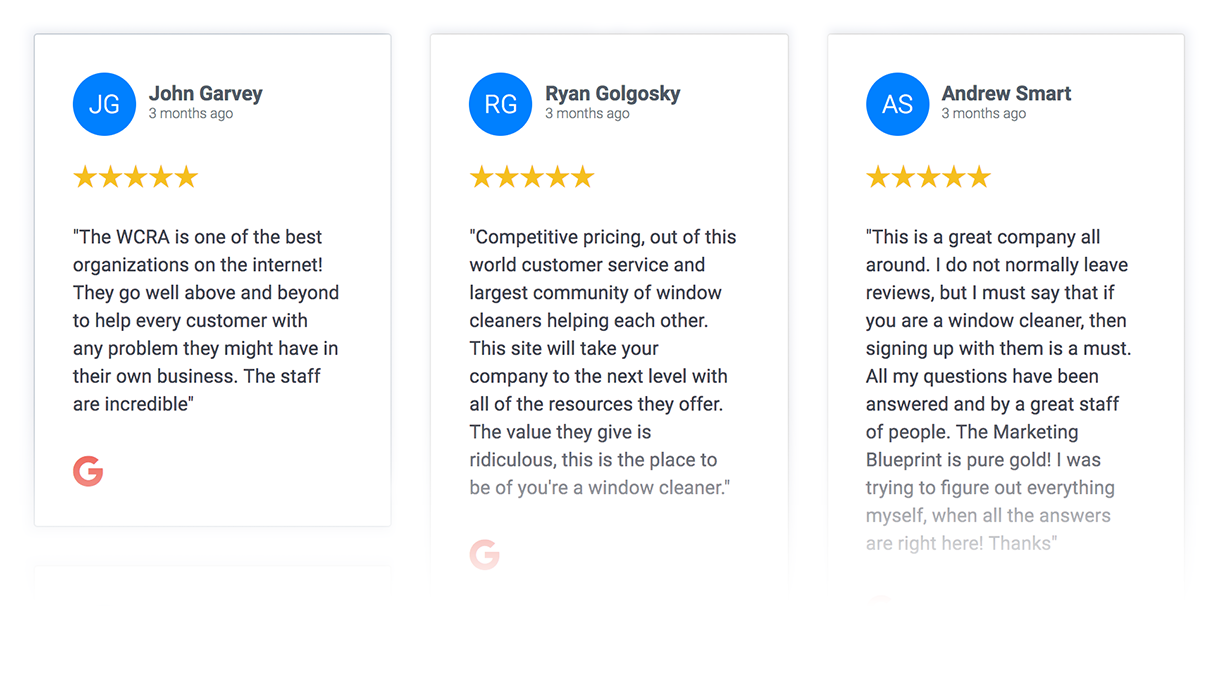
Reviews only

Stories only

Trust badge
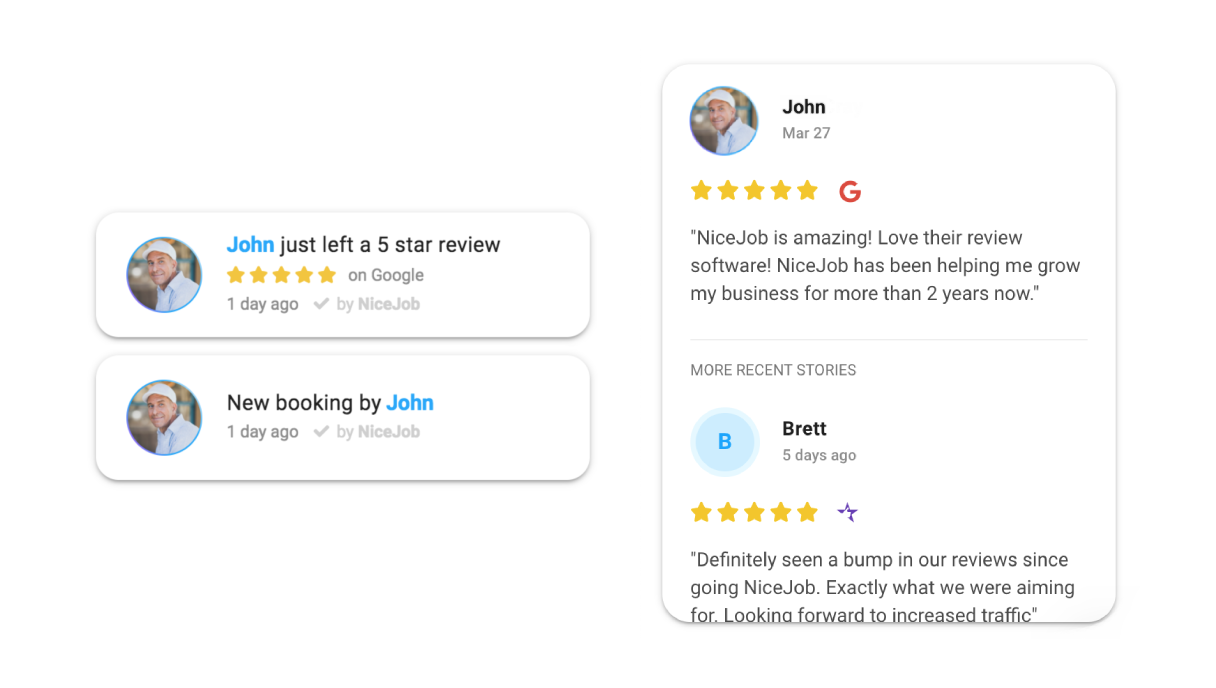
Engage
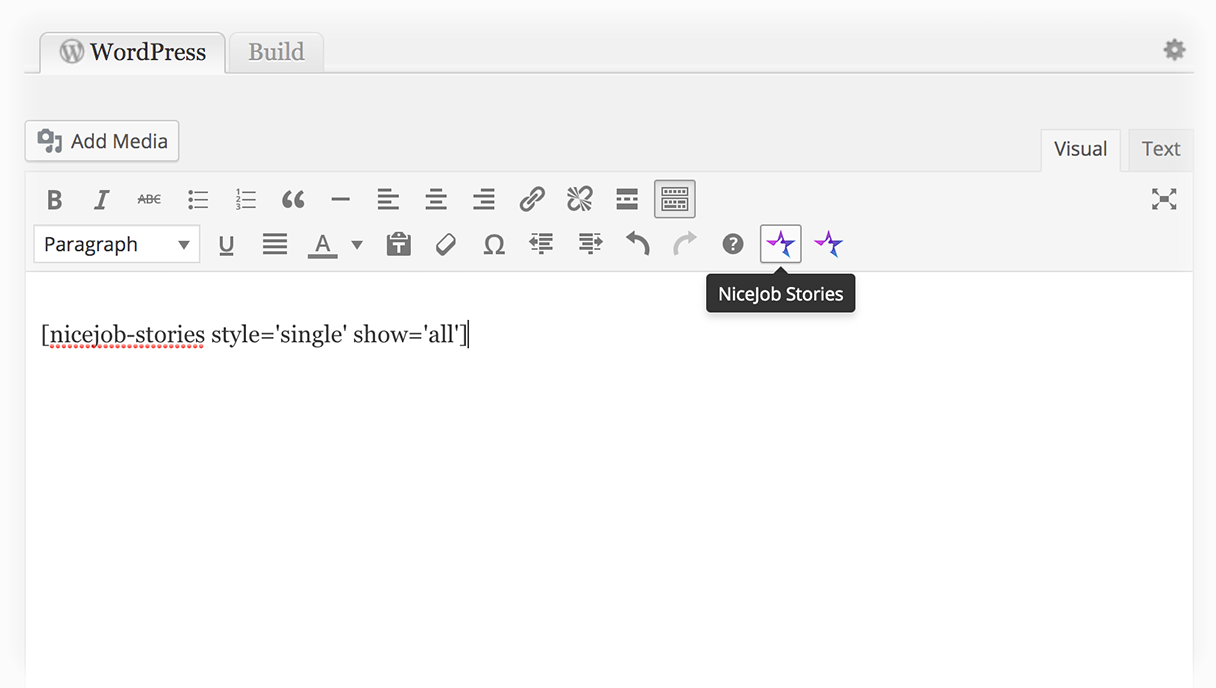
Usage
Changelog
3.6.5
- Fixed escaping dynamic attributes
3.6.4
- Patch security vulnerabilities
3.6.1
- Tested up to WordPress 6.5.3 to ensure compatibility.
3.6.0
- Add source attribute to trust badge & stories shortcode
3.5.0
- Add shortcode for NiceJob recommendations
3.4.1
- Update default value for engage shortcode button
- Update default value for stories shortcode button
3.4
- Update readme
3.3
- Added new shortcode for collect reviews
3.2
- Bug fixes
- Added new shortcode for collect leads
3.1
- Added new shortcode for engage
3.0
- Add admin menu to fill in Company ID
- Automatically using Company ID
- Added rich editor NiceJob button
2.2
- Add trust badge
2.1
- Use company hash instead of id for more secure
- Shortcode can still using id, no changes on user side
2.0
- Introduced new shortcode for stories
- Deprecate old shortcodes
- Existing old shortcodes still works
1.0
- Add shortcode for NiceJob showroom
- Add shortcode for NiceJob review feed