

NINJA Workspace
Revolutionary workspace to keep your clients on your site and keep your brand in front of your customers.
Plugin info
Maintenance & Compatibility
Maintenance score
Possibly abandoned • Last updated 715 days ago • 7 reviews
Is NINJA Workspace abandoned?
Possibly abandoned (last update 715 days ago).
Compatibility
Similar & Alternatives
Explore plugins with similar tags, and compare key metrics like downloads, ratings, updates, support, and WP/PHP compatibility.
Description
NINJA Workspace is a revolutionary workspace designed to enhance productivity and keep your clients engaged on your site. With an intuitive interface and powerful features, it streamlines project management and collaboration directly within your WordPress dashboard.
External Services
NINJA Workspace relies on the following external service:
NINJA.net Widget Service
- Service Description: This service provides a dynamic workspace widget that enhances user experience by allowing real-time collaboration and project management functionalities.
- Service URL: https://worker.nynja.net/v1/Content/NynWidget/nynwidget.js
- Usage Circumstances: The service is activated when the user employs the NINJA Workspace widget from their dashboard to access project management and collaboration tools.
- Terms of Service & Privacy Policy: Please visit https://ninjaworkspace.com/terms-and-conditions/ and https://ninjaworkspace.com/privacy-policy/ for more information on the terms and privacy practices of the NINJA.net Widget Service.
License
This plugin is licensed under the GPLv2 or later:
http://www.gnu.org/licenses/gpl-2.0.htmls
Installation
- Upload the plugin files to the
/wp-content/plugins/ninja-workspacedirectory, or install the plugin through the WordPress plugins screen directly. - Activate the plugin through the ‘Plugins’ screen in WordPress.
- Use the Settings->NINJA Workspace screen to configure the plugin.
From WordPress.org
- Download NINJA Workspace
- Upload the ‘ninjaworkspace’ folder to the /wp-content/plugins/ directory
- Activate NINJA Workspace plugin from your plugins page
Frequently Asked Questions
Yes, NINJA Workspace is designed to work seamlessly with any WordPress site.
No, NINJA Workspace is user-friendly and requires no coding skills to set up or manage.
Review feed
Screenshots
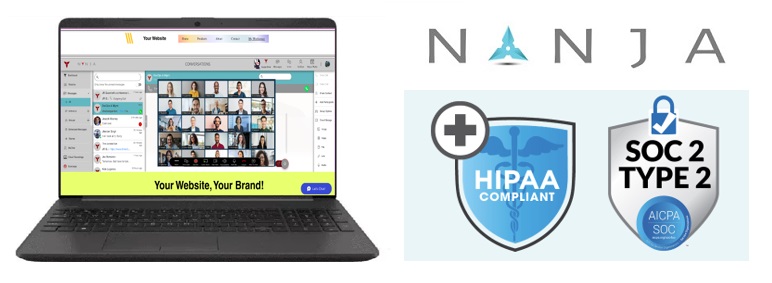
Screenshot of the interface
Changelog
1.5
Resolved Security Issue.
1.4
Resolved Security Issue.
1.3
Resolved Security Issue.
1.2
Resolved Security Issue.
1.0
Initial release. Enjoy the revolutionary features of NINJA Workspace!