

Ocean Social Sharing
Website: https://oceanwp.org/ Support: https://oceanwp.org/support/ Documentation: https://docs.oceanwp.org/ Extensions: https://oceanwp.
Plugin info
Maintenance & Compatibility
Maintenance score
Stale • Last updated 254 days ago • 11 reviews
Is Ocean Social Sharing abandoned?
Likely maintained (last update 254 days ago).
Compatibility
Similar & Alternatives
Explore plugins with similar tags, and compare key metrics like downloads, ratings, updates, support, and WP/PHP compatibility.
Description
A simple plugin to add social sharing buttons to your single blog posts.
This plugin requires the OceanWP theme to be installed.
Key Features
- Add social networks: Twitter, Facebook, LinkedIn, Google+, Pinterest, Viber, VK, Reddit, Tumblr and Viadeo.
- Alter social sharing buttons.
- Choose between three styles.
- Add social names to your sharing buttons.
- Choose the heading position.
- Add or edit the social sharing via a child theme.
Copyright
Ocean Social Sharing uses the following third-party resources:
Font Awesome Icons, Copyright Dave Gandy
License: CC BY 4.0 License – https://creativecommons.org/licenses/by/4.0/
Source: https://fontawesome.com/
Installation
- Upload
ocean-social-sharingto the/wp-content/plugins/directory - Activate the plugin through the ‘Plugins > Installed Plugins’ menu in WordPress dashboard
- Configure it via the Social Sharing section of the Customizer (Appearance > Customize)
- Done!
Frequently Asked Questions
This plugin will only function with the OceanWP theme.
Review feed
Easy to use, lightweight and just awesome
Screenshots
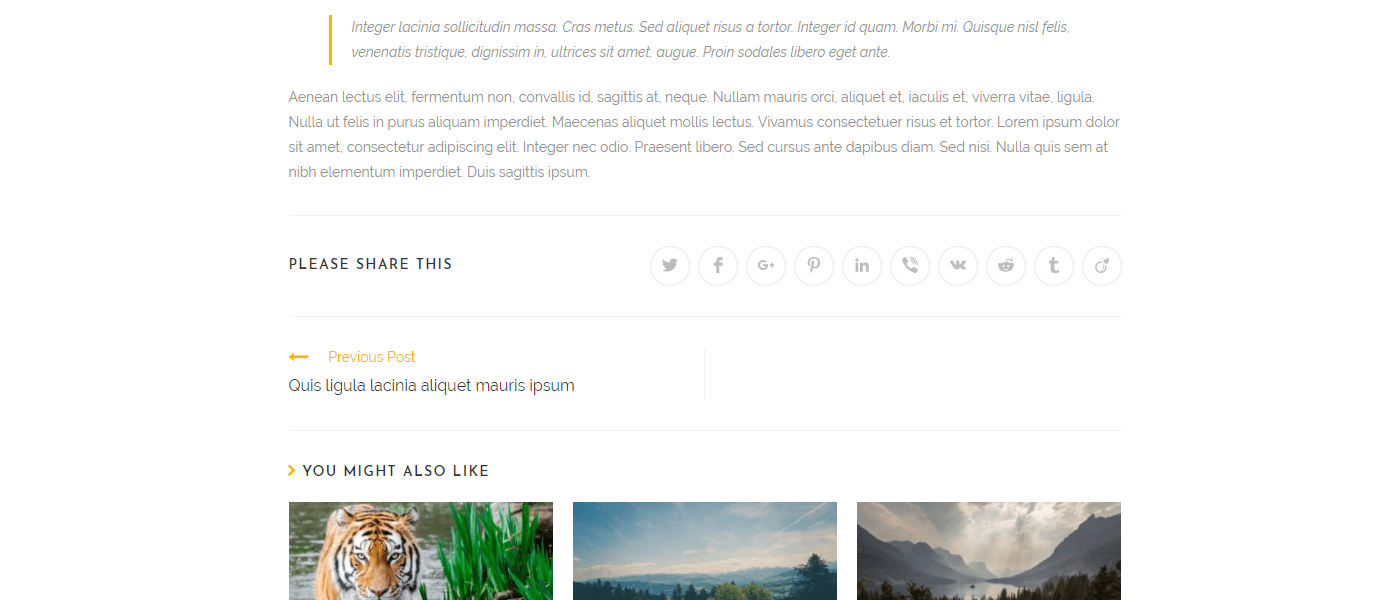
Minimal style.
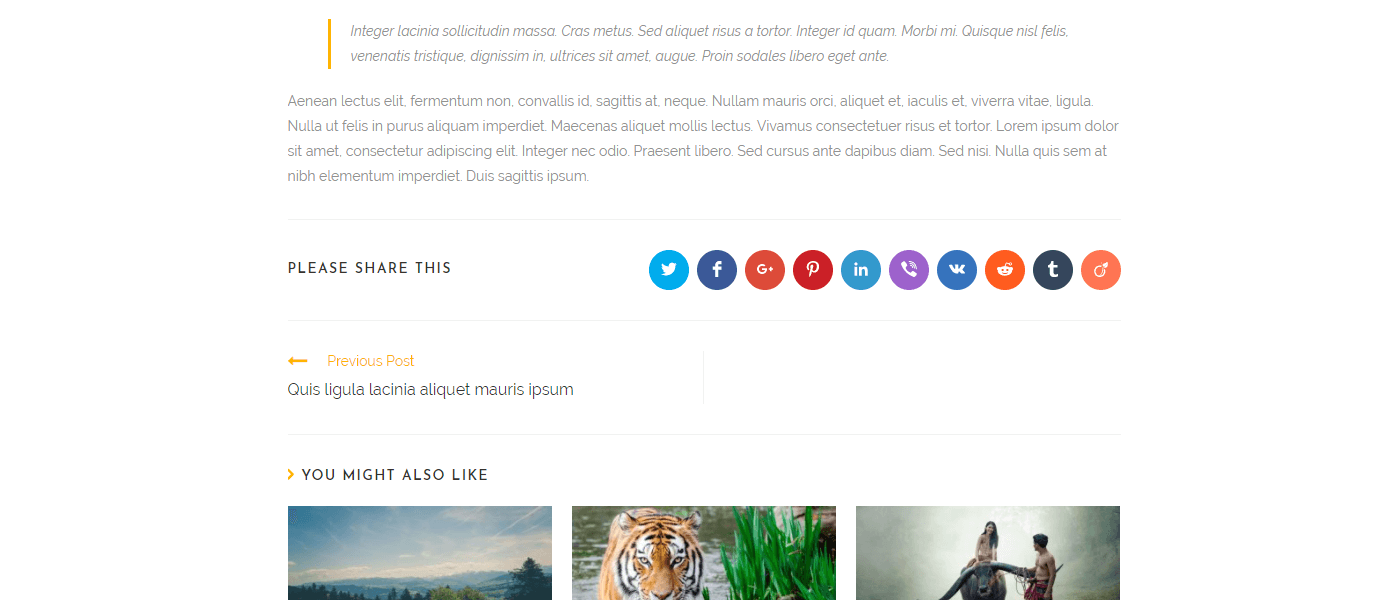
Colored style.
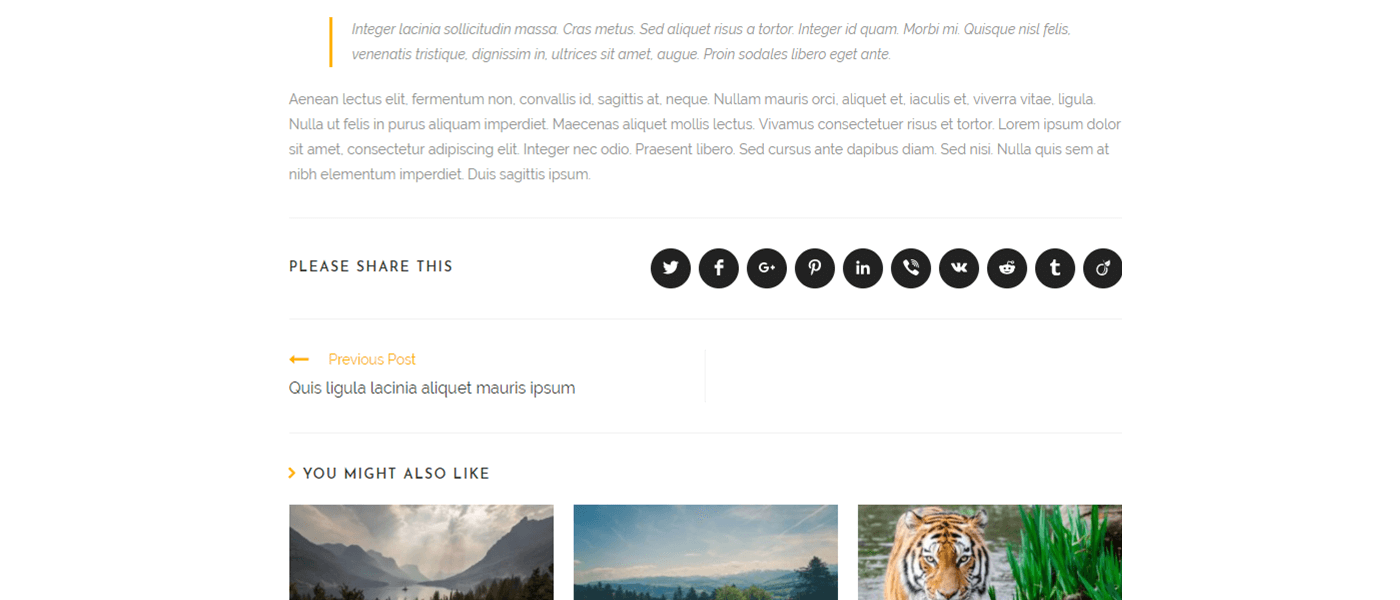
Dark style.
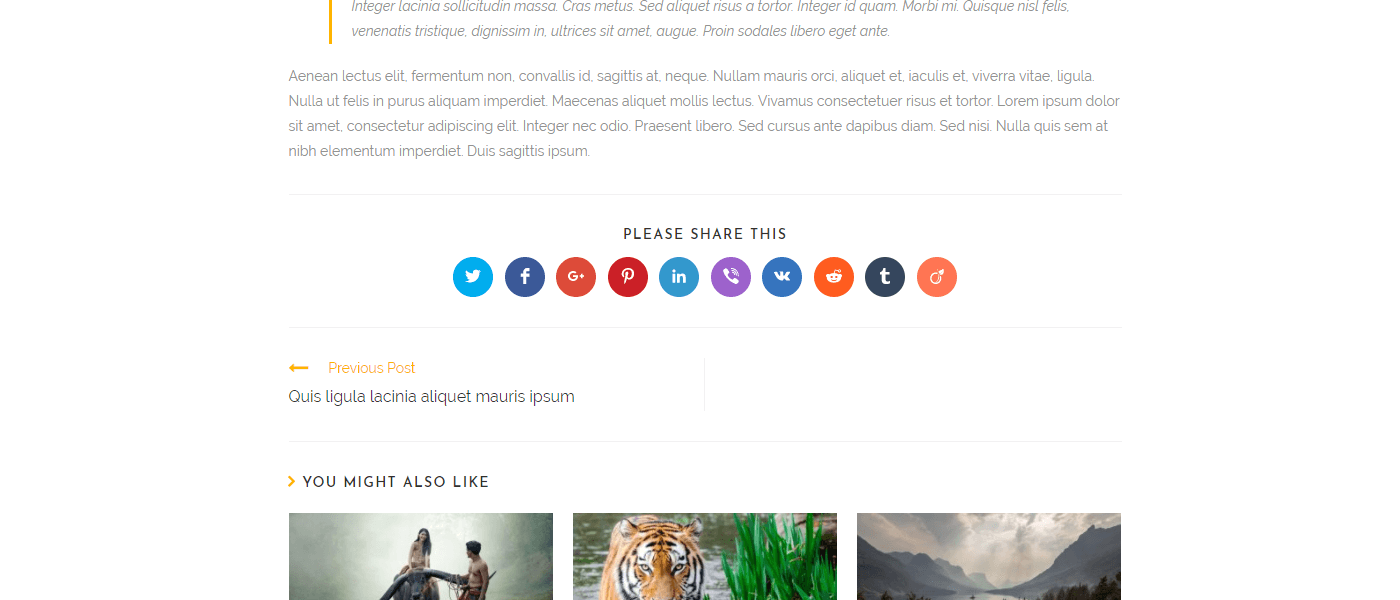
Heading top.
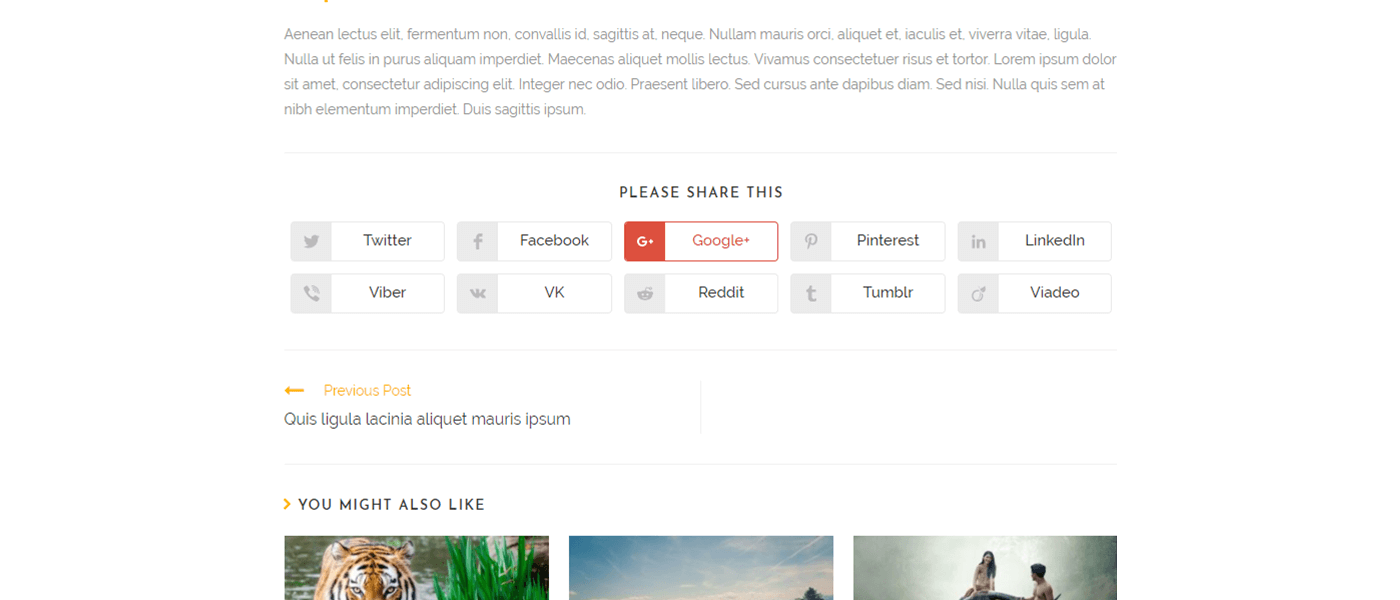
Minimal style with names.
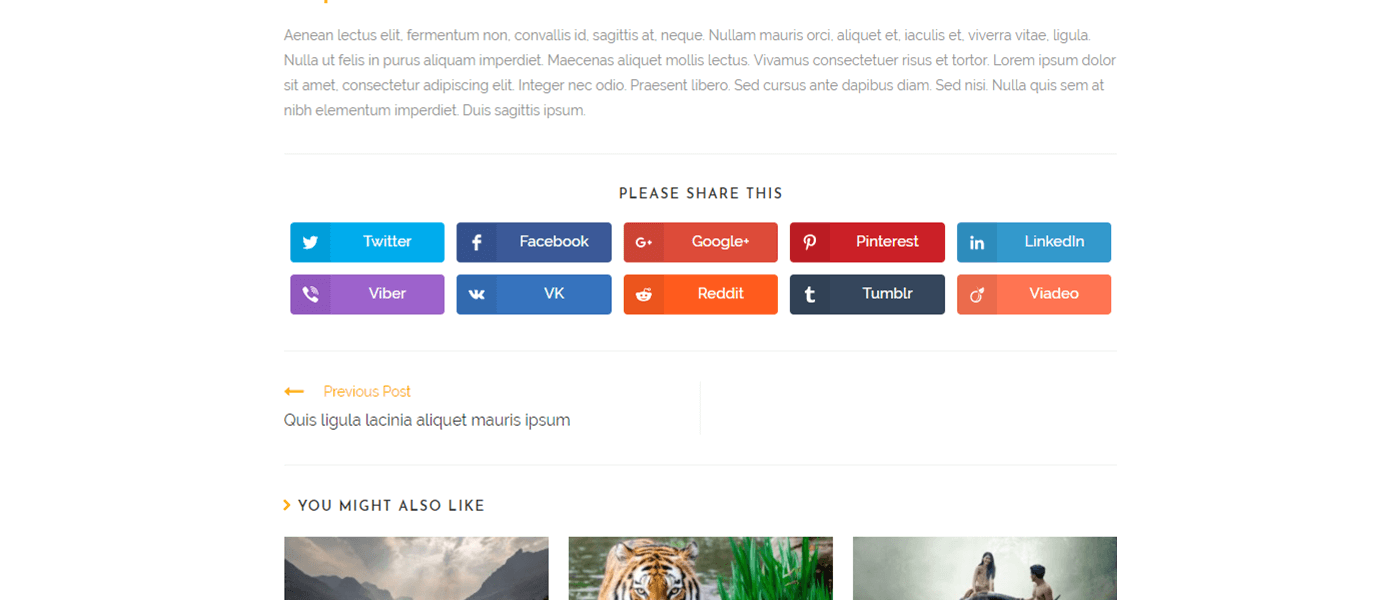
Colored style with names.
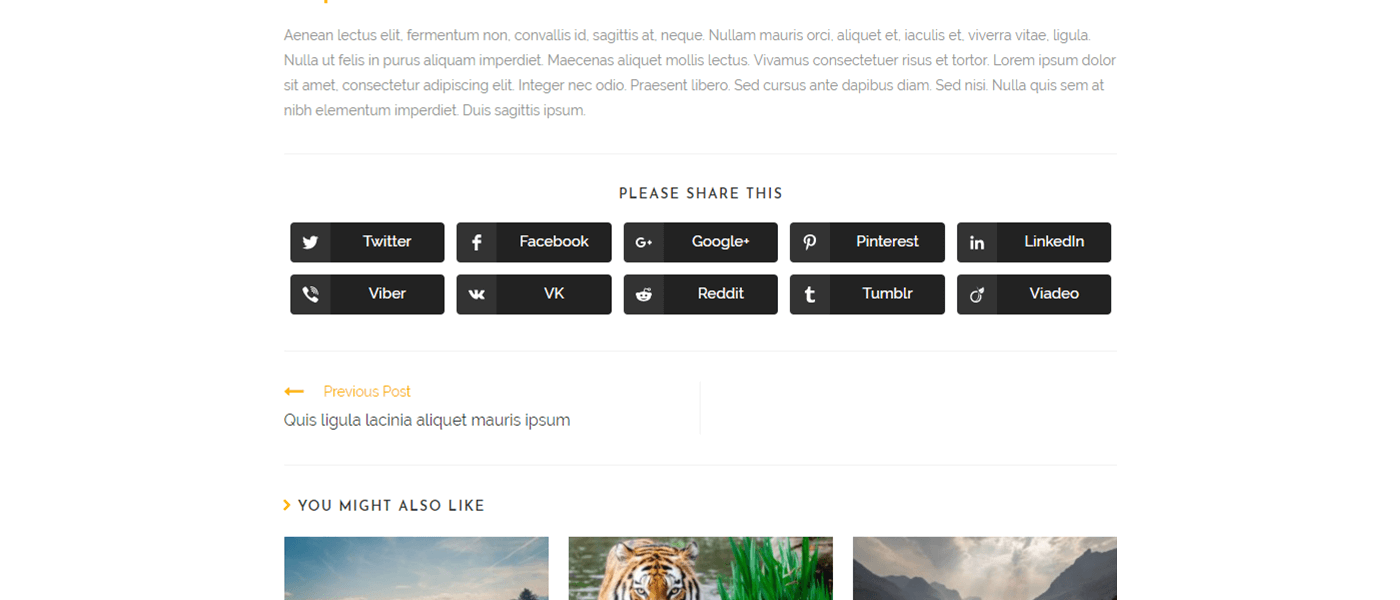
Dark style with names.
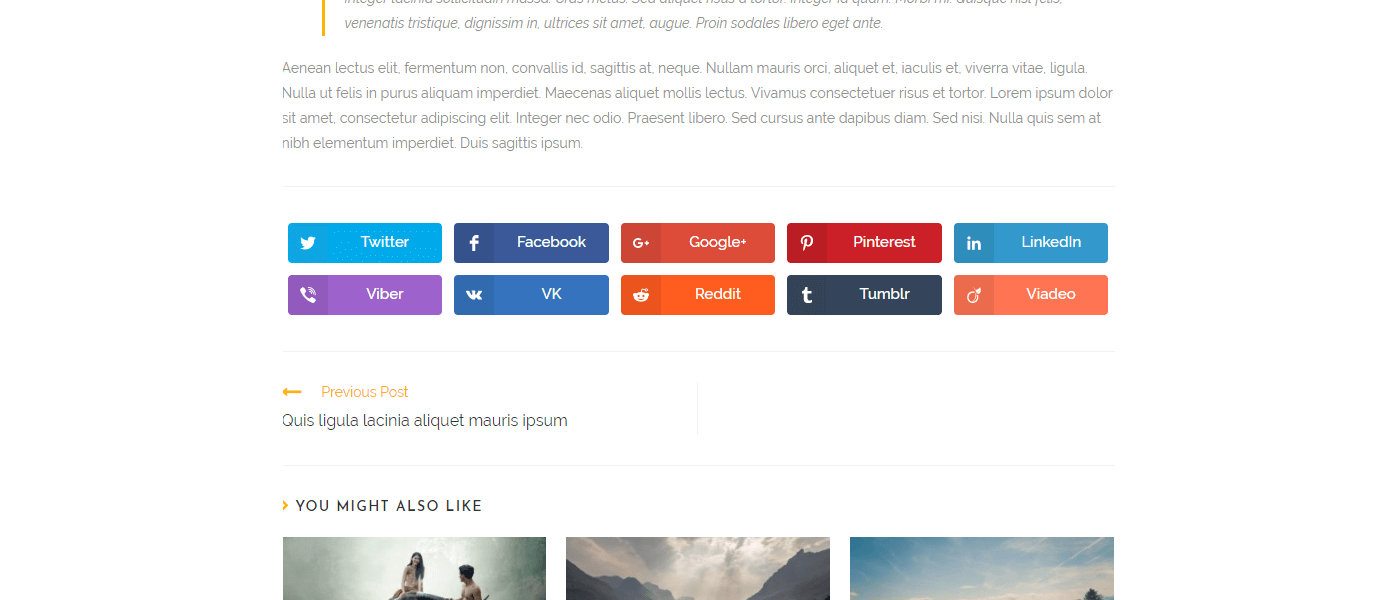
Without Heading.
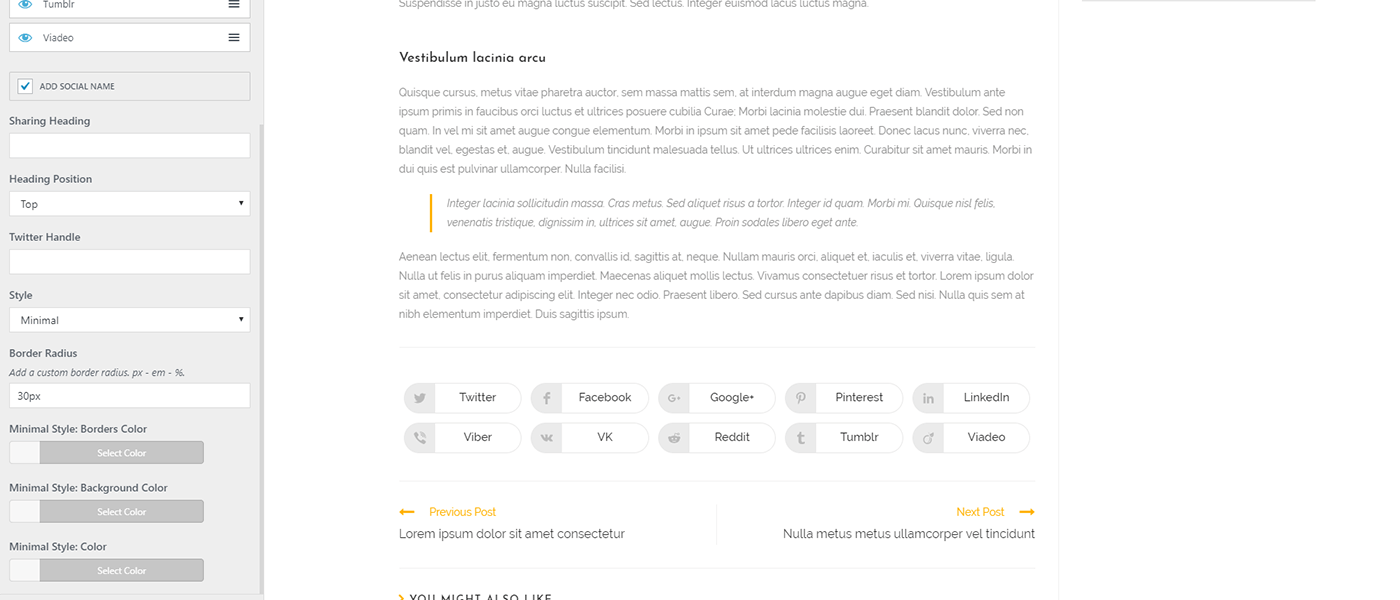
Settings.
Changelog
2.2.2 – JUL 22 2025
- Fixed: Potential vulnerability patched: Report by Wordfence from JUL 15th 2025. Shoutout and a thanks to the Wordfence team for patch test and confirmation.
2.2.1 – MAY 19 2025
- Updated: WhatsApp Share API: URL updated.
- Updated: Compatibility: WordPress version number.
2.2.0 – OCT 16 2024
- NEW: Customizer: Library upgraded to default WordPress ReactJS.
- NEW: Customizer: Customizer Controls.
- NEW: Customizer: User Interface.
- NEW: Customizer: Reorganized settings for improved user experience.
- Fixed: Special Character decode of title for X, LinkedIn and Reddit.
- Removed: Customizer: Legacy PHP Controls.
2.0.8 – OCT 11 2024
- Added: Conditional checks for future updates.
- Updated: Compatibility: WordPress version number.
2.0.7 – MAY 20 2024
- Updated: Compatibility: WordPress version number.
2.0.6 – DEC 11 2023
- Updated: Font Awesome Library to 6.5.1 version.
- Deprecated: Google+ social sharing option.
2.0.5 – SEP 6 2023
- Updated: Compatibility: WordPress version number.
2.0.4 – MAY 23 2023
- Added: Compatibility: PHP 8.2.6: Creation of dynamic property Ocean_Social_Sharing::$plugin_path and Ocean_Social_Sharing::$plugin_url is deprecated.
2.0.3 – MAR 29 2023
- Updated: Version numbers for compatibility.
2.0.2
- Improved: Theme Panel.
2.0.1
- Updated: WordPress version number for compatibility.
2.0.0
- Added: Vanilla JS.
1.1.1
- Added: Version updated for WordPress 5.7.
1.1.0
- Added: Improved Accessibility.
- Added: Dutch translation.
- Updated: Language translation strings.
- Updated: readme.txt file.
1.0.15
- Added: Codes for the Freemius switch.
1.0.14
- Added: WhatsApp button.
1.0.13
- Fixed: W3C HTML Validation.
- Fixed: RTL issue.
1.0.12
- Added: Polish translation, thanks to Fin Fafarafiel.
1.0.11
- Fixed: Double handle for the Twitter button.
1.0.10
- Added: Estonian translation, thanks to Janek Tuttar.
1.0.9
- Fixed: Issue with apostrophe for the Twitter button.
1.0.8
- Added: New field in the customizer to choose your social icons position: before, after or before and after.
- Added: Spanish language, thank you to Angel Julian Mena.
- Deleted: Admin notice if OceanWP is not the theme used.
1.0.7
- Fixed: Issue with the Twitter button if you add a description via Yoast SEO.
1.0.6
- Added: New social networks: Viber, VK, Reddit, Tumblr and Viadeo.
- Added: Three styles: Minimal, Colored and Dark.
- Added: Social names, now you can display the social name and icon.
- Added: Border Radius setting.
- Added: Heading Position field to display the heading on side or top of the social buttons.
- Tweak: Icons replaced by SVG so if you disable Font Awesome, the social share icons are still there.
- Tweak: Social windows now opens in the middle of the page.
1.0.5.2
- Added: All sanitize_callback for the customizer options.
1.0.5.1
- Added: HTTPS for the Twitter and LinkedIn sharing links.
1.0.5
- Fixed: Issue with Facebook sharing url fixed.
1.0.4
- Fixed: Issue if you add more tag to your content fixed.
1.0.3
- Tweak: Register translation string.
1.0.2
- Added: Support OceanWP 1.1.
- Tweak: Multicheck field replaced by sortable control, now you can change positioning of the social buttons.
1.0.1
- Fixed: Problem excerpt before the social links.
1.0.0
- Initial release.