

Open Links In New Tab
Opens external links and internal links in a new window depending on user settings. Manage all external & internal links on your site.
Plugin info
Maintenance & Compatibility
Maintenance score
Possibly abandoned • Last updated 725 days ago • 6 reviews
Is Open Links In New Tab abandoned?
Possibly abandoned (last update 725 days ago).
Compatibility
Similar & Alternatives
Explore plugins with similar tags, and compare key metrics like downloads, ratings, updates, support, and WP/PHP compatibility.
Description
Afraid of internal links and external links management? Use the plugin and set the website’s internal links in a new tab, and external links in a new tab. You can choose either an internal link in a new tab or an external link in a new tab. Or Both internal and external links in a new tab.
In some cases, you may need to open links in a new tab. We can achieve this by using this plugin. You can open both external links and internal links in the new tab.
This plugin adds only a few lines of JavaScript code and it does not depend on any external library. It does not even require jQuery, which is the most common JavaScript library. Moreover, the code it produces is completely SEO optimized.
👉 Check the review by ollzo about [Open Links in New Tab](https://ollzo.com/open-link-in-new-tab-wordpress-plugin/).
👉 FEATURES
- Manage external links
- Manage internal links
- Open links in a new tab
- Open links in a new window
- SEO friendly
Like the plugin? 👉 Rate it to support the development.
Installation
- Upload the plugin files to the /wp-content/plugins/plugin-name directory, or install the plugin through the WordPress plugins screen directly.
- Activate the plugin through the ‘Plugins’ screen in WordPress
- All Settings can be found in Admin sidebar -> Settings -> Links In New Tab
Frequently Asked Questions
The plugin may conflict with other plugins that forcefully change the links’ onClick attribute.
This plugin is still not compatible with WooCommerce because WooCommerce replaces its external links from a tag to a form tag.
Review feed
Good plugin
Screenshots
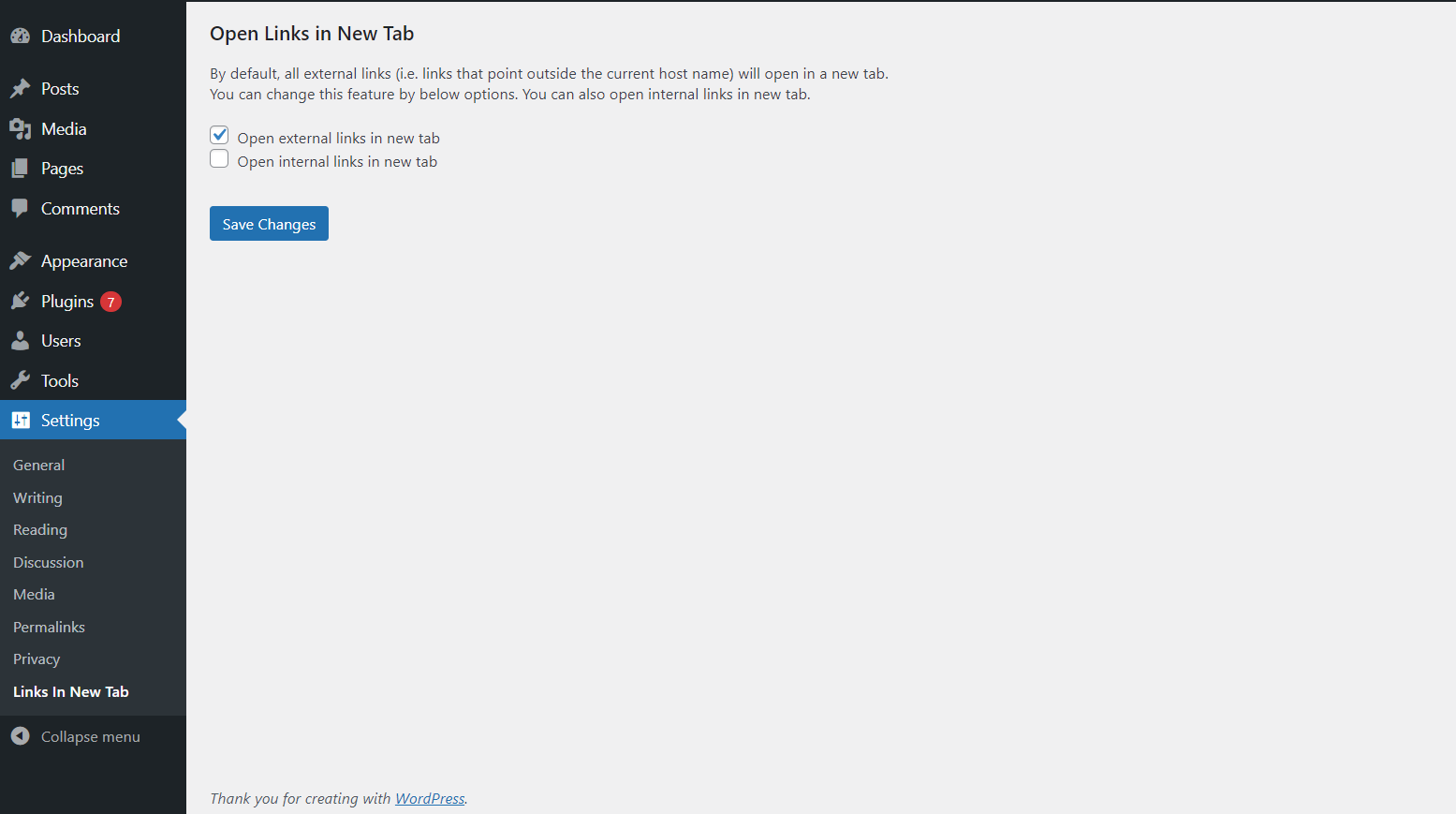
Main Settings
Changelog
1.2.0 ( April 5, 2024 )
Fix : General bug fix
Tweak : Compatible with WordPress 6.5 major update.
Tweak : Coding standard guideline update.
1.1.0 ( November 27, 2022 )
Fix : General bug fix
Tweak : Compatible with WordPress 6.1 major update.
Tweak : Coding standard guideline update.
1.0.6 ( August 10, 2022 )
Fix : General bug fix
1.0.5 ( August 10, 2022 )
Fix : Minor bug fix
Tweak : Compatible with PHP latest version
Tweak : Compatible with WordPress 6.0.1
Tweak : Translation update
1.0.4 ( January 28, 2022 )
Fix : Minor bug fix
1.0.3 ( January 28, 2022 )
Fix : WordPress 5.9 compatible
1.0.2 ( December 08, 2021 )
Fix : Minor bug fix
1.0.1 ( December 08, 2021 )
Tweak : Compatible with PHP 8
Tweak : Compatible with WordPress 5.8.2
1.0.0 ( May 27, 2021 )
Initial release