

Accept Bitcoin instantly via OpenNode
Start accepting Bitcoin instantly through Lightning Network today. Powered by OpenNode
Maintenance 40/100364d since update
Active installs
400
Downloads
10,644
Reviews
5
Age
7.8y
Plugin info
Total downloads: 10,644
Active installs: 400
Total reviews: 5
Average rating: 5
Support threads opened: 0
Support threads resolved: 0 (0%)
Available in: 1 language(s)
Contributors: 1
Last updated: 4/4/2025 (364 days ago)
Added to WordPress: 6/20/2018 (7 years old)
Minimum WordPress version: 4.0
Tested up to WordPress version: 6.4.7
Minimum PHP version: f
Maintenance & Compatibility
Maintenance score
Stale • Last updated 364 days ago • 5 reviews
40/100
Is Accept Bitcoin instantly via OpenNode abandoned?
Likely maintained (last update 364 days ago).
Compatibility
Requires WordPress: 4.0
Tested up to: 6.4.7
Requires PHP: f
Similar & Alternatives
Explore plugins with similar tags, and compare key metrics like downloads, ratings, updates, support, and WP/PHP compatibility.
No similar plugins found yet.
Description
Start accepting Bitcoin instantly through Lightning Network today. Powered by OpenNode
OpenNode for WooCommerce
This plugin allows stores that use WordPress WooCommerce shopping cart system to accept Bitcoin and Bitcoin through Lightning Network via OpenNode.
Features
- Payment amount is calculated using real-time exchange rates.
- Allows for fee-less and instant Bitcoin payments through Lightning Network.
- Supports traditional on-chain transactions using the new native SegWit addresses (bech32)
- No setup or recurring fees.
- Free Lightning Network and scheduled withdrawals.
- Compatible with WooCommerce 8.3+ and Cart and Checkout blocks.
In order to use this plugin you have to create an account on https://opennode.com
Installation
- Install the WooCommerce OpenNode plugin:
- Install through WordPress Plugin Manager: Admin » Plugins » Add New » Enter “opennode woocommerce” in search » Click “Install Now”
- Upload ZIP: Admin » Plugins » Add New » Upload Plugin
- Extract ZIP and upload extracted directory to the
/wp-content/plugins/through FTP
- Activate the plugin through the ‘Plugins’ menu in WordPress
- Enter API Credentials to WooCommerce-OpenNode Plugin Settings: Admin » WooCommerce » Click on Checkout tab » Find “OpenNode” in Payment Gateways table » Click “Settings”
- Check “Enable Cryptocurrency payments via OpenNode” checkbox.
Frequently Asked Questions
No FAQ available
Review feed
No reviews available
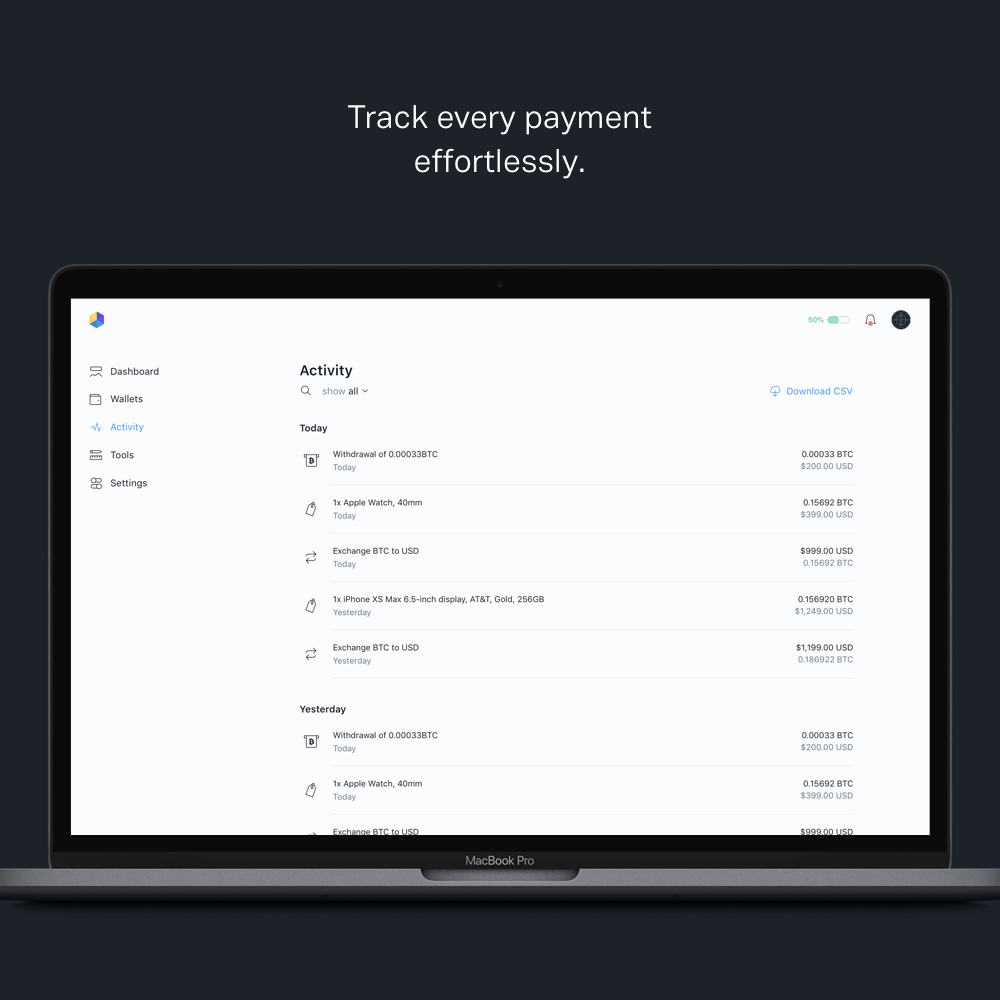
Screenshots



Changelog
1.5.6
- Fixed compatibility with WooCommerce block editor – OpenNode payment method now properly appears in Payment Options block settings
- Improved block editor integration and script loading
- Added proper payment method icon support in block editor
1.5.5
- Fixed bug on cart page
1.5.4
- Added support for WooCommerce 8.3+ Cart and Checkout blocks