

OptinAble – Popup Builder, Stickybars, Slide-in, WordPress Lead Generation & Email List Building
OptinAble The ultimate Free WP plugin for collecting email subscribers. With our easy-to-use interface, and built-in templates, you can create beautif …
Plugin info
Maintenance & Compatibility
Maintenance score
Stale • Last updated 325 days ago • 2 reviews
Is OptinAble – Popup Builder, Stickybars, Slide-in, WordPress Lead Generation & Email List Building abandoned?
Likely maintained (last update 325 days ago).
Compatibility
Similar & Alternatives
Explore plugins with similar tags, and compare key metrics like downloads, ratings, updates, support, and WP/PHP compatibility.
Description
OptinAble The ultimate Free WP plugin for collecting email subscribers. With our easy-to-use interface, and built-in templates, you can create beautiful popups, stickybars, slide-ins, and embed forms to grow your email list in no time.
Easy to use, Beautiful Free Templates, Light weight & Fast
OptinAble is a powerful WordPress Popup builder and Email List Building plugin that allows you to easily collect email subscribers and grow your email list. With its user-friendly interface and a wide range of built-in templates, you can create stunning Popups, Stickybars, Slide-ins, and Embed forms that effectively capture leads and increase conversions.
Key features of OptinAble include:
-
User-friendly interface: – OptinAble provides a simple and intuitive interface that makes it easy to create and customize your opt-in forms.
-
Multiple opt-in types: – Choose from various opt-in types, including popups, stickybars, slide-ins, and embed forms, to suit your specific needs.
-
20+ Free Customisable Templates: – OptinAble comes with a collection of pre-built templates that you can customize to match your website’s design and branding.
-
Targeted display options: – Show your opt-in forms to specific audiences based on various criteria such as page type, referral source, location, and more.
-
Exit intent technology: – Engage visitors who are about to leave your website with exit-intent popups that capture their attention and encourage them to stay.
-
Advanced targeting rules: – Set up advanced targeting rules to display your opt-in forms at the right time and to the right people.
-
Analytics and reporting: – Track the performance of your opt-in forms with built-in analytics and reporting features to optimize your lead generation efforts.
-
Mobile responsive: – OptinAble ensures that your opt-in forms are fully responsive and display correctly on all devices, providing a seamless user experience.
Whether you’re running a blog, an e-commerce store, or a business website, OptinAble empowers you to capture leads and grow your email list effectively.
Note: The plugin is using Google fonts which are being extracted from fonts.gstatic.com and are free to use.
Installation
Automatic installation
- Search for OptinAble through ‘Plugins > Add New’ interface.
- Find the plugin box of OptinAble and click on the ‘Install Now’ button.
- Then activate the OptinAble plugin.
- Create a new Campaign: After installing the plugin, a new menu called “OptinAble” will appear. Visit that page and click the + icon to Add New Popup.
Manual installation
- Upload the optinable folder to the /wp-content/plugins/ directory.
- Activate the OptinAble plugin through the ‘Plugins’ menu in WordPress.
- Go to the OptinAble settings page to configure your opt-in forms and customize their appearance.
- Create and publish your opt-in forms using the provided shortcode or widget.
- Start capturing leads and growing your email list with OptinAble!
Frequently Asked Questions
Yes, OptinAble provides customizable templates that you can easily modify to match your website’s design and branding. You can customize colors, fonts, images, and more to create a cohesive look for your opt-in forms.
Absolutely! OptinAble offers advanced targeting options that allow you to display your opt-in forms to specific audiences based on various criteria such as page type, referral source, location, and more. This helps you tailor your messages and offers to specific segments of your audience.
Absolutely not, You can use free available Templates in the OptinAble plugin and configure those in just few clicks.
Yes, OptinAble ensures that your opt-in forms are fully responsive and mobile-friendly. They will adapt to different screen sizes and display correctly on all devices, providing a seamless user experience.
Review feed
Screenshots
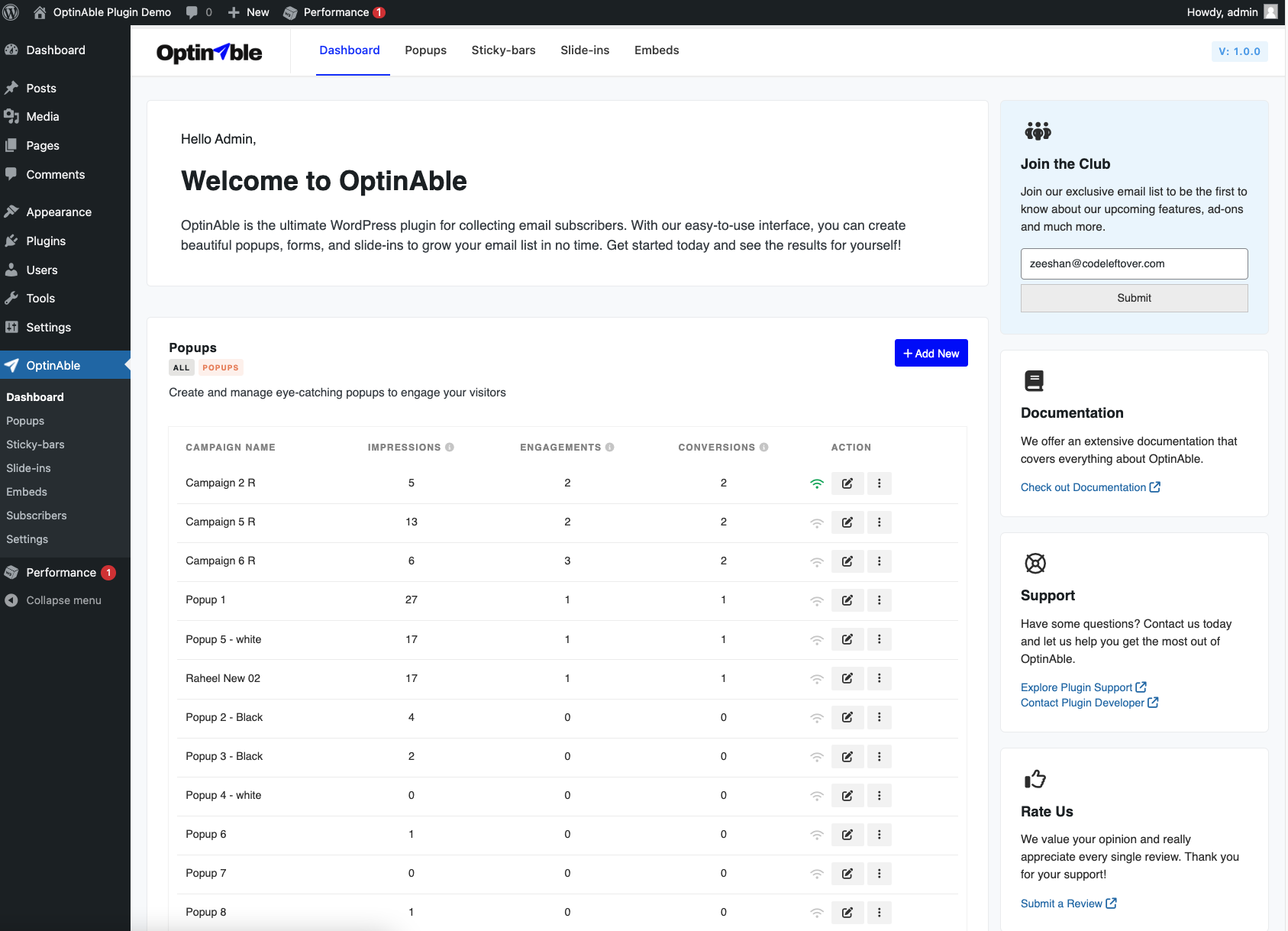
Dashboard campaign list page.
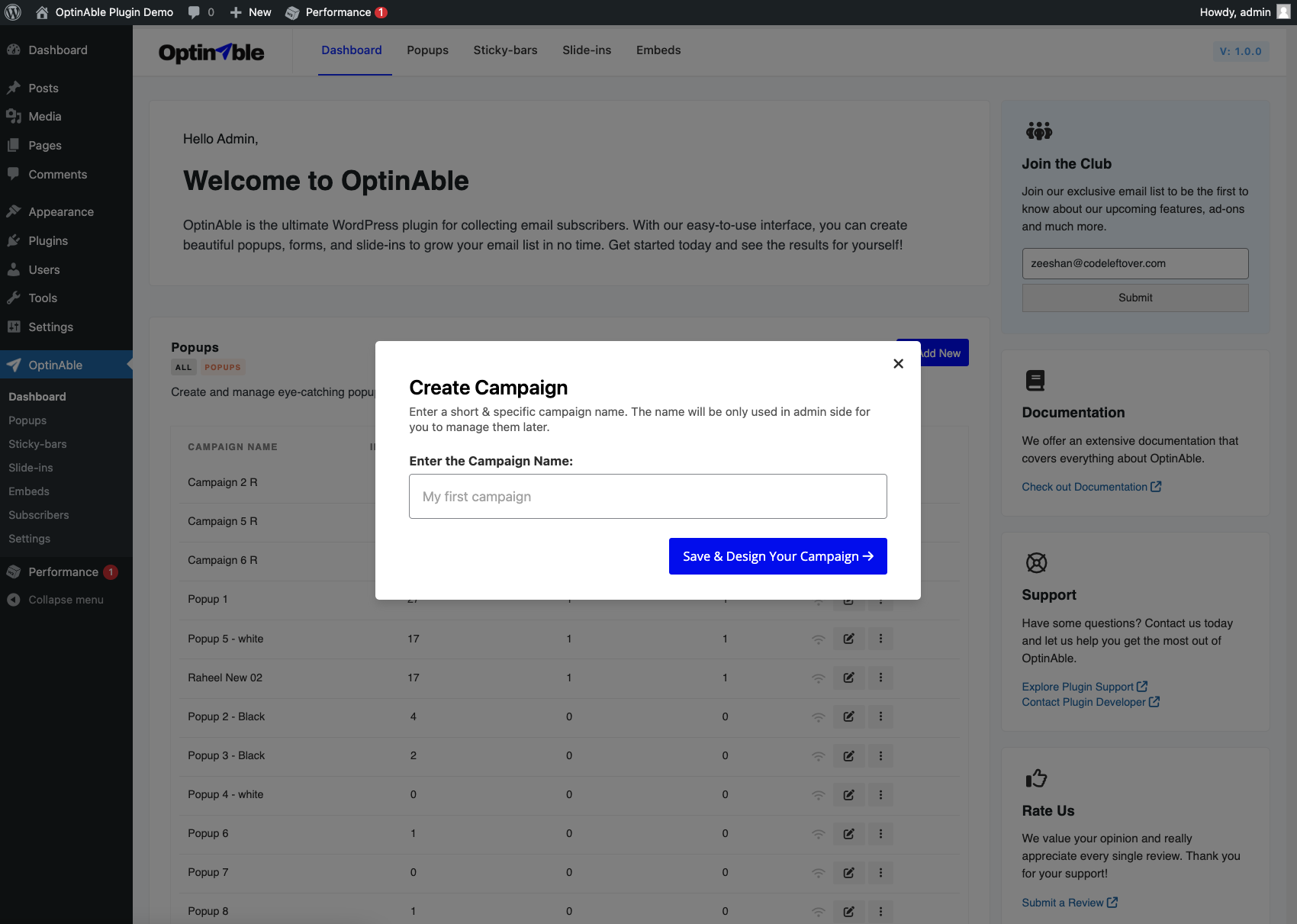
Create popup or slide campaign form.

Select your desired template.

Templates list of Popup layout.
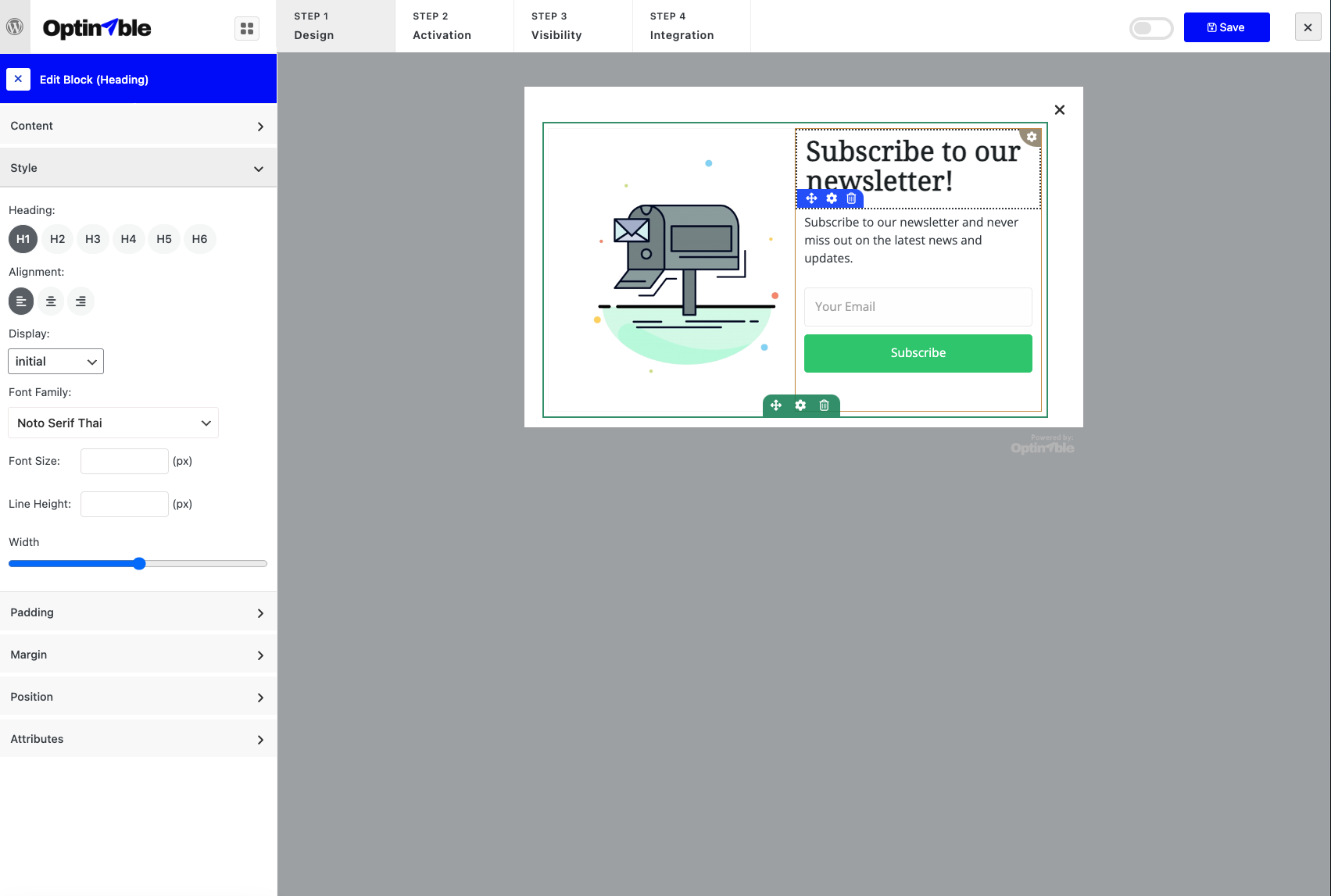
Customise your template design.
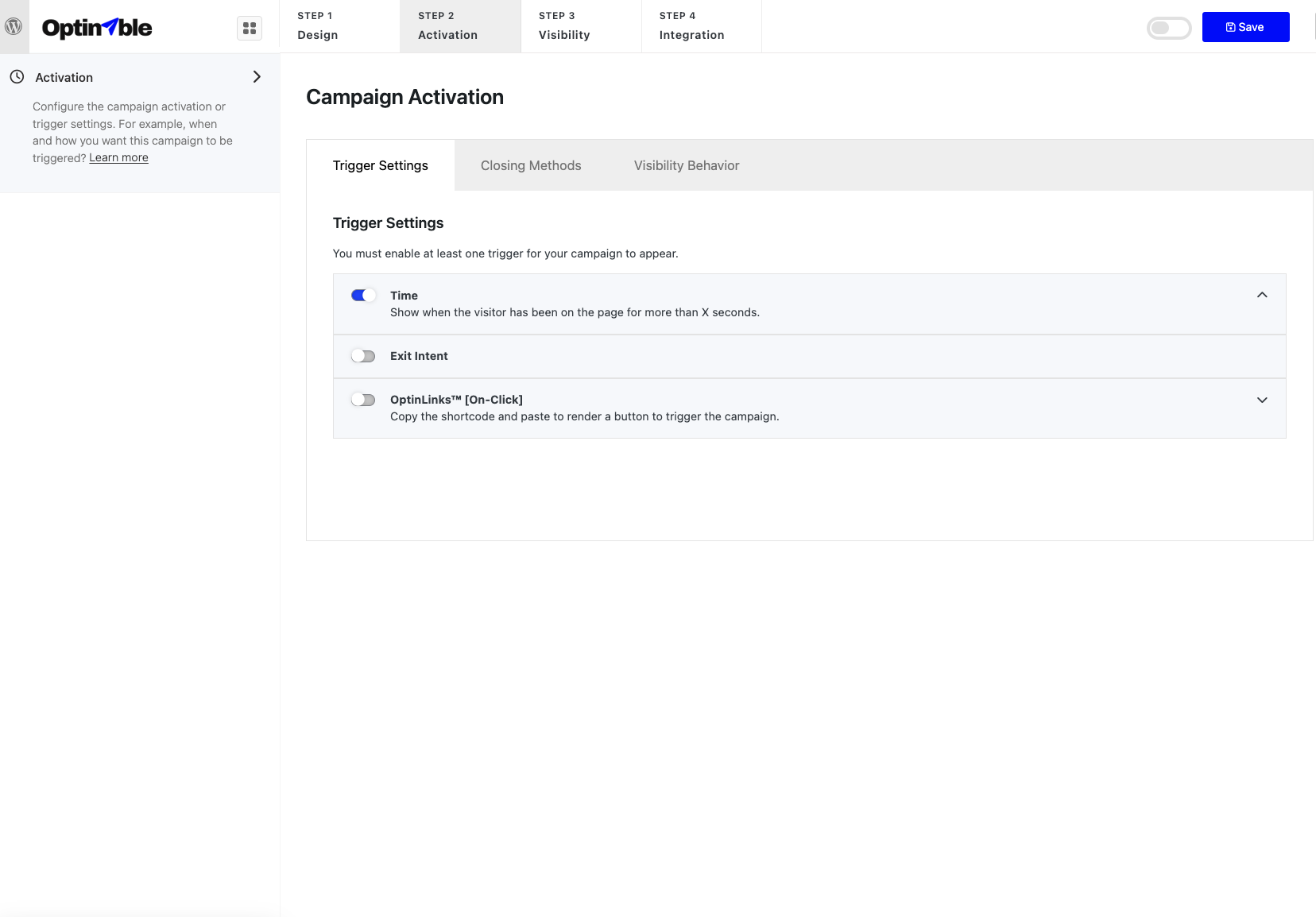
Manage the trigger settings and behaviour of the popup.
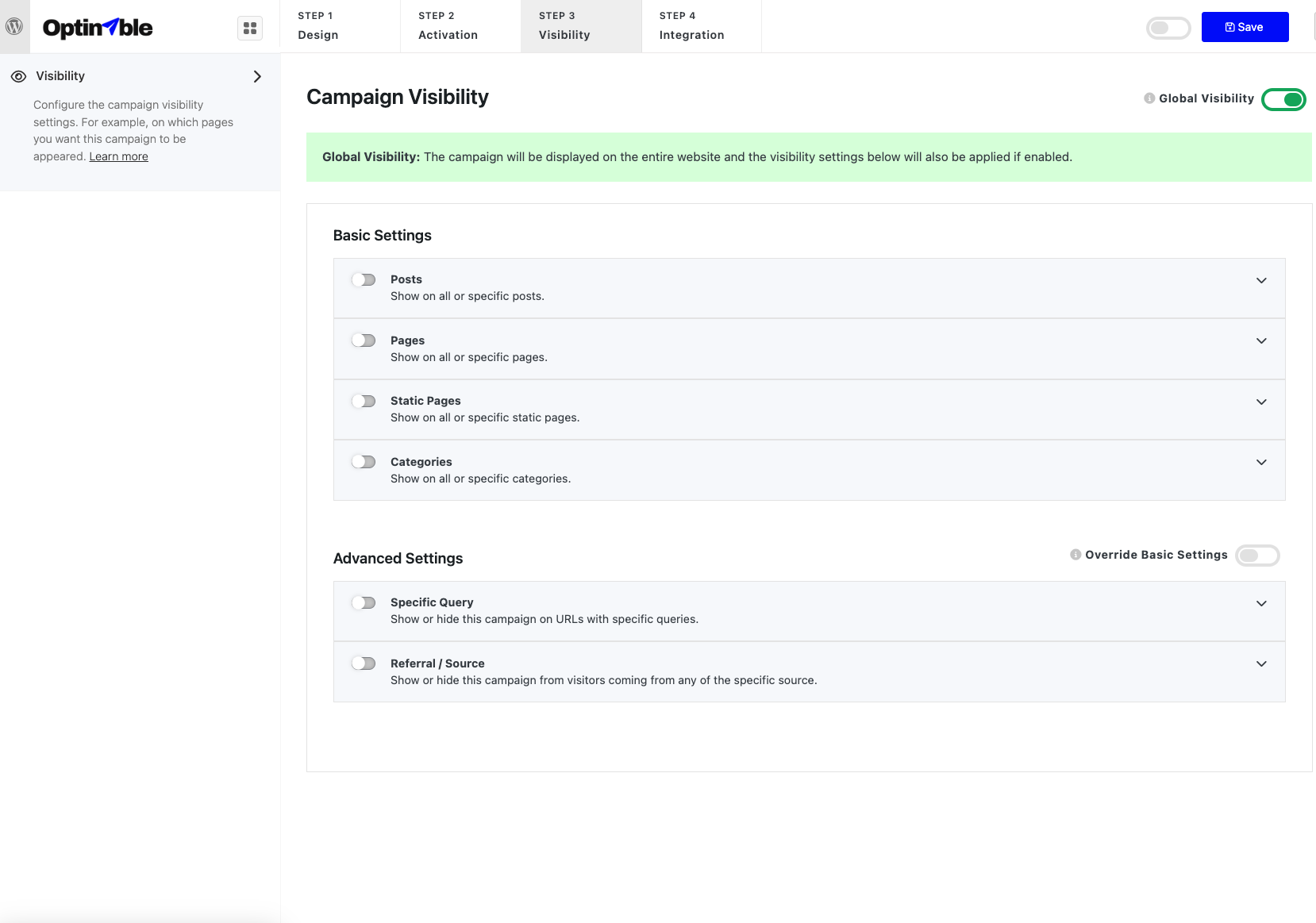
Customise the visibility settings.
Changelog
Most Recent Changes:
1.0.5
- Fix: CTA Link to external link or campaign issue solved.
- Few more small css fixes
1.0.4
- Fix: Campaign was still showing after opted-in.
1.0.3
- Fix: Embeds campaign delete page not showing
- Fix: Delete success message missing
1.0.2
- Minor fixes in the script.
1.0.1
- Minor fixes in read me.
1.0.0
Initial release