

Order Export for WooCommerce
Export WooCommerce orders & export products with advanced filtering. Supports CSV & all Excel formats.
Plugin info
Maintenance & Compatibility
Maintenance score
Maintained • Last updated 121 days ago • 14 reviews
Is Order Export for WooCommerce abandoned?
Likely maintained (last update 121 days ago).
Compatibility
Languages
Similar & Alternatives
Explore plugins with similar tags, and compare key metrics like downloads, ratings, updates, support, and WP/PHP compatibility.
Description
An easy to use plugin that quickly exports data from your WooCommerce store into Excel (XLS, XLSX) or CSV formats. Tested on Windows and Mac this tool is perfect to quickly export your WooCommerce products, orders and other data.
The export tool for WooCommerce has been designed to be easy to use. It will allow you to simply export the data you need.
Boost your sales instantly by enabling customers to wrap orders with Gift Wrapper for WooCommerce! Add it as a free service, or charge extra for wrapping.
WooCommerce Export Features
- Easy to set up and install
- Simple user interface
- Provides filters to get exactly the orders you need
- Download your WooCommerce data with just a single click
- Drag and drop sorting of the columns
- Export WooCommerce data in CSV format – easily used in Excel
- Export Orders from WooCommerce
PRO Version
Order Export PRO provides these additional features;
- Additional fields for Orders
- Export Customer Data
- Export Shipping Data
- Export Coupon Data
- Export Category Data
- Export Tags
- Schedule your exports
- Scheduled exports can be delivered via email or are available directly from your WooCommerce store
Find out more about Order Export for WooCommerce PRO
Questions?
If you have any questions please contact us here
If you like the plugin, please leave us a review on the review page here – THANKS!
Installation
- Upload
order-export-and-more-for-woocommerce.zipto the/wp-content/plugins/directory - Activate the plugin through the ‘Plugins’ menu in WordPress
- Go to WooCommerce-> Order Export+, in your WordPress site
- You are ready to export your WooCommerce data!!
Frequently Asked Questions
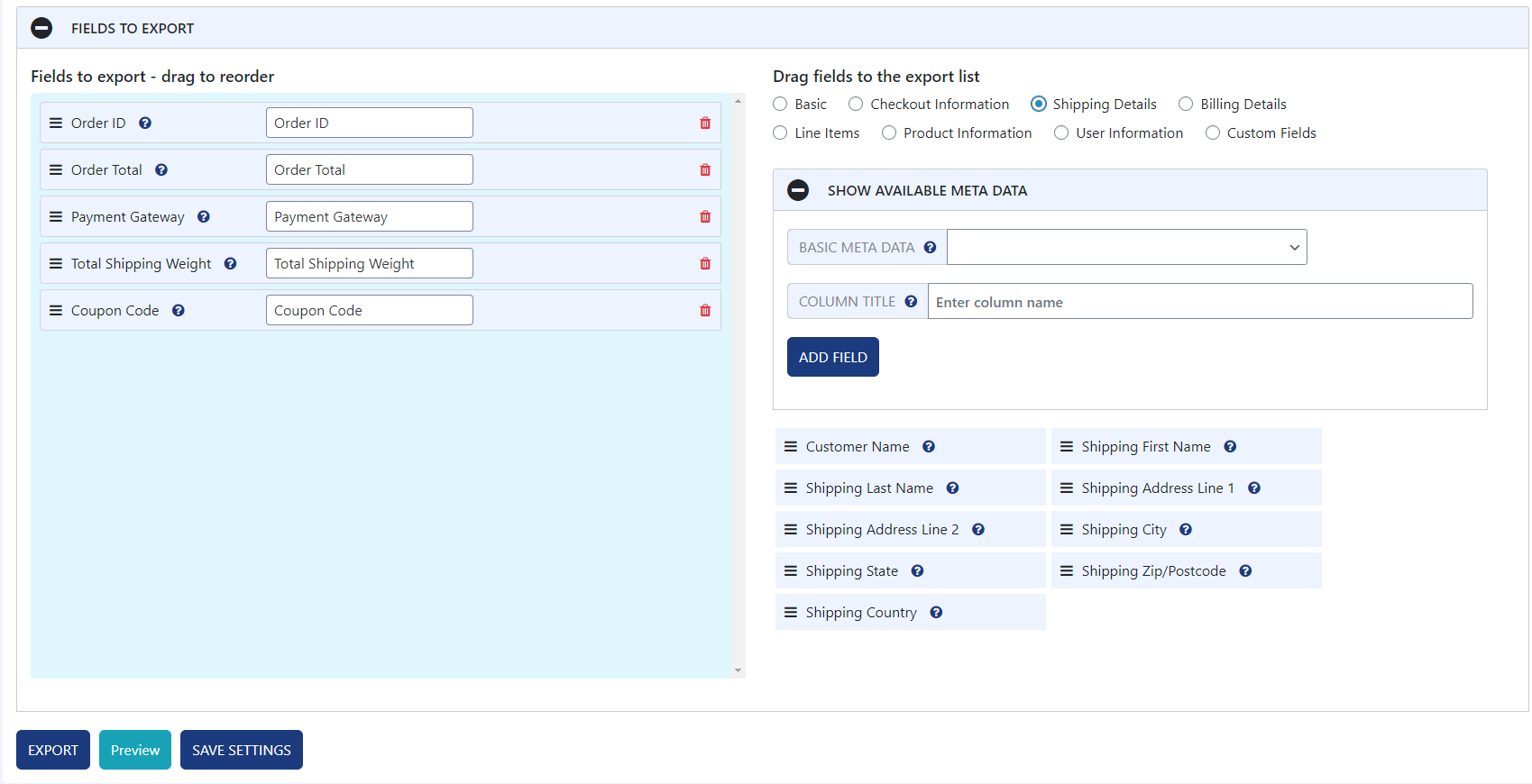
From the export page simply enter the column name you want for each field (or keep the default). The new column names will be used in the next export. It’s as easy as that!
If you have any questions please contact us here
You can report security bugs through the Patchstack Vulnerability Disclosure Program. The Patchstack team help validate, triage and handle any security vulnerabilities. Report a security vulnerability.
Review feed
good
Why in the world would you not include other roles for reports?
Screenshots
WooCommerce Products Export - List of available fields with column names
WooCommerce Orders Export - List of available fields with column names
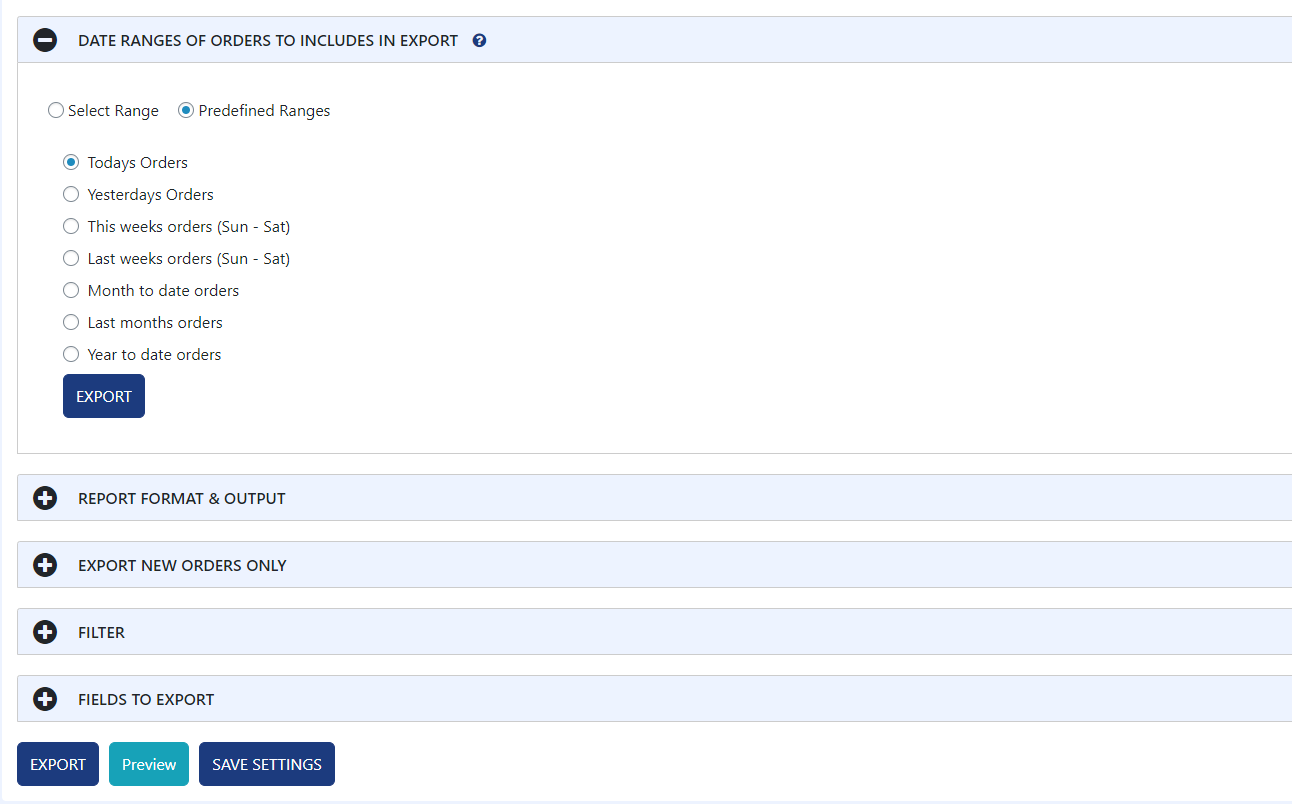
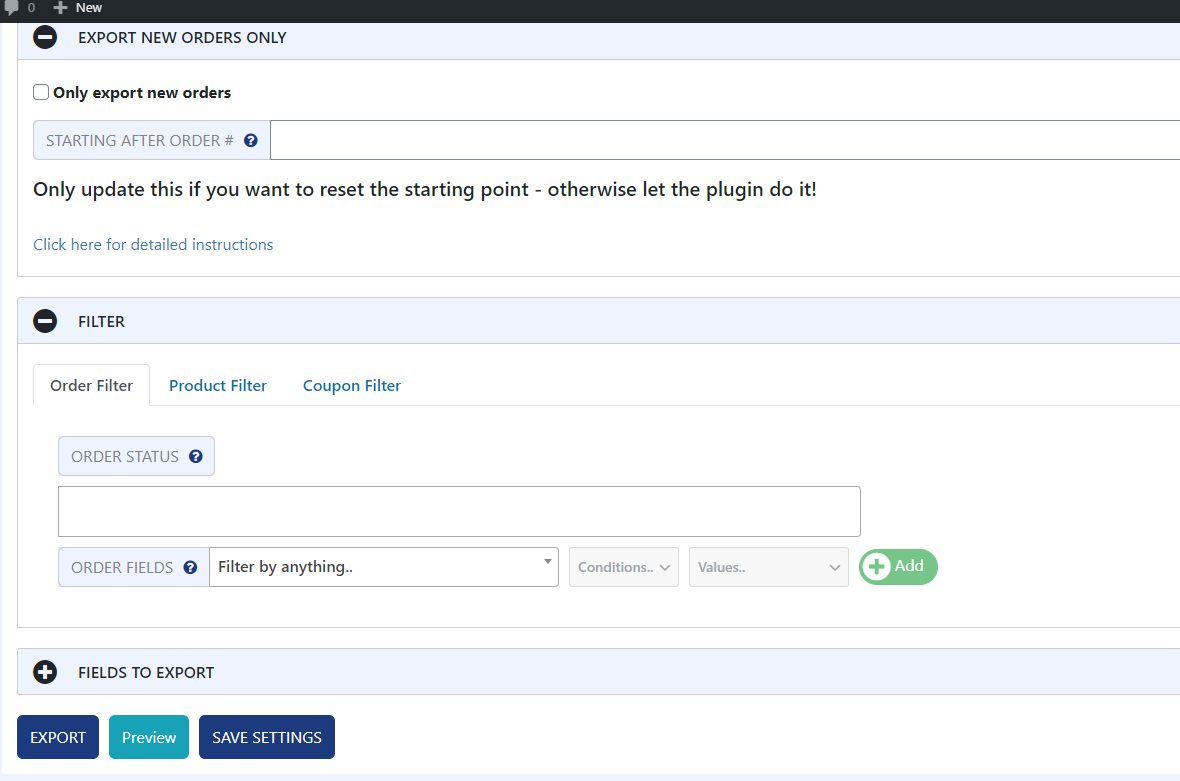
WooCommerce Export - Settings
Changelog
3.26
- 2025-08-13
- minor code fixes
3.25
- 2025-01-28
- temporary export file is now deleted after download
3.24
- 2024-08-20
- added random suffix to export filename
3.23
- 2024-07-06
- WordPress 6.6 compatibility
- minor security fixes
3.22
- 2024-03-27
- WordPress 6.5 and PHP 8.2 compatibility
3.21
- 2023-03-07
- fixed undefined var notice
3.2
- 2021-11-14
- added pro upgrades
3.1
- 2021-10-12
- bug & security fixes
- major rewrite
2.0.3
Adding Spanish Language support
2.0
Major upgrade. Added sortable columns and minor UI changes
1.3.2.
Fixed legacy order date issue in older versions of WooCommerce
1.3.1
Upgraded to accommodate WooCommerce 3.0 changes
1.2.3
Minor UI upgrades
1.2.1
- Fixed minor javascript error on Mac Safari
1.2
- Minor upgrades
1.0
- Initial version