

Painless Analytics
Simplified web analytics focused on the metrics that matter most.
Plugin info
Maintenance & Compatibility
Maintenance score
Stale • Last updated 346 days ago
Is Painless Analytics abandoned?
Likely maintained (last update 346 days ago).
Compatibility
Languages
Similar & Alternatives
Explore plugins with similar tags, and compare key metrics like downloads, ratings, updates, support, and WP/PHP compatibility.
Description
Painless Analytics is a new web analytics service that reports the metrics that matter the most.
Note: This plugin interacts with the Painless Analytics API to retrieve and include analytics tracking code on your website. By using this plugin, your site communicates with the Painless Analytics service. Please refer to their Privacy Policy and Terms of Use to learn more.
An account (FREE or paid) from Painless Analytics is required to use this plugin
Additional Info
This plugin simplifies the implementation of Painless Analytics web analytics service onto a website. This plugin requires a valid Painless Analytics link code in order to function.
Painless Analytics does not track personal identifiable information (PII) or use cookies. Painless Analytics JavaScript code is loaded asynchronously, it does not interfere with other page operations or cause page loading delays.
Contributors
Angelo Mandato, Founder and CTO of Painless Analytics – Plugin author
Installation
Automatic Plugin Installation
Install using the built-in plugin installer:
- Go to Plugins > Add New.
- Type in “Painless Analytics” in Search Plugins box.
- Find “Painless Analytics” in the search results.
- Click Install Now to install the WordPress Plugin.
- Click Activate to activate it.
- Go to Painless Analytics settings page to setup tracking.
Manual Plugin Installation
- Download this plugin to your computer.
- Extract the plugin zip file (or compressed folder).
- With your FTP program, upload the plugin folder to the wp-content/plugins folder in your WordPress directory online.
- Go to Plugins screen and find “Painless Analytics” plugin in the list.
- Click Activate to activate it.
- Go to Painless Analytics settings page to setup tracking.
Frequently Asked Questions
No, you can use Google Analytics with Painless Analytics.
Yes. Instead of installing this plugin you could add Painless Analytics to GTM, though we do not recommend that.
Painless Analytics embed codes are available at painlessanalytics.com. FREE and paid plans are available. Each embed code is unique to each website registered at Painless Analytics.
No! If you already have analytics setup with other tools or services we strongly suggest you them in place.
Painless Analytics is intended to make your life easier, but if it doesn’t help you, no worries.
Review feed
Screenshots
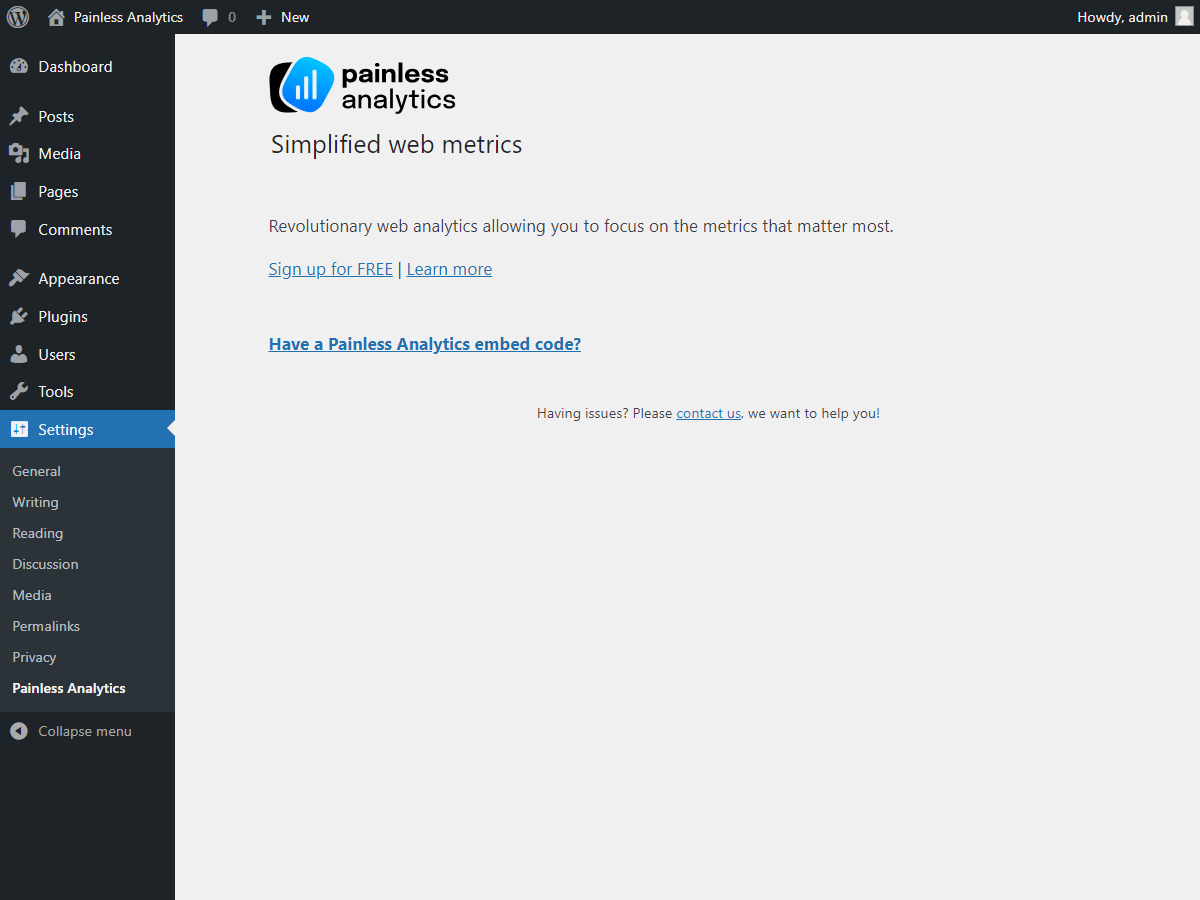
Painless Analytics initial setup

Painless Analytics setup, enter your embed code and click 'Save Changes'
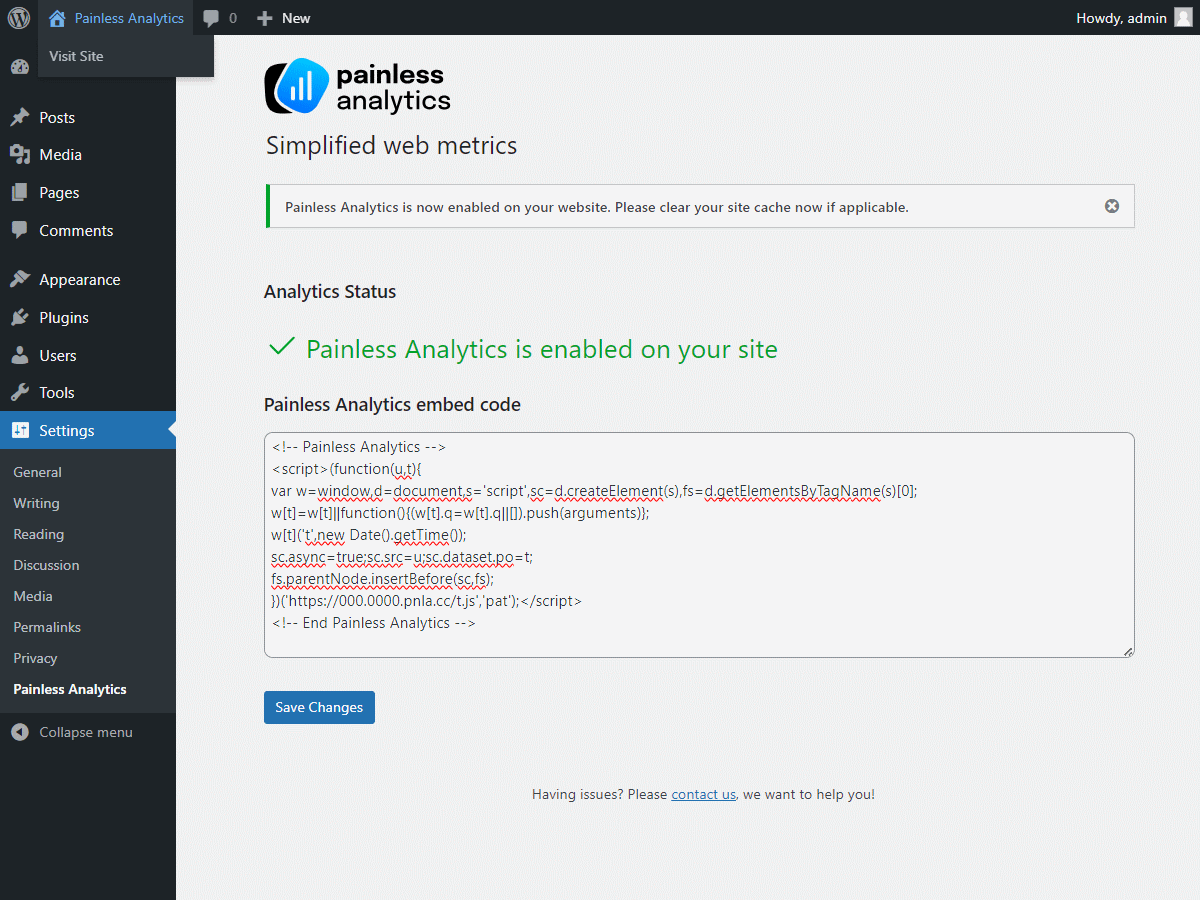
Painless Analytics is now enabled on your site