

Parallaxer for Elementor
Add smooth parallax scrolling effects to any Elementor widget using the lightweight Rellax.js and lenis.js libraries.
Plugin info
Maintenance & Compatibility
Maintenance score
Possibly abandoned • Last updated 429 days ago • 1 reviews
Is Parallaxer for Elementor abandoned?
Possibly abandoned (last update 429 days ago).
Compatibility
Similar & Alternatives
Explore plugins with similar tags, and compare key metrics like downloads, ratings, updates, support, and WP/PHP compatibility.
Description
Parallaxer for Elementor brings the power of Rellax.js to your Elementor pages, allowing you to add smooth parallax scrolling effects to any widget with just a few clicks.
But that is not all!
With just one click you can apply smooth scrolling to all of your Elementor built pages. Smooth scroll is powered by the lenis.js library.
Parallaxer also brings a mini fluid system for both typography and spacing which is brought to you by utopia.fyi fluid space calculator. It means that you no longer need to maintain typography and spacing across multiple breakpoints but rather provide only the desktop values while each value between the desktop and mobile will be interpolated.
Features
- Easy to use interface in Elementor’s Advanced tab
- Responsive speed controls for different devices
- Lightweight and optimized for performance
- Works with any Elementor widget (Containers excluded!)
- Global scroll smoothing (via the User Preferences panel)
- Includes a mini fluid system for both typography and spacing
How to Use
- Edit any element in Elementor
- Go to the Advanced tab
- Find the “Parallaxer” section
- Enable parallax and adjust settings
- Preview and adjust as needed
Installation
- Upload the plugin files to
/wp-content/plugins/parallaxer-for-elementor - Activate the plugin through the ‘Plugins’ screen in WordPress
- Use the Elementor editor to add parallax effects to any widget
Frequently Asked Questions
Yes, Parallaxer works with any theme that supports Elementor.
No, Parallaxer uses the lightweight Rellax.js and Lenis.js libraries and loads only when needed.
Currently, Parallaxer only works with Elementor.
Review feed
Screenshots
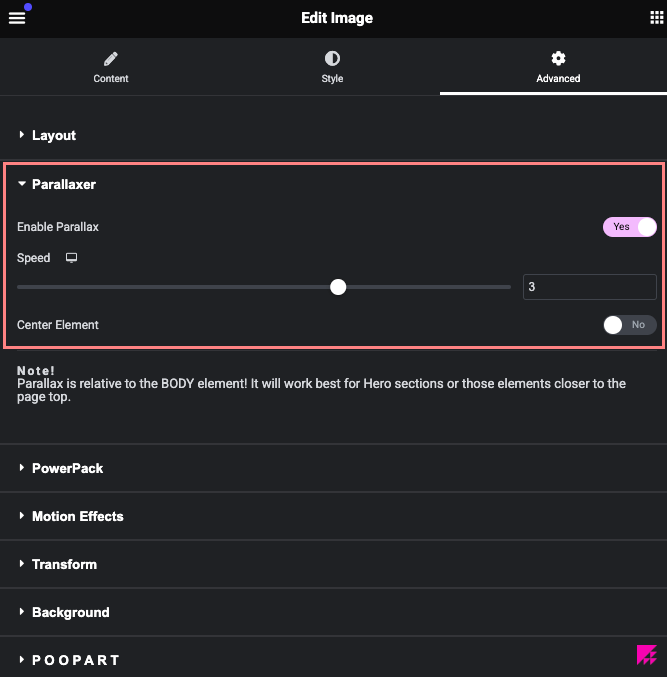
Parallaxer settings panel in Elementor
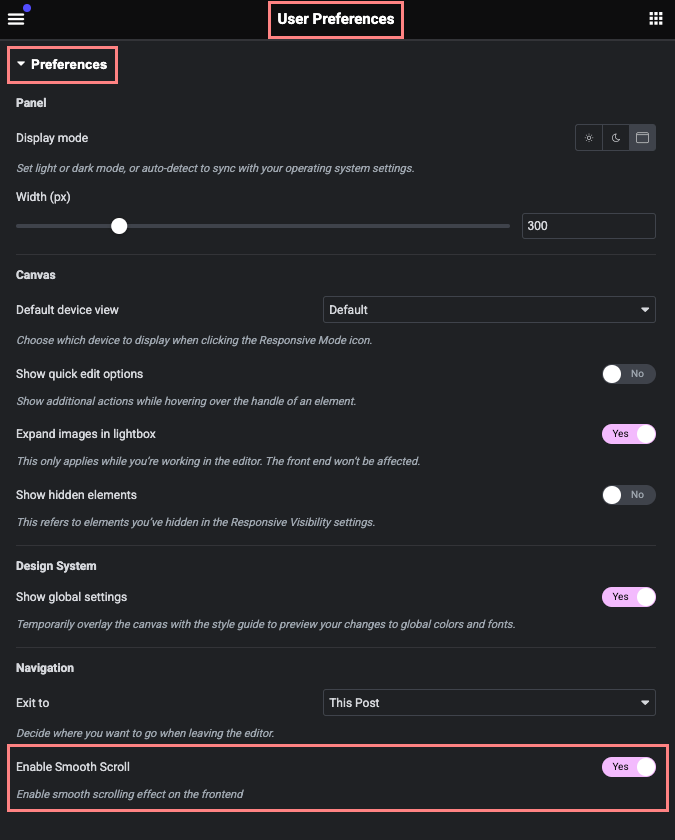
Enable Scroll smoother
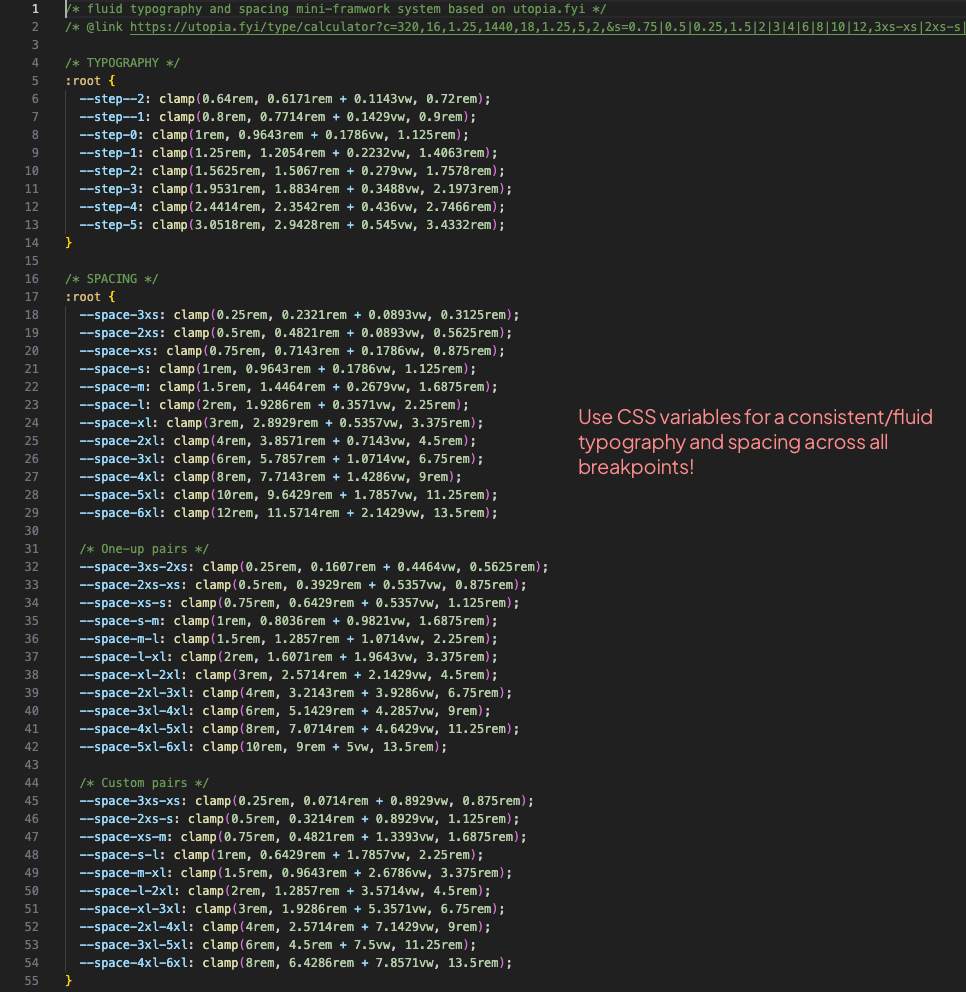
CSS variables of a fluid typography and spacing system
Changelog
1.0.0
- Initial release
1.0.1
- Fixed problem with the Smooth Scroll not working for non-loggen in users
- Disabled “hyphens: auto” for all Elementor “Heading” widgets
1.0.2
- Added the Aspect Ratio option to the Container element
- Added the Aspect Ratio option to the Image widget
- Disabled default font size for a drop-down style submenu