

Parcel Tracking
A simple package tracking plugin for logistics companies. Allows customers to track parcels using a number.
Plugin info
Maintenance & Compatibility
Maintenance score
Maintained • Last updated 116 days ago
Is Parcel Tracking abandoned?
Likely maintained (last update 116 days ago).
Compatibility
Similar & Alternatives
Explore plugins with similar tags, and compare key metrics like downloads, ratings, updates, support, and WP/PHP compatibility.
Description
Package Tracking is a lightweight logistics tracking system for WordPress. Built specifically for local delivery and courier services who intend to keep their customers updated about their deliveries. Works really simple, admin adds the packages in the backend, an email is automatically sent to customer with their tracking number which is also auto generated.
Key Features:
- Add and manage parcels via the admin dashboard.
- Assign tracking numbers and status updates
- Send email notifications to customers on package creation and status update
- Quick status updates directly from the admin list table
- Upload and show package images
- Customers can track packages via frontend form
- Admin can set tracking page in plugin settings
- HTML email support with clickable tracking button
- Fully extendable for future use
Shortcodes
[package_tracking_form]– Displays a form where users can enter their tracking number.[package_tracking_result]– Displays tracking details (used on the tracking page set in settings).
License
This plugin is released under the GPLv2 or later. Use it freely in personal or commercial projects.
Installation
- Upload the plugin folder to
/wp-content/plugins/ - Activate the plugin through the ‘Plugins’ menu in WordPress
- Go to the Packages menu in the admin dashboard to add or manage packages
- Set the tracking page under Settings > Package Tracking
- Add the tracking form to any page using the shortcode
Frequently Asked Questions
Yes, developers can filter the statuses using apply_filters().
Go to Settings > Package Tracking, and select a page where [package_tracking_result] shortcode is used.
No. Only admins can upload package images or modify tracking status.
Review feed
Screenshots
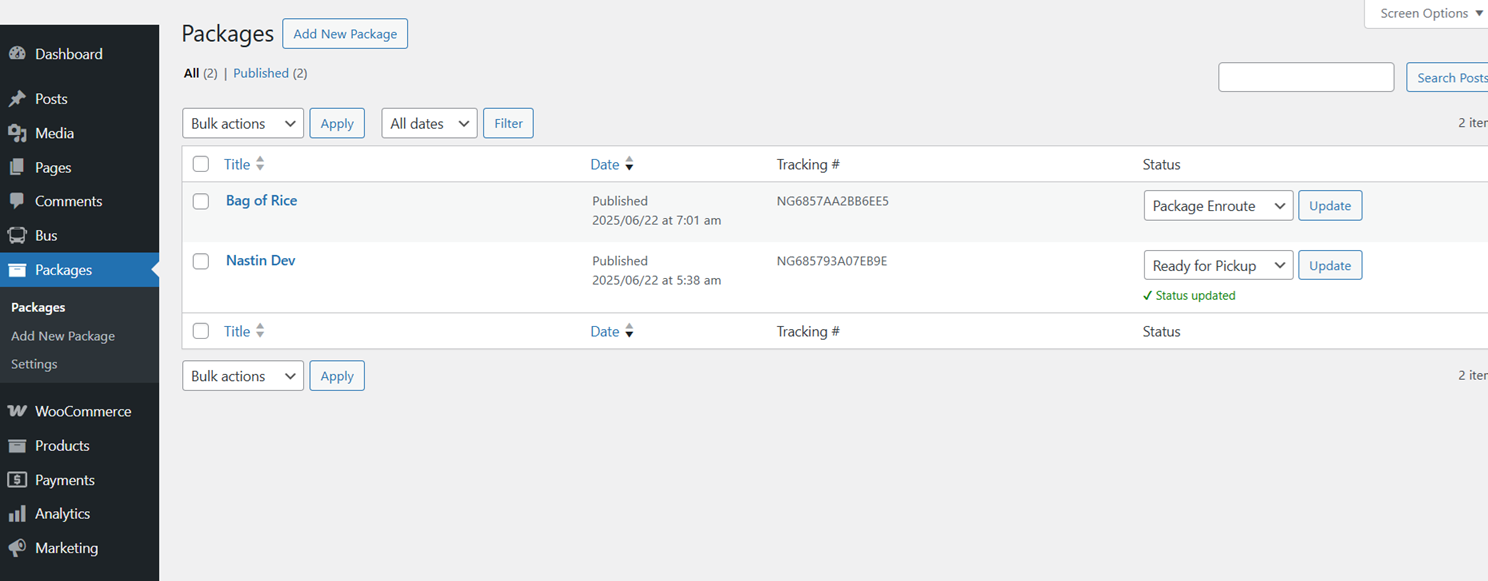
Admin view of added packages and info
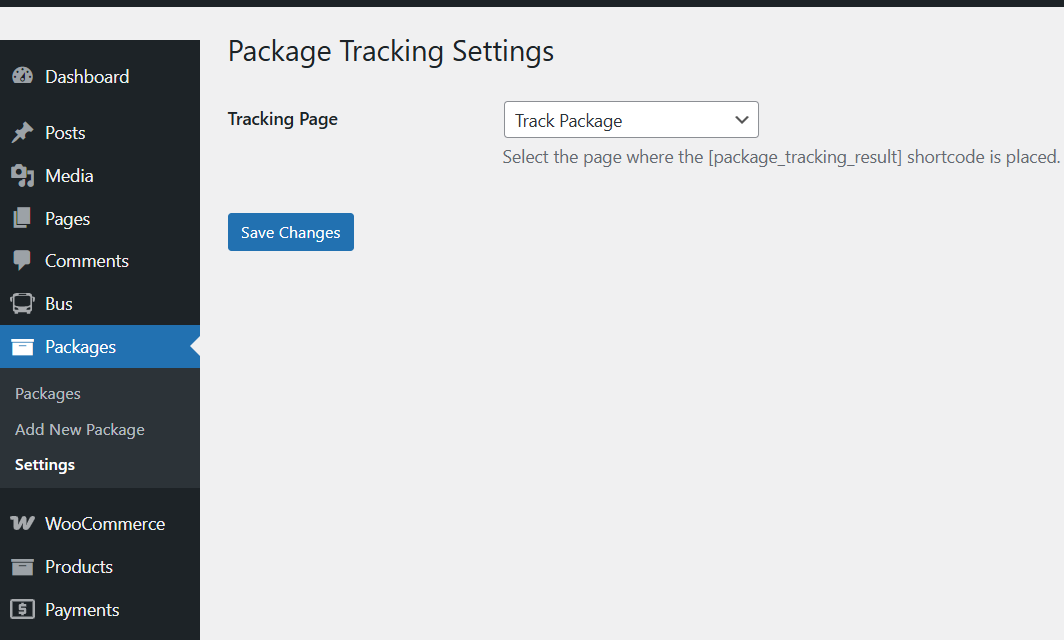
Seetings page for tracking result page
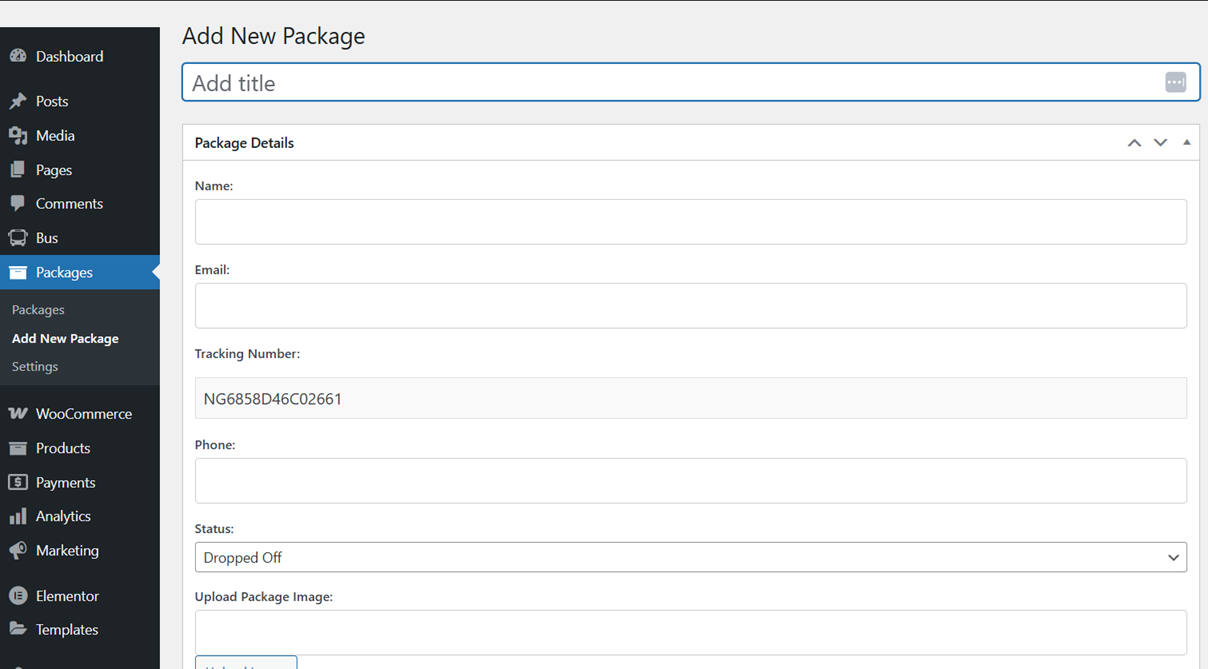
Adding new package in admin dashboard
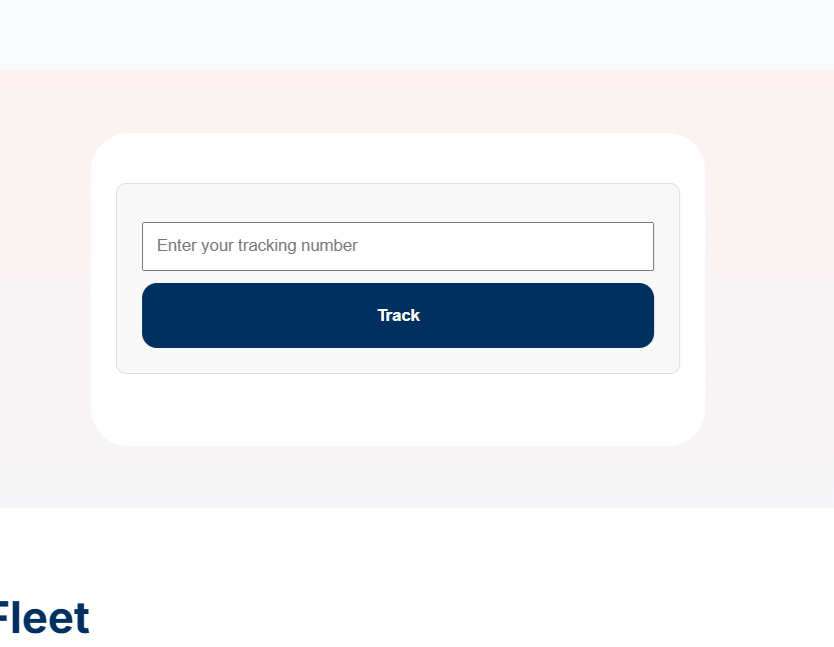
Frontend tracking form
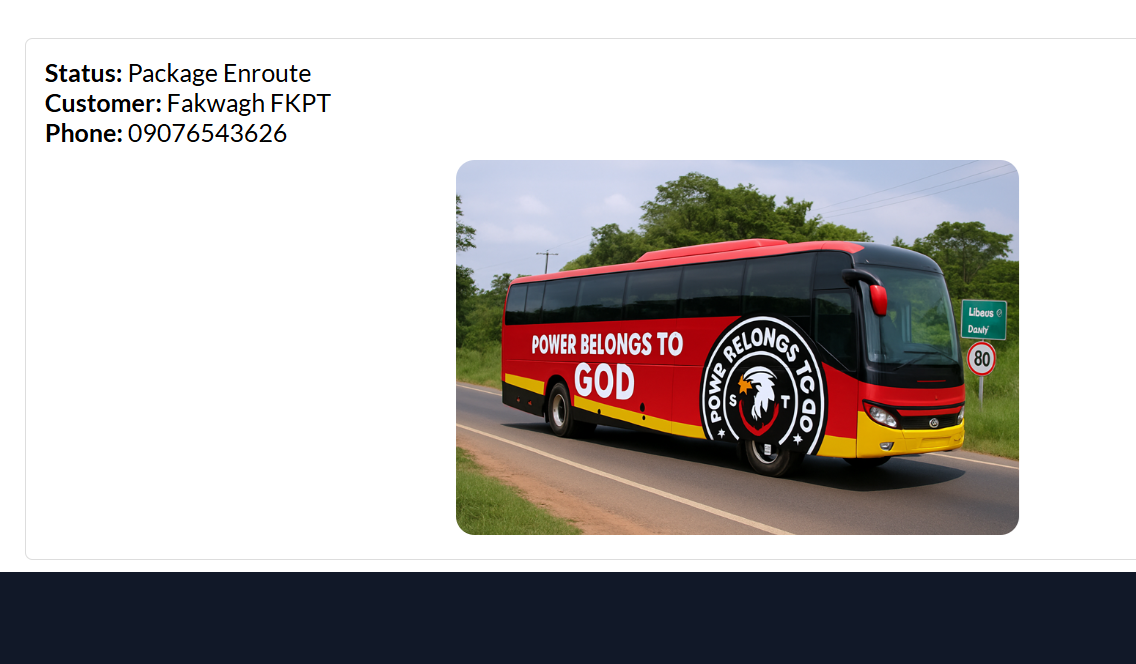
Tracking result page
Changelog
1.5
- Plugin is now able to send sms using different providers that can be set in admin panel. Tested with WP version 6.9
1.4
- Added sms feature to send sms when package is created
1.3
- Fixed fatal error on package creation
1.0
- Initial release
- Custom post type for packages
- Admin interface with meta fields
- Frontend tracking form and results
- Email notifications on status update and creation
- Quick status update via list table
- Admin setting for tracking page URL
- HTML email format with tracking link