
Particle Slider
A Gutenberg image slider block with heading, subheading, button, and optional animated particle effects.
Plugin info
Maintenance & Compatibility
Maintenance score
Actively maintained • Last updated 75 days ago
Is Particle Slider abandoned?
Likely maintained (last update 75 days ago).
Compatibility
Similar & Alternatives
Explore plugins with similar tags, and compare key metrics like downloads, ratings, updates, support, and WP/PHP compatibility.
Description
Particle Slider is a simple and flexible Gutenberg block that allows you to create animated image sliders with optional particle overlays.
Each slide supports a background image, heading, subheading, and call-to-action button. The block also includes navigation arrows and a toggle for animated particle effects.
Features:
– Add multiple slides with images and text
– Customize each slide with:
– Heading
– Subheading
– Button (text + link)
– Enable or disable animated particle background
– Navigation arrows included
– Fully responsive
Installation
- Upload the plugin files to the
/wp-content/plugins/particle-sliderdirectory, or install the plugin through the WordPress plugins screen directly. - Activate the plugin through the ‘Plugins’ screen in WordPress.
- Open a post or page, and insert the Particle Slider block using the block editor.
Frequently Asked Questions
Yes, simply toggle off the “Enable Particles” setting in the block panel.
Yes. Each slide can include a button with custom text and URL.
Yes, you can choose custom colors for the particle effect and overlay background directly from the block settings.
Review feed
Screenshots

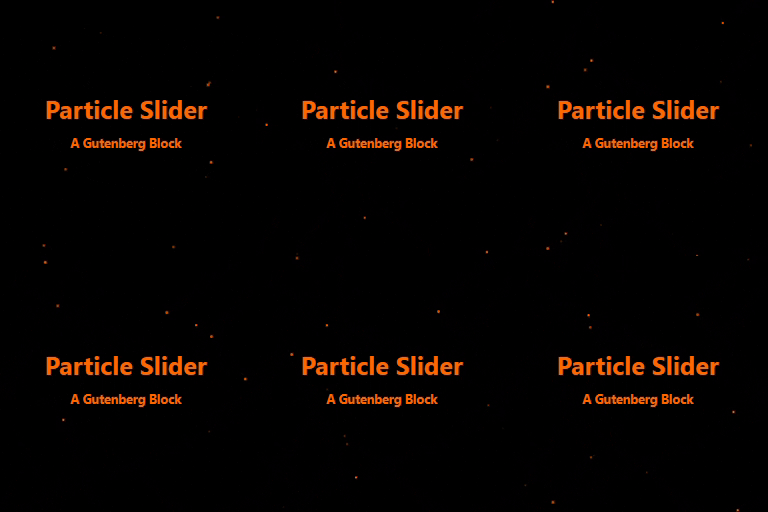
Example of using dark overlay with orange particles

Example of using green overlay with black particles

Example of using the slider without any particles
Changelog
1.0
- Initial release.