

Passwords Manager
Passwords Manager wordpress plugin let you to store different passwords at one place. Passwords are stored in Wordpress database in encrypted form so …
Plugin info
Maintenance & Compatibility
Maintenance score
Stale • Last updated 355 days ago • 5 reviews
Is Passwords Manager abandoned?
Likely maintained (last update 355 days ago).
Compatibility
Similar & Alternatives
Explore plugins with similar tags, and compare key metrics like downloads, ratings, updates, support, and WP/PHP compatibility.
Description
Passwords Manager wordpress plugin let you to store different passwords at one place. Passwords are stored in WordPress database in encrypted form so no one can see them. Passwords can also be categorized if you have multiple passwords. This plugin uses advanced encryption standard AES – 128 and you can define your encryption key at the time of installation of plugin.
Watch this video to see how the plugin works:
New Features of Passwords Manager 1.5.2 includes:
- Category Color field for each category name.
- Clone the existing Password Record in the Passwords section.
- Improved Mobile Responsive User Interface.
- New Feature to add Sample Data in Import Section.
- Translations added for following languages:
- Spanish
- Hindi
- Japanese
- Portuguese
- Russian
- Chinese
Key features of this plugin include
- Ability to store all passwords at once place.
- Bootstrap based UI for managing all passwords.
- All passwords are encrypted.
- Passwords can be differentiated based on different categories.
- Datatables to list all passwords and categories.
- Export / Import all passwords.
- Use shortcode to share passwords table on any wordpress page.
- Added URL field in passwords form
Installation
The plugin is simple to install:
- Download passwords-manager.1.5.2.zip
- Unzip
- Upload pwds-manager directory to your /wp-content/plugins directory
- Go to the plugin menu page and activate the plugin.
Frequently Asked Questions
- Activate the plugin through the Plugins menu in WordPress.
- Then go to Pwdms settings menu and update your encryption key.
- Make new categories as per your need like Weblogin, social logins, financial logins etc.
- Now, you can store all your passwords one by one.
Passwords Manager wordpress plugin let you to store all passwords at once place in encrypted form and can be accessed online through your website. You can manage all your passwords or keys at one place.
Review feed
Screenshots

Settings

Categories

Passwords

Export

Import

Support
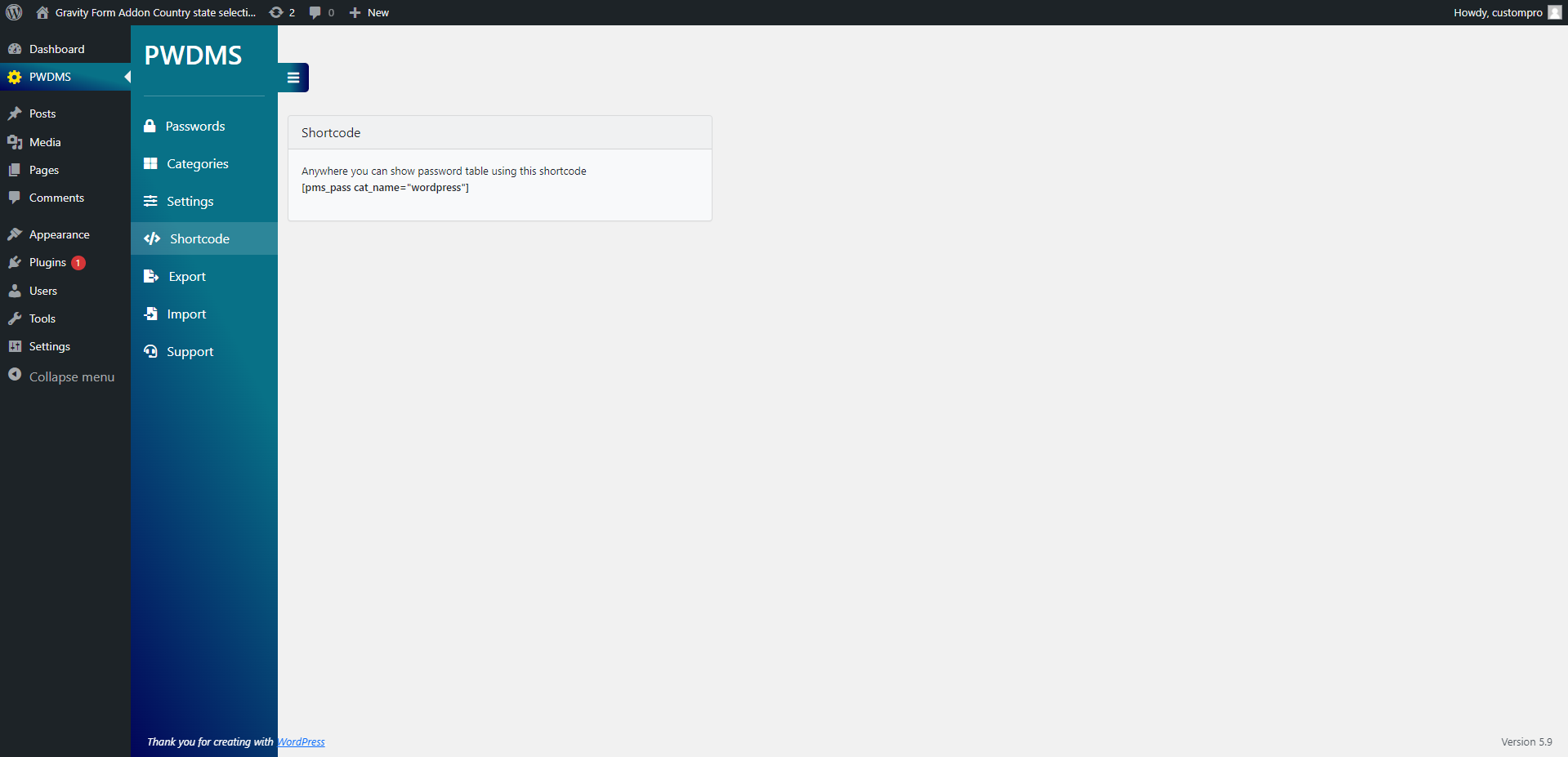
Shortcode
Changelog
1.5.2
- 20/01/2025
- Security issues updated.
- Bug Fixed
- Improved UI
1.5.1
- 08/01/2025
- Bug Fixed
1.5.0
- 25/12/2024
- Updated WordPress libraries for bootstrap, owl-carousal, popper, seetalert, datatable etc.
- Added better code and new security features
1.4.9
- 25/10/2024
- Updated WordPress libraries for bootstrap, owl-carousal, popper, seetalert, datatable etc.
1.4.8
- 17/11/2023
- Tested with PHP 8.2
1.4.7
- 06/11/2023
- Updated WordPress libraries for bootstrap, owl-carousal, popper, seetalert, datatable etc.
- Resolved Category listing issue
1.4.6
- 21/06/2022
- Improved Mobile UI
- New features to clone existing password & category colors
- Support for New Languages
1.4.5
- 21/05/2022
- Security issues updated.
1.4.4
- Bug resolve.
1.4.3
- 27/04/2022
- compatible with PHP 8
- Minor bug fix
1.4.2
- 31/01/2022
- Updated UI and libraries for Datatables, Bootstrap, Fontawesome and Sweetalert
1.4.1
- 16/03/2020
- Removed Reviews notification
1.4
- Code optimized and security updates
1.3
- Added URL field in passwords form
- Fixed frontend issue for shortcode
1.2
- 25/02/2020
- Added Import/Export feature
- Added Note field in passwords form
- Added Note preview feature
- Added support feature
- Added shortcode support
1.1
- 11/12/19
Minor Updates for latest version
1.0
- 24/10/19
Initial release