

Plugin info
Maintenance & Compatibility
Maintenance score
Possibly abandoned • Last updated 797 days ago • Support resolved 0% • 22 reviews
Is Payment QR WooCommerce abandoned?
Possibly abandoned (last update 797 days ago).
Compatibility
Developers
Similar & Alternatives
Explore plugins with similar tags, and compare key metrics like downloads, ratings, updates, support, and WP/PHP compatibility.
Description
A simple payment method that does not allow you to pay commissions to a third party, such as traditional payment methods that charge commission for each sale.
Features
- A payment method similar to bank transfer.
- Allows you to configure the application icon, which will be shown in the payment method option.
- With this payment method, no commission is paid to third parties.
- Allows you to attach the proof of payment together with the purchase order.
- This method appears in the order of the client and the trade.
- All messages are administrable.
- It allows defining a limit payment amount.
- Add an affiliated phone number to any application that is configured.
- Allows you to select the QR Code.
- Lets have a preview of the QR code.
Features Version Premium
- All the options of the free version.
- Allows you to configure multiple applications (there are no limits).
- Support immediately.
The WooCommerce QR Payments is well worth your investment!
Upgrade
Just click “Update” on the plugins page and let WordPress do it for you automatically.
Installation
INSTALL “PAYMENT QR WOO” FROM WITHIN WORDPRESS
- Visit the plugins page within your dashboard and select ‘Add New’;
- Search for ‘Payment QR WooCommerce’;
- Activate Payment QR WooCommerce from your Plugins page;
INSTALL “PAYMENT QR WOO” MANUALLY
- Upload the ‘Payment QR Woo’ folder to the /wp-content/plugins/ directory;
- Activate the “Payment QR Woo” plugin through the ‘Plugins’ menu in WordPress;
Frequently Asked Questions
Review feed
Screenshots

A very simple configuration.
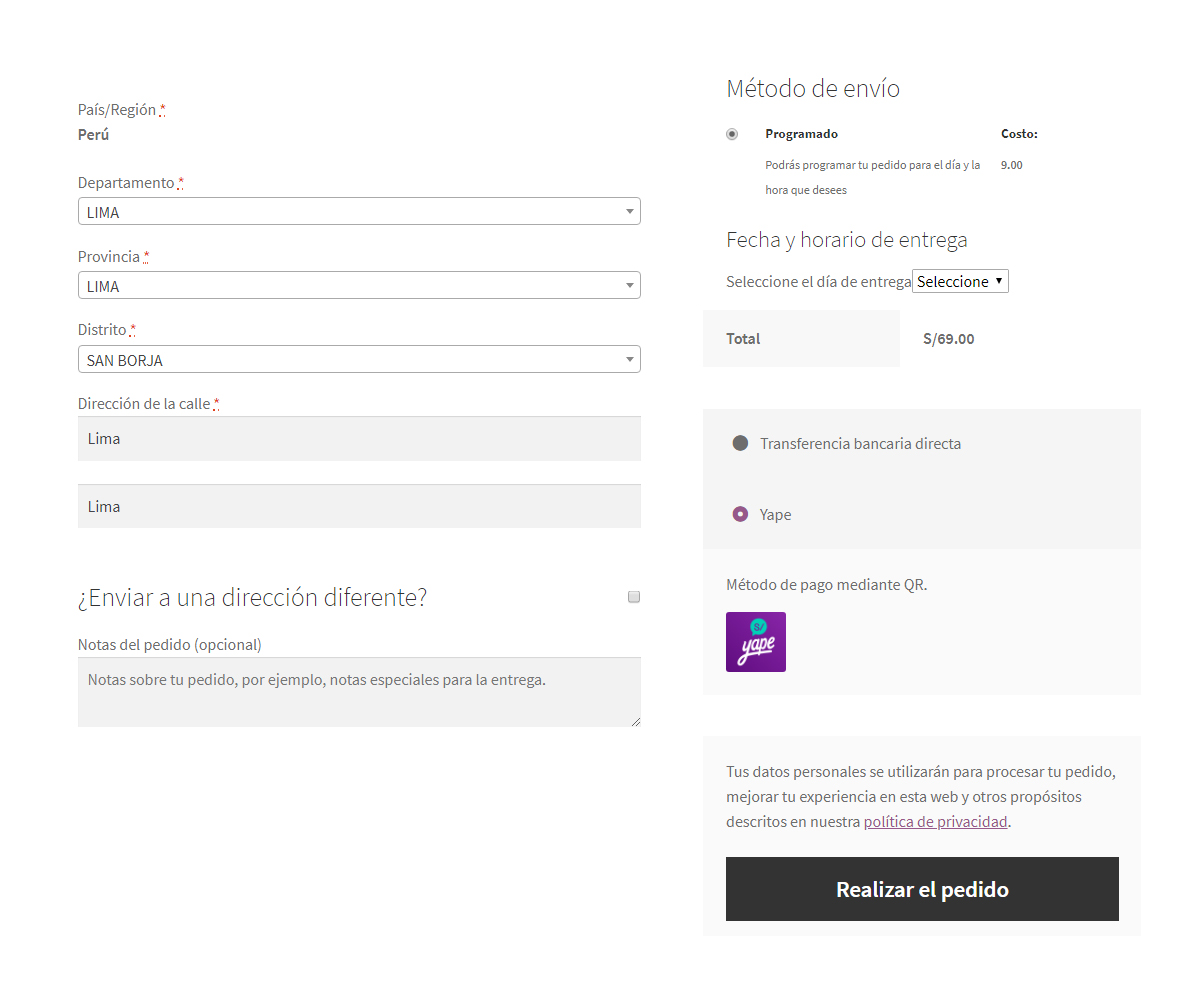
The configured method is displayed.
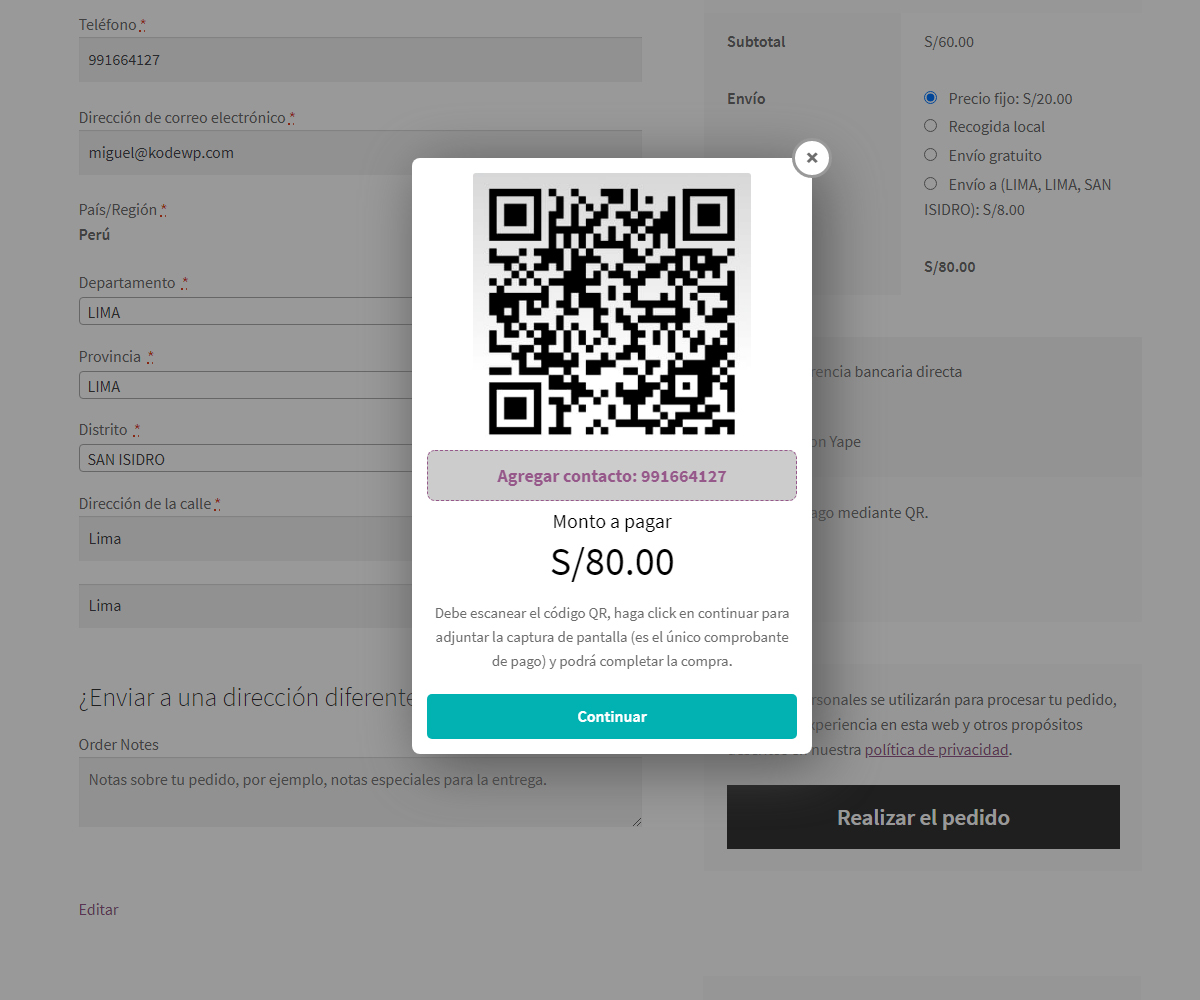
It shows the modal with the amount to pay.
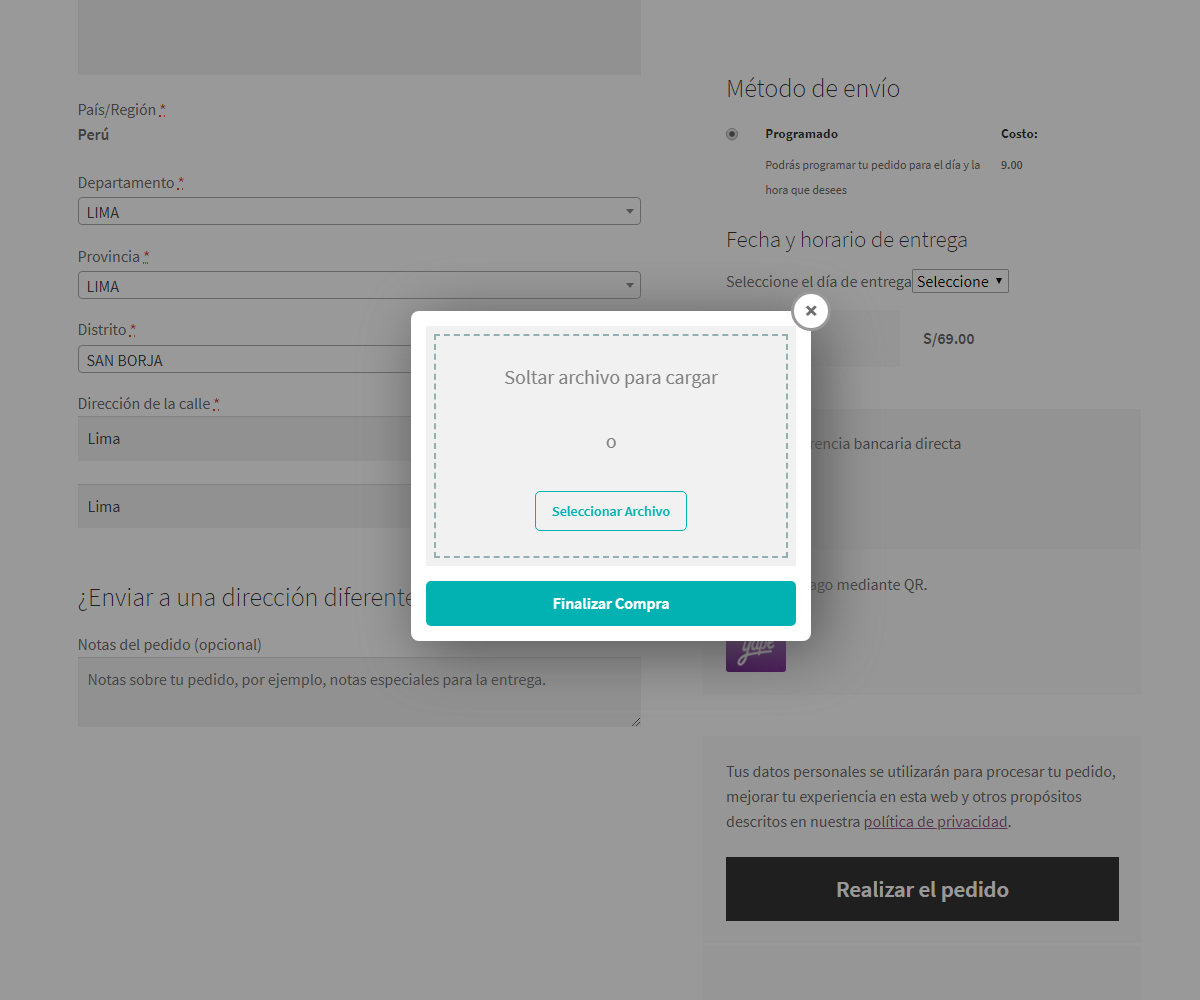
Allows you to attach the receipt.
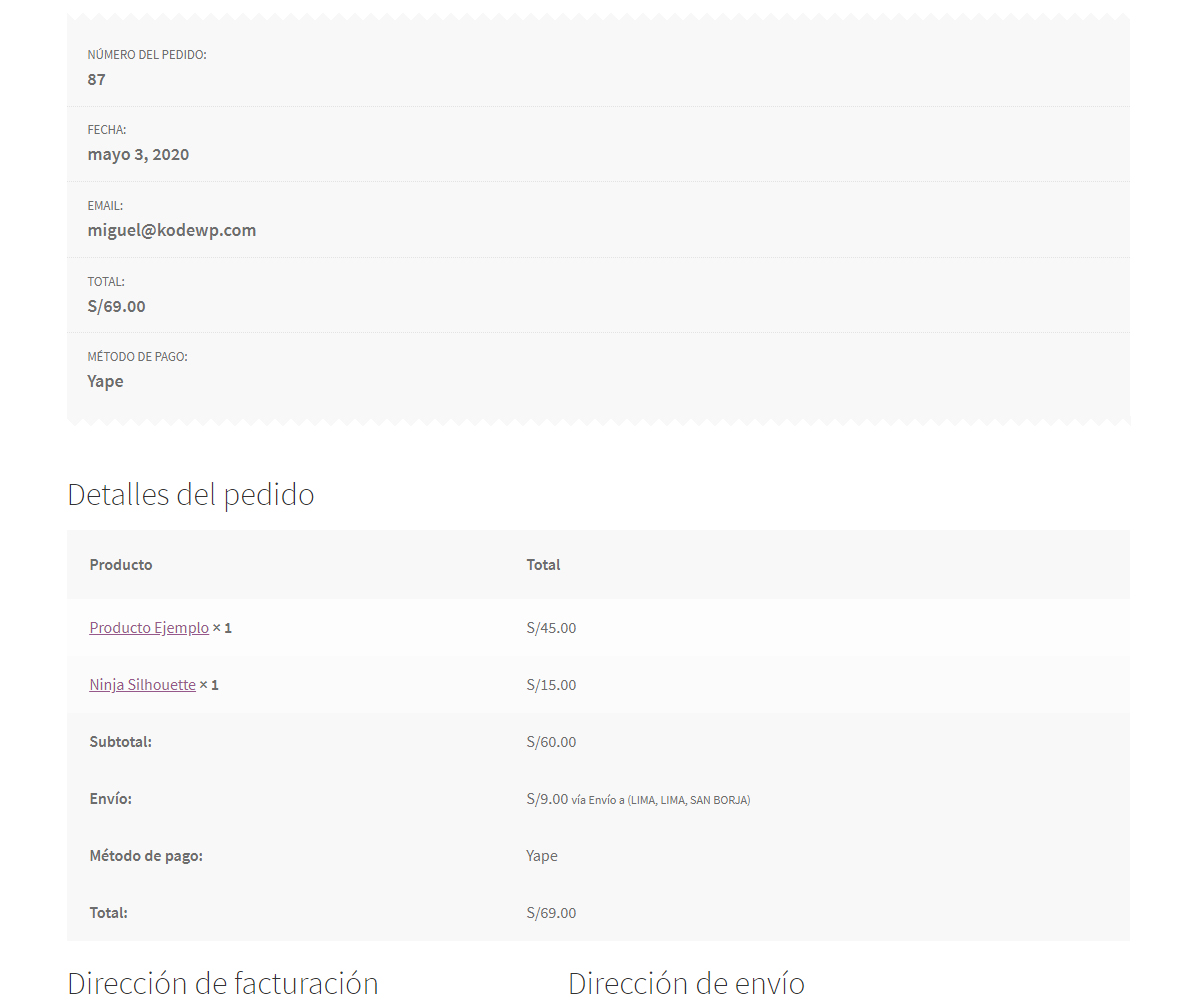
The payment method selected in the purchase order appears.
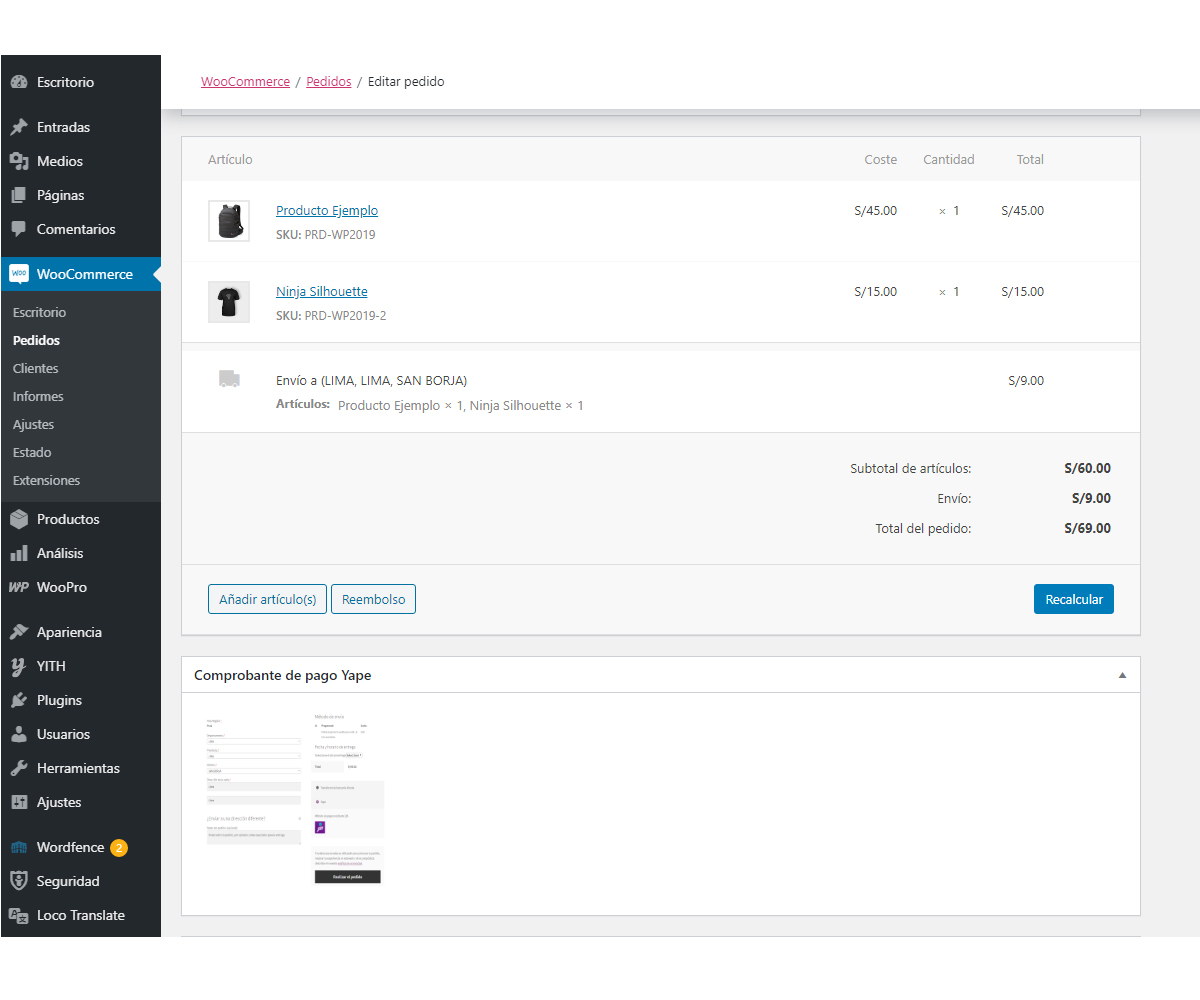
The store administrator reviews the receipt for validation.
Changelog
1.1.6
- Change base language to English and support for multiple languages.
1.1.5
- Fix the problem that the metabox was not displayed in the purchase order detail, from the admin (latest version of WooCommerce).