

Payshop Online Payments
Accept MB WAY, Multibanco Reference, Credit Card, Google Pay, and Payshop Reference – With Payshop Online Payments (POP) – for Woocommerce
Plugin info
Maintenance & Compatibility
Maintenance score
Maintained • Last updated 132 days ago
Is Payshop Online Payments abandoned?
Likely maintained (last update 132 days ago).
Compatibility
Similar & Alternatives
Explore plugins with similar tags, and compare key metrics like downloads, ratings, updates, support, and WP/PHP compatibility.
Description
POP is Payshop’s online payment solution, allowing merchants to accept the most used payment methods in Portugal in a simple, secure, and direct way.
This plugin was developed to integrate with WooCommerce and enable online payments with real-time notifications.
Supported payment methods:
- MB WAY
- Multibanco Reference
- Credit and Debit Cards (Visa, Mastercard)
- Google Pay
- Foreign Cards with 3D Secure support
- Manual payments via link (sent by email, SMS, or social media)
- Coming soon: Apple Pay
Features
- Simple and secure checkout, designed to enhance customer experience
- Real-time notifications for each transaction
- Access to the POP Backoffice to easily manage your payments
- Instant refunds using the original payment method
- Send payment links via email, SMS, WhatsApp, or social media
- Funds transferred on the next business day, hassle-free
- Automatic synchronisation of order numbering between Woocommerce and POP BackOffice, through integration with the Sequential Order Numbers for Woocommerce plugin
- Automatic updates of order status including cancellations when a payment deadline expires
- Single and centralized contract for all payment methods
- Quick integration without technical complications
- No sign-up or monthly fees
- PCI-DSS Compliance
External services
This plugin connects to a few external services to process payments and provide different payment options.
Payshop
This plugin connects to the Payshop API (https://popbylink.payshop.pt) to generate payment references and process payments. This is the core functionality of the plugin. When a customer chooses to pay with Payshop, the order details (such as the total amount) are sent to the Payshop API to create a payment reference.
This service is provided by Payshop.
- Terms of Service: https://www.payshop.pt/home/condicoes-gerais
- Privacy Policy: https://www.payshop.pt/home/politica-de-privacidade
Google Pay
This plugin includes an integration with Google Pay to allow customers to pay using their Google account. To enable this, the plugin loads a script from Google’s servers (https://pay.google.com). When a user chooses to pay with Google Pay, their payment information is handled by Google’s services to process the transaction securely. The plugin sends the transaction amount and currency to the Google Pay service.
This service is provided by Google.
- Terms of Service: https://payments.google.com/payments/apis-secure/u/0/get_legal_document?ldo=0&ldt=buyertos
- Privacy Policy: https://policies.google.com/privacy
Apple Pay
This plugin includes an integration with Apple Pay to allow customers to pay using their Apple devices. To enable this, the plugin loads a script from Apple’s servers (https://applepay.cdn-apple.com). When a user chooses to pay with Apple Pay, their payment information is handled by Apple’s services to process the transaction securely. The plugin sends the transaction amount and currency to the Apple Pay service.
This service is provided by Apple.
- Terms of Service: https://www.apple.com/legal/internet-services/itunes/
- Privacy Policy: https://www.apple.com/legal/privacy/
Installation
To install the plugin:
- Go to Plugins > Add New in WordPress
- Search for “POP – Payshop Online Payments”
- Click “Install Now” and then “Activate”
To configure the plugin:
- Go to WooCommerce > Settings > Payshop
- Enter your Payshop credentials (provided by the Payshop team in the Payshop Backoffice)
- Go to WooCommerce > Settings > Payments
- Enable the payment methods available in your account
- Test and start selling!
Frequently Asked Questions
You can subscribe via the website: https://www.payshop.pt/solucoes-empresariais/online-payments
Yes. POP allows you to generate and send payment links so customers can complete their purchase later, choosing their preferred method. Just access the POP Backoffice.
Yes. You can manage different payment methods directly in WooCommerce.
With POP, you only pay for successfully completed transactions. There are no minimum usage fees, monthly fees, or similar charges.
Yes, you can subscribe to POP if you have a bank account within the SEPA area.
After completing your subscription request, you will receive a confirmation email. Your request will be reviewed within a maximum of 48 hours. In exceptional cases, this period may be extended, and you will be informed by our team.
Review feed
Screenshots

Plugin activation screen in WordPress
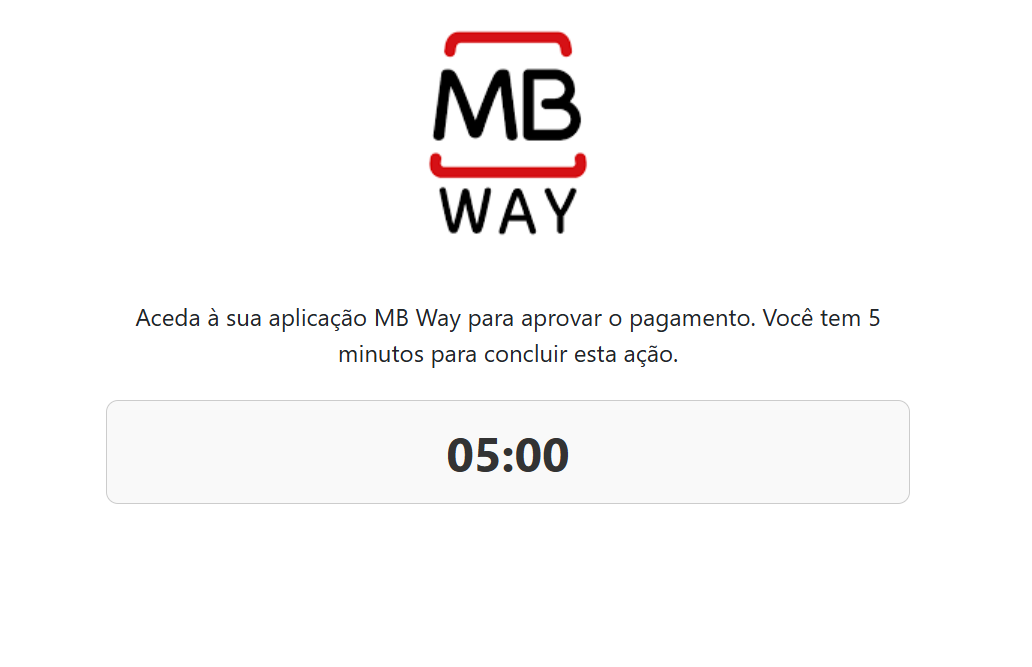
Payment method configuration screen

Checkout view with Payshop options


Changelog
2.2.2
- Initial public release of the POP plugin for WooCommerce
- Includes payment methods: MB WAY, Multibanco Reference, Cards, Google Pay, and Payshop Reference
2.2.3
- Fix bug to confirm deffered card payment