

Plugin info
Maintenance & Compatibility
Maintenance score
Stale • Last updated 184 days ago • 3 reviews
Is Give – Paystack Gateway abandoned?
Likely maintained (last update 184 days ago).
Compatibility
Languages
Similar & Alternatives
Explore plugins with similar tags, and compare key metrics like downloads, ratings, updates, support, and WP/PHP compatibility.
Description
The Give – Paystack Gateway plugin integrates the popular Paystack payment processor with GiveWP, allowing you to accept donations from supporters across Nigeria, Ghana, South Africa and Kenya. Paystack provides a secure, reliable payment infrastructure that supports multiple payment methods including cards, bank transfers, and mobile money.
This plugin requires the GiveWP plugin to be activated to function properly. When activated, it adds Paystack as a payment gateway option for your donation forms.
Features
- Secure Payments: Accept donations through Paystack’s secure payment infrastructure
- Multiple Payment Methods: Support for cards, bank transfers, and mobile money
- Seamless Integration: Works perfectly with GiveWP’s donation forms
- Transaction Management: View and manage donations directly from your WordPress dashboard
- Test Mode: Built-in test mode for safe testing before going live
Supported Countries
Paystack currently supports businesses in:
* Nigeria
* Ghana
* Kenya
* South Africa
Intuitive Dashboard
Use the Paystack dashboard to manage your customers, payments, and track your growth.
Fraud Protection
For Paystack, stopping fraud is top priority. We’ve used machine learning to minimize risks, reduce chargebacks and its associated costs. Paystack’s fraud systems is built to learn. And so it’s continually adapting to both local and international fraud.
We screen every transaction by checking the IP, history, geolocation etc. to proactively identify fraudulent transactions. The entire network is used to prevent fraud. We learn from card and device fingerprints used to pay across different merchants.
Multiple Channels
We’ve done all the heavy lifting such that you can immediately start accepting payments across all channels. Allow your customers make payments via their credit/debit card, bank accounts, USSD and Mobile Money.
Paystack Go!
Track your business performance in the palm of your hand with Paystack Go! – This is a Progressive Web App that gives you access to your dashboard even when you are offline. You can easily look up transactions, track your businesses, and send invoices on the go.
If your Paystack business has been activated, simply visit go.paystack.com on your mobile phone to use Paystack Go.
Requirements
- Active Paystack account
Installation
Automatic Installation
- Log in to your WordPress dashboard
- Navigate to Plugins > Add New
- Search for “Give Paystack”
- Click “Install Now” and then “Activate”
- Navigate to Donations > Settings > Payment Gateways > Paystack
- Enter your Paystack API keys and configure settings
Manual Installation
- Download the plugin zip file
- Upload the plugin files to the
/wp-content/plugins/give-paystack-gatewaydirectory - Activate the plugin through the ‘Plugins’ screen in WordPress
- Navigate to Donations > Settings > Payment Gateways > Paystack
- Enter your Paystack API keys and configure settings
Configuration
After installation, you’ll need to:
- Create a Paystack account at https://paystack.com
- Get your API keys from your Paystack dashboard
- Enter the keys in the plugin settings
- Configure your preferred settings
- Test the integration using test mode
Frequently Asked Questions
Yes, you need an active Paystack account to process payments. You can sign up at https://paystack.com.
Paystack currently supports businesses in Nigeria, Ghana, Kenya, and South Africa. However, you can accept payments from customers worldwide.
Yes, the plugin includes a test mode that allows you to process test transactions without affecting real payments.
Yes, all payments are processed through Paystack’s secure infrastructure.
You can find help and information on Paystack on our Help Desk
You can report security bugs through the Patchstack Vulnerability Disclosure Program. The Patchstack team help validate, triage and handle any security vulnerabilities. Report a security vulnerability.
Review feed
Screenshots
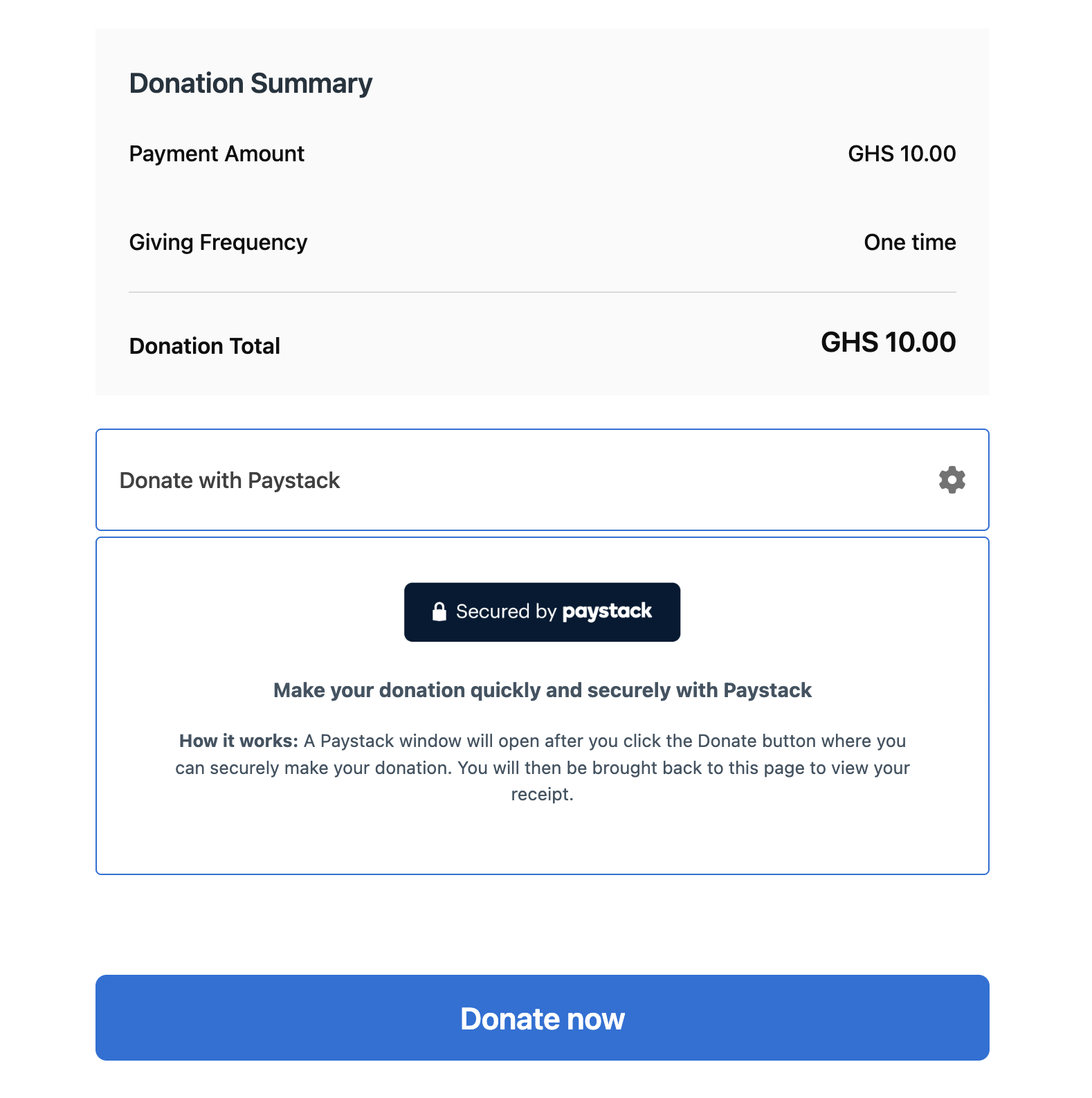
Donation form with Paystack payment option
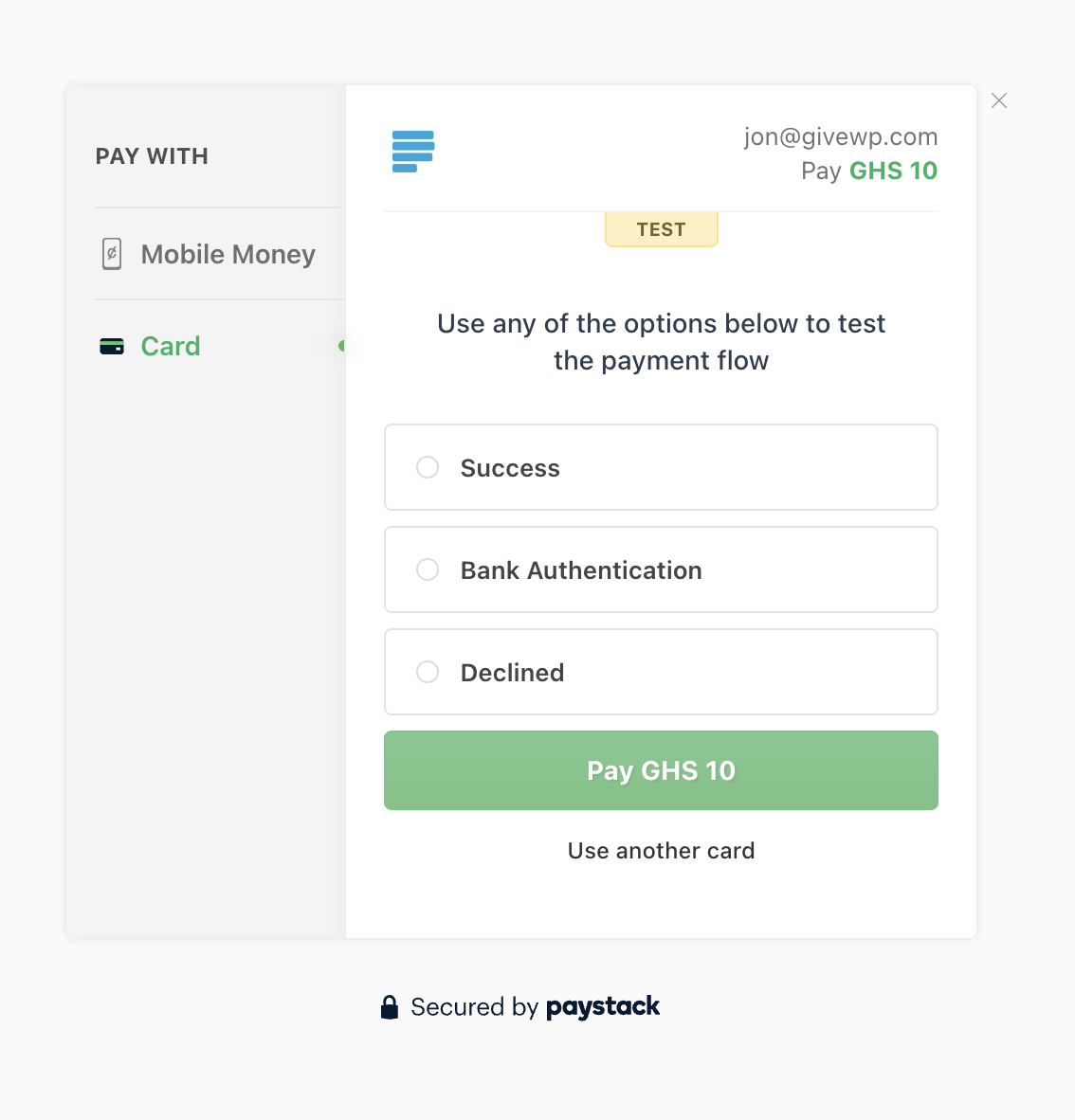
Paystack payment interface with Card Payment option
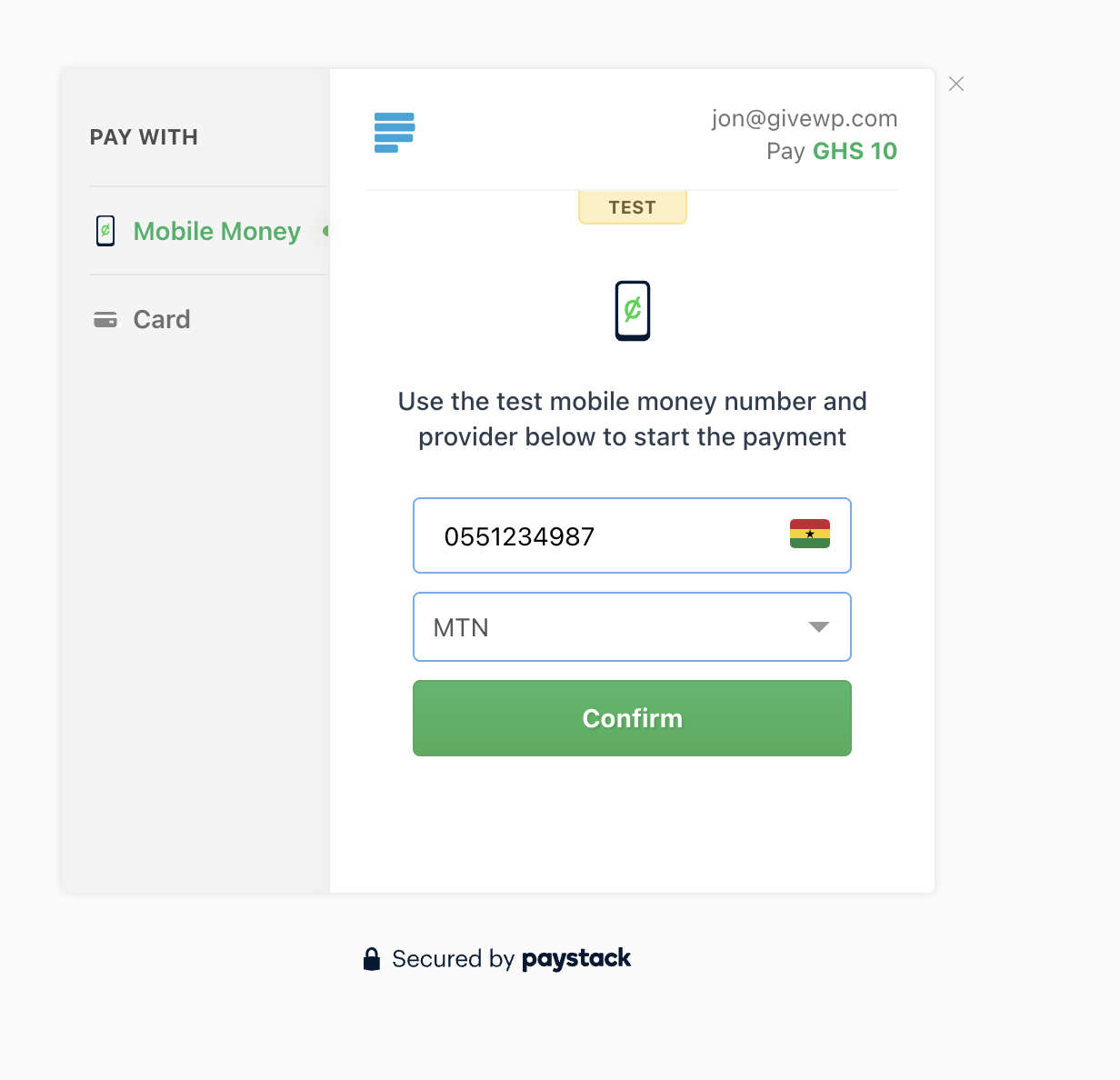
Paystack payment interface with Mobile Money option
Changelog
3.0.0: October 1st, 2025
- New: The Paystack team has partnered with GiveWP to hand over ownership of this plugin in order to provide maintenance and support!
- New: Paystack is now compatible with the latest version of GiveWP (4.10.0+) and can be used with campaigns, option-based forms and the visual form builder.