

PDF Resume Parser
Easily upload and parse PDF resumes, and display data in a searchable table.
Plugin info
Maintenance & Compatibility
Maintenance score
Stale • Last updated 302 days ago
Is PDF Resume Parser abandoned?
Likely maintained (last update 302 days ago).
Compatibility
Similar & Alternatives
Explore plugins with similar tags, and compare key metrics like downloads, ratings, updates, support, and WP/PHP compatibility.
Description
Resume Parser is a simple and powerful plugin to upload and parse PDF resumes.
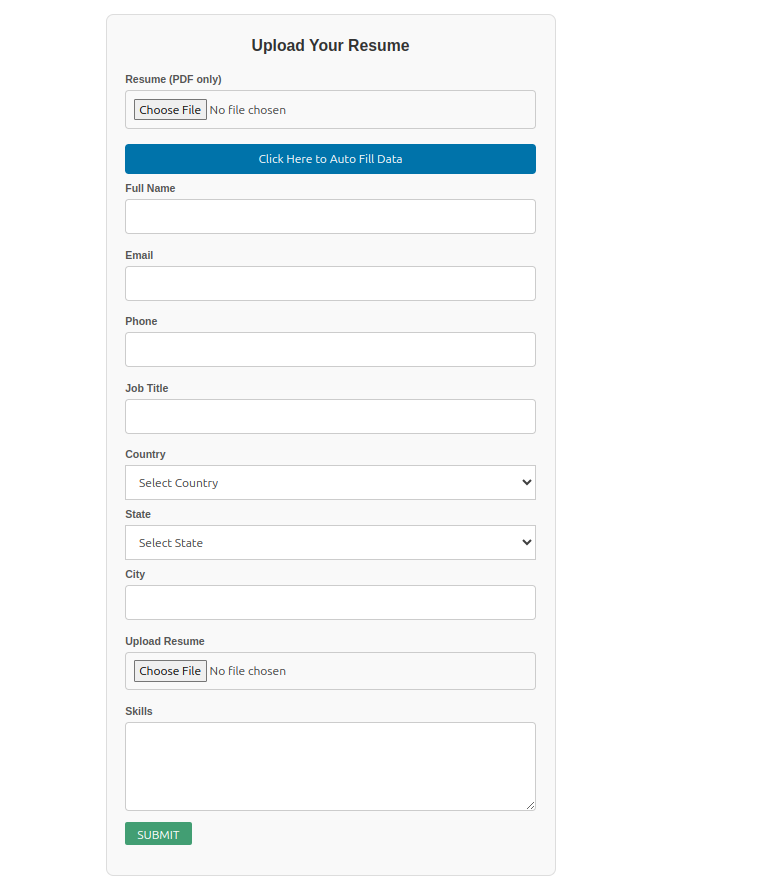
It allows users to submit their resumes through a form and display the parsed data in a clean data table using a shortcode.
Features:
– Upload PDF resumes easily
– Parse important resume information
– Display resumes in a searchable, sortable table
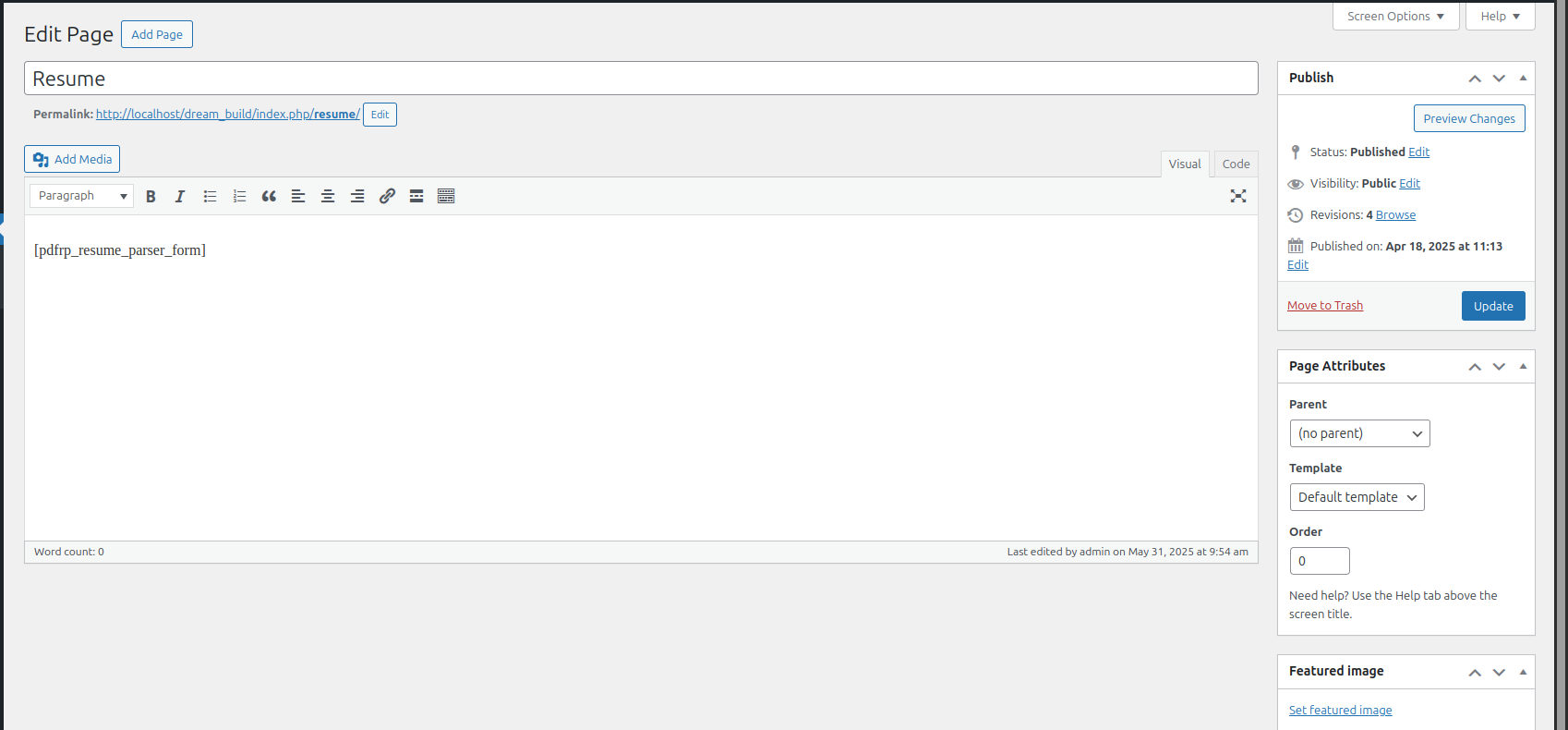
– Simple shortcode: [resume_parser_form]
– Responsive and lightweight
– See applyed user in backend
– Open that resume from there
Installation
- Upload the plugin files to the
/wp-content/plugins/paf-resume-parserdirectory, or install the plugin through the WordPress plugins screen directly. - Activate the plugin through the ‘Plugins’ screen in WordPress.
- Use the shortcode
[resume_parser_form]on any page or post to display the upload form.
Frequently Asked Questions
Use the shortcode [resume_parser_form] anywhere you want the form to appear.
Currently, the plugin supports uploading PDF files only.
The upload limit depends on your WordPress and server settings.
Review feed
Screenshots

Resume upload form.
Parsed resume data displayed in a table.
Example of a resume entry details.

Admin view of uploaded resumes.
Changelog
1.0
- Initial release.