
PDFSmith – HTML to PDF Converter
Convert WordPress posts and pages into beautiful, print-ready PDFs using a simple shortcode or auto-insert button.
Plugin info
Maintenance & Compatibility
Maintenance score
Maintained • Last updated 118 days ago • 1 reviews
Is PDFSmith – HTML to PDF Converter abandoned?
Likely maintained (last update 118 days ago).
Compatibility
Similar & Alternatives
Explore plugins with similar tags, and compare key metrics like downloads, ratings, updates, support, and WP/PHP compatibility.
Description
PDFSmith is a simple, powerful, and fast HTML-to-PDF converter for WordPress.
Convert any page or post into a pixel-perfect PDF using a clean button, shortcode, or automatic insertion settings.
This plugin is ideal for:
✔ Blogs
✔ Documentation pages
✔ Tutorials
✔ Recipes
✔ Landing pages
✔ Training material
✔ Client deliverables
The MVP uses the html2pdf.app API, with multi-provider support coming soon.
Key Features
- One-click “Download PDF” button
- Auto-insert button at top / bottom / both / floating
- Shortcode:
[pdfsmith] - Custom button text:
[pdfsmith text="Download as PDF"] - Paper sizes: A4, Letter, Legal, A5, A6, and more
- Orientation: Portrait or Landscape
- Adjustable margins
- Monthly quota limit
- Works with any theme or page builder
- Lightweight and easy to use
Coming Soon
- Additional PDF providers
- Print template engine
- Save PDF to Media Library
- PDF email sending
- Custom headers & footers
- Developer hooks and REST API
How It Works
PDFSmith fetches the page HTML and sends it to the PDF conversion API.
The resulting PDF downloads instantly in the browser.
External Services
This plugin connects to the external service https://html2pdf.app in order to generate PDF files from HTML content.
When a PDF is generated, the plugin sends the following data to the html2pdf.app API:
– The HTML of the current post or page (required to create the PDF)
– PDF configuration options such as paper size, orientation, and margins
No personal data about users is transmitted.
Service Provider:
html2pdf.app
Terms: https://html2pdf.app/terms
Privacy Policy: https://html2pdf.app/privacy
The service is required for PDF generation. The plugin will not function without an API key from the provider.
Installation
- Upload the plugin files to
/wp-content/plugins/pdfsmith - Activate through Plugins Installed Plugins
- Open Settings PDFSmith
- Enter your html2pdf.app API key
- Adjust paper size, orientation, margins, and auto-insert settings
Shortcode usage:
[pdfsmith]
Custom text example:
[pdfsmith text="Save as PDF"]
Frequently Asked Questions
Yes. The plugin is 100% free.
You only need a free API key from html2pdf.app.
Currently html2pdf.app. More providers will be added.
The PDF button is hidden for visitors.
Admins still see it with a warning message.
Yes. It works with all major page builders and themes.
No. Generated PDFs are clean.
Review feed
Screenshots
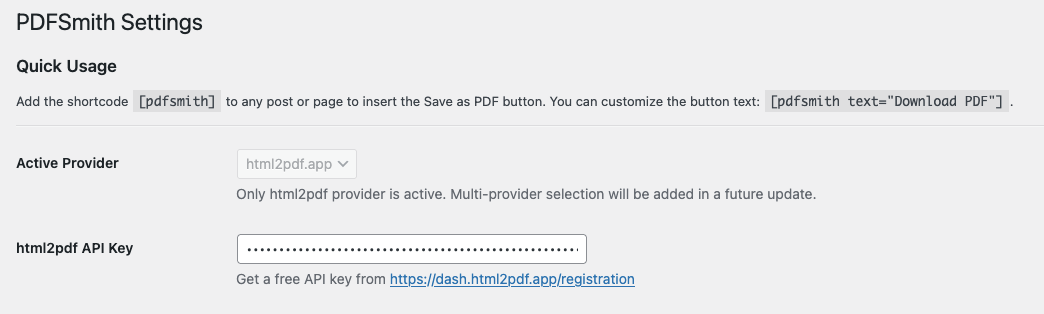
PDFSmith Settings Page
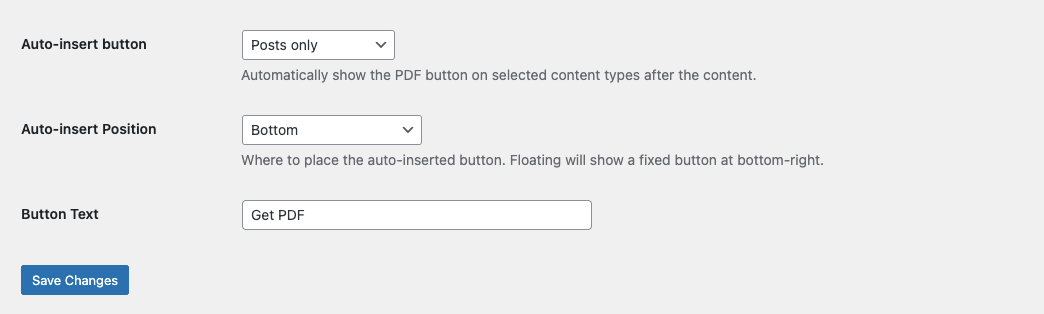
Button auto-insert options
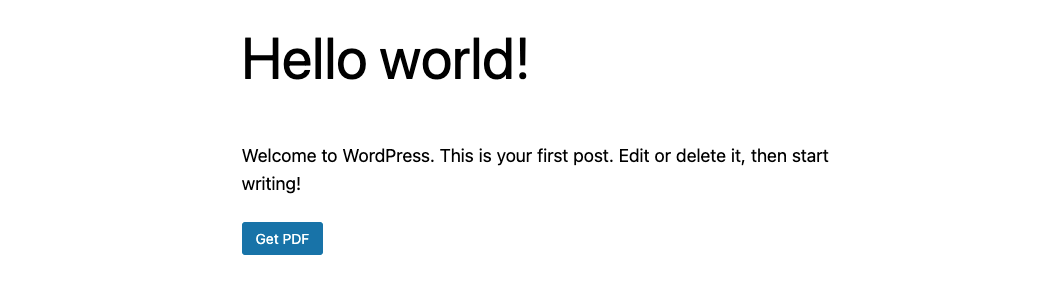
Frontend PDF button
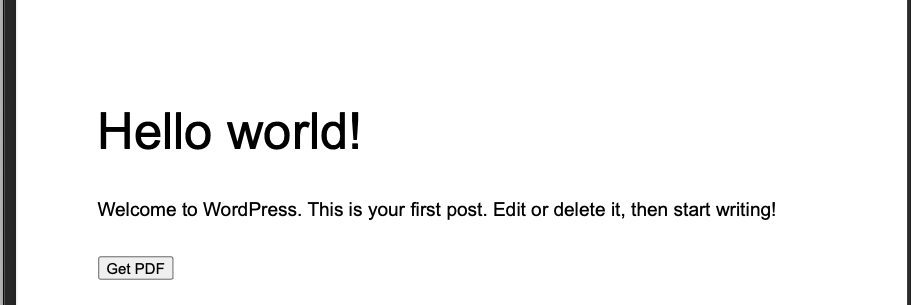
Example generated PDF
Changelog
0.1.1
- Fixed settings page HTML rendering
- Improved shortcode help text
0.1.0
- Initial release
- Shortcode support
- Auto-insert button
- html2pdf.app integration
- Paper sizes & orientation
- Adjustable margins
- Monthly quota limit
- Floating button option