

Permalink Manager for WooCommerce
Permalink Manager for WooCommerce improves your store permalinks and remove product, product_category and product_tag slugs from the URL.
Plugin info
Maintenance & Compatibility
Maintenance score
Possibly abandoned • Last updated 400 days ago • 26 reviews
Is Permalink Manager for WooCommerce abandoned?
Possibly abandoned (last update 400 days ago).
Compatibility
Developers
Similar & Alternatives
Explore plugins with similar tags, and compare key metrics like downloads, ratings, updates, support, and WP/PHP compatibility.
Description
Permalink Manager for WooCommerce is developed to provide your store nicer urls.
Main advantages
- Redirect duplicate pages with the 301 status
- Option to configure product, category and tag separately from each other
- Option to remove tags base added by WooCommerce
- Great work speed
General options
- Prefix – option to add extra level to the link
- Update breadcrumbs – option to add Prefix( extra level ) to the WooCommerce breadcrumbs
Product options
- Only slug can be seen
- Main product category + product slugs
- Main category full hierarchy + product slug
Category options
- Only slug can be seen
- Main category full hierarchy + product slug
Tag options
- Only slug can be seen
Pre-configured options
- Automatic adding of 301 redirects to duplicated pages to improve SEO and site navigation
- Use YOAST SEO plugin primary categories
This plugin is compatible with
- Advanced AJAX Product Filters
- Yoast SEO
- WPML WooCommerce Multilingual
- BeRocket’s plugins
Installation
Frequently Asked Questions
Please contact us using WordPress.org support forum
This plugin does not create post/pages duplicates. All previous URLs are automatically redirected to the new ones with the 301 status
Full documentation is available here: Permalink Manager for WooCommerce
Important: First of all, you have to download and activate WooCommerce plugin, without it Permalink Manager for WooCommerce will not have any effect.
- Unzip the downloaded .zip file.
- Upload the Permalink Manager for WooCommerce folder into the
wp-content/plugins/directory of your WordPress site. - Activate
Permalink Manager for WooCommercefrom Plugins page
Please open site admin -> Settings -> Permalinks and scroll down to Permalink Manager for WooCommerce. There you can configure needed urls and save Permalinks.
Review feed
useful
Awesome WooCommerce permalink plugin
Screenshots
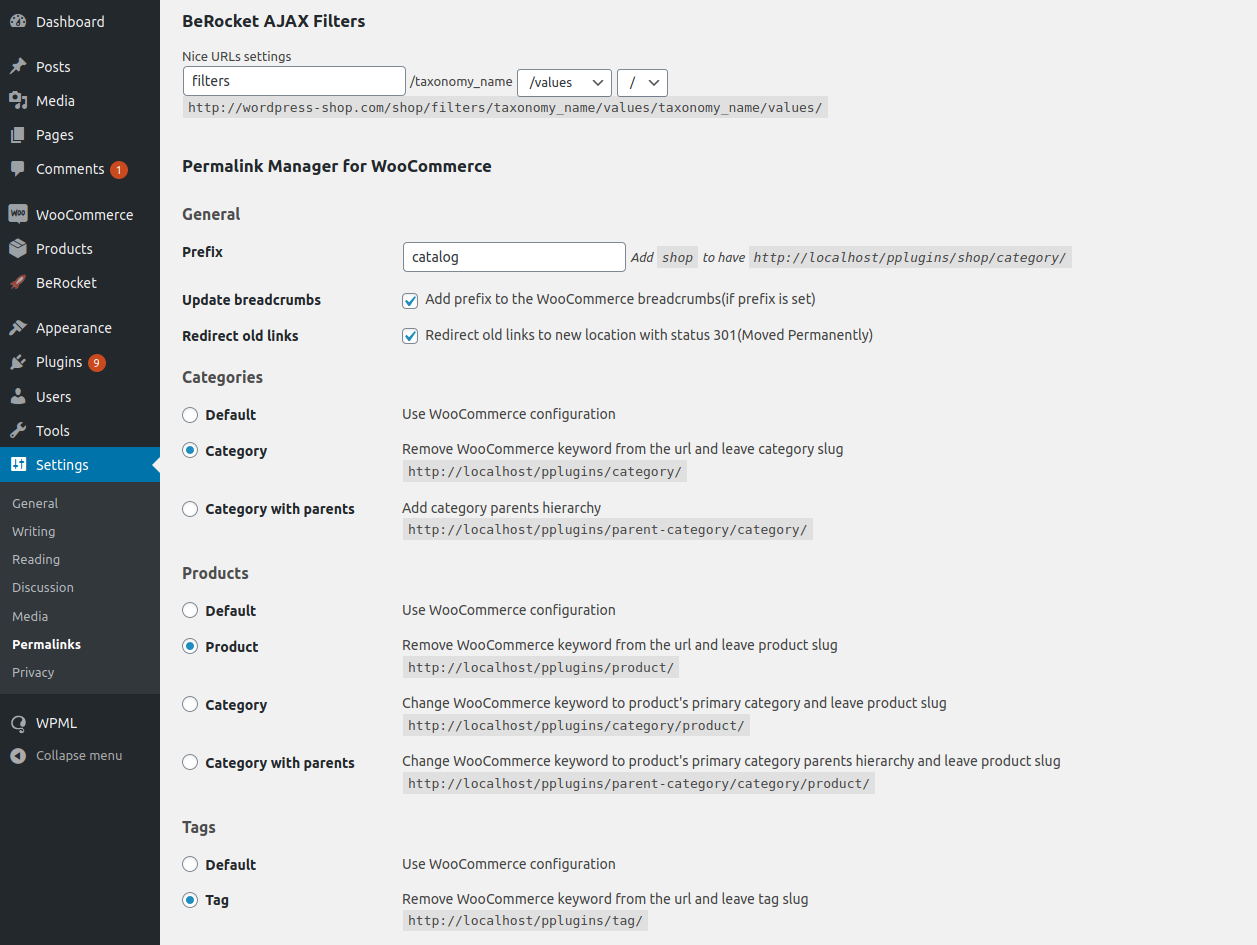
Permalink Manager settings page
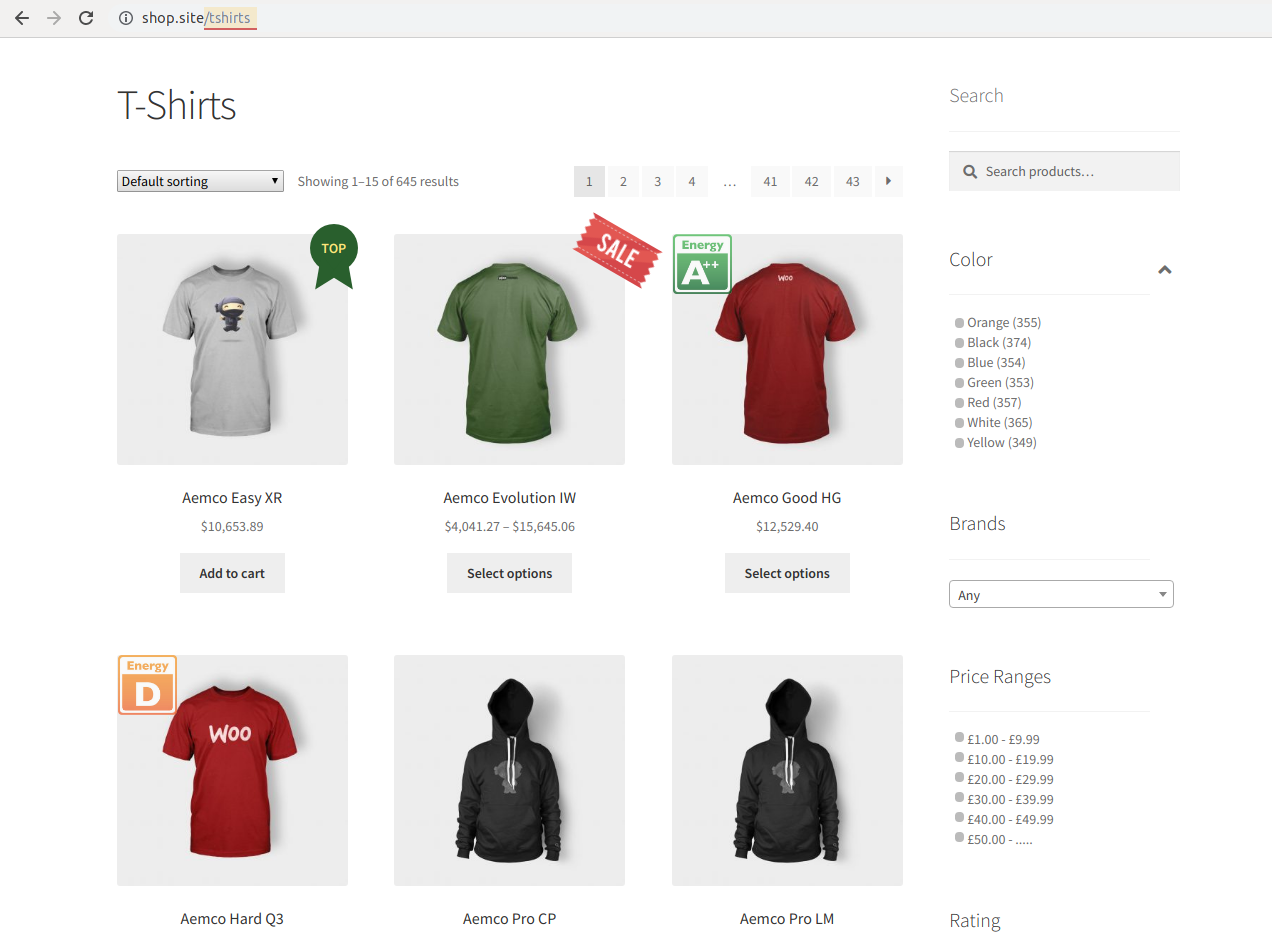
Category page
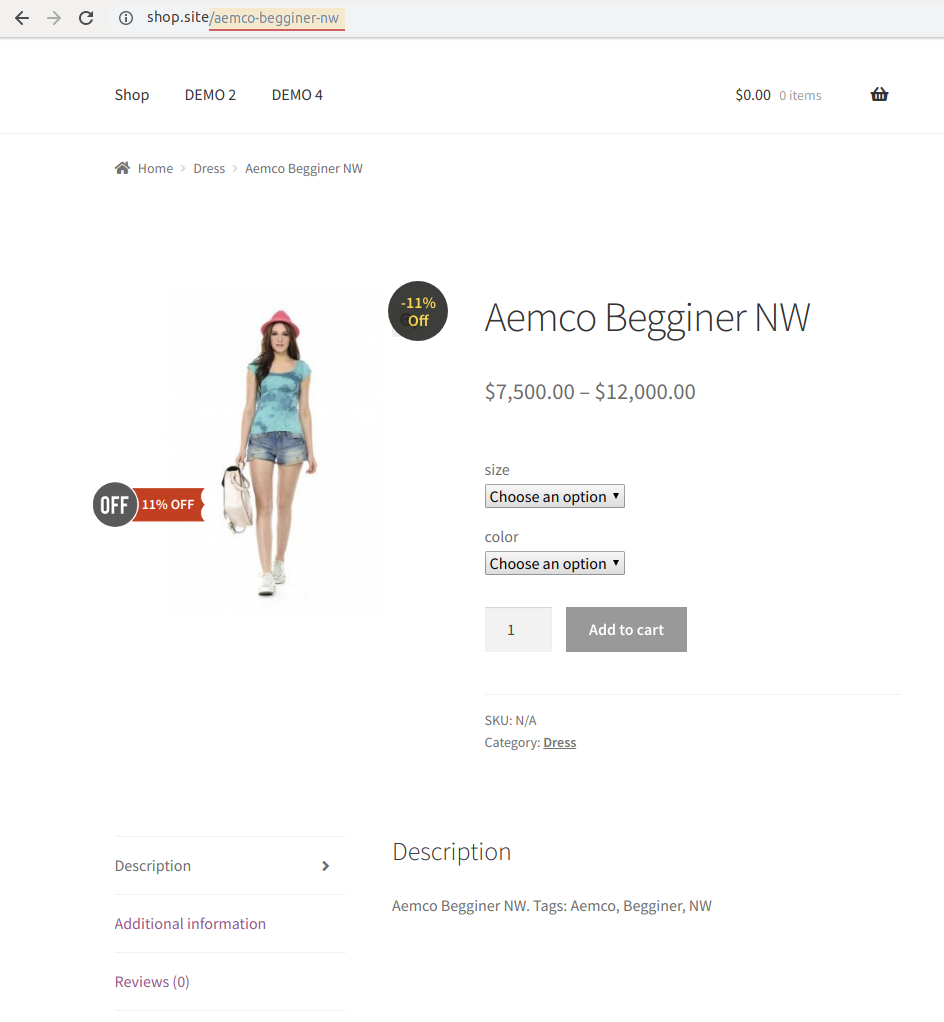
Product page
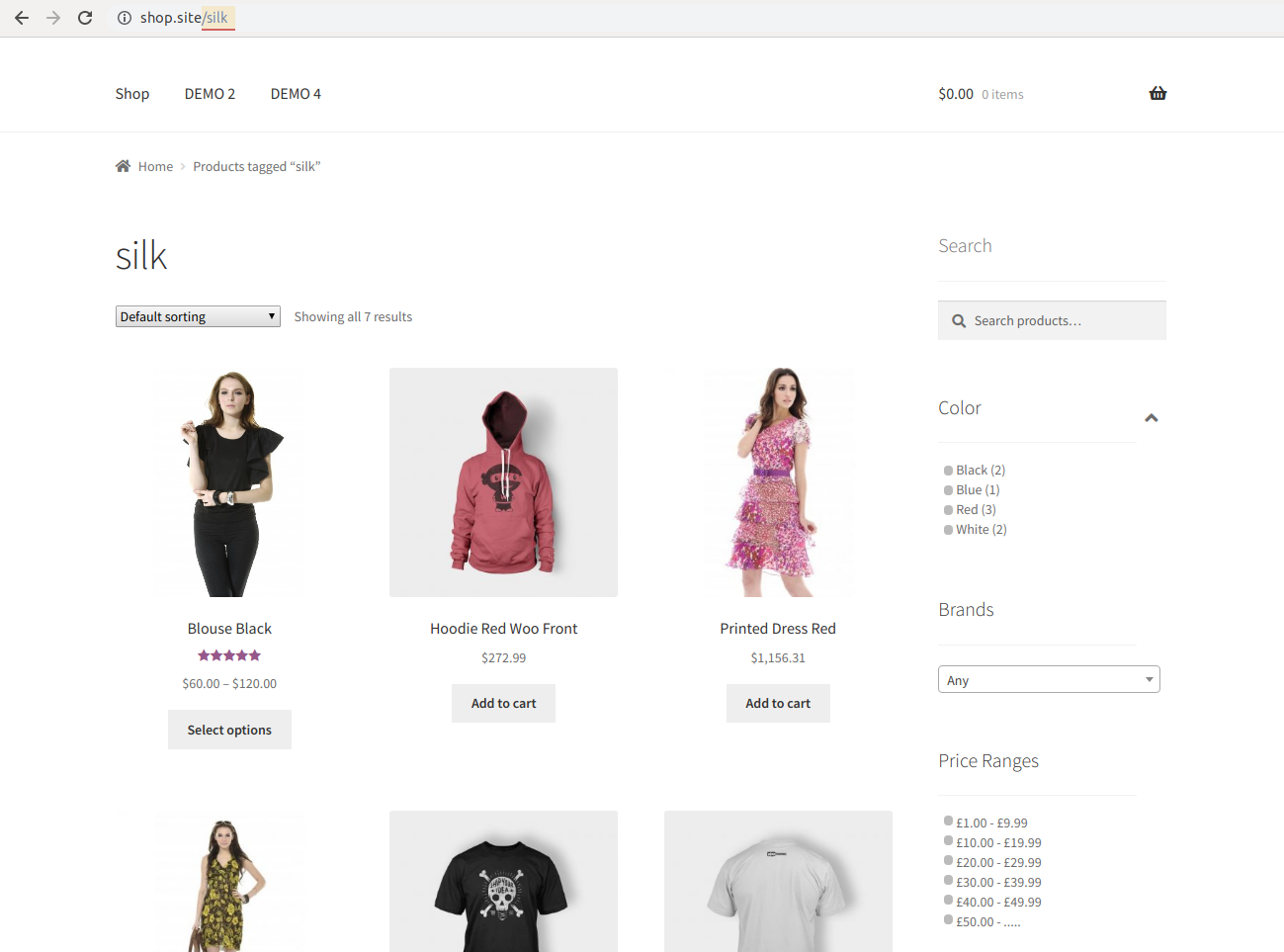
Tag page
Changelog
1.0.8.2
- Enhancement – Compatibility version: WordPress 6.6 and WooCommerce 9.1
1.0.8.1
- Fix – fix issue with WooCommerce redirect to the right product page
- Enhancement – Compatibility version: WordPress 6.2 and WooCommerce 7.8
- Enhancement – WooCommerce High-Performance Order Storage support enable
1.0.8
- Enhancement – Compatibility version: WordPress 6.1 and WooCommerce 7.1
- Enhancement – Compatibility with Elementor PRO
- Fix – correct processing of WooCommerce redirect to the right product page
1.0.7.6
- Enhancement – Compatibility version: WordPress 5.9 and WooCommerce 6.2
- Fix – Compatibility with latest version of Advanced AJAX Product Filters
1.0.7.5
- Enhancement – Compatibility version: WooCommerce 5.6
1.0.7.4
- Enhancement – Compatibility version: WordPress 5.8 and WooCommerce 5.5
1.0.7.3
- Enhancement – Compatibility version: WooCommerce 5.4
1.0.7.1
- Enhancement – Compatibility version: WordPress 5.7.2 and WooCommerce 5.3
- Fix – Link in admin area
- Fix – Compatibility with SEO plugins
1.0.7.1
- Enhancement – Compatibility version: WordPress 5.7 and WooCommerce 5.1
1.0.7
- Fix – don’t redirect when it is preview
- Fix – core prefix fixed when product is set to Default
- Adding WC version
1.0.6
- Enhancement – Option to translate Prefix with WPML and Polylang
- Fix – Admin product’s filters by category wasn’t working
- Fix – Cleaning product permalink option when plugin’s product rewrite is off
1.0.5
- Enhancement – Option to add Prefix to the WooCommerce breadcrumbs
1.0.4
- Fix – Notice when prefix is empty.
1.0.3
- Fix – Product attribute base is saving again and can be configured
- Enhancement – Prefix option is added
1.0.2
- Settings link to the Plugins page
- All strings could be translated
- Correct text domain
1.0.1
- Initial release