

Photection – Easy image protection for WordPress
With this plugin you can disable right click on your images with a custom message!
Plugin info
Maintenance & Compatibility
Maintenance score
Possibly abandoned • Last updated 3473 days ago • 3 reviews
Is Photection – Easy image protection for WordPress abandoned?
Possibly abandoned (last update 3473 days ago).
Compatibility
Languages
Similar & Alternatives
Explore plugins with similar tags, and compare key metrics like downloads, ratings, updates, support, and WP/PHP compatibility.
Description
Photection is a plugin to help you prevent image theft by disabling right click on images on your site, without an impact on site usability (right clicks on everything else will still work!).
When an user right-clicks on your image, a small (customizable) message will appear telling him that the image is copyrighted.
Please keep in mind, that no plugin will ever make your images 100% secure.
There will always be advanced techniques to steal your images, no matter what you do or which plugin you use. Here is an article about image protection online, you can read that to learn more.
That said – there is no reason why you should make it easy to save your images, and this plugin is designed to do just that.
This plugin requires at least PHP 5.3.29
Installation
This plugin requires at least PHP 5.3.29
- Upload Photection plugin to the
/wp-content/plugins/directory - Activate the plugin through the ‘Plugins’ menu in WordPress
- Go to “Settings -> Photection” to change the protection message
- That’s it!
Frequently Asked Questions
Review feed
Screenshots
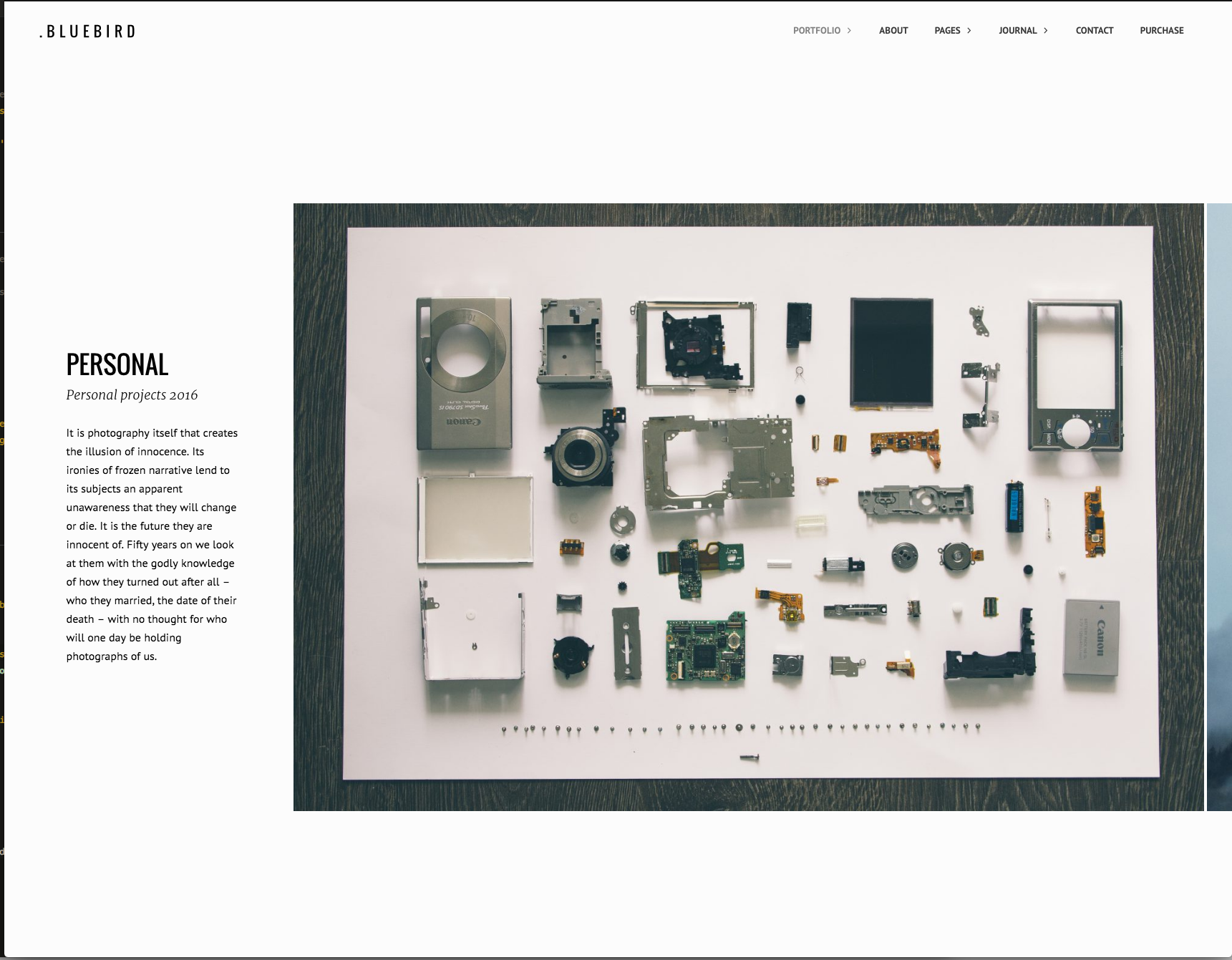
An example photography portfolio

When user right-clicks on an image - a customizable message appears.

Available settings in version 1.0.0
Changelog
1.0
- Initial Release