

Photo Map Embed
Short Description: Convert photo GPS data (EXIF) into an interactive map with Gutenberg block or shortcode — fast, privacy-friendly, and no uploads ne …
Plugin info
Maintenance & Compatibility
Maintenance score
Maintained • Last updated 157 days ago
Is Photo Map Embed abandoned?
Likely maintained (last update 157 days ago).
Compatibility
Similar & Alternatives
Explore plugins with similar tags, and compare key metrics like downloads, ratings, updates, support, and WP/PHP compatibility.
Description
Photo Map Embed lets you convert photo GPS (EXIF) data into an interactive map that you can embed anywhere in WordPress — using a Gutenberg block or a shortcode.
Upload one or more photos containing GPS coordinates, and the plugin (or the free builder at photomapembed.com) instantly generates a shareable map with markers for each location. The embedded maps are lightweight, privacy-friendly, and work seamlessly on both desktop and mobile.
Free embeds include a small “Powered by Photo Map Embed” credit link.
✨ Features
- Converts photo EXIF GPS to shareable Leaflet maps
- Interactive map preview in Gutenberg
- Copy-paste embed or use shortcode
- Customizable style (
street,satellite, etc.) - Lightweight and privacy-friendly
- Works with images from iPhone, Android, or DSLR (with GPS)
For bulk upload and free online builder, visit photomapembed.com.
Privacy
Photo Map Embed does not collect or store user data. The optional builder (photomapembed.com) uses privacy-friendly analytics via Umami.
Installation
- In WordPress, go to Plugins Add New
- Search for Photo Map Embed
- Click Install Now, then Activate
- Use the Gutenberg block or the shortcode
[photomapembed id="YOUR_ID"]
Frequently Asked Questions
You can create one for free at photomapembed.com by uploading your geotagged photos.
If a photo has no GPS data, you can manually place markers on the builder page before embedding.
Tracking is disabled by default. The builder uses Umami analytics only for aggregate usage statistics — no personal data is collected.
Yes. Photo Map Embed is open-source and licensed under GPLv2 or later.
If you find this helpful, please leave a ★★★★★ review — it really helps others discover it.
Review feed
Screenshots
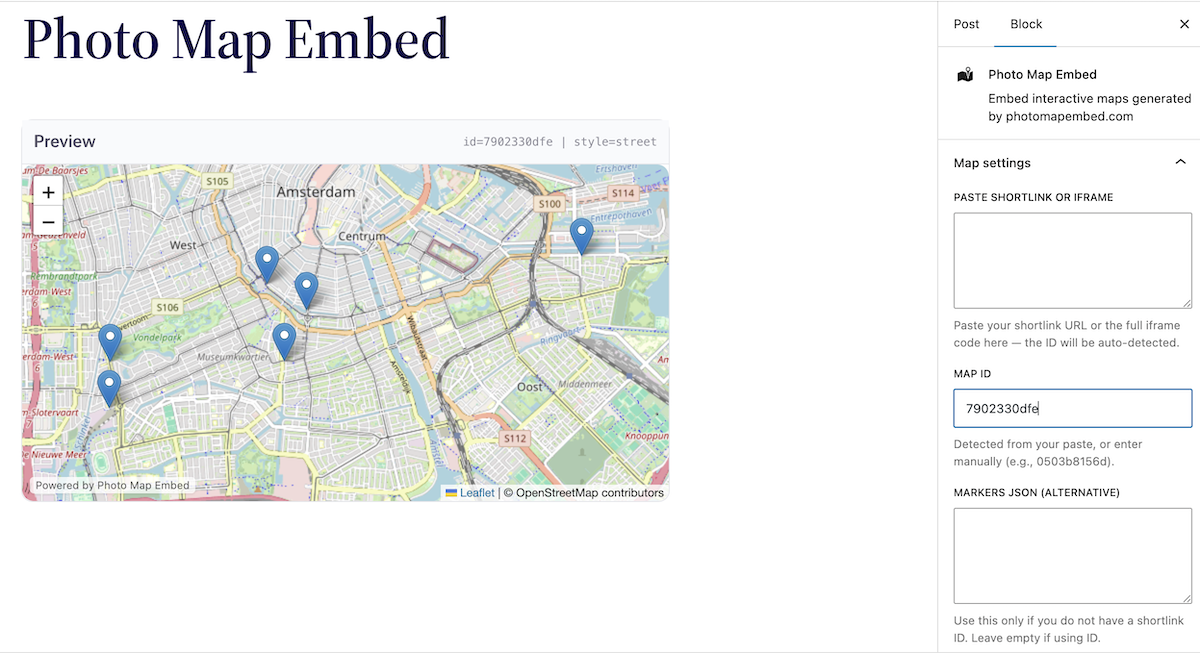
Gutenberg block with live preview in the editor.
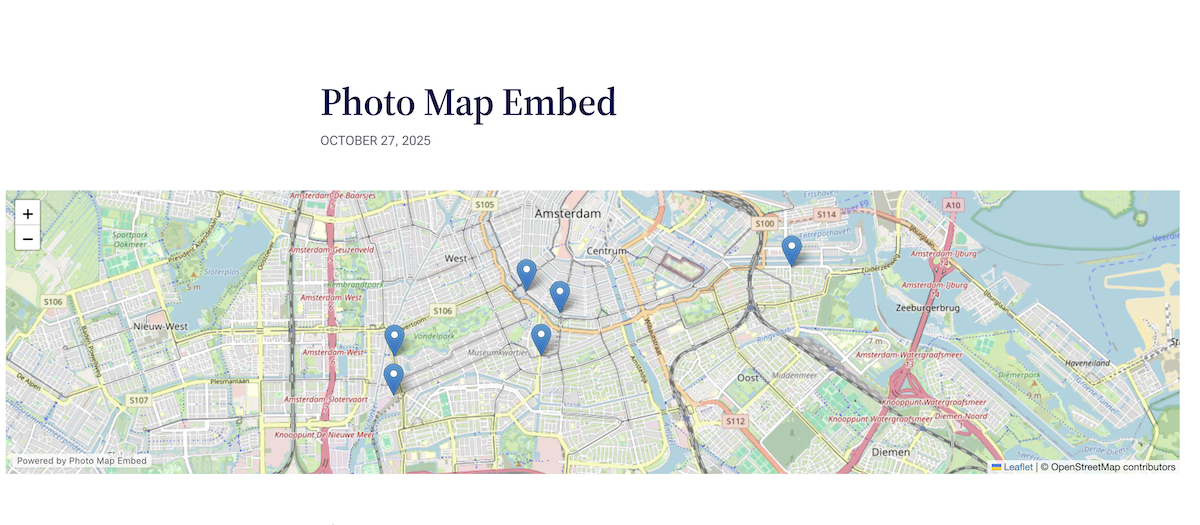
Front‑end embedded map with multiple markers and title popups.
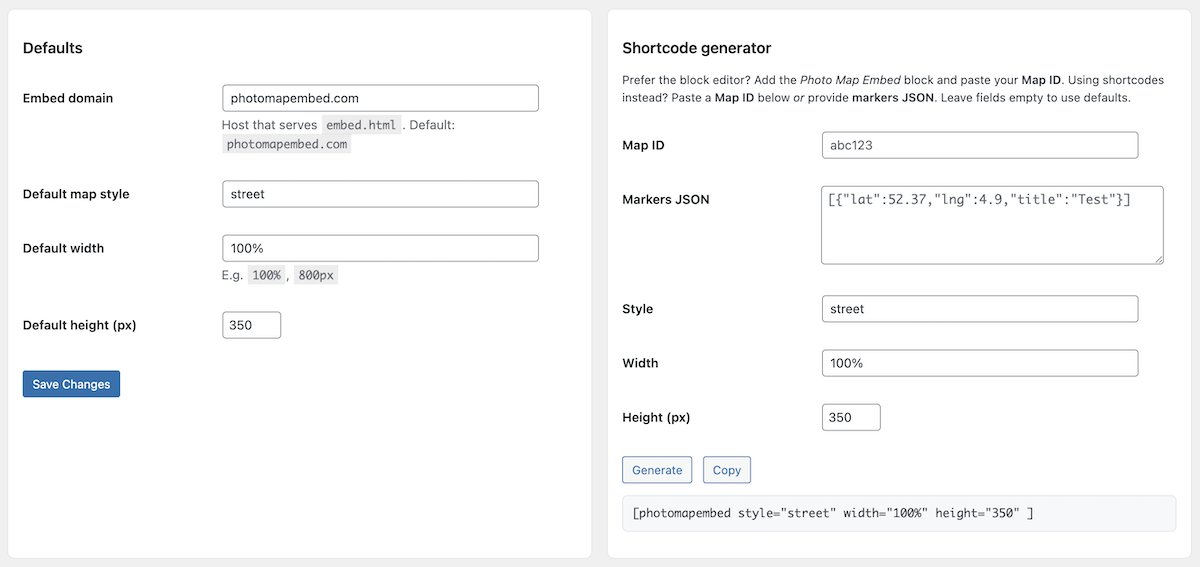
Settings → Photo Map Embed: default style, size and behavior.
Changelog
0.4.3
- Improved WordPress.org page description and keywords for better discoverability.
- Updated tags and installation instructions.
- Added screenshot captions; no code changes.
0.4.2
- Added optional “Powered by Photo Map Embed” footer link to embeds (free version, enabled by default)
- Added uninstall script for clean removal
- Added JS translation support for Gutenberg block (WPML/Polylang compatible)
- Minor improvements to description and metadata
0.4.1
- Initial public release on WordPress.org
- Added Gutenberg block with live preview
- Added “Copy ID” integration from photomapembed.com
- Improved shortcode sanitization and security checks
- Added languages folder for future translations
Note: Embedded maps include a subtle “Powered by Photo Map Embed” credit (free version).