

Plugin info
Maintenance & Compatibility
Maintenance score
Stale • Last updated 285 days ago • 1 reviews
Is Pin Generator abandoned?
Likely maintained (last update 285 days ago).
Compatibility
Similar & Alternatives
Explore plugins with similar tags, and compare key metrics like downloads, ratings, updates, support, and WP/PHP compatibility.
Description
Generate beautiful Pinterest pins for your blog posts with one click.
The pin is then automatically added to the end of your blog post.
Your website visitors can now share this awesome pin to their Pinterest Boards and drive more traffic to your website.
Create your own templates at https://pingenerator.com and use them in the plugin.
Installation
Upload the plugin to your WordPress site.
In the plugin settings, activate the plugin with a FREE access key from your Pin Generator profile here:
https://pingenerator.com/profile
Set your pin color and templates from the plugin settings page.
Go to your posts page and start generating pins.
Frequently Asked Questions
Please view all FAQ’s on our website here
Review feed
Screenshots
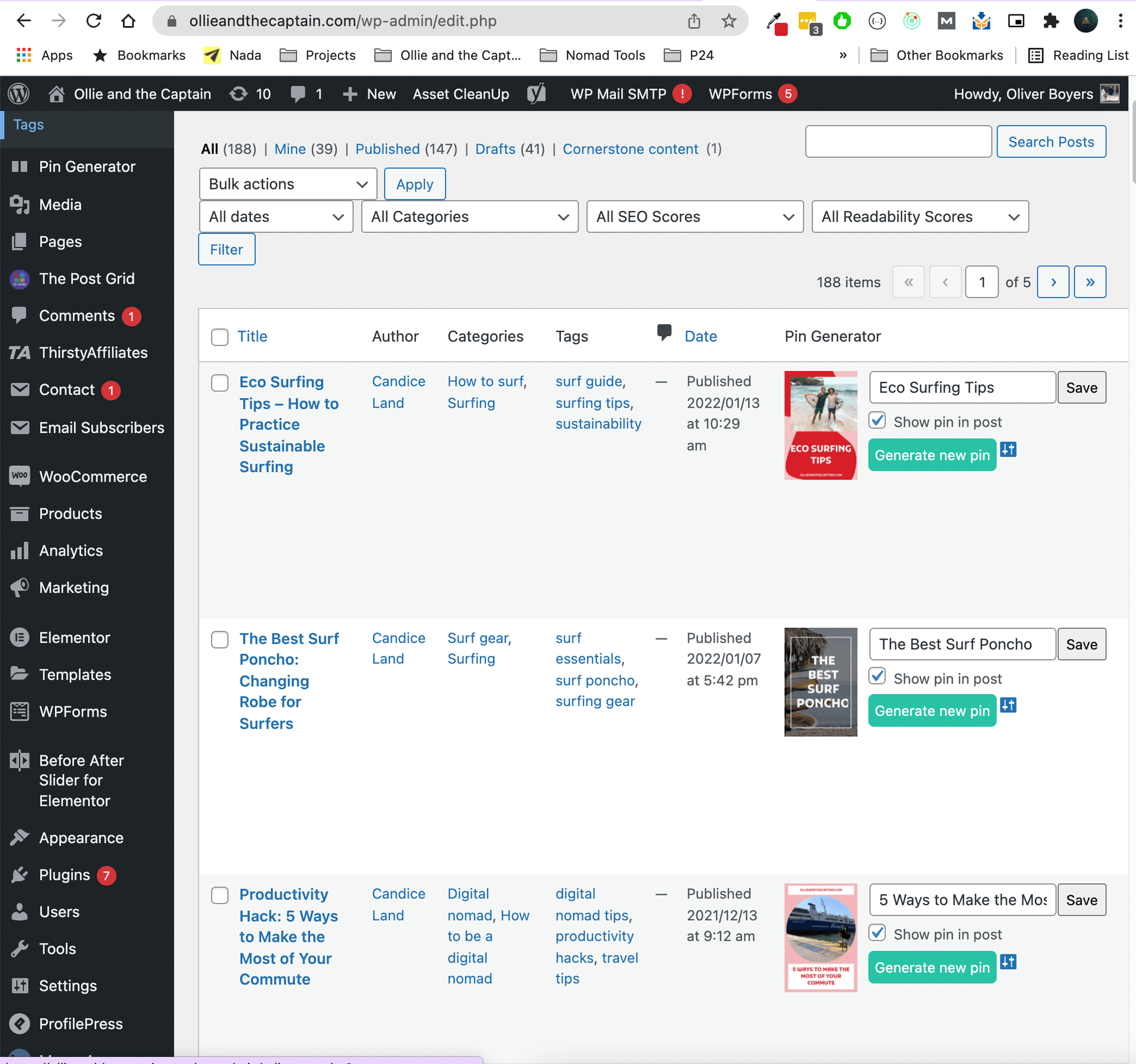
Generate a Pinterest pin for each of your blog posts in one click

Set your pin design settings

Your pin is inserted automatically at the bottom of each blog post
Changelog
2.0.1
Tested up to WordPress 6.8.0
Security improvements:
Added nonce verification for all AJAX requests
Improved input sanitization and validation
Added proper WordPress core loading checks
Code quality improvements:
Consistent use of version numbers
Better error handling
Improved response formats
Updated to use modern WordPress practices
Compatibility improvements:
All WordPress functions are properly used
Scripts are properly enqueued
AJAX endpoints follow WordPress best practices
2.0.0
Tested up to WordPress 6.4.2
Added custom templates
Fixed apostrophe’s in titles bug
1.0.1
Added all inital security fixes
1.0
Version 1 – initial release