

Pixelating image slideshow gallery
This is your normal hyperlinked image slideshow, but in IE the added images are "pixelated" into view. And its good cross browser script.
Plugin info
Maintenance & Compatibility
Maintenance score
Possibly abandoned • Last updated 1219 days ago
Is Pixelating image slideshow gallery abandoned?
Possibly abandoned (last update 1219 days ago).
Compatibility
Similar & Alternatives
Explore plugins with similar tags, and compare key metrics like downloads, ratings, updates, support, and WP/PHP compatibility.
Description
This is your normal hyperlinked image slideshow, but in IE the added images are “pixelated” into view. And its good cross browser script.
Check official website for live demo http://www.gopiplus.com/work/2010/10/13/pixelating-image-slideshow-gallery/
Pixelating image slideshow gallery wordpress plugin is the normal hyper linked image slide-show, but in IE the added images are pixelated into view. And its good cross browser script (ordinary fade in effect in Mozilla browser). No need any coding language to customize this plugin. just drag and drop the widget into your sidebar and check the frond end you can able to see the pixelating image gallery with default images. to add your own images go to plugin image management page and update your images.
- Simple.
- Image slideshow gallery.
- Pixelating effect in the gallery.
We can configure this plug-in in 2 different way.
1. Drag and drop the widget!
Go to widget menu and drag and drop the Pixelating image slideshow gallery widget to your sidebar location.
2. Copy and past the mentioned code to your desired template location.
3. Short code option available to load the gallery into posts and pages!
[pixelating-image type=”widget”]
Translators
- English (en_EN) – Gopi Ramasamy
- Polish (pl_PL) – Abdul Sattar
Installation
Frequently Asked Questions
- How to update the fadeduration, pause of the gallery?
- Where to upload my image?
- How the slide show manages the order?
Review feed
Screenshots
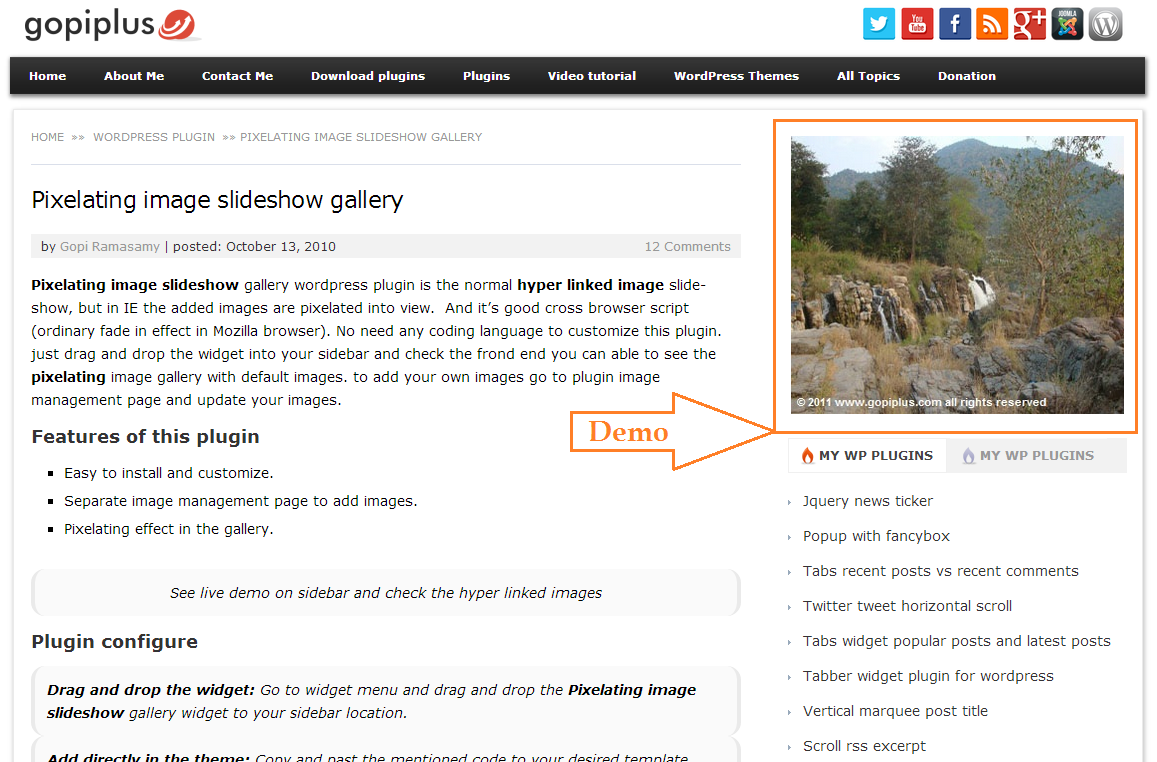
Front end. http://www.gopiplus.com/work/2010/10/13/pixelating-image-slideshow-gallery/

Admin image management. http://www.gopiplus.com/work/2010/10/13/pixelating-image-slideshow-gallery/
Changelog
1.0
first version
2.0
Tested upto 3.2.1
3.0
Tested upto 3.4
Fixed plug-in directory violations issue
4.0
New demo link, www.gopiplus.com
5.0
Tested up to 3.4.2
Short code option available to load the gallery into posts and pages
5.1
Tested up to 3.5
6.0
Tested up to 3.6
Added some security feature.
New admin look.
6.1
- Tested up to 3.8
- Now this plugin supports localization (or internationalization). i.e. option to translate into other languages.
Plugin *.po file (pixelating-image.po) available in the languages folder.
6.2
- Tested up to 3.9
- Added a little security feature.
6.3
- Tested up to 4.0
6.4
- Tested up to 4.1
6.5
- Tested up to 4.2.2
6.6
- Tested up to 4.3
- Image upload option is added in the plugin admin. With this option you can easily upload (or select from media) your images into this plugin.
6.7
- Tested up to 4.3.1
- Text Domain slug has been added for Language Packs.
6.8
- Tested up to 4.4
6.9
- Tested up to 4.5
- Sanitization added for all input value.
7.0
- Tested up to 4.6
7.1
- Tested up to 4.7
7.2
- Tested up to 4.8
7.3
- Tested up to 4.9
7.4
- Tested up to 5.2
- Uninstall option added. All plugin reference and plugin table will be cleared during uninstallation.
- Converted admin JS alert message into WP class file.
7.5
- Tested up to 5.3
7.6
- Tested up to 5.4
7.7
- Tested up to 5.5
7.8
- Tested up to 5.7
7.9
- Tested up to 5.8
- Use plugin short code in the widget.
8.0
- Tested up to 5.9