

Plugin info
Maintenance & Compatibility
Maintenance score
Possibly abandoned • Last updated 547 days ago
Is Plugin Compatibility Table abandoned?
Possibly abandoned (last update 547 days ago).
Compatibility
Similar & Alternatives
Explore plugins with similar tags, and compare key metrics like downloads, ratings, updates, support, and WP/PHP compatibility.
Description
Plugin will help you to Detect Specific Compatible Plugin Version for your Server PHP version and WordPress version via website wpcompatible.com
Providing very simple way to solve compatibility issues in case for example when you stuck with older WordPress, older PHP version or similar scenario.
Plugin automatically detect your WP version and PHP version
You will enter wanted plugin name or select from currently installed
Plugin will help you to detect latest plugin version compatible with your server
Installation
- Extract
plugin-compatibility.zipto the/wp-content/plugins/directory - Activate the plugin through the ‘Plugins’ menu in WordPress
Frequently Asked Questions
No, our database is limited to most popular plugins
In Dashboard go to Tools->Plugin Compatibility
Review feed
Screenshots
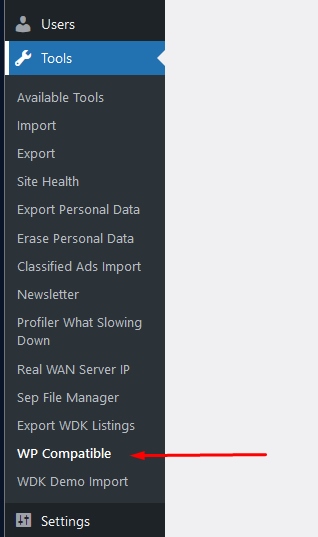
How to use Plugin Compatibility Plugin

Plugin Compatibility Plugin Screenshot
Changelog
1.0.0
- Init version