

PLX Portal Connector v2 for WordPress
Connects your WordPress site with the Purplex Portal system.
Maintenance 20/1001155d since update
Active installs
200
Downloads
4,102
Reviews
0
Age
7.8y
Plugin info
Total downloads: 4,102
Active installs: 200
Total reviews: 0
Average rating: 0
Support threads opened: 0
Support threads resolved: 0 (0%)
Available in: 1 language(s)
Contributors: 1
Last updated: 2/2/2023 (1155 days ago)
Added to WordPress: 6/11/2018 (7 years old)
Minimum WordPress version: f
Tested up to WordPress version: f
Minimum PHP version: f
Maintenance & Compatibility
Maintenance score
Possibly abandoned • Last updated 1155 days ago
20/100
Is PLX Portal Connector v2 for WordPress abandoned?
Possibly abandoned (last update 1155 days ago).
Compatibility
Requires WordPress: f
Tested up to: f
Requires PHP: f
Similar & Alternatives
Explore plugins with similar tags, and compare key metrics like downloads, ratings, updates, support, and WP/PHP compatibility.
No similar plugins found yet.
Description
Connects your WordPress site with the Purplex Portal system.
Contributors
Coded by Joshua Phillips ([email protected])
License
This plugin is considered open source however the API it connects to is proprietary software. It has been released under a GPLv3 License.
Installation
Download a zip file of this project using the Download ZIP button and upload to your WordPress installation using the Plugins page.
Frequently Asked Questions
No FAQ available
Review feed
No reviews available
Screenshots
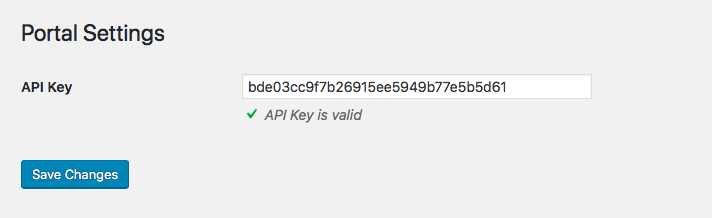
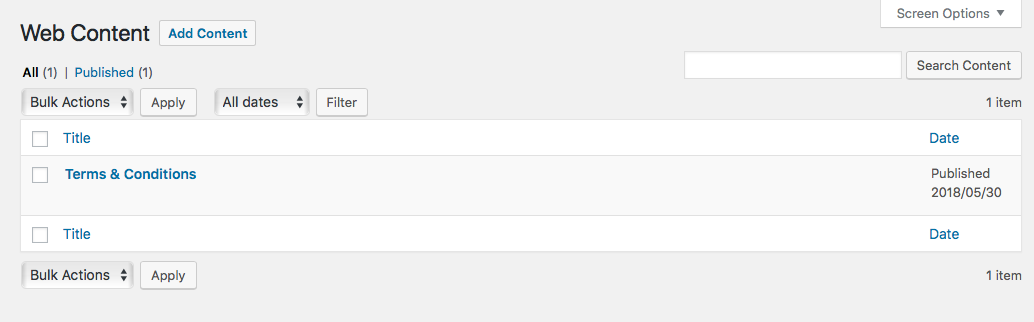
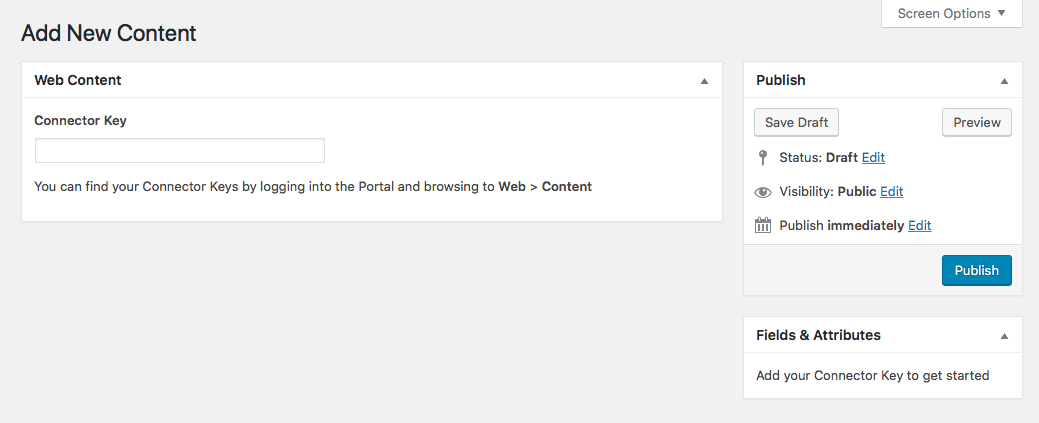
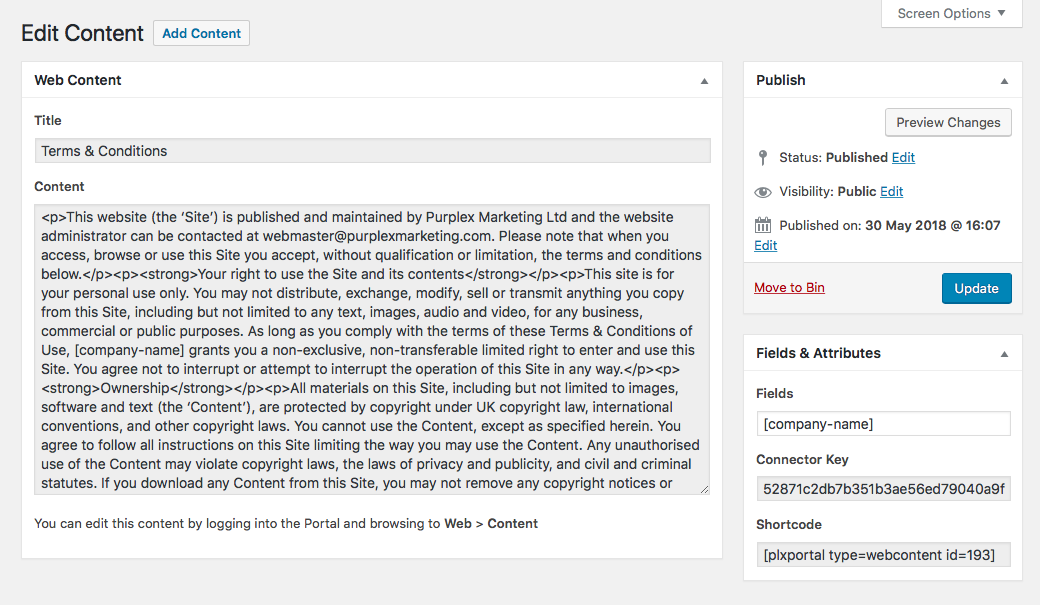
Changelog
1.0.0
- Initial release
1.0.1
- Fixed issue where existing registered shortcodes were not being processed when outputting Web Content
1.0.2
- Changed Purplex icon to appear on the Portal menu rather than replacing the WordPress icon
- Fixed issue where styles were being enqueued on front-end when not logged in
1.0.3
- Fixed CSS selector issue when applying the Purplex icon
1.0.4
- Tested with WordPress 4.9.7
- Fixed CSS selector issue when applying the Purplex icon (again!)
1.0.5
- Tested with WordPress 4.9.8
- Fixed minor PHP notices that were visible when WP_DEBUG enabled
1.0.6
- Fixed bug with Web Content where field attributes were unexpectedly deleted when updating content using Update button
1.1.0
- Added the ability to put the site admin into maintenance mode via the Portal
- Added the snippets function which lets you create shortcodes to place content anywhere on the site
- Added the TinyMCE table plugin to extend the Classic Editor interface
1.1.1
- Hotfix to add missing plugin files for older TinyMCE versions
1.1.2
- Fixed bug with the Portal Web Content download feature
2.0
- Works with the all new PLX Portal.
- Snippets removed